

Oops... looks like the spiders padded through here
Add products to your cart and remove them from here Lets buy



On this page, you will find the settings shared by every parkour on the server.
These are configured in modules/parkour.yml inside the PhoenixLobby folder, above the parkours list.
Everything here applies to every parkour on the server at once, unlike the options on Edit Parkour which belong to a single one. Open it from Editor > Parkour > Parkour Settings.
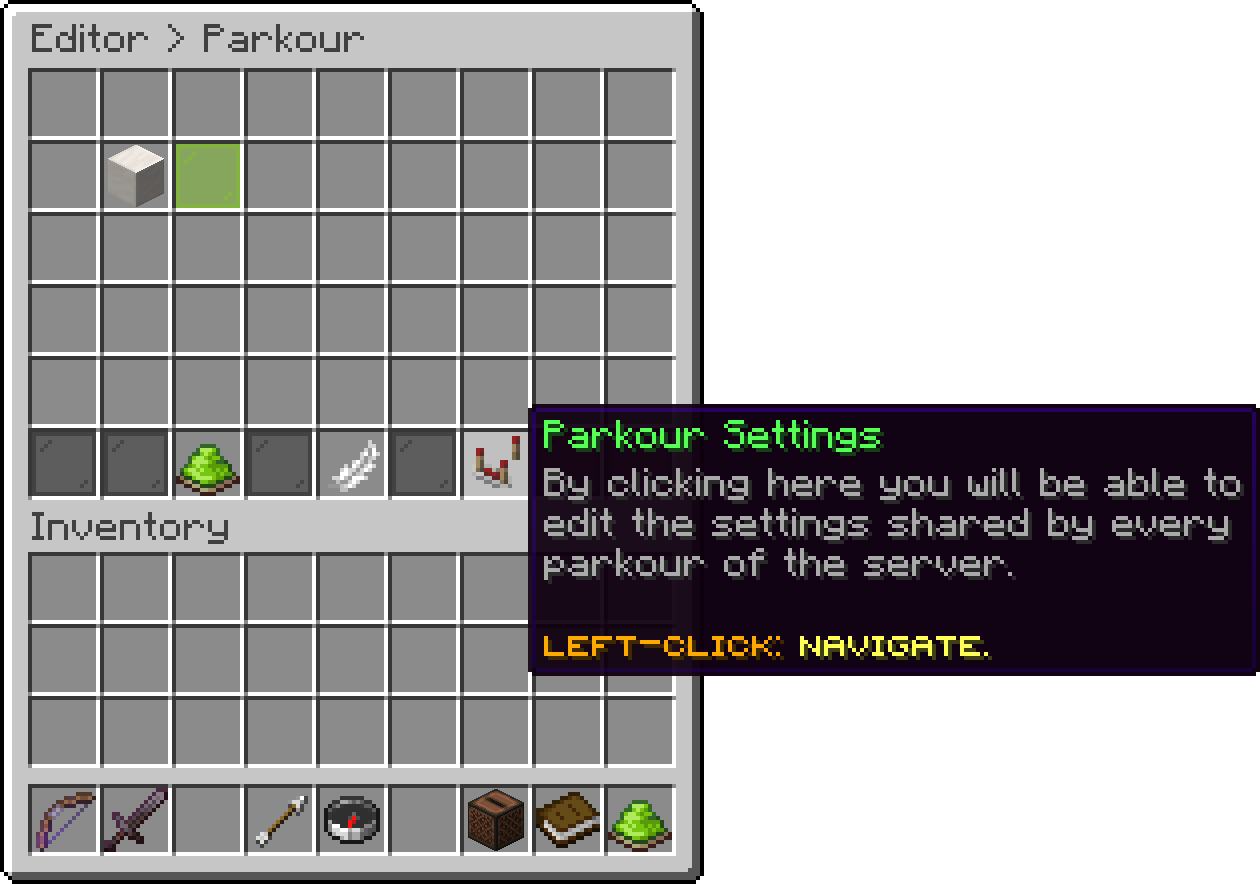
Parkour (Parkour Settings)
With this option, you can change how many jumps are generated in front of the player. A higher value shows more of the route coming up, and a value of 1 only ever shows the next block.
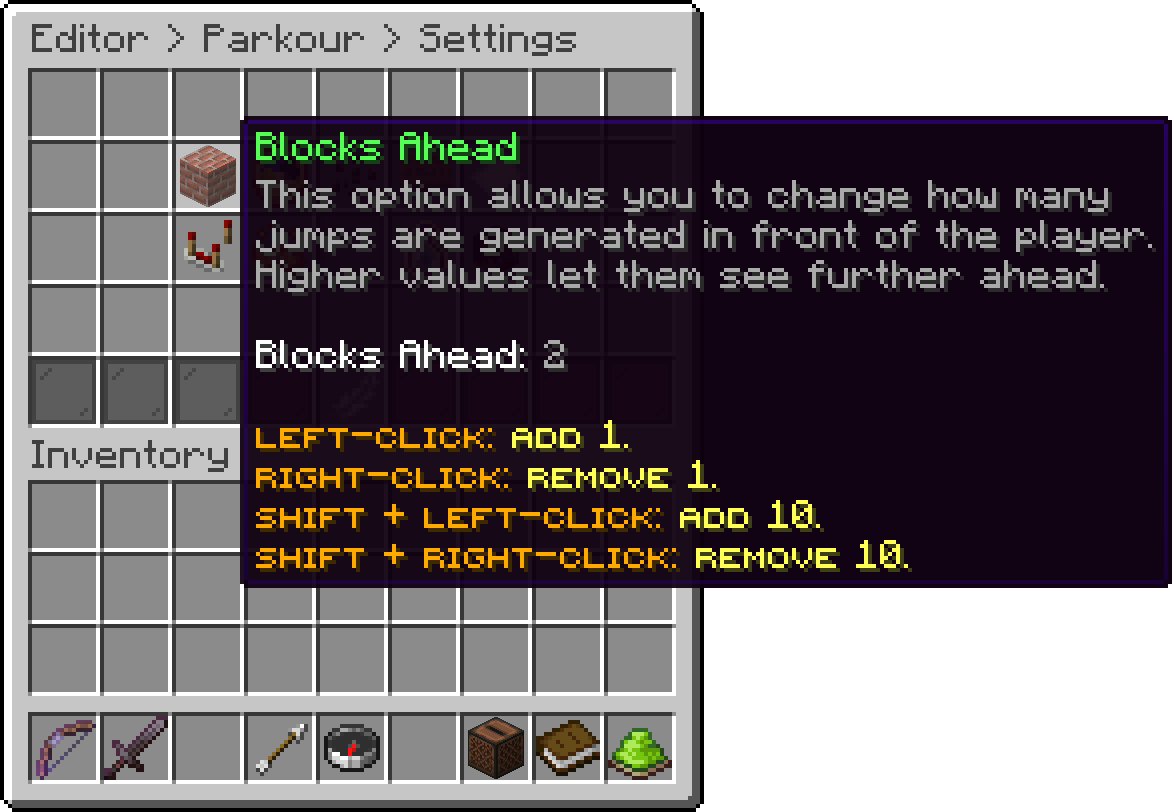
Parkour Settings (Blocks Ahead)
With this option, you can change how many seconds a player may stand still before their run is ended for them, which stops an abandoned run from holding its blocks in the world forever.
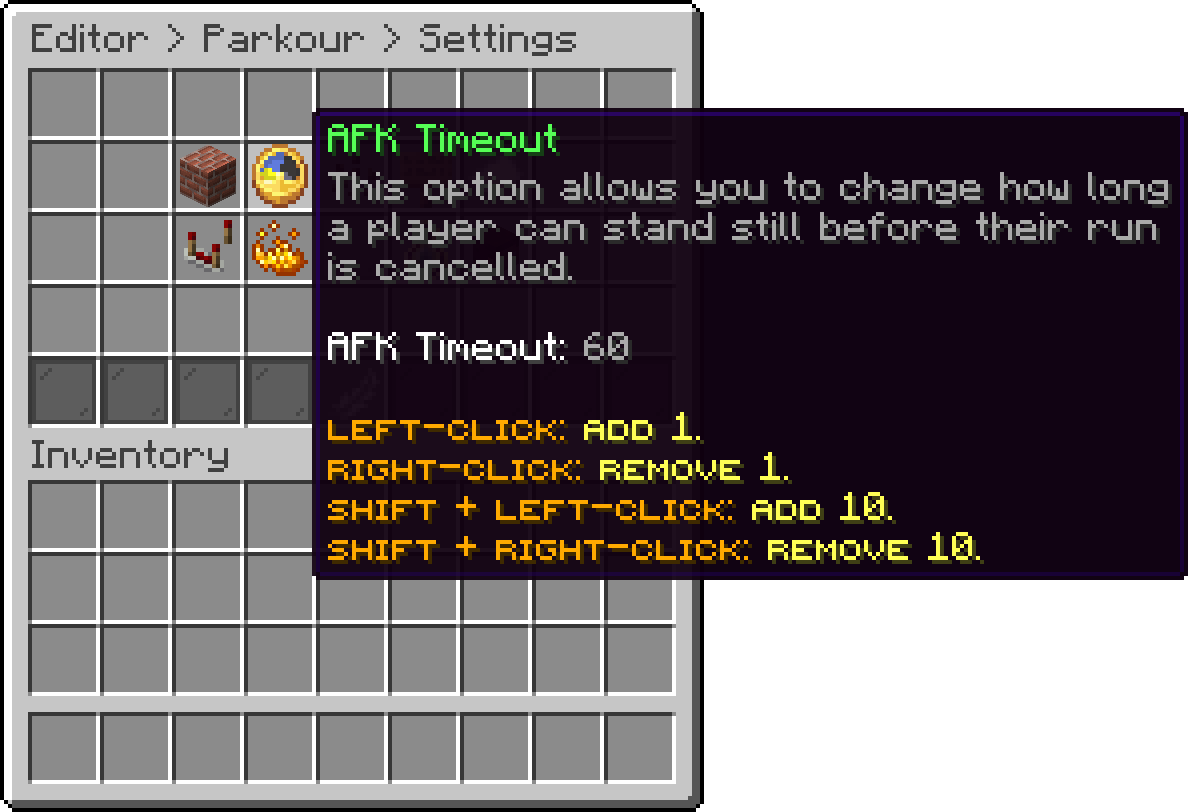
Parkour Settings (AFK Timeout)
With this option, you can empty the player's inventory for the duration of a run and give it back when they finish, so nobody can ride a run out with an elytra or a pearl.
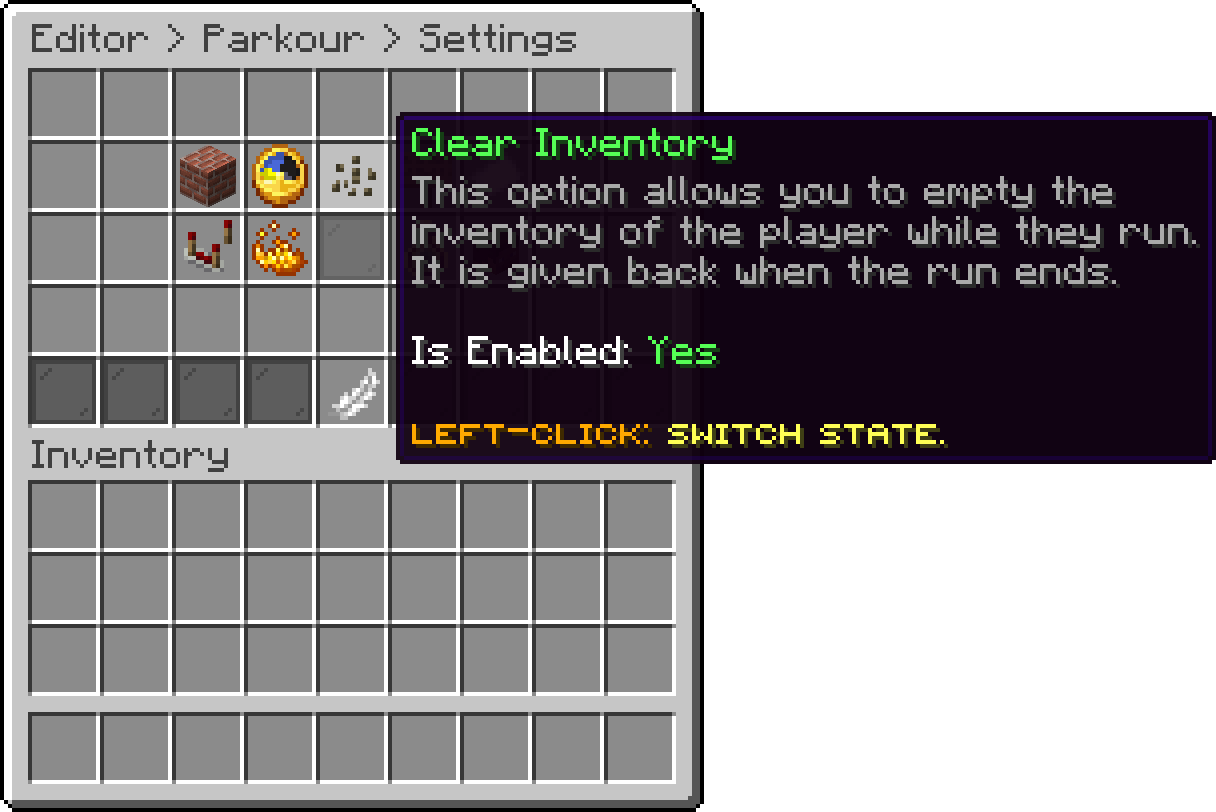
Parkour Settings (Clear Inventory)
With this option, you can show the running score above the hotbar while a player is on a run.
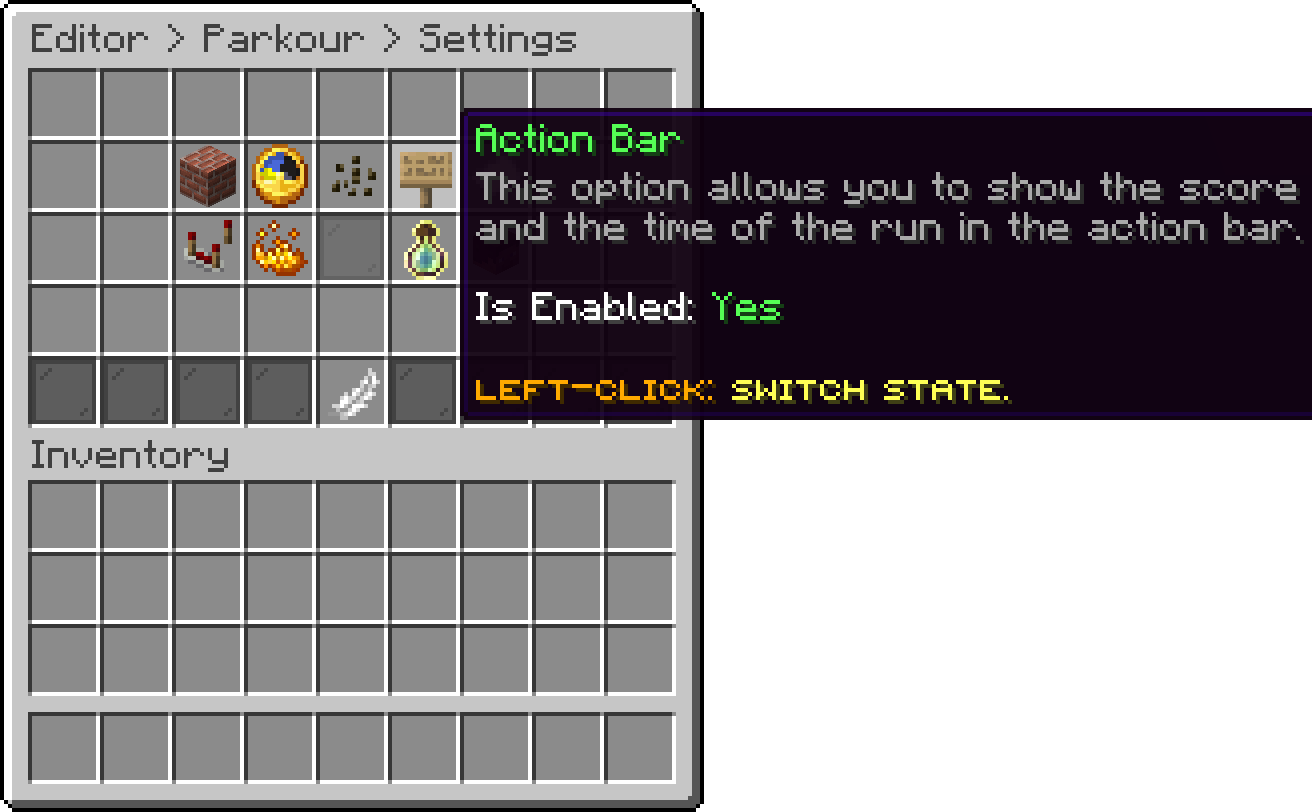
Parkour Settings (Action Bar)
With this option, you can show the titles that appear in the middle of the screen when a run starts, ends or beats a record.
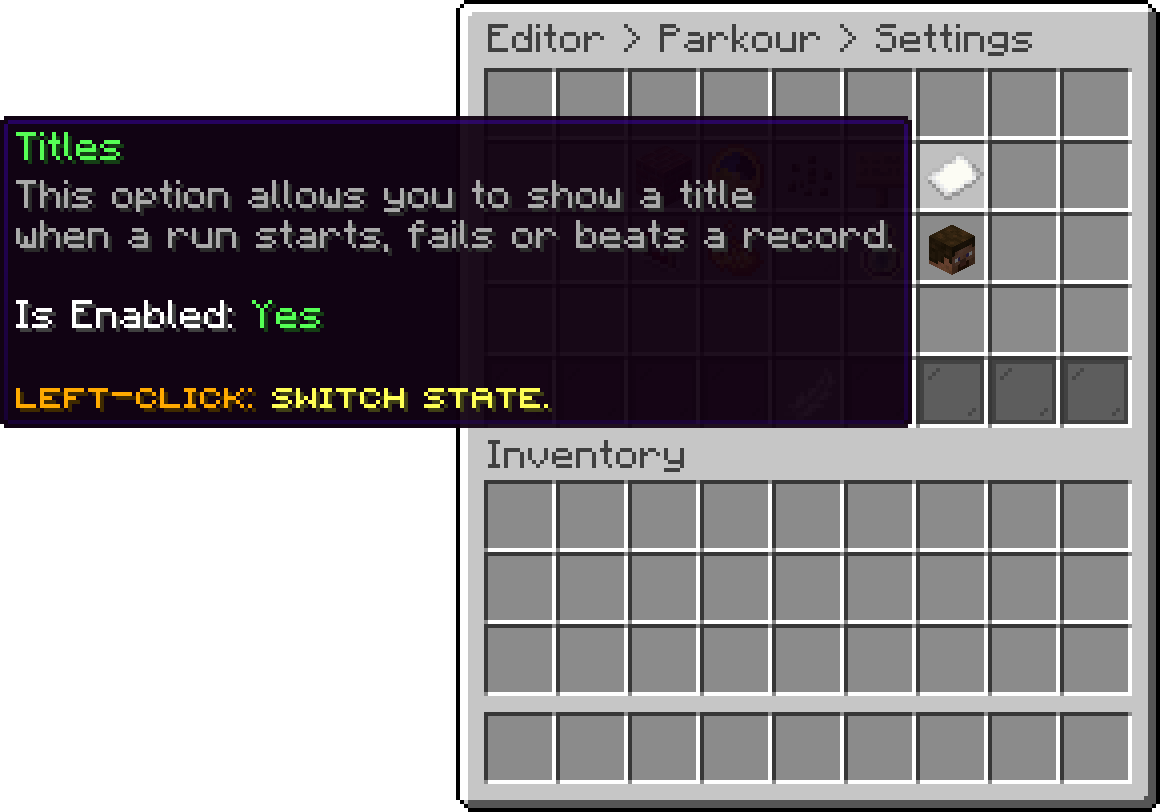
Parkour Settings (Titles)
What runs on starting, jumping, failing and beating a record has its own page: Actions.
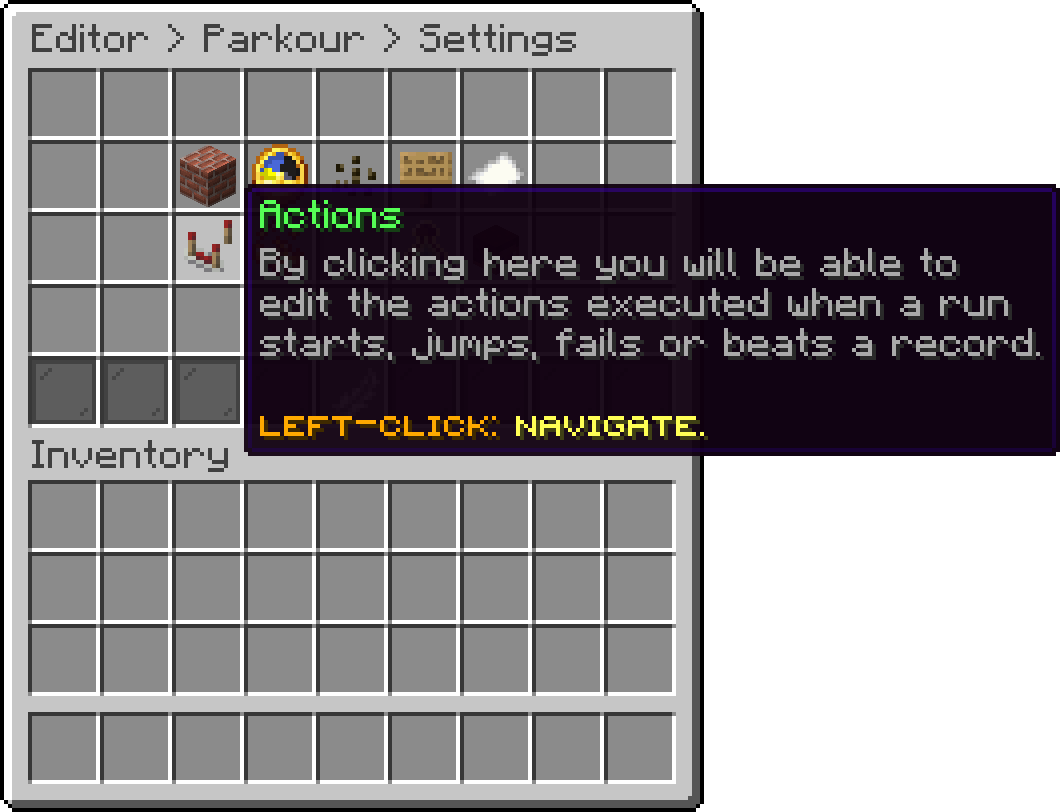
Parkour Settings (Actions)
The marker drawn on the next block has its own page: Particles.
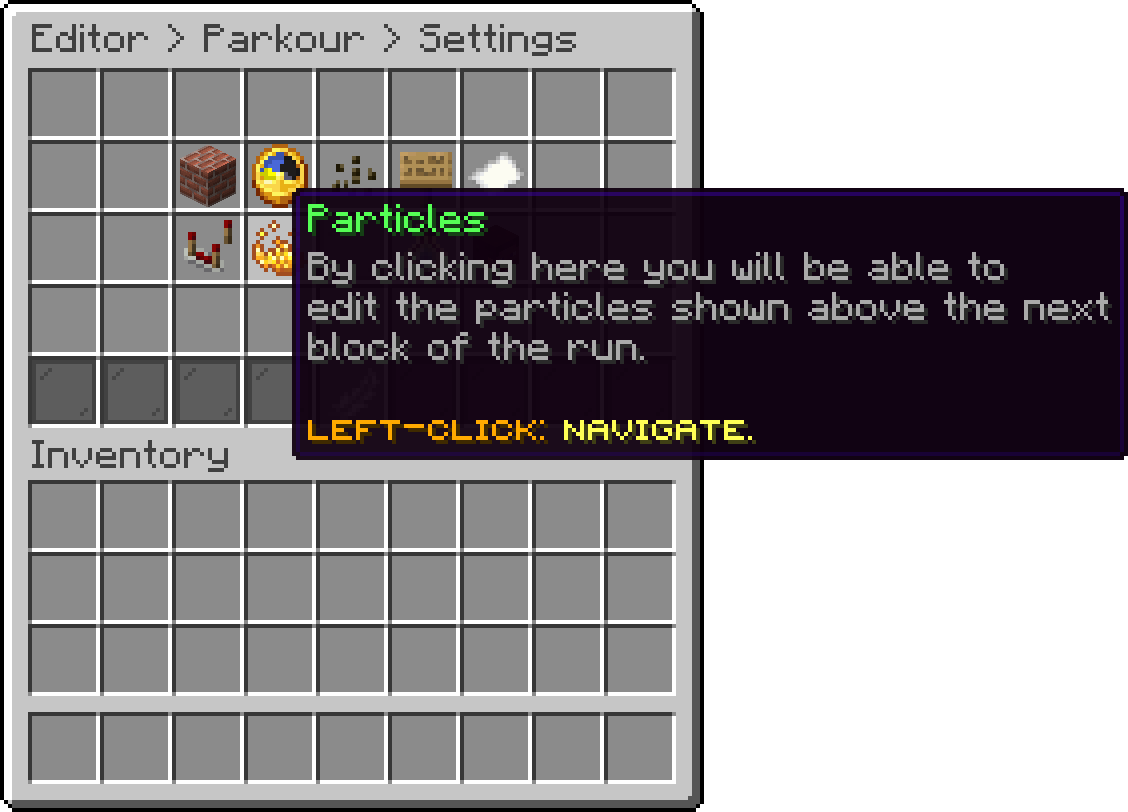
Parkour Settings (Particles)
The thresholds a progressive parkour ramps its difficulty at have their own page: Score.
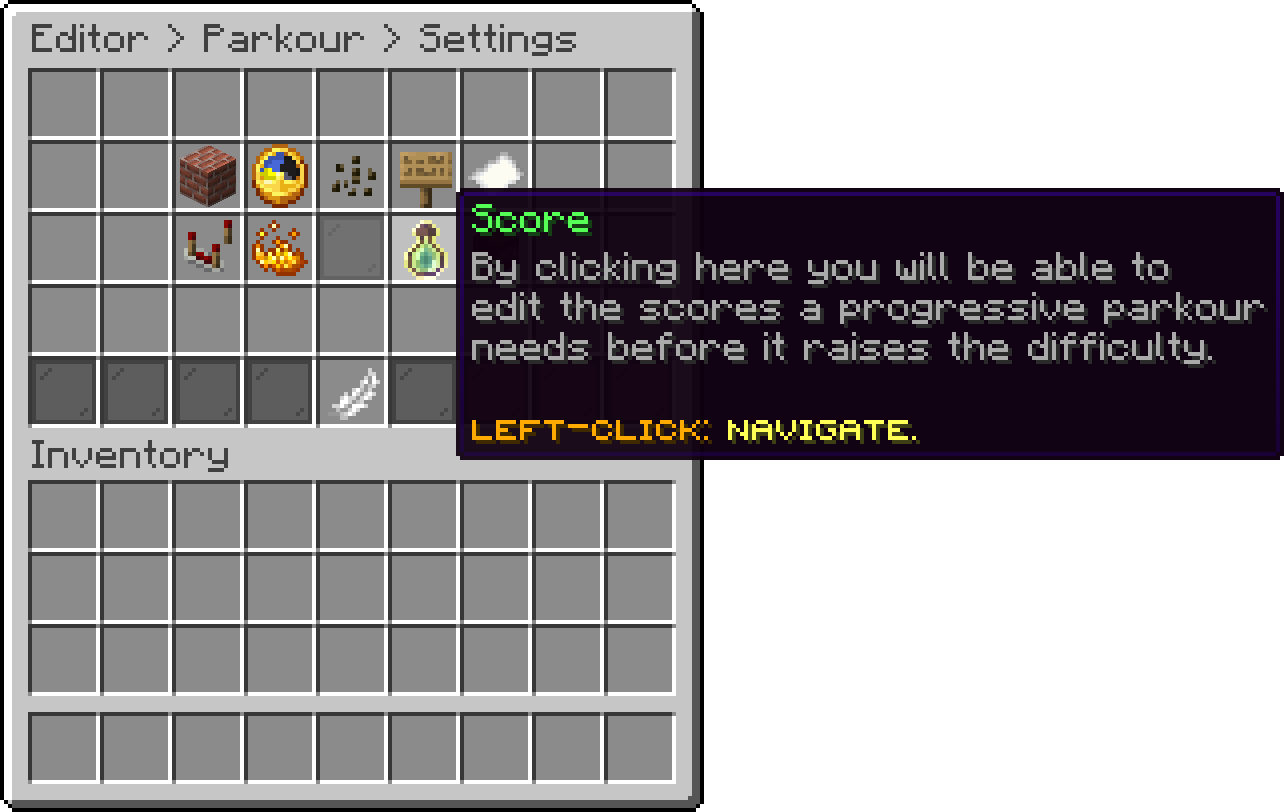
Parkour Settings (Score)
How many entries /parkour top keeps and how often it is rebuilt has its own page: Leaderboard.
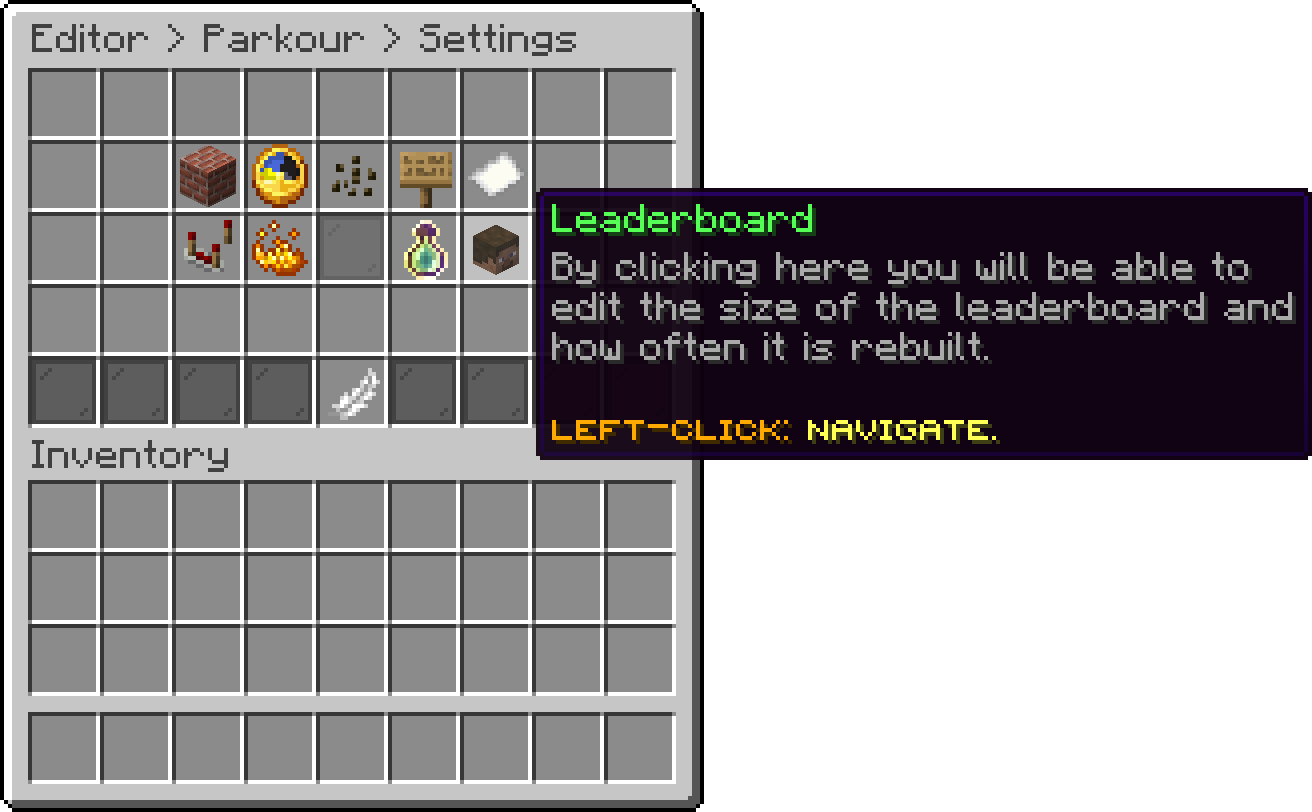
Parkour Settings (Leaderboard)
Oops... looks like the spiders padded through here
Add products to your cart and remove them from here Lets buy