

Oops... looks like the spiders padded through here
Add products to your cart and remove them from here Lets buy



On this page, you will find information on how to block commands from your players.
This module is configured in modules/command-blocker.yml inside the PhoenixLobby folder.
The command blocker stops players from running the commands you list. It also hides them from the tab completion, so a blocked command is never suggested while typing and never completes its arguments either. Open it from Editor > Modules > Command Blocker.
Players with phoenixlobby.bypass.commandblocker keep using every command. The blocker only applies inside the lobby worlds, so a player that walks into a world the plugin is not active in gets the commands back.
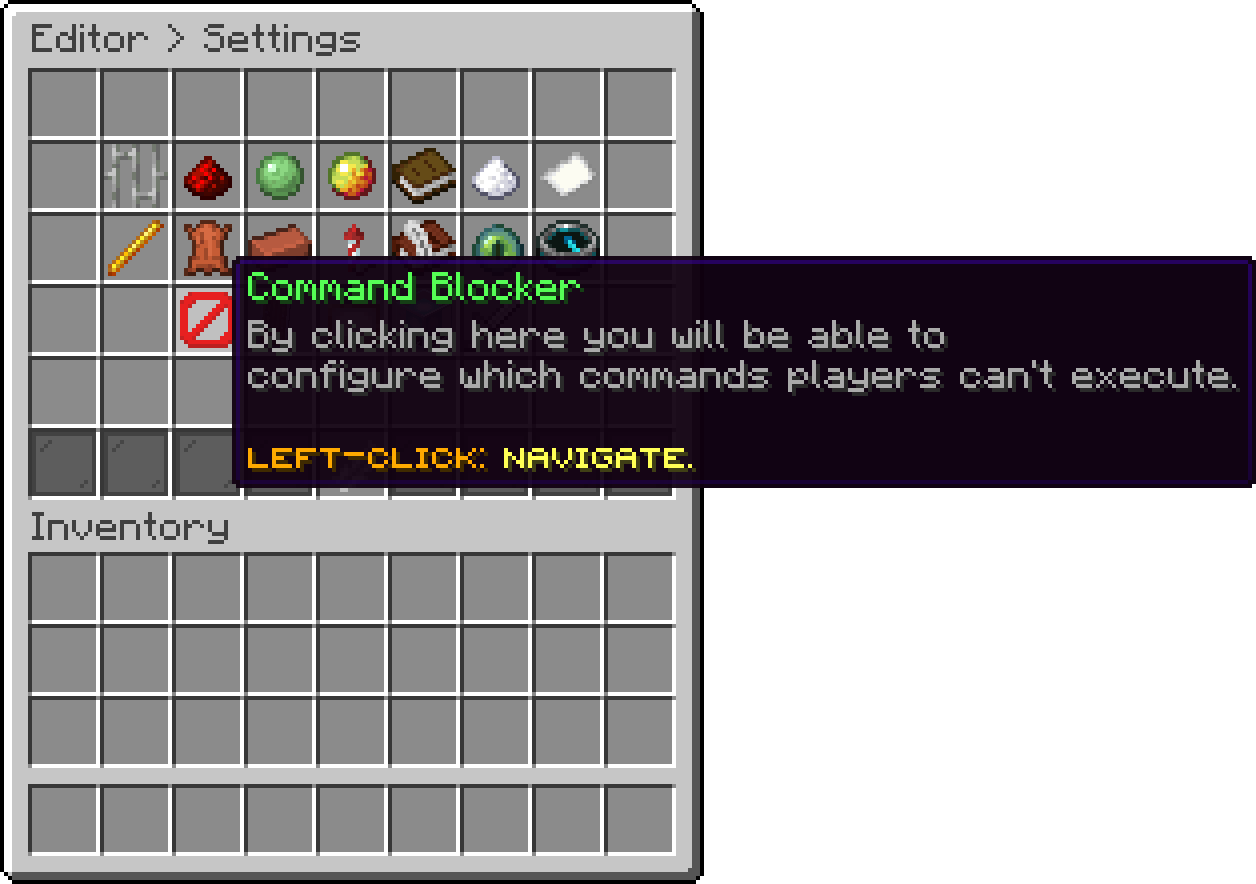
Modules (Command Blocker)
With this option, you can edit the list of blocked commands. Entries are matched against the command name only, so the arguments do not matter, and the case does not either.
A * stands for anything, so bukkit:* blocks every command of that namespace and world* blocks worldedit along with worldguard.
An entry without a namespace also catches the namespaced form of the same command, so plugins blocks bukkit:plugins too. The opposite is not true: bukkit:plugins leaves the plain plugins alone.
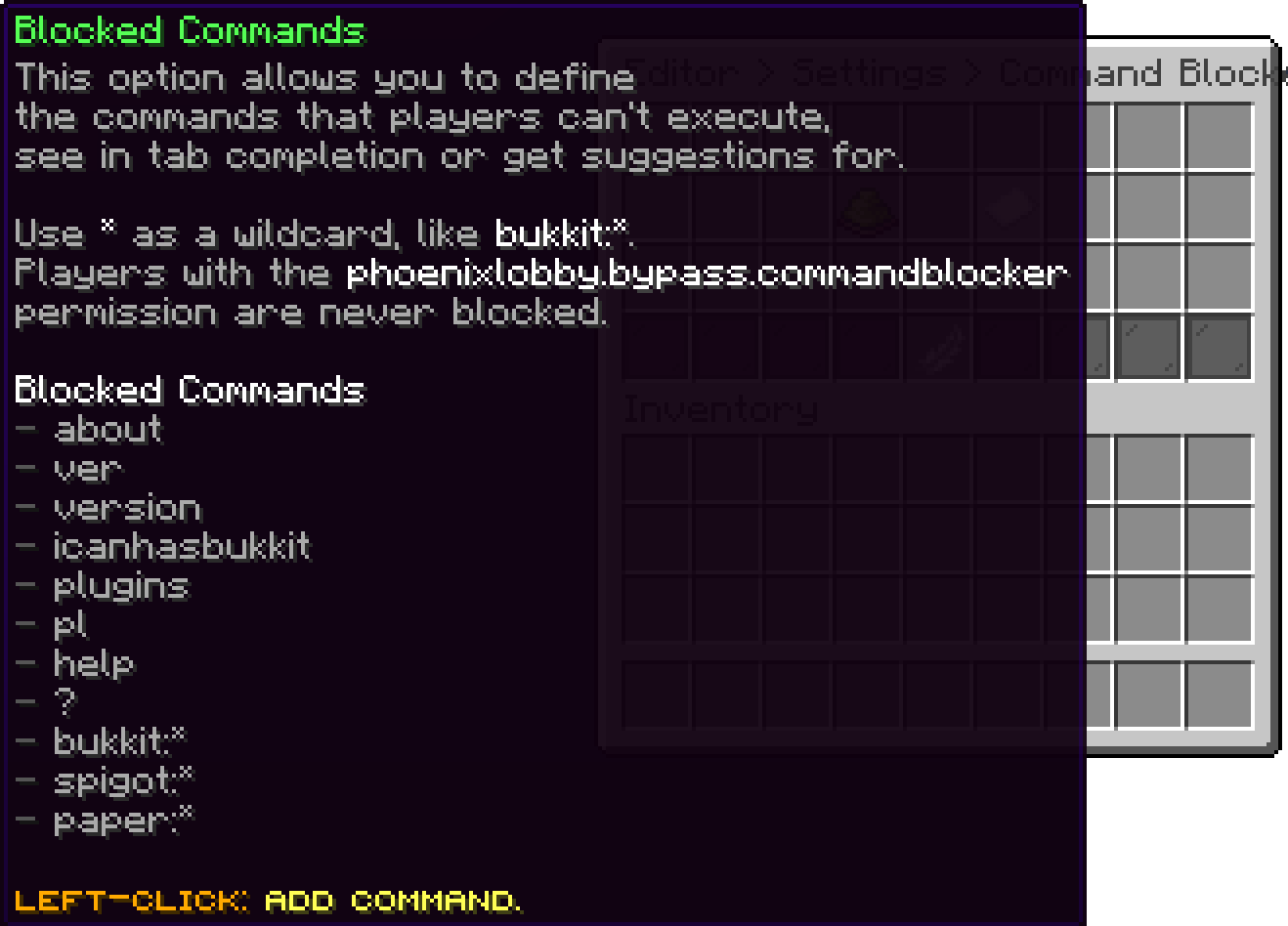
Command Blocker (Blocked Commands)
With this option, you can turn the command blocker off completely without clearing the list.
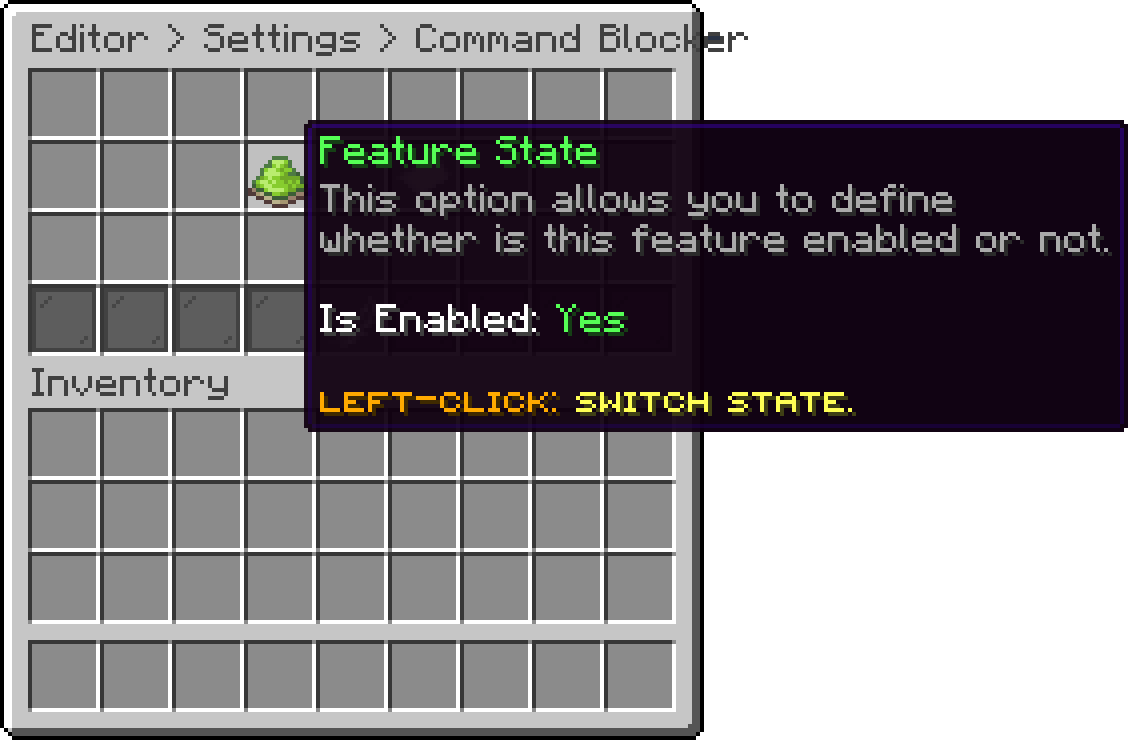
Command Blocker (Feature State)
Oops... looks like the spiders padded through here
Add products to your cart and remove them from here Lets buy