


Your cart is empty
Looks like the spiders padded through here. Pick a plugin and it will show up here. Continue shoppingWhat the plugin does to a player the moment they join the lobby, including the firework and the join and quit messages.
This module is configured in modules/join-actions.yml inside the PhoenixLobby folder.
Everything on this page normally runs when a player arrives in the lobby, and a player walking back in from another world counts as arriving. With this option on — and it is on by default — none of it runs unless the player has actually just connected to the server.
Turn it off when the lobby should reset a player every time they step back into it, for example to hand the hotbar items back after a trip into a survival world.
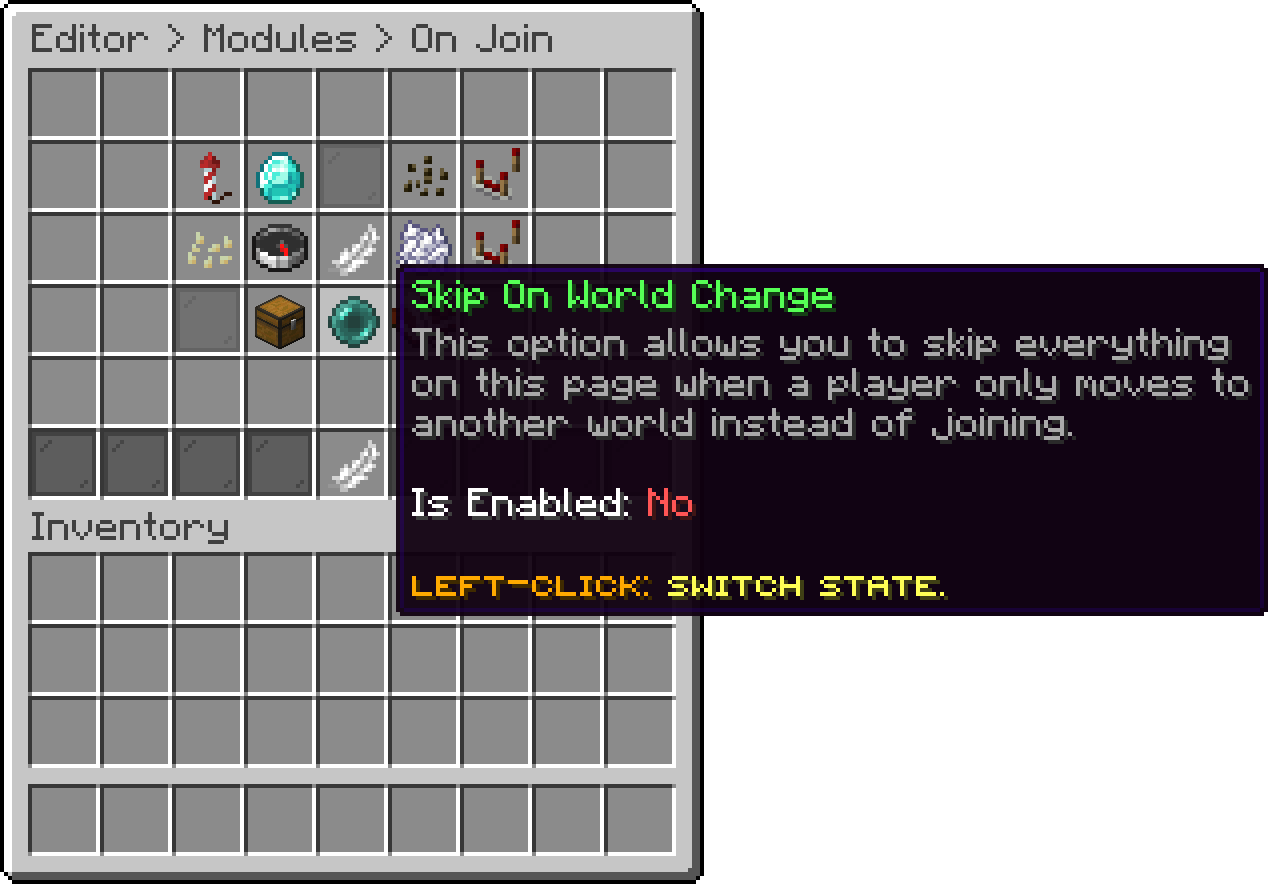
On Join (Skip On World Change)
Send the player to the spawn point when they connect. With no spawn point set the player lands wherever the server put them. Spawn points and permission-based spawn groups are covered in Set Lobby.
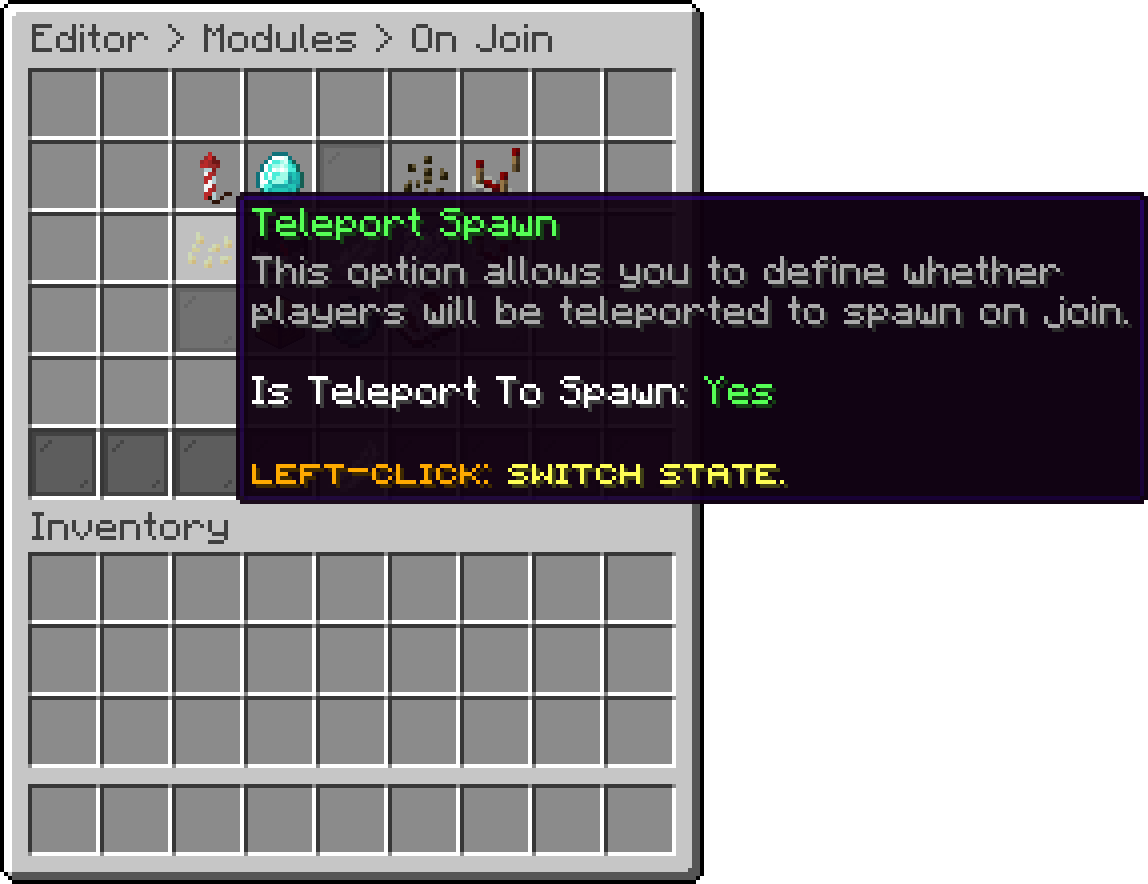
On Join (Teleport Spawn)
Restrict that teleport to players who are already in the same world as the spawn point. Use it when the server also holds worlds the lobby should not pull players out of, such as a survival world behind a portal.
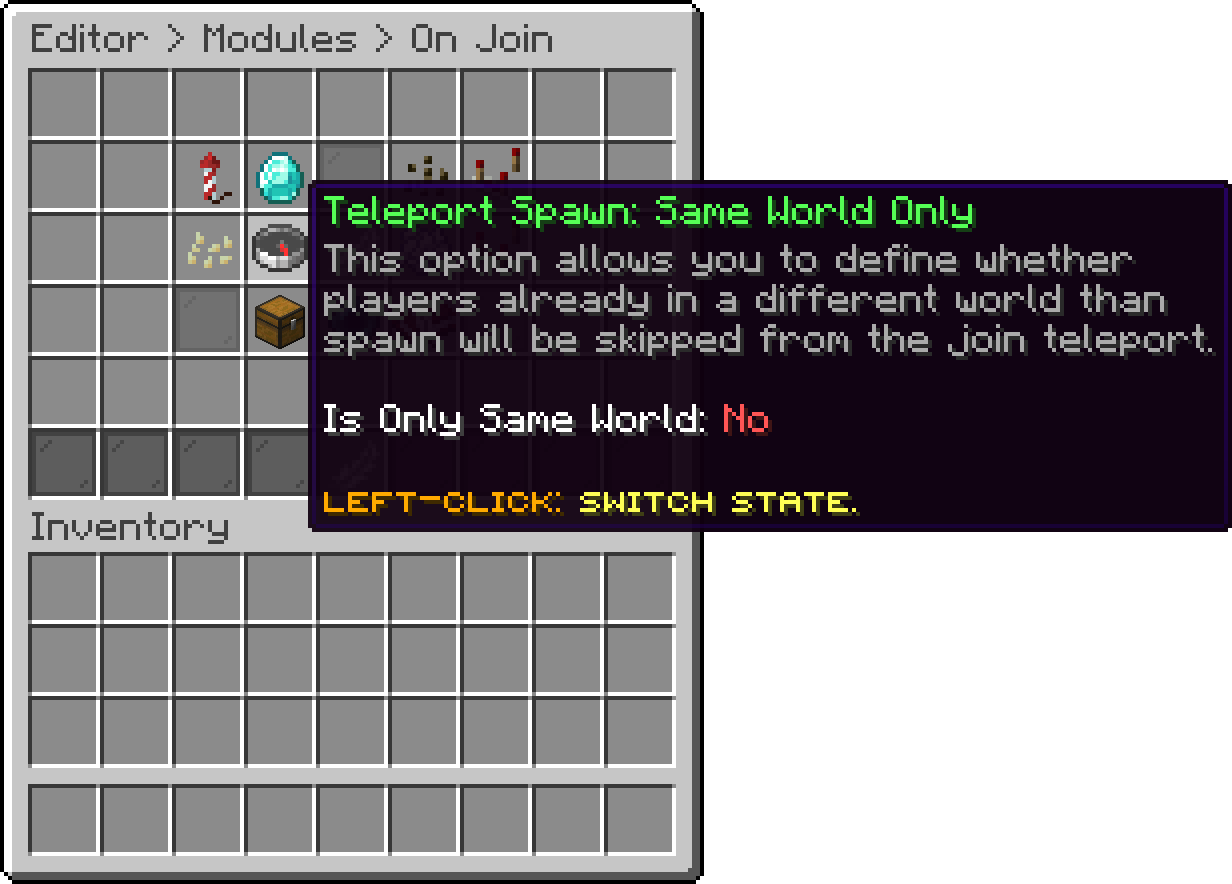
On Join (Teleport Spawn: Same World Only)
Empty the player's inventory on join, before the hotbar items are given out.
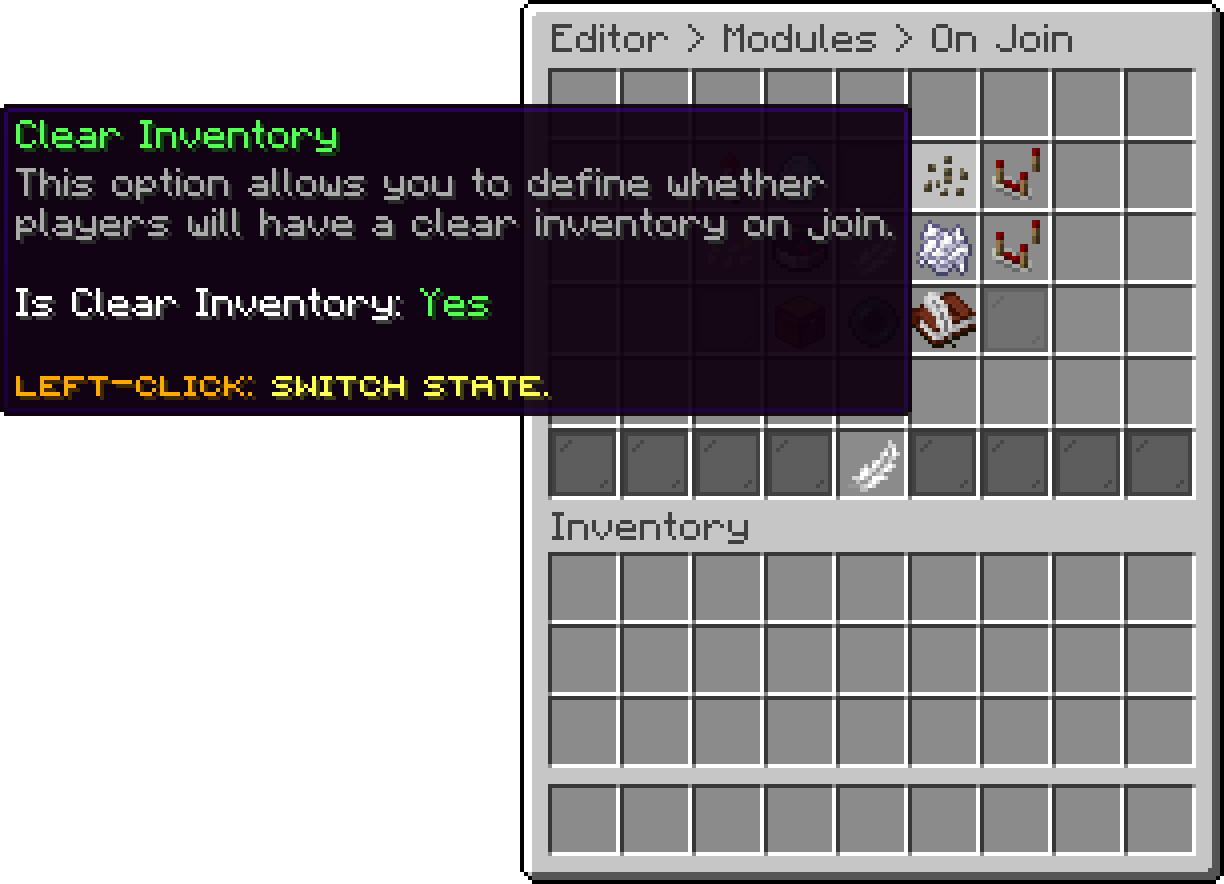
On Join (Clear Inventory)
Keep the inventory a player carried into a disabled world and hand it back when they return to it. Nothing is stored while this is off, so turning it on does not recover inventories that were already cleared.
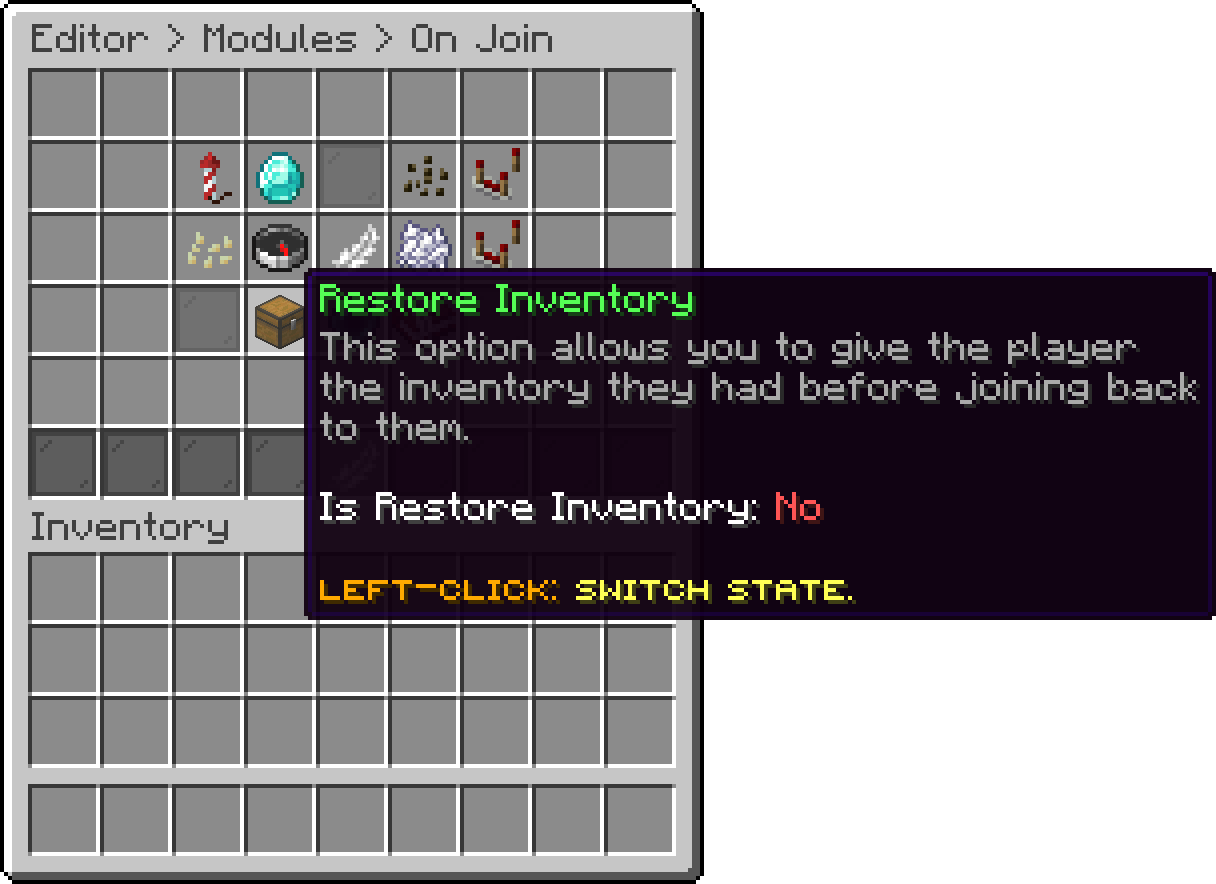
On Join (Restore Inventory)
Strip every active potion effect on join. The player's health is restored to full either way.
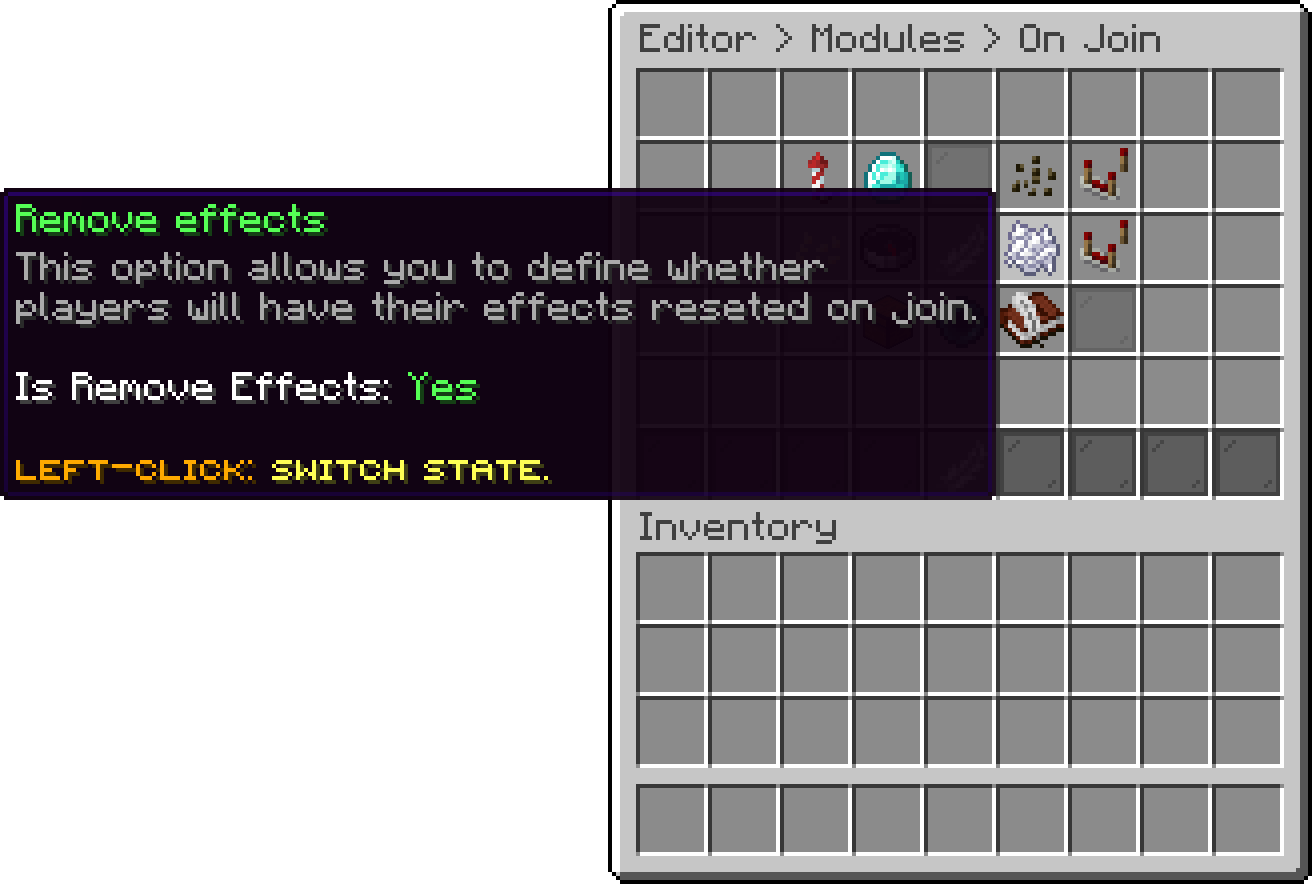
On Join (Remove effects)
Give the player the hotbar items. The items themselves, and the worlds they are handed out in, are covered in Hotbar Items.
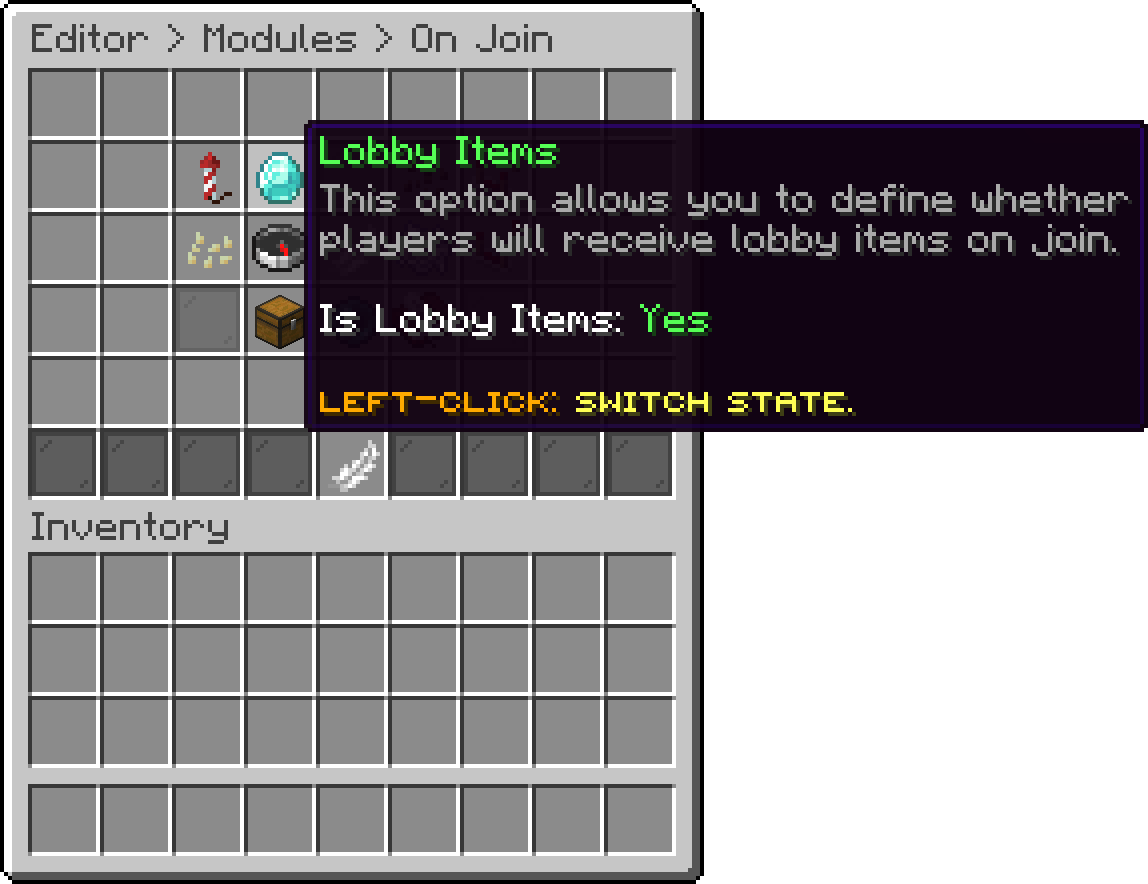
On Join (Lobby Items)
Leave the lobby items out of the worlds where the PhoenixDuels Lobby Items add-on hands out its own hotbar, and skip Clear Inventory there, so the two hotbars never overwrite each other. A player walking into one of those worlds loses the lobby items and gets them back on the way out. It is on by default, and has no effect without that add-on.
Put the player straight into flight. It is off by default, and the permission next to it gates who gets it. An empty permission gives it to everyone. Players joining a disabled world never get it.
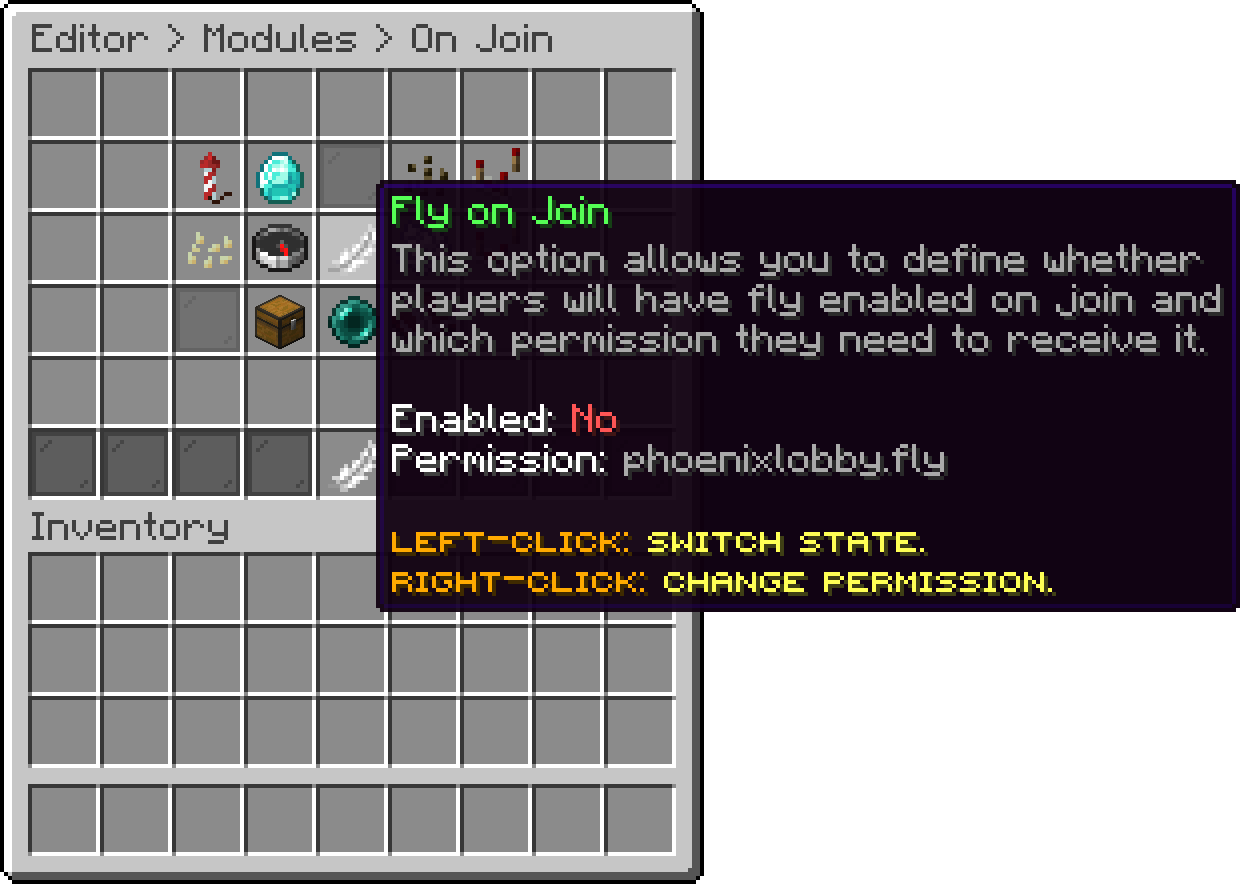
On Join (Fly on Join)
Launch a firework where the player lands. The shape, the power, the trail and flicker, the colours and whether it is limited to a first join are all set behind it.
The firework is spawned at the player's own position once they are on the ground, so with Teleport Spawn enabled it goes off at the spawn point rather than where the server first dropped them. A player landing in a disabled world gets nothing, and walking back out of a disabled world into a lobby world launches it again.
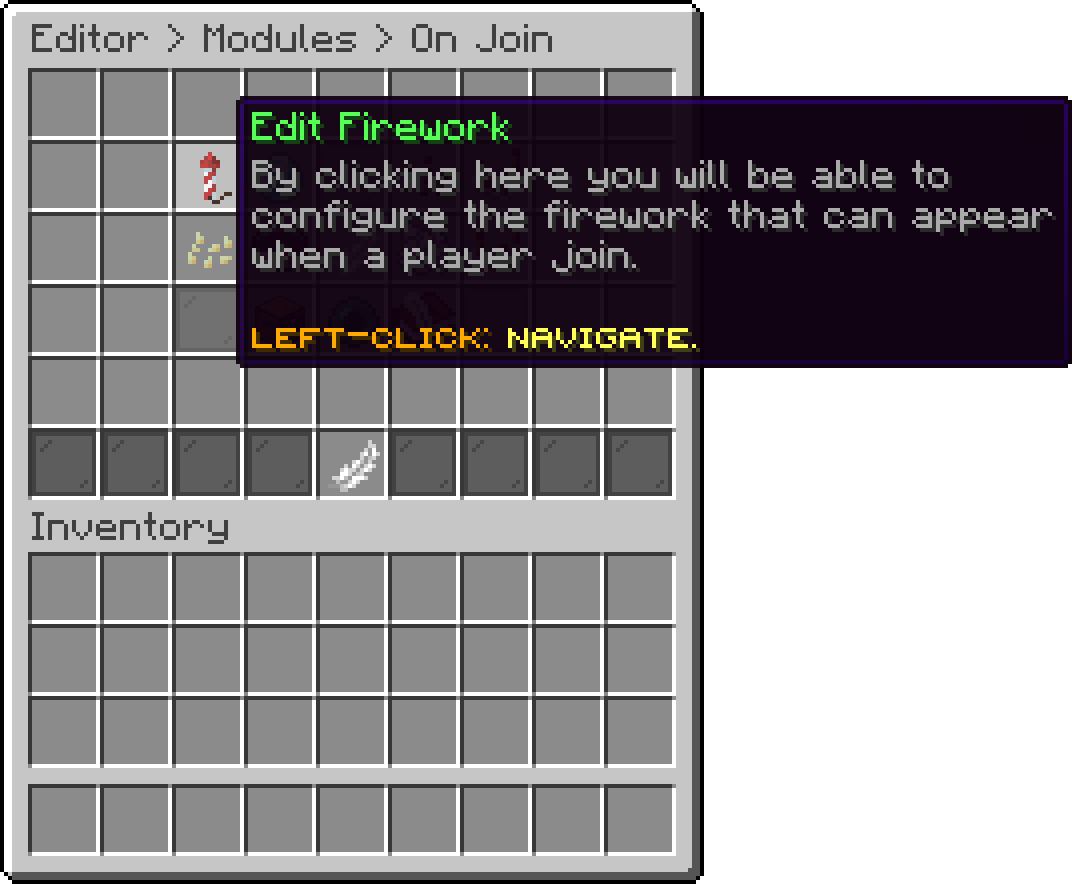
On Join (Edit Firework)
Turn the firework on or off. Everything below it stays saved while it is off.
Limit the firework to a player's very first connection, so returning players never see one. With this on the firework is also skipped when a player walks out of a disabled world, since that is not a first join.
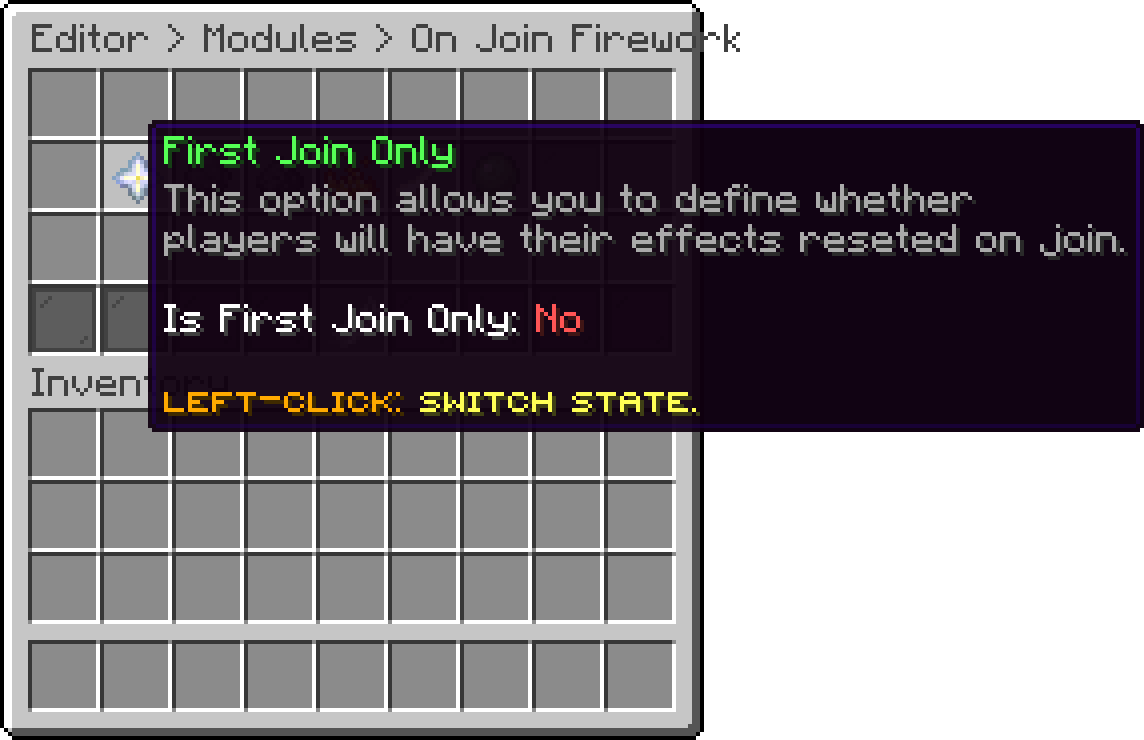
On Join Firework (First Join Only)
The shape the burst takes. Ball and Ball Large are the round bursts, Star and Creeper are the shaped ones, and Burst is the flat spray.
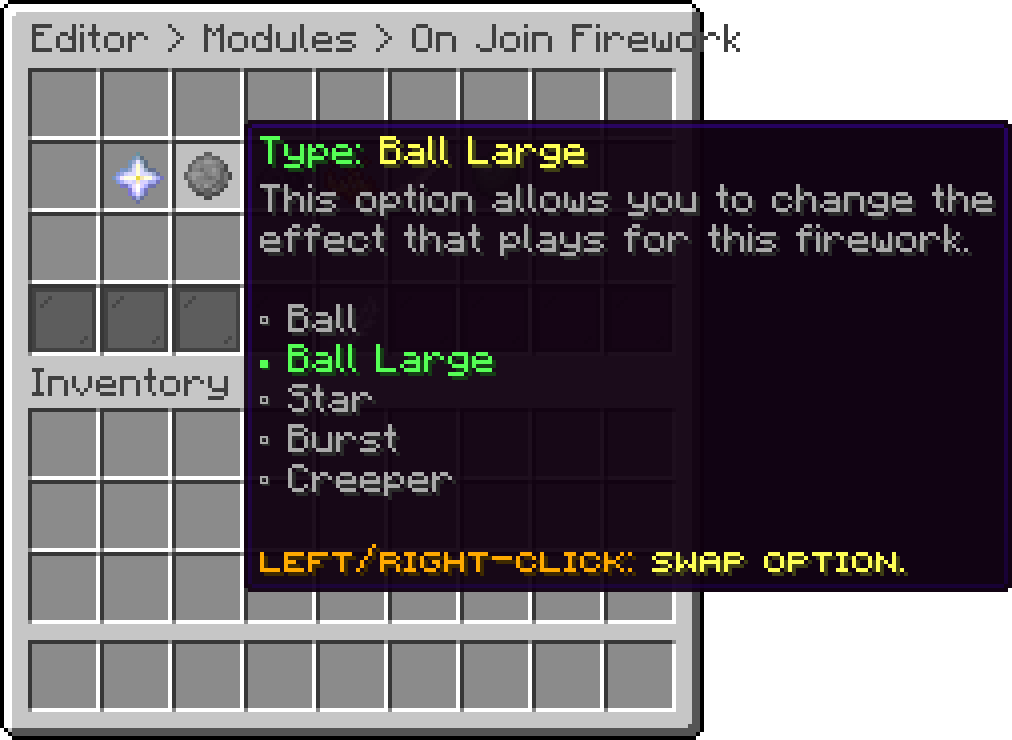
On Join Firework (Type)
How long the rocket climbs before it bursts. A higher value sends the burst further above the player's head, and 0 makes it go off at their feet.
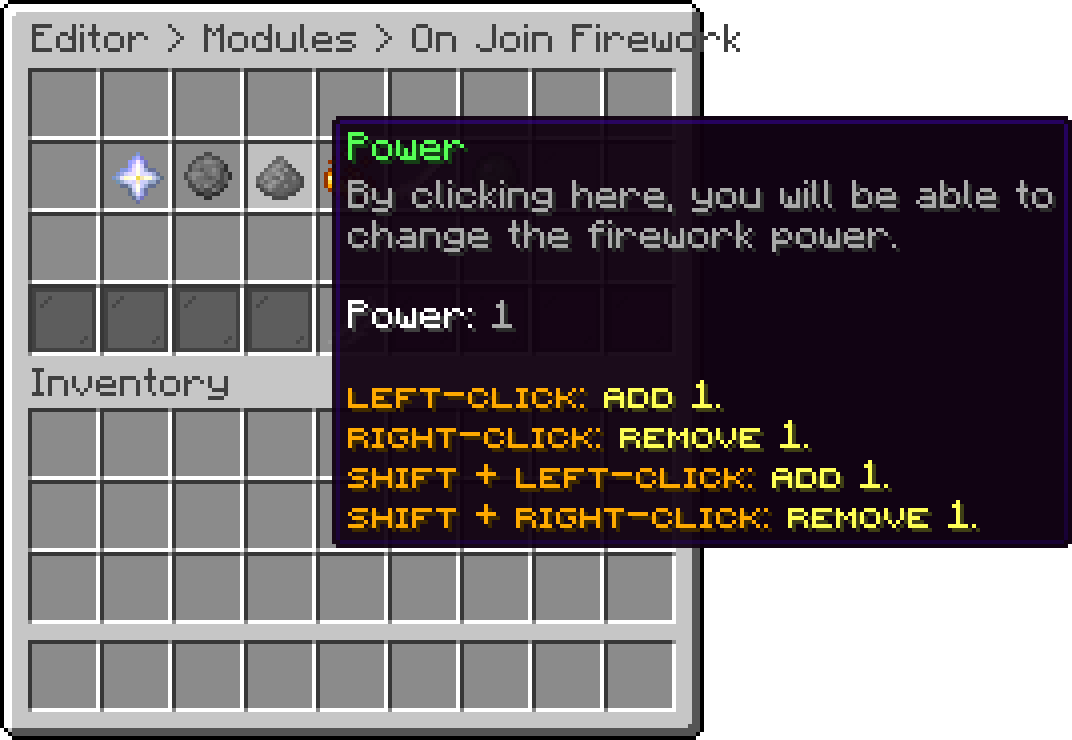
On Join Firework (Power)
Add the twinkle that keeps the burst sparking after it opens.
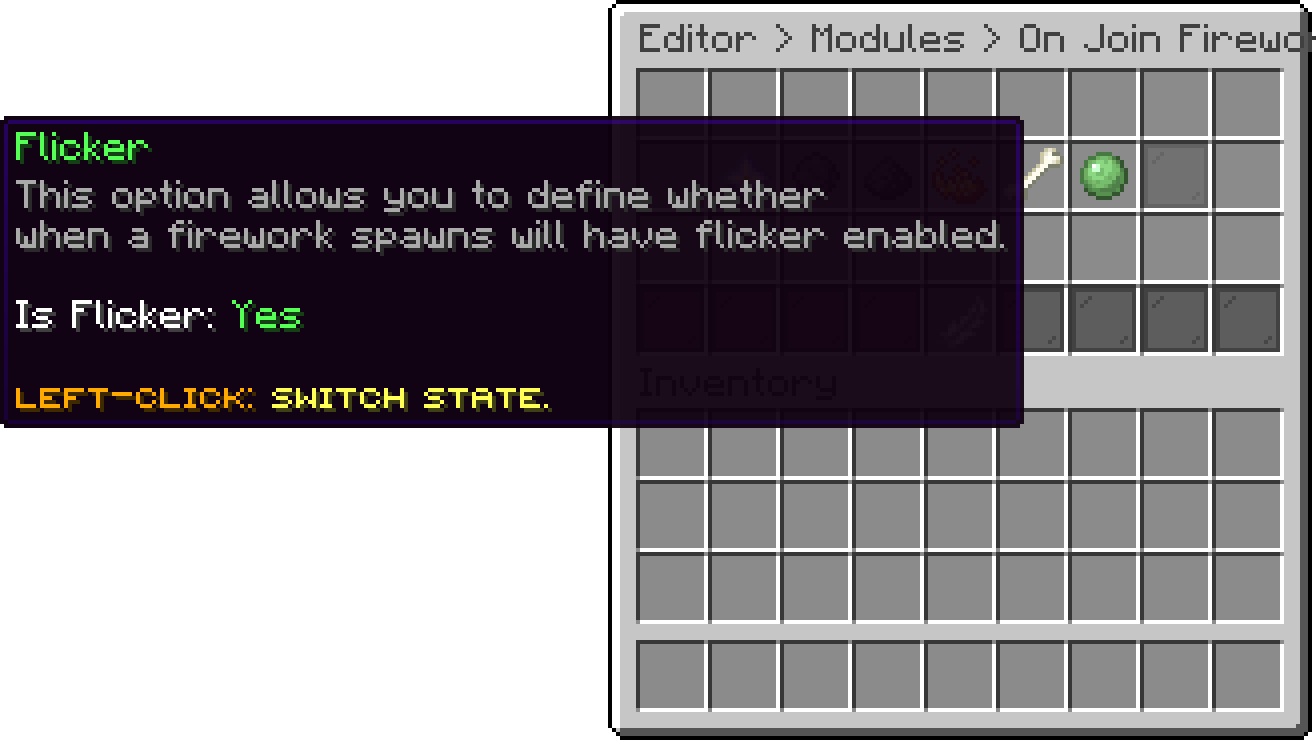
On Join Firework (Flicker)
Add the tail the particles drag behind them as they fall.
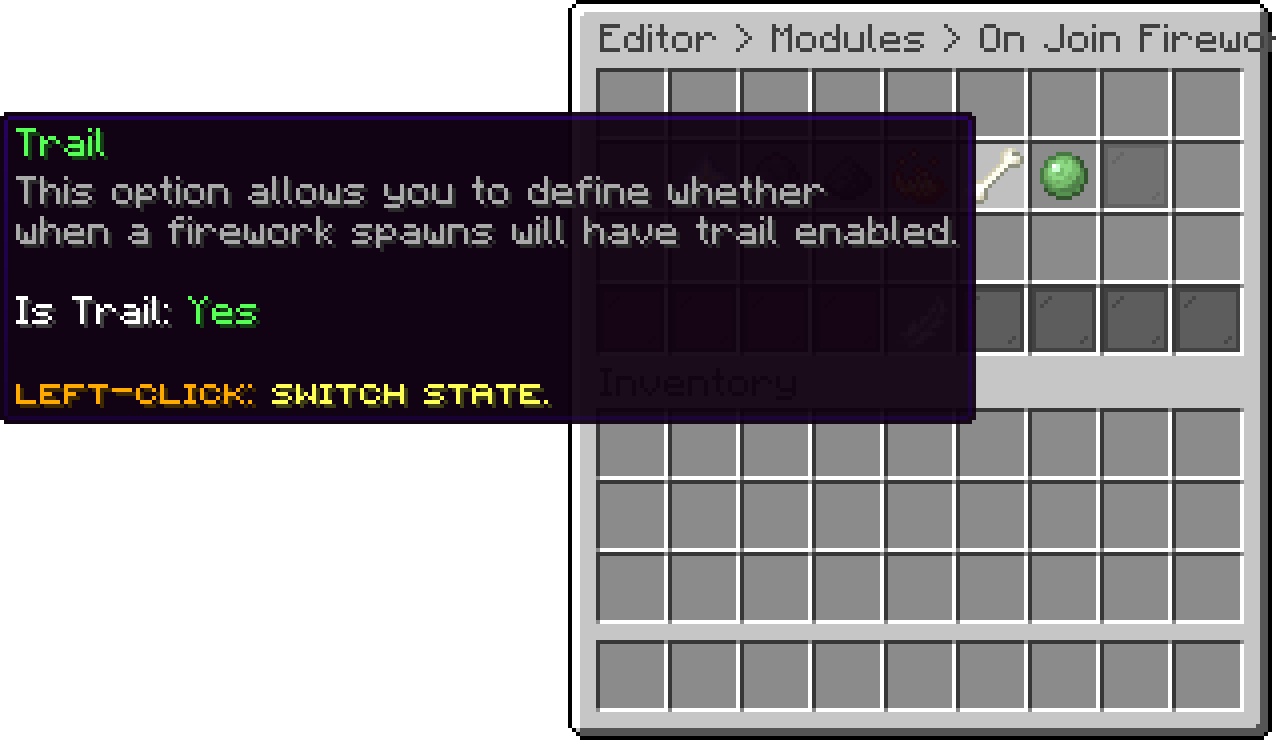
On Join Firework (Trail)
The colours the burst is made of. They are picked from a named list far wider than the sixteen dyes, so a burst can be built out of shades such as Crimson or Cornflower Blue. Every colour in the list appears in the same burst, and a list left empty launches the rocket with no colour of its own.
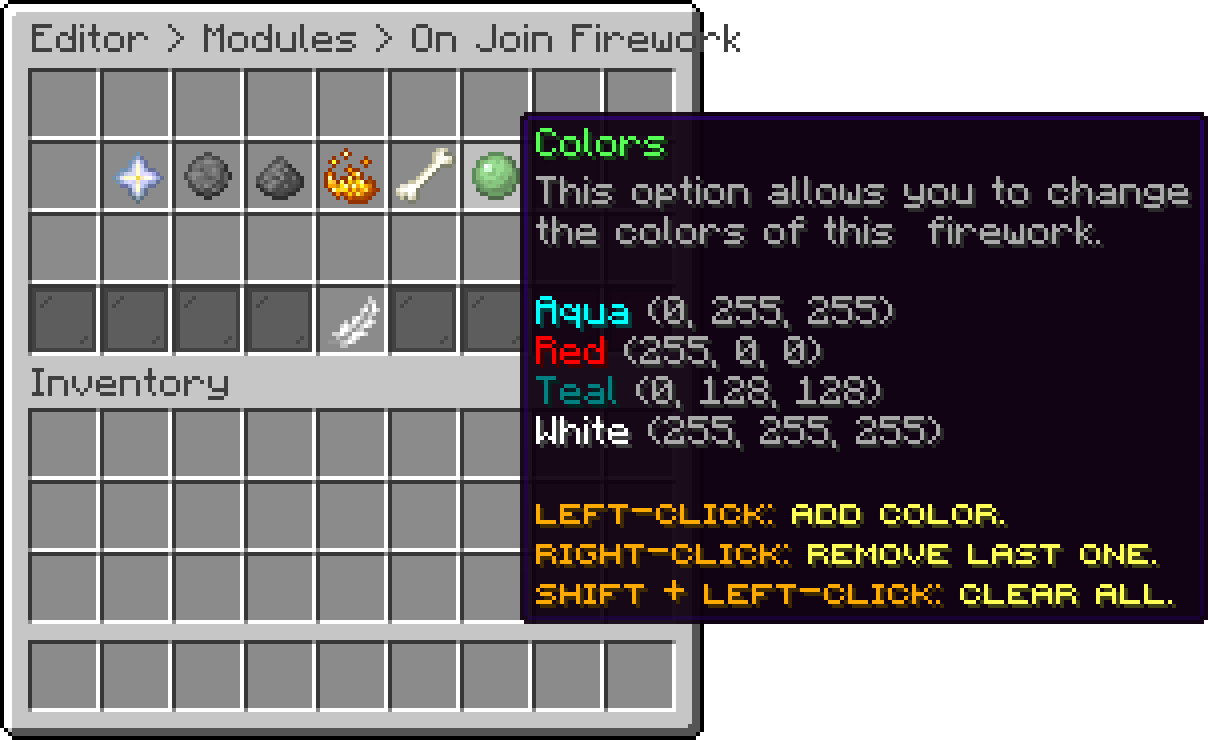
On Join Firework (Colors)
Actions that run once, the first time a player ever connects. Use them for a welcome broadcast or for handing out a starting rank. Every action type is listed in Action Types.
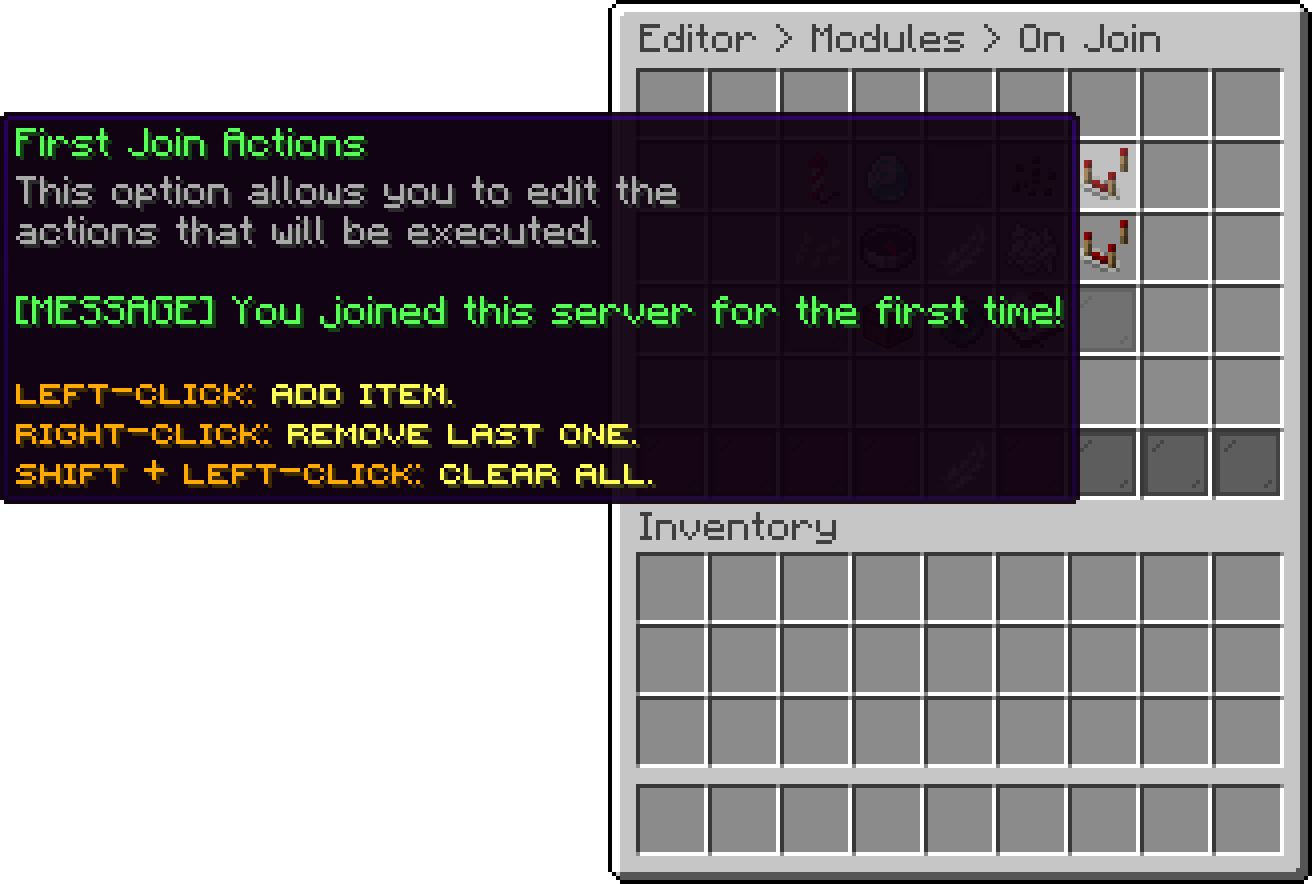
On Join (First Join Actions)
Actions that run on every connect, including the first one, after the first join actions.
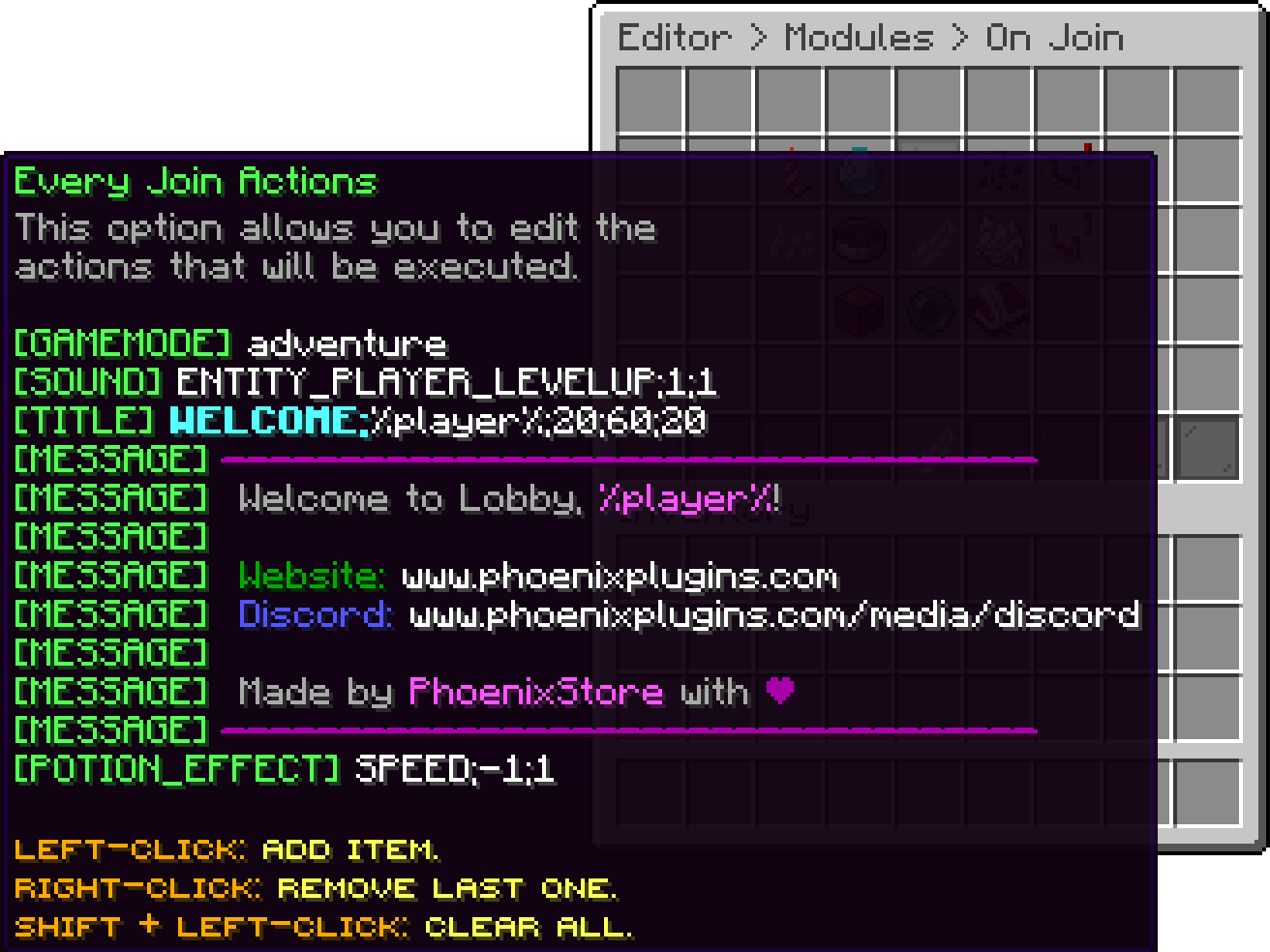
On Join (Every Join Actions)
What the rest of the server sees when a player connects or disconnects, and how to give a rank its own pair.
The vanilla connect and disconnect messages are always suppressed. What the server sees instead comes from the actions below, so a group can broadcast a line, play a sound, or do both.
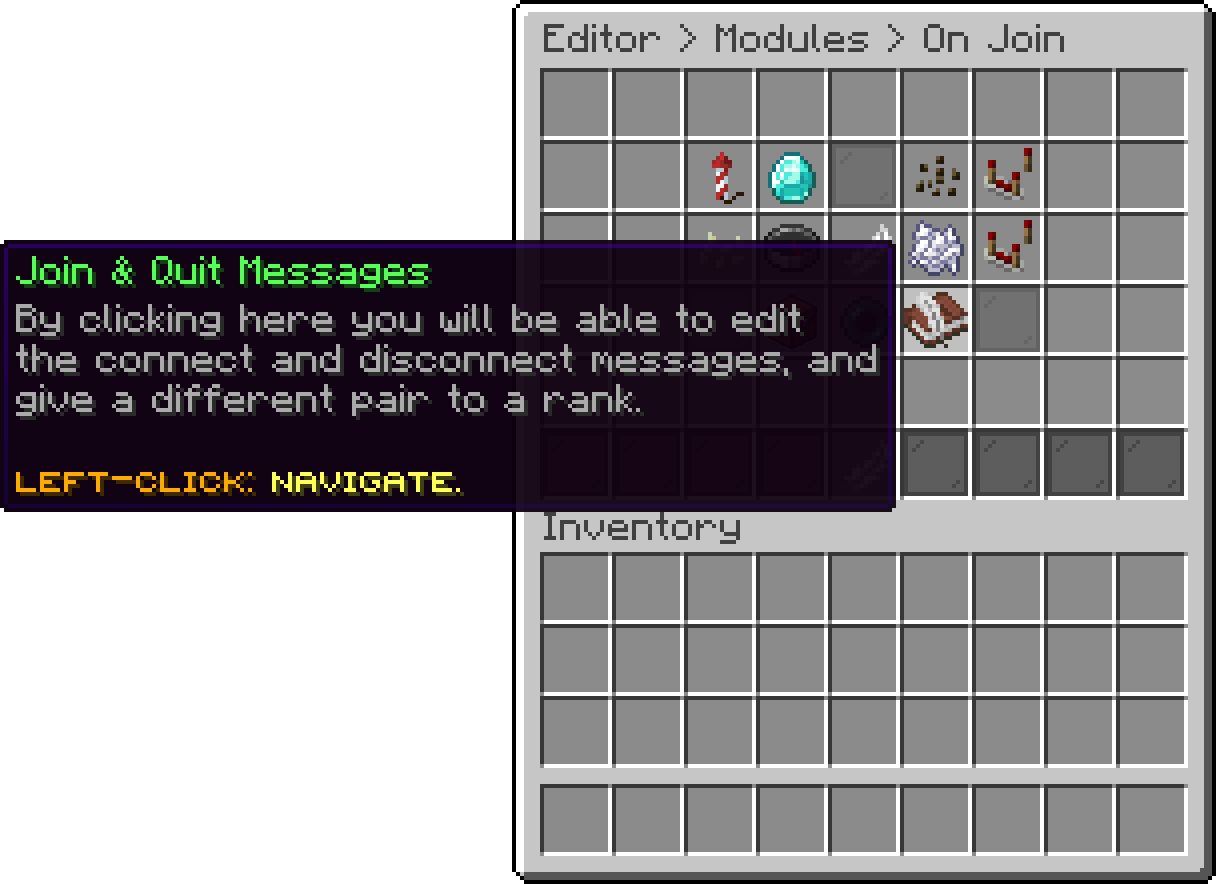
On Join (Join & Quit Messages)
These only fire on a server that is not connected to a proxy running PhoenixLobby. Once it is, they stand down and the proxy announces instead, with Join and Leave Messages.
default is the pair everyone gets. Add a group next to it to give a rank its own, then set its permission. Groups are checked in the order they appear and the first one the player holds wins, so put the rarest rank first. A player holding none of them falls back to default.
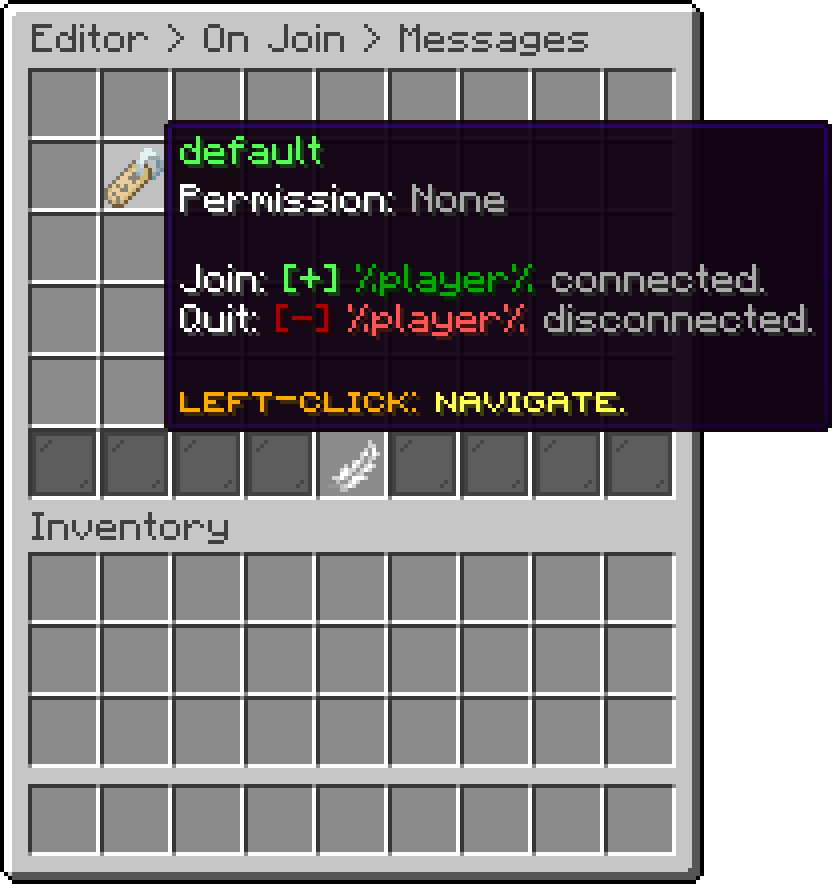
Join & Quit Messages (Message Group)
What runs when a player of this group connects. An empty list announces nothing, which is how you silence a rank's connect message without silencing everyone's. Every action type is listed in Action Types.
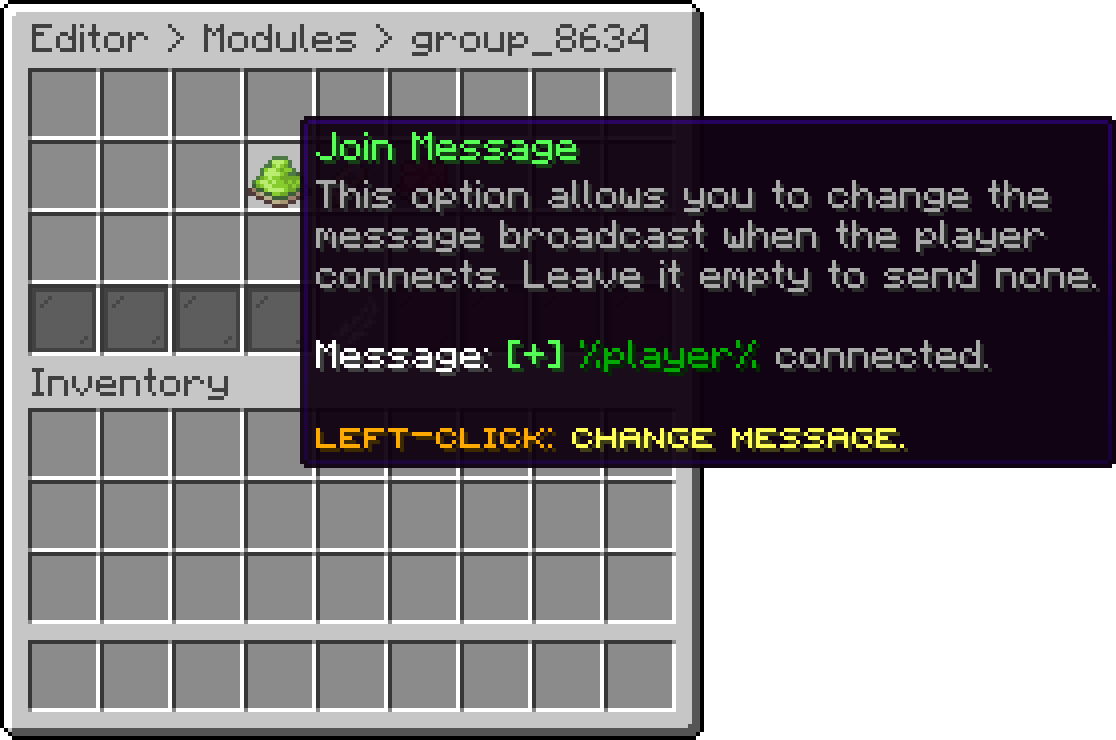
Message Group (Join Actions)
The same, for when the player disconnects. The player is already gone by the time these run, so reach the rest of the server with a broadcast rather than a message.
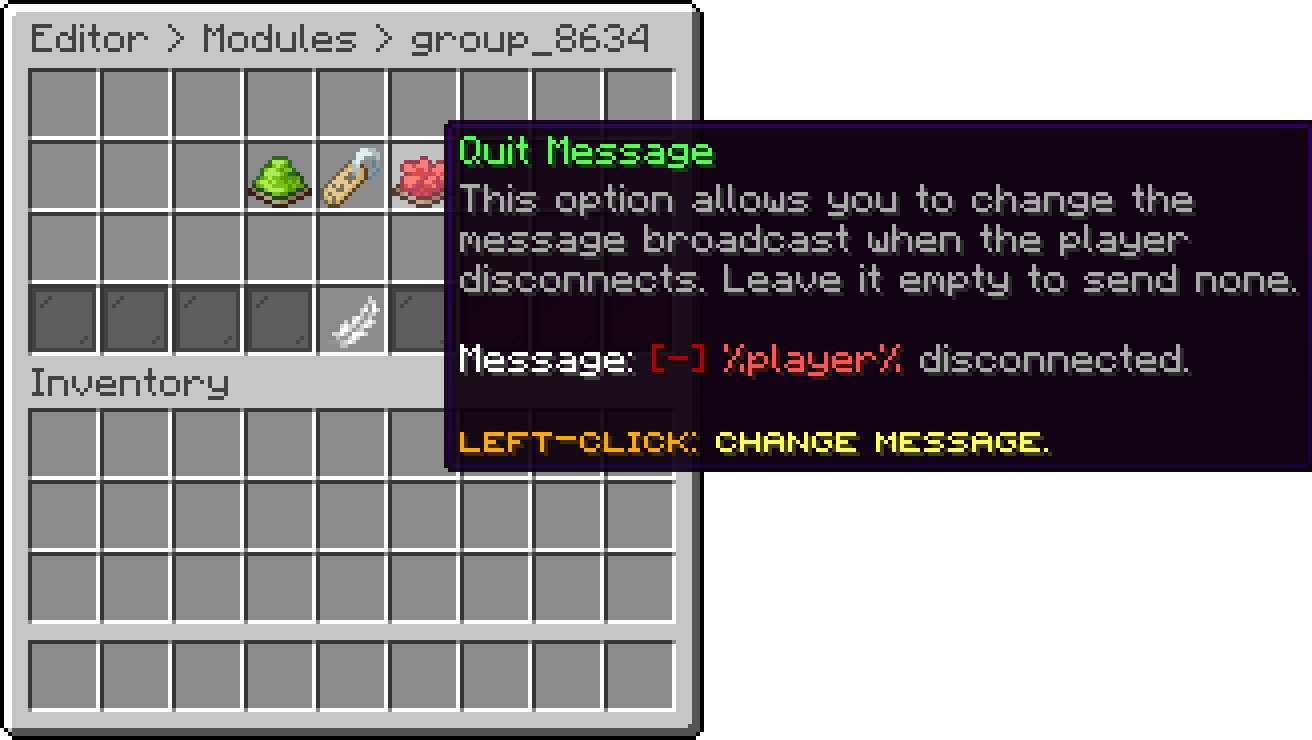
Message Group (Quit Actions)
Which permission a player needs for this group. Left empty it falls back to phoenixlobby.messages.<group>, so a group named vip answers to phoenixlobby.messages.vip on its own. The default group has no permission, because it is what everyone else gets.
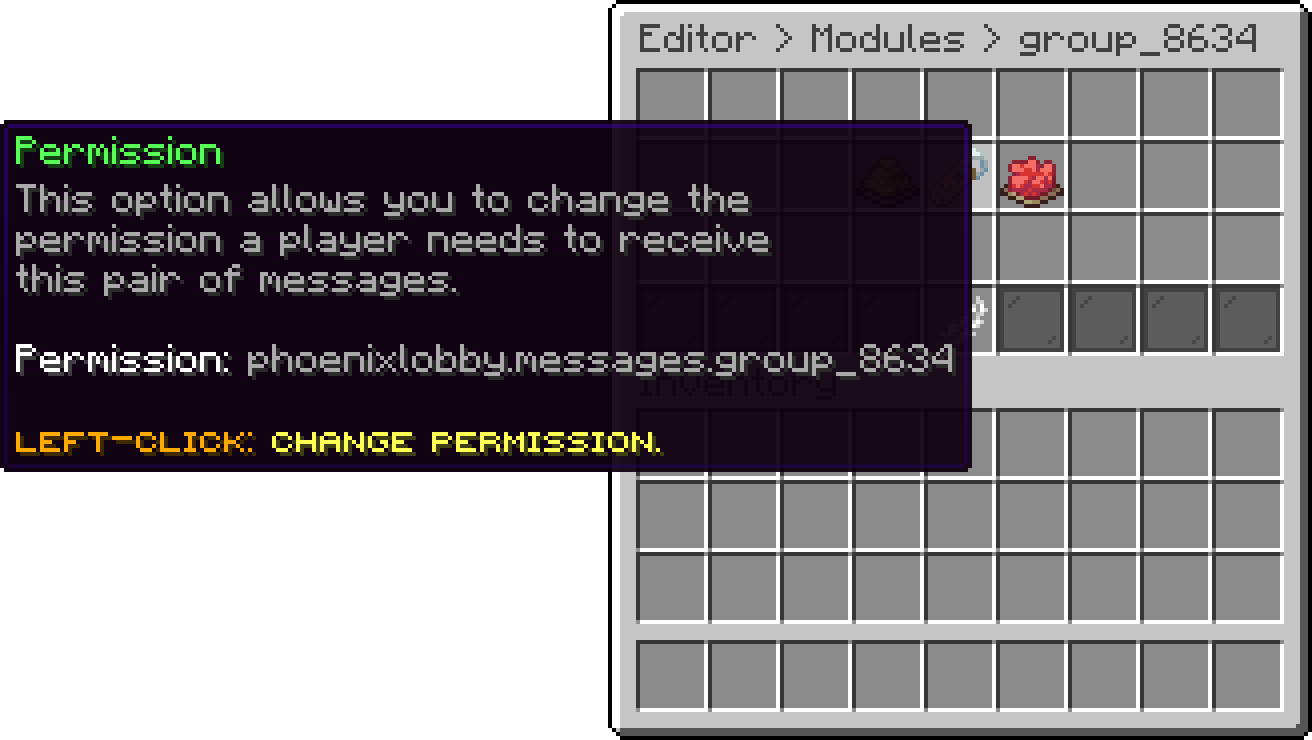
Message Group (Permission)
Your guide to the docs
Ask me anything about Phoenix Lobby. I know these docs inside out, check the latest versions and changelogs, and can read your server logs.
Try asking
Your cart is empty
Looks like the spiders padded through here. Pick a plugin and it will show up here. Continue shopping