

Oops... looks like the spiders padded through here
Add products to your cart and remove them from here Lets buy



On this page, you will find information on how to close your server or network for maintenance.
This module is configured in modules/maintenance.yml inside the PhoenixLobby folder.
Maintenance closes a server, or the whole network, for everyone except the people you allow. Players already connected are kicked, and new connections are denied until it ends. Open it from Editor > Modules > Maintenance.
It works in two places. Without a proxy, the lobby runs its own maintenance and closes only that server. On a proxy the maintenance lives on BungeeCord or Velocity, where it can close any backend server or the entire network at once, and the lobby side stands down.
Everyone with phoenixlobby.maintenance.bypass can always join, and phoenixlobby.maintenance is needed to use the command.
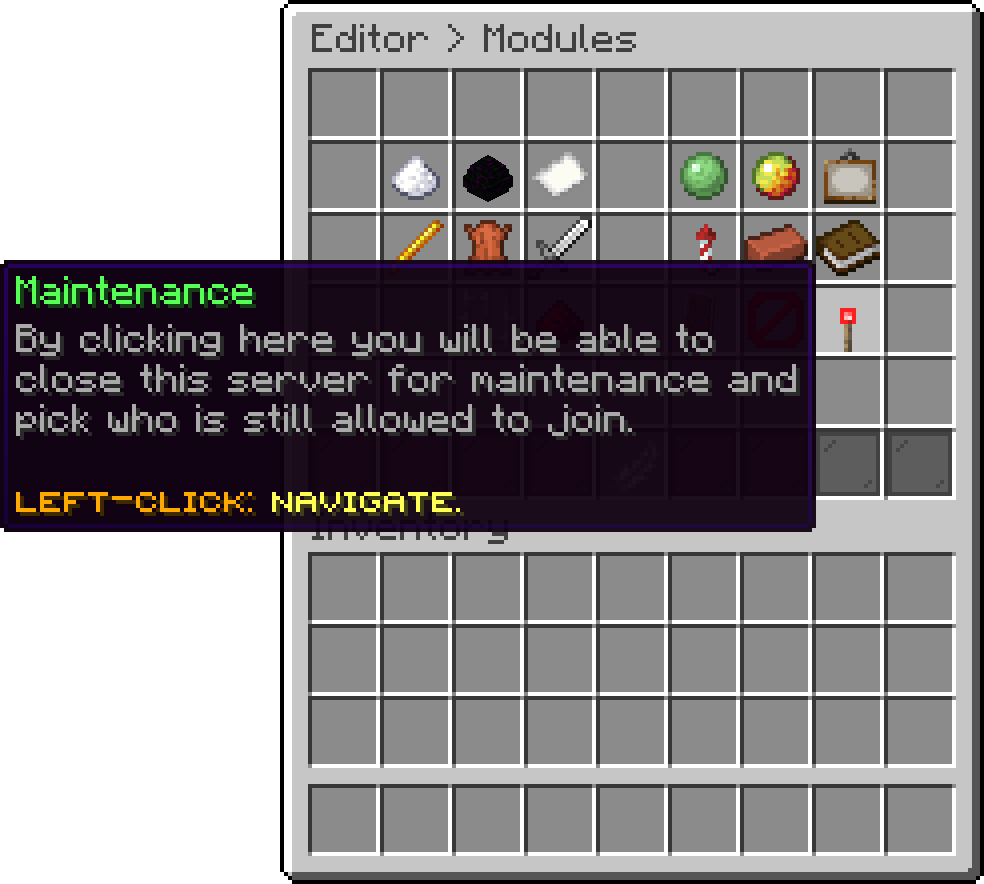
Modules (Maintenance)
With this option, you can close the server right now, and open it again the same way. It has no end time, so it stays closed until you turn it back off. Use /maintenance start <time> instead when you want it to end on its own.
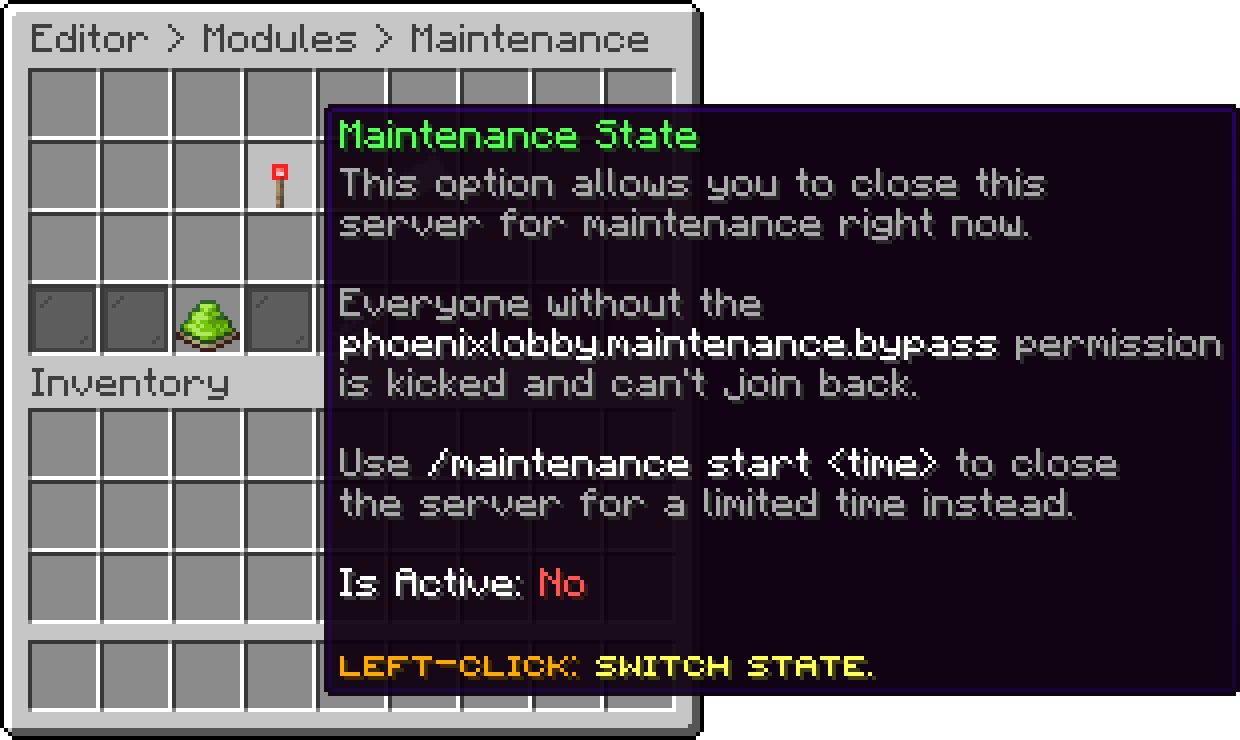
Maintenance (Maintenance State)
With this option, you can list the names or uuids that are still allowed in while the server is closed. It is the same list /maintenance add writes to, so either way of managing it works.
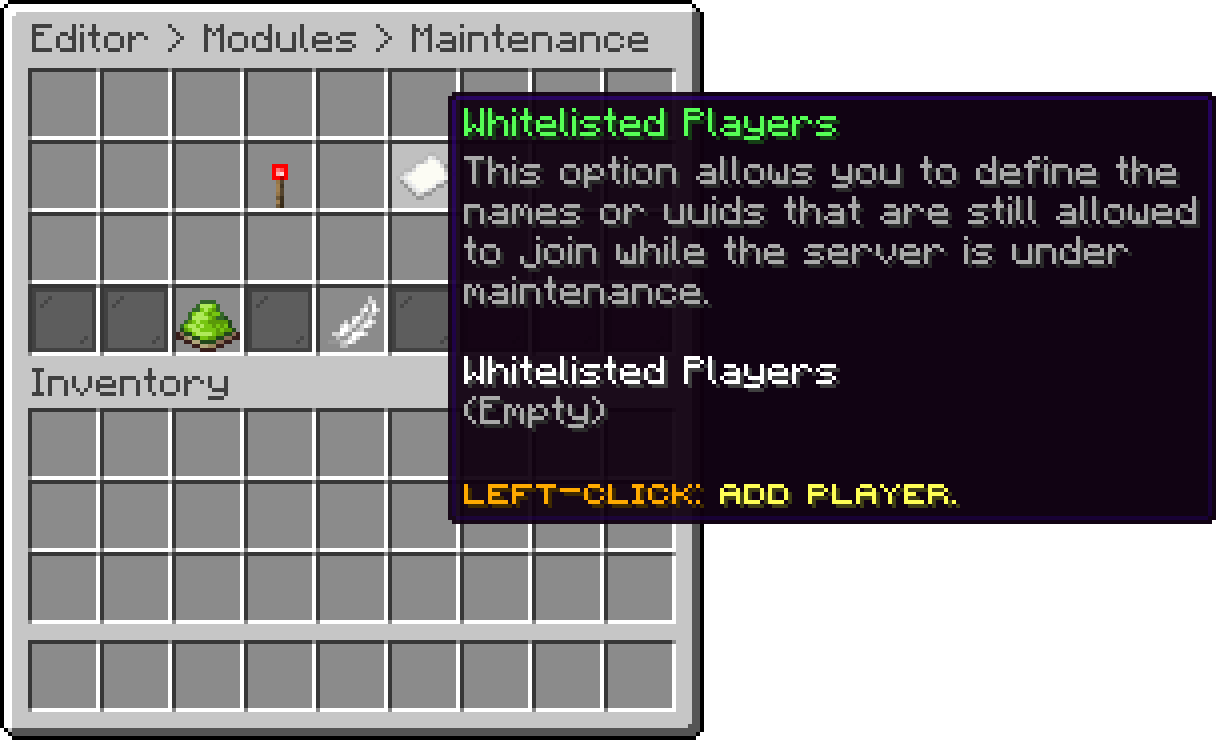
Maintenance (Whitelisted Players)
With this option, you can turn the module off completely. The commands stop working and nobody is kept out, even if a maintenance was left running.
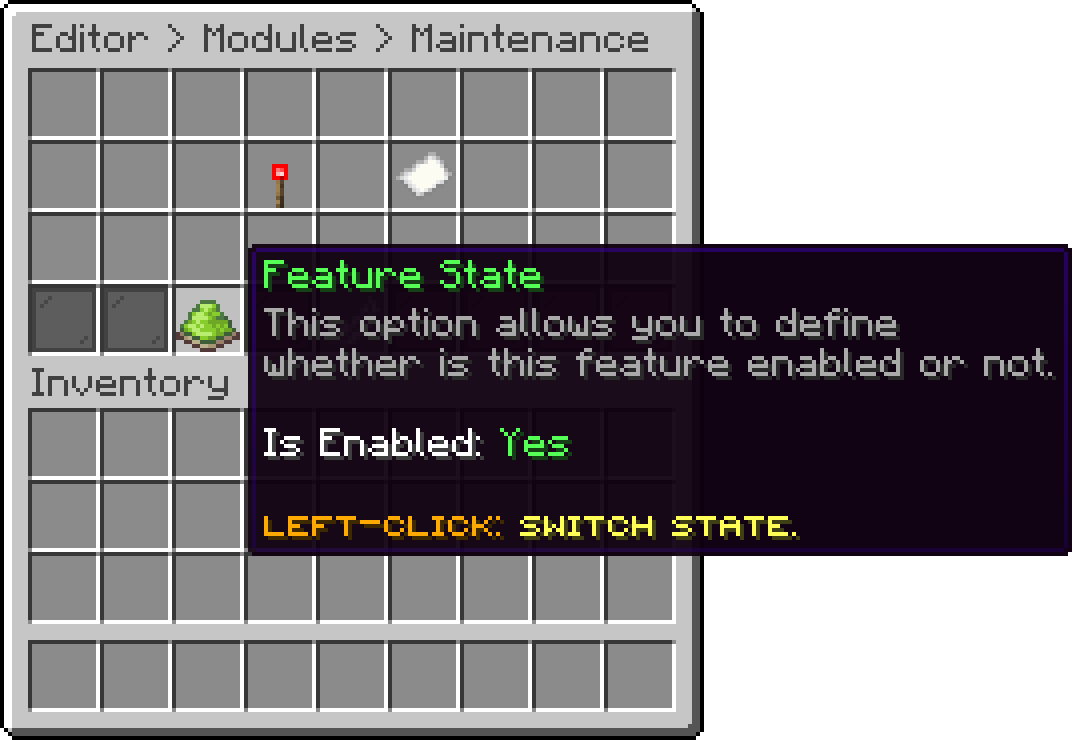
Maintenance (Feature State)
Times are written as 1Y 1M 1W 1D 1H 1m 1S, and can be combined, for example 1D12H.
An uppercase M means months and a lowercase m means minutes.
Both sides replace the motd with a separate one while a maintenance is running, and {timer} shows how much time is left. It sits in motd.maintenance next to the regular one, so the server icon and the player count around it still apply and only the message changes. The regular motd, and the full list of options around it, is covered on the MOTD page.
On the proxy the same options live in its config.yml and maintenance.yml. Either way the running and scheduled maintenances are saved to disk, so they survive a restart.
As soon as the lobby is talking to a proxy, its own maintenance is ignored and the lobby command answers that the proxy is in charge. Start and end the maintenance on the proxy there, and use the lobby commands only on a standalone server.
Oops... looks like the spiders padded through here
Add products to your cart and remove them from here Lets buy