

Oops... looks like the spiders padded through here
Add products to your cart and remove them from here Lets buy



On this page, you will find information on how to protect your lobby from join spam and bot attacks.
This module is configured in modules/anti-bot.yml inside the PhoenixLobby folder.
Anti Bot watches the connections reaching this server and locks the lobby down when they arrive faster than a real player rush would produce. On top of that it can limit how many accounts share an address, how fast an address may reconnect, and which usernames are accepted. Open it from Editor > Modules > Anti Bot.
Every check runs before the player is fully connected, which is the only point where refusing a bot costs the server nothing. That also means none of these checks can be bypassed with a permission.
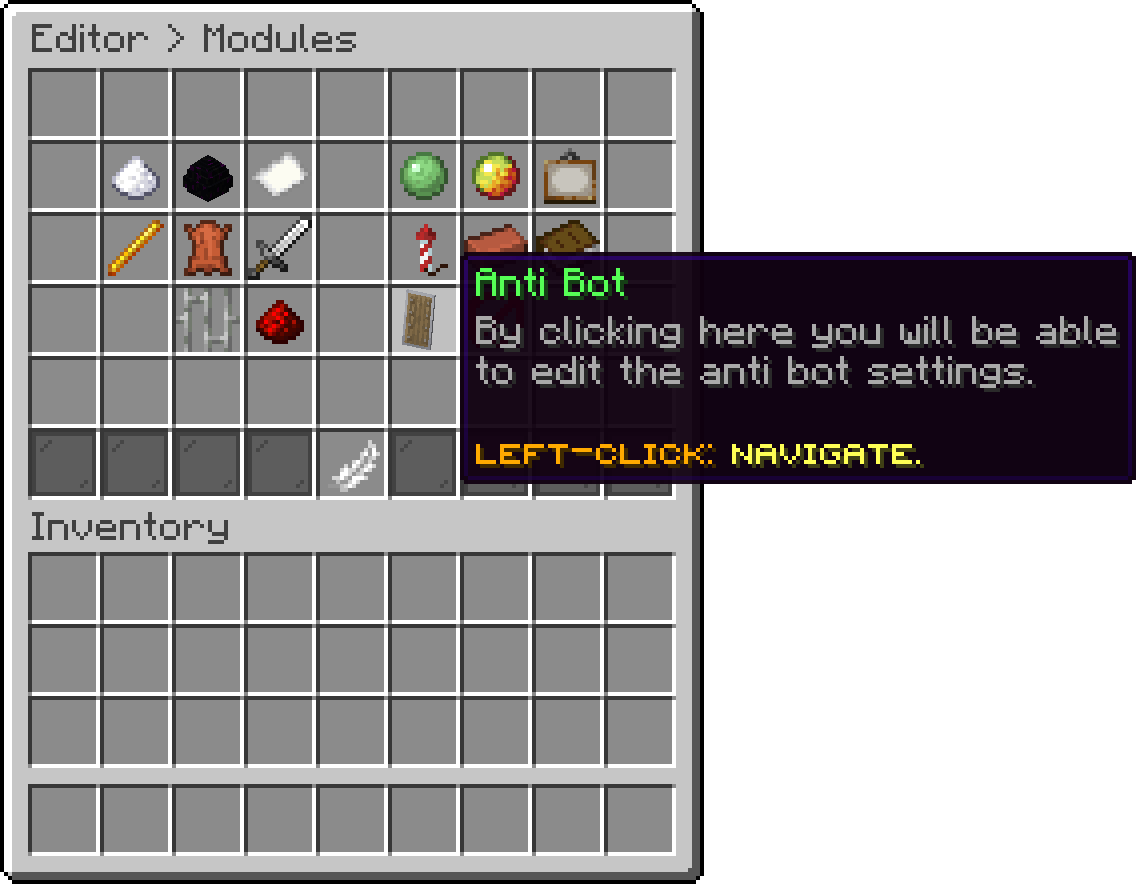
Modules (Anti Bot)
With this option, you can change how many connections are allowed inside the interval before the lockdown starts. A lower value reacts sooner, but it is also more likely to trigger on the rush that follows a restart or an announcement.
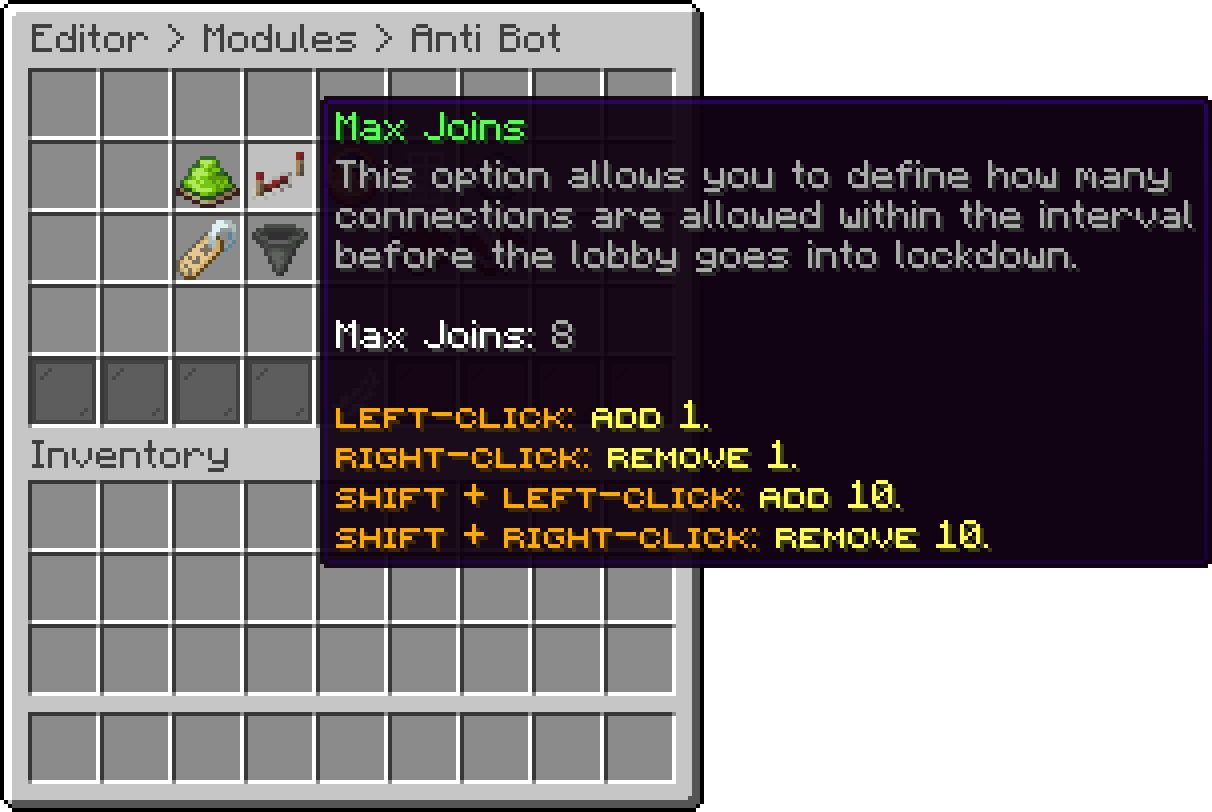
Anti Bot (Max Joins)
With this option, you can change the time window, in seconds, the connections are counted in. The counter restarts as soon as a window passes without the limit being reached, so a slow trickle of players never adds up to a lockdown.
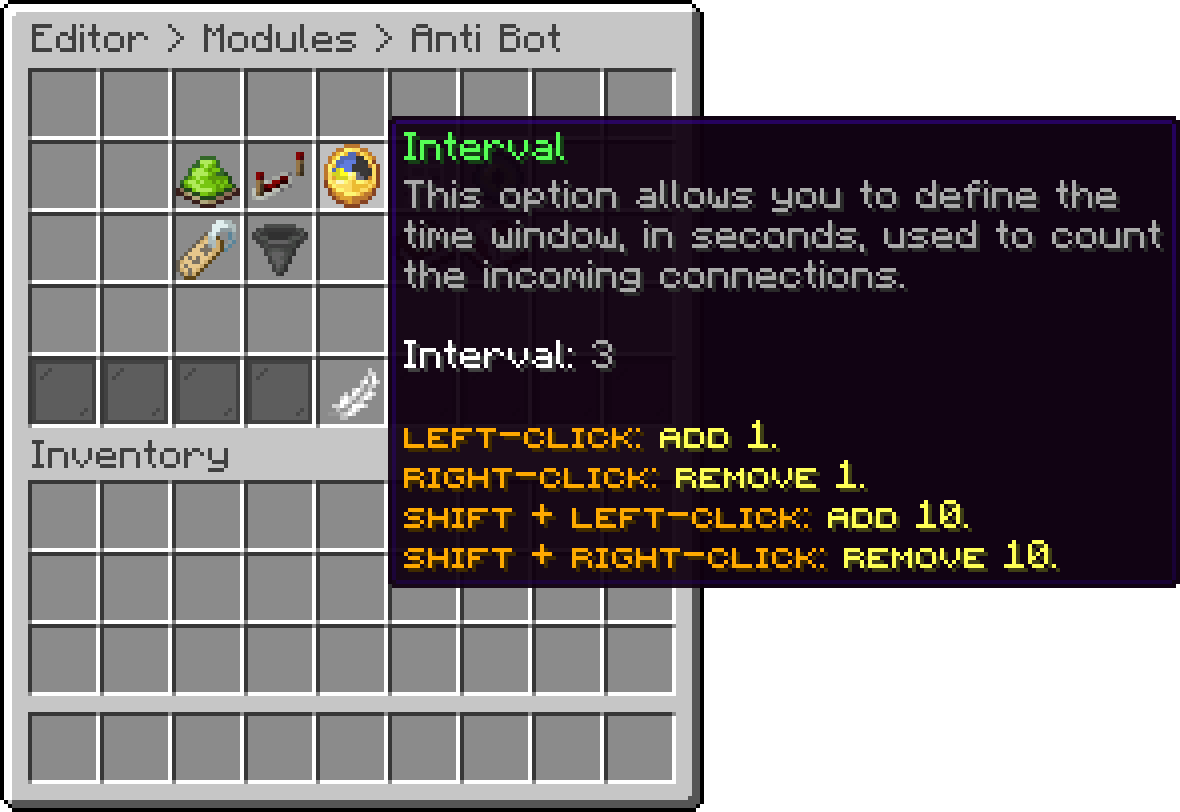
Anti Bot (Interval)
With this option, you can change how many seconds a lockdown lasts. While it is on, only players that have already joined this server before are let in, and every further connection above the rate pushes the end of the lockdown further away, so an attack that keeps going never gets a window.
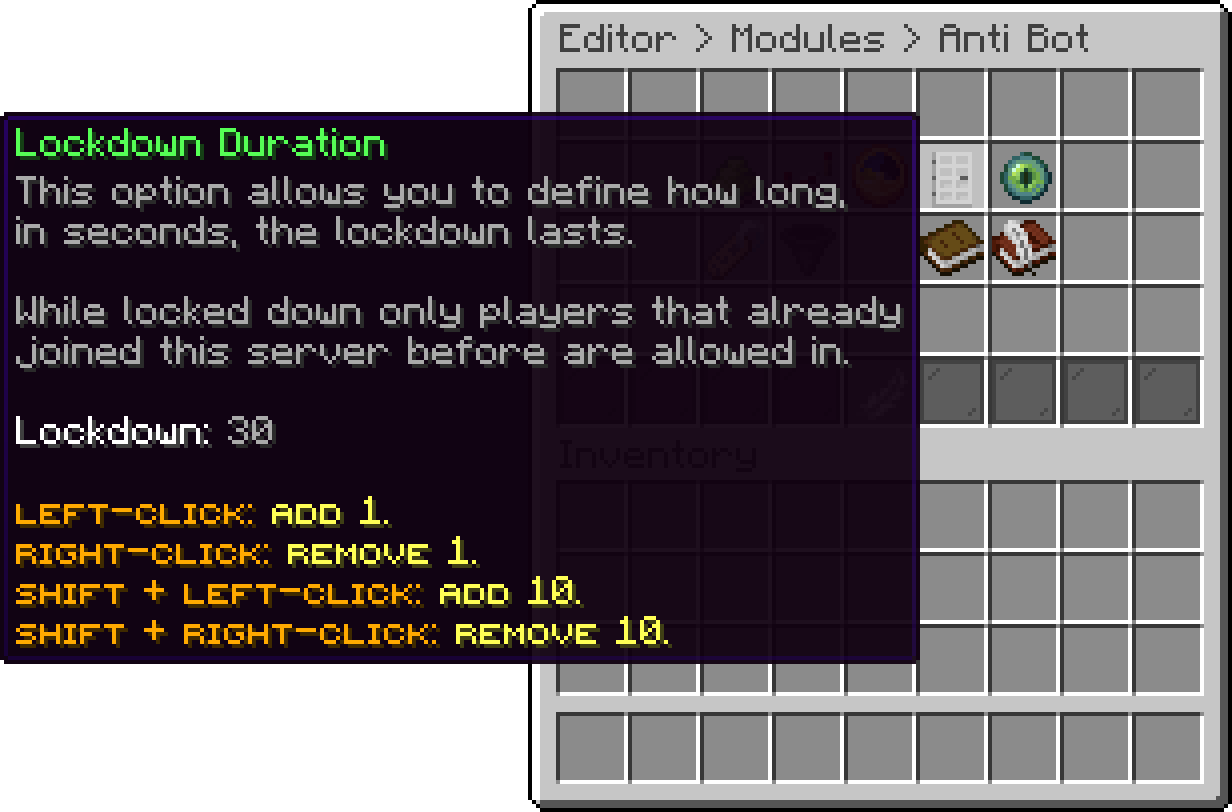
Anti Bot (Lockdown Duration)
With this option, you can change how many accounts may be online from the same address at the same time. Reconnecting on an account that is already counted does not take a second slot. A value of 0 turns the limit off.
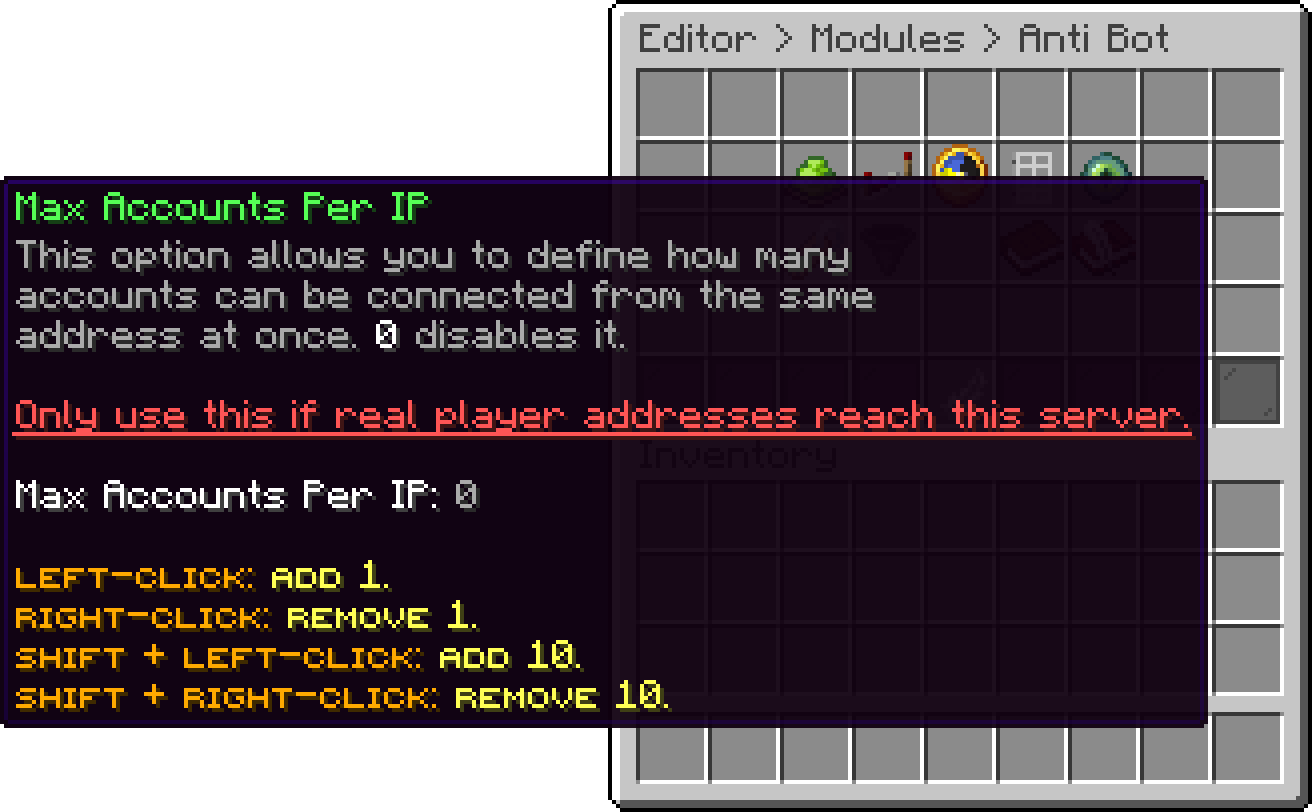
Anti Bot (Max Accounts Per IP)
With this option, you can change how many seconds an address has to wait between two connections. An address that stays quiet for 5 minutes is forgotten and starts fresh. A value of 0 turns the delay off.
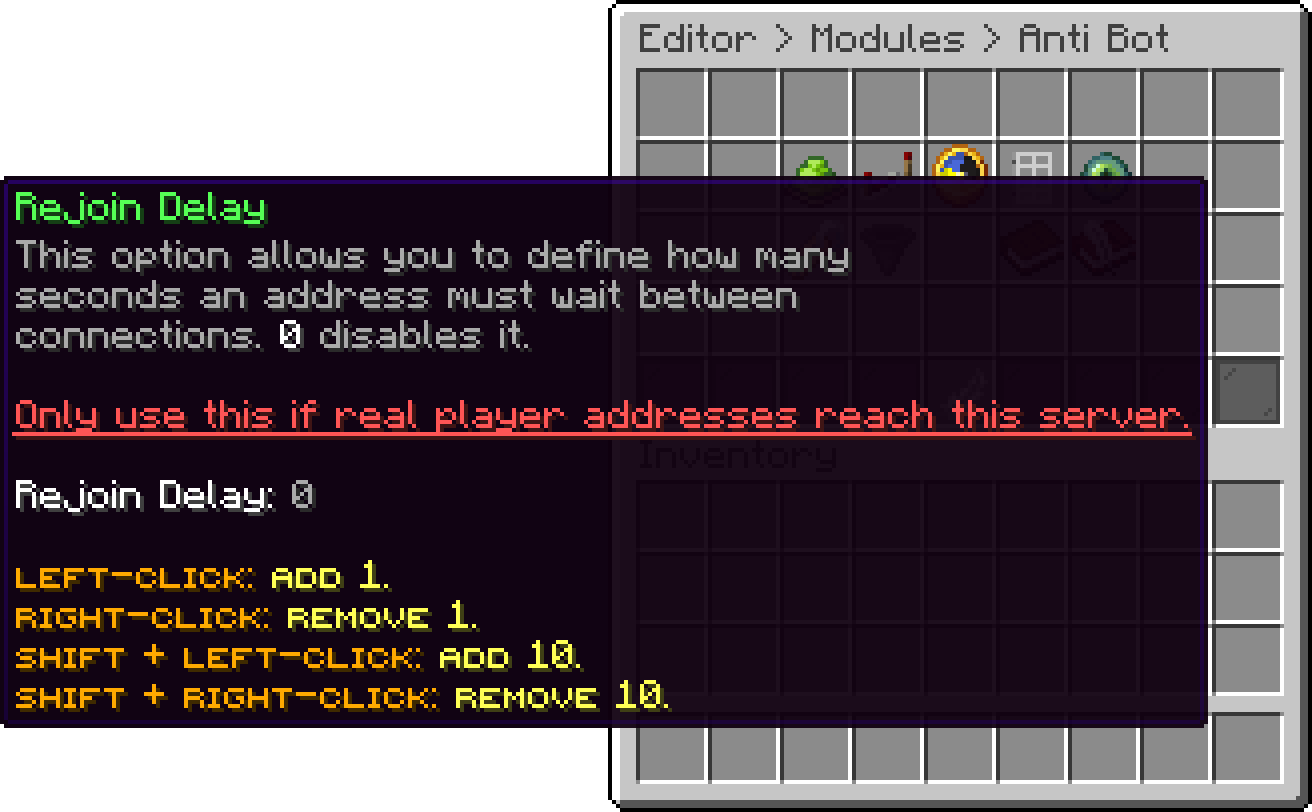
Anti Bot (Rejoin Delay)
With this option, you can turn on the username filter, which denies every name that does not match the pattern below. It is off by default because it also denies Bedrock and cracked usernames, which do not follow the vanilla naming rules.
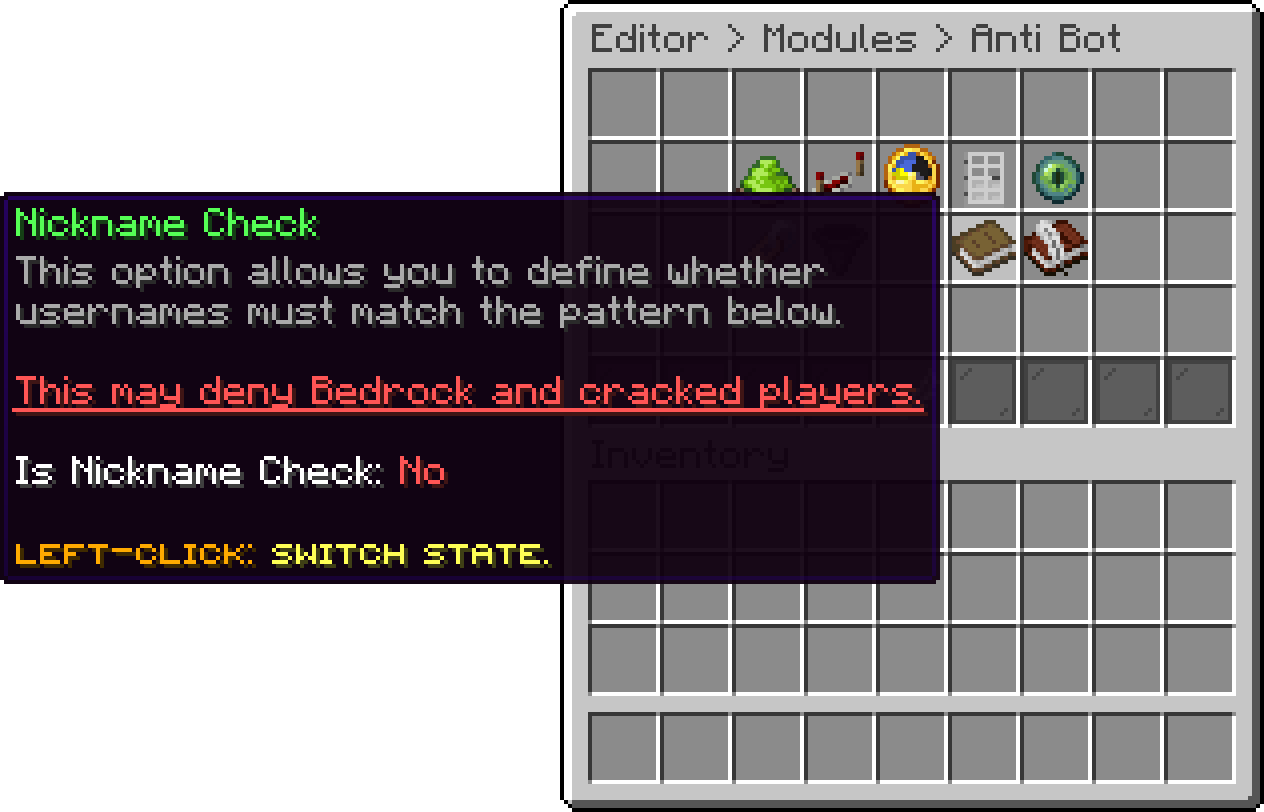
Anti Bot (Nickname Check)
With this option, you can change the regular expression every username has to match. The editor refuses a pattern it cannot compile. A broken pattern written straight into the file leaves the check off and is reported in the console instead.
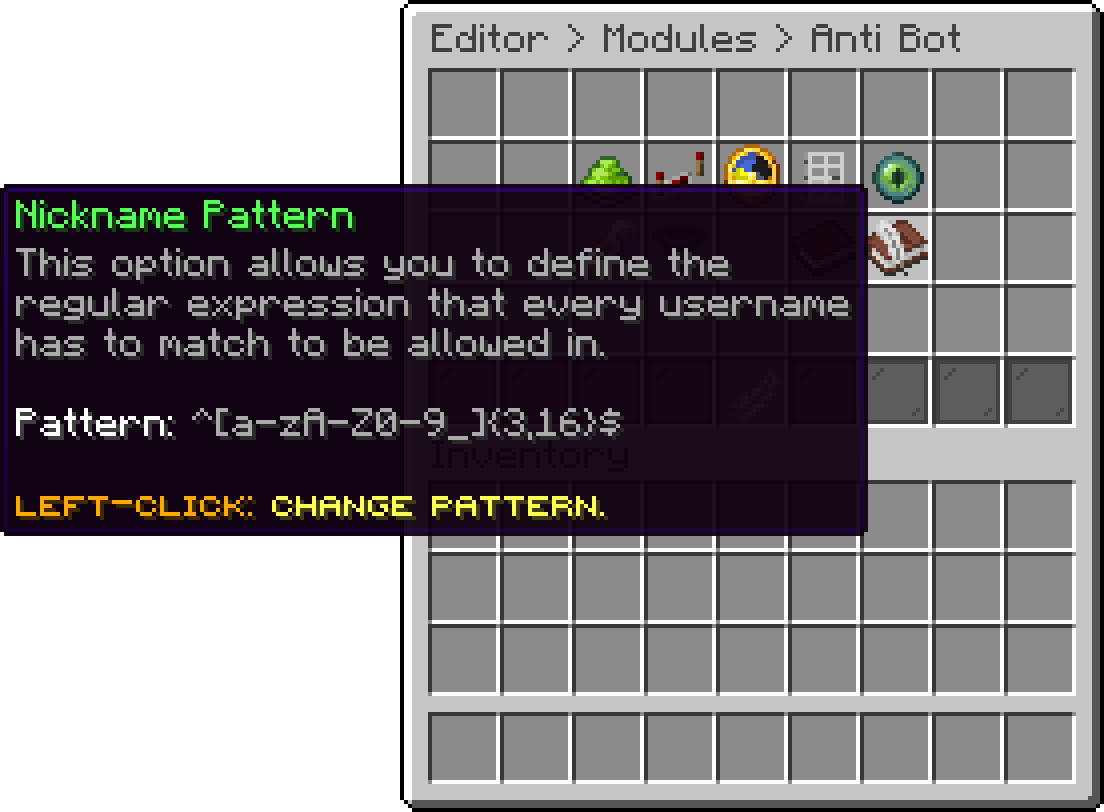
Anti Bot (Nickname Pattern)
With this option, you can choose whether administrators with phoenixlobby.alert.antibot are told when a lockdown starts and when it ends. The start is written to the console either way.
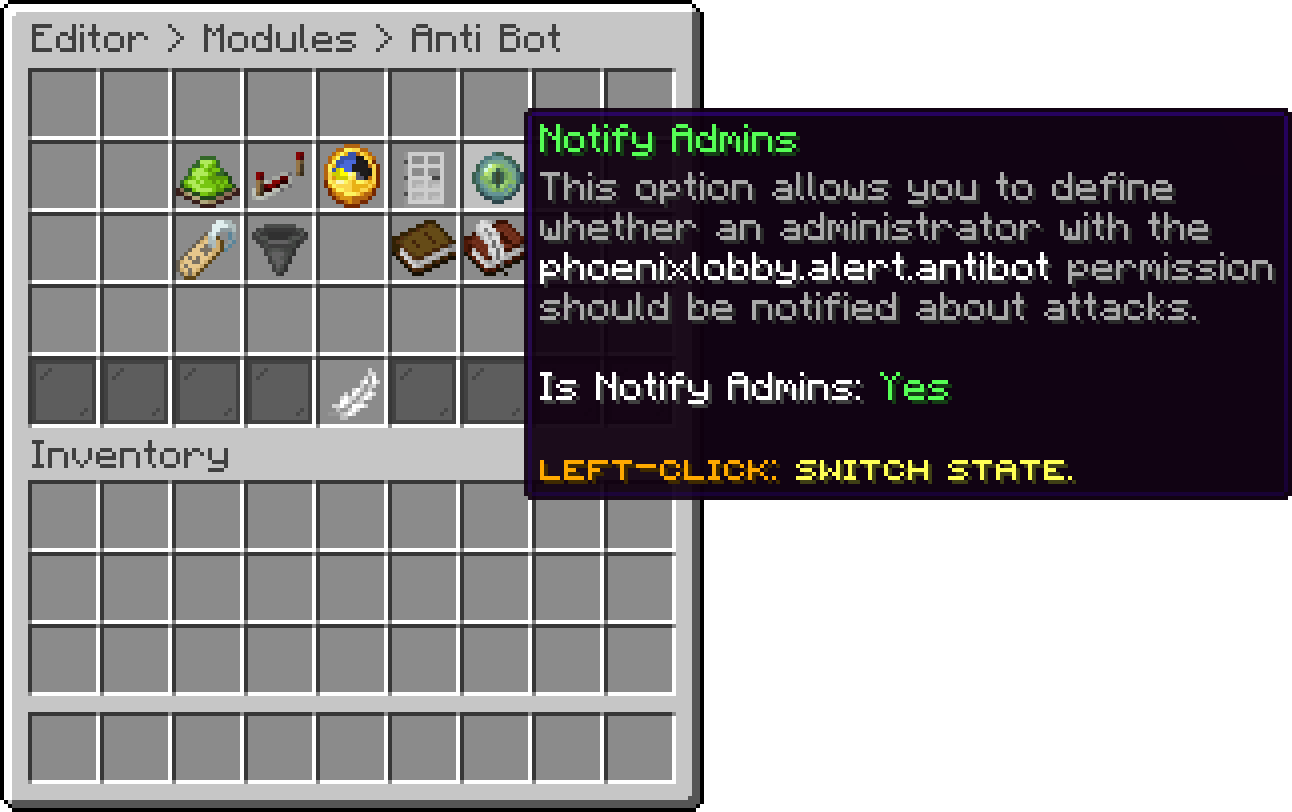
Anti Bot (Notify Admins)
With this option, you can turn Anti Bot off completely without clearing the rest of the settings.
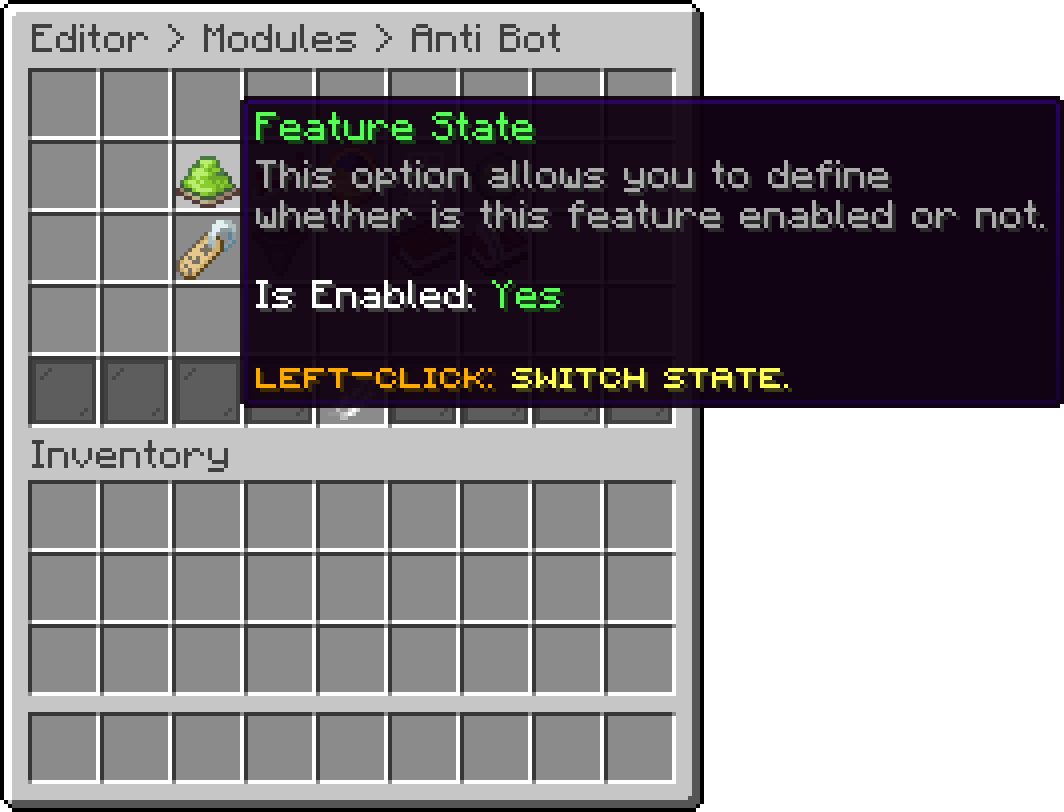
Anti Bot (Feature State)
Max Accounts Per IP and Rejoin Delay work with the address that reaches this server. Behind a proxy every connection carries the proxy address instead, so leave both at 0 until the real one is forwarded with ip_forward on BungeeCord, or player-info-forwarding-mode on Velocity.
Oops... looks like the spiders padded through here
Add products to your cart and remove them from here Lets buy