🖼️ MOTD

On this page, you will find information regarding the MOTD feature.

circle-info

This module is configured in modules/profiles.yml inside the PhoenixLobby folder.

#MOTD

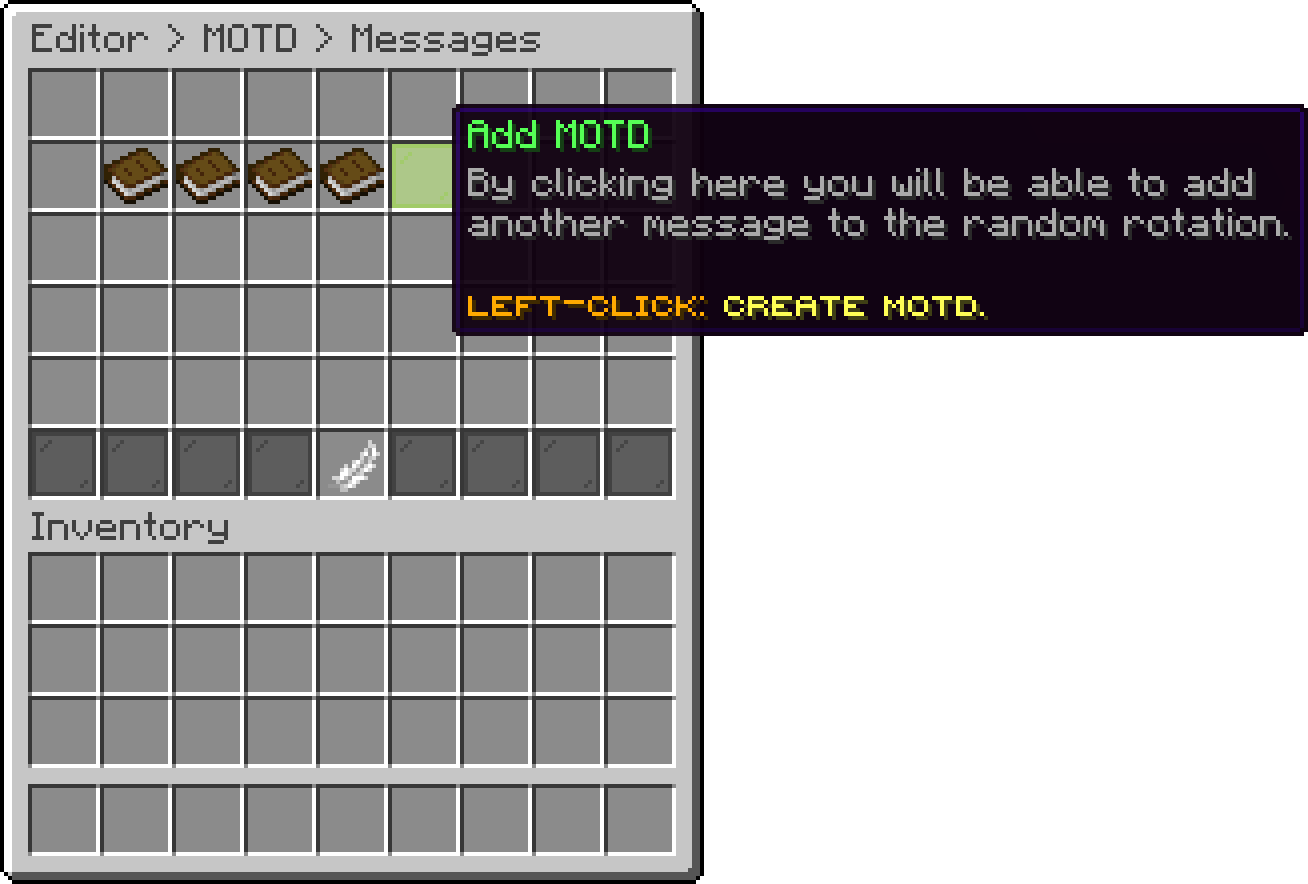
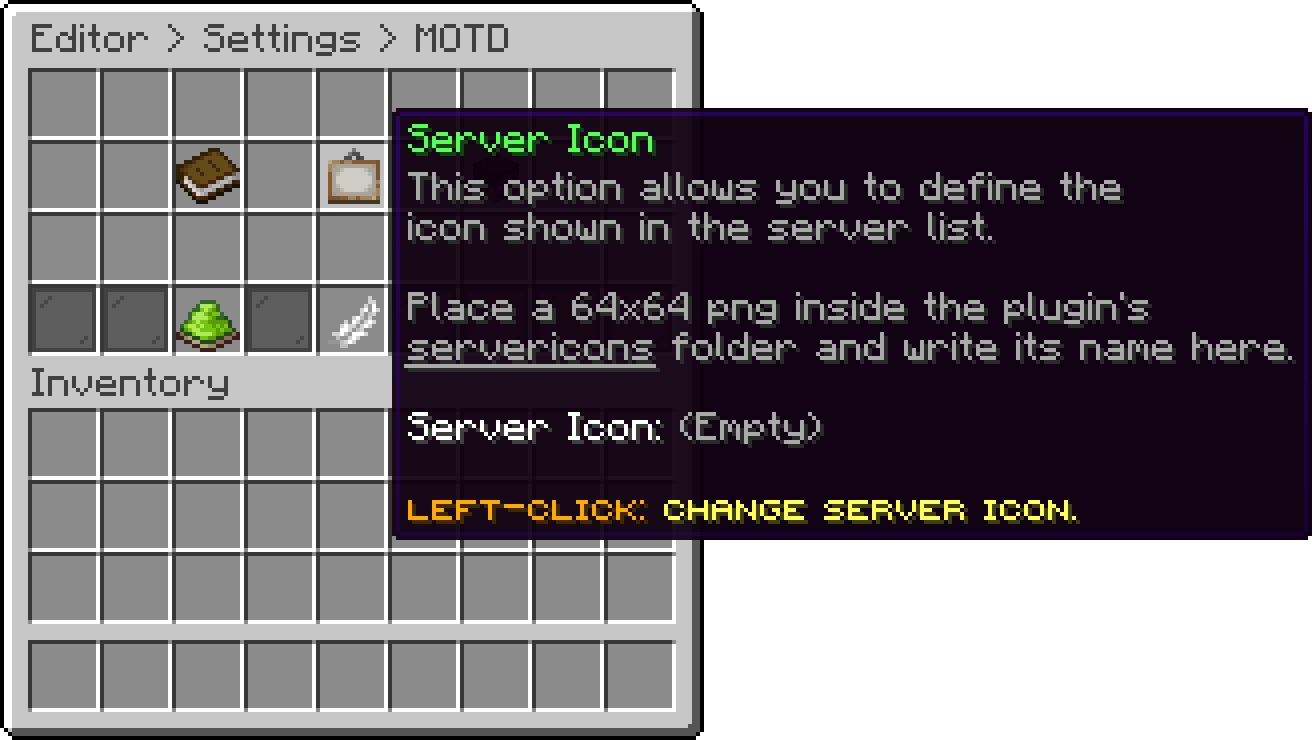
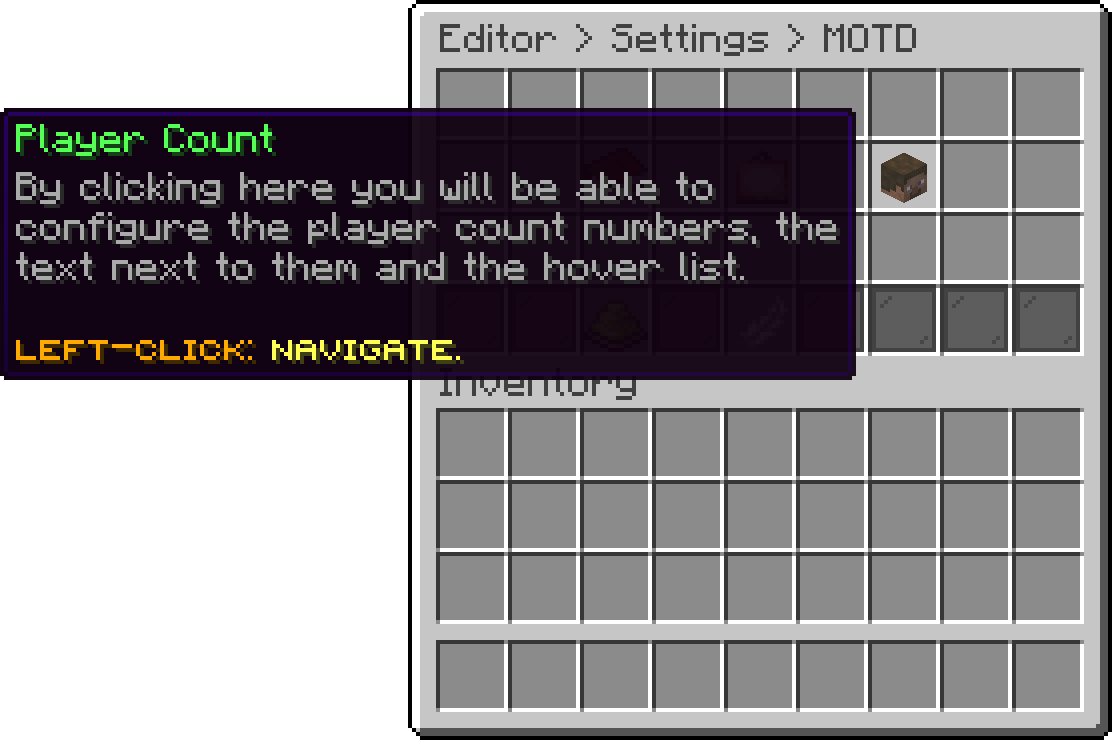
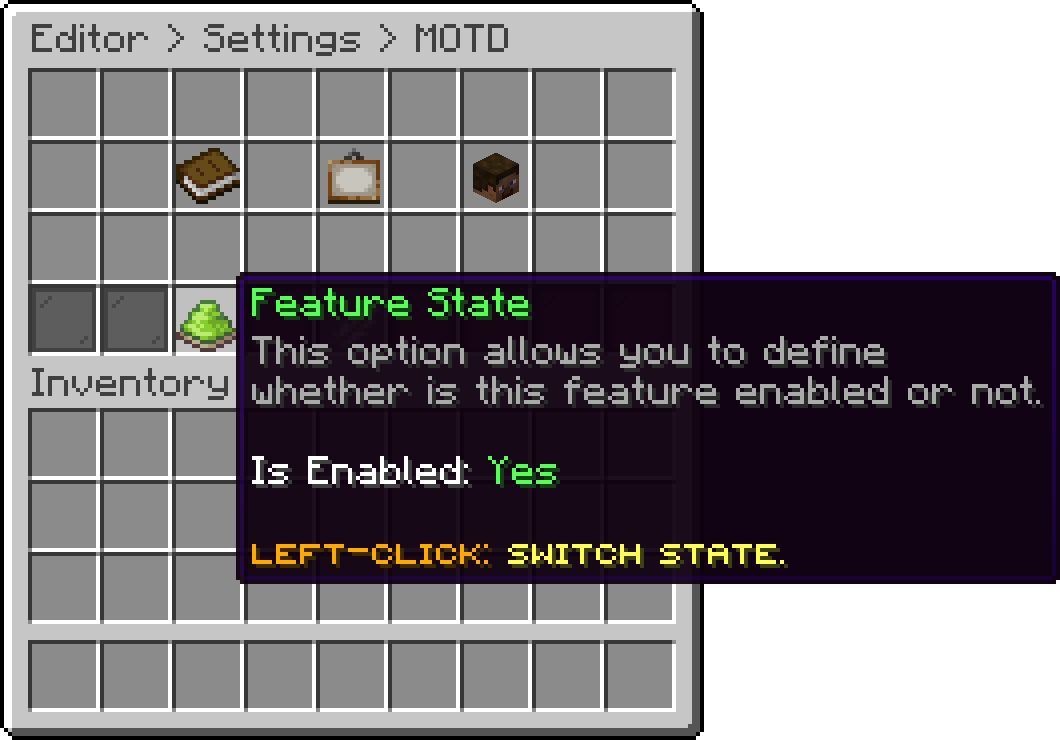
Currently, the motd can only be adjusted directly through the config.yml, as there is no item available in the editor.

The motd is built from profiles. Every profile has a priority and an optional condition, and the first profile whose condition passes (highest priority first) is the one shown. A profile without a condition always passes, so keep one of those as your fallback.

Bossbar - Server Selection

MOTD Config
motds:
  enabled: true
  profiles:
    default:
      priority: 0
      condition: ''
      motds:
        '0':
        - '                 &d&lPHOENIX LOBBY &7- &5&lV%plugin_version%'
        - '          &8Find more at &7&nwww.phoenixplugins.com'
        '1':
        - '                 &d&lPHOENIX LOBBY &7- &5&lV%plugin_version%'
        - '            &8Come check out our &7&nlobby plugin&8!'
      favicon: ''
      player-count:
        text: ''
        hover: []
        online-players: ''
        max-players: ''
        extra-players: 0
        hide-players: false
        hide-players-hover: false
    returning-player:
      priority: 10
      condition: '${player hasPlayedBefore}'
      motds:
        '0':
        - '            &d&lWELCOME BACK&7, &f${player name}&7!'
        - '          &8Find more at &7&nwww.phoenixplugins.com'

#Options

Option Description
priority Higher numbers are checked first
condition Leave empty to always match
motds One entry per variant, picked at random
favicon PNG name inside the favicons folder, without the extension
player-count.text Replaces the online/max numbers with free text
player-count.hover Lines shown when hovering the player count
player-count.online-players Overrides the online number
player-count.max-players Overrides the max number
player-count.extra-players Reports max as online + this value, unless max-players is set
player-count.hide-players Shows ??? instead of the count
player-count.hide-players-hover Removes the hover list

#Placeholders

These work in every option, including conditions. PlaceholderAPI placeholders also work, but not inside condition.

Placeholder Returns
${player name} Name of the last player from that IP
${player uuid} Their UUID
${player protocol} Client protocol number
${player version} Client version name
${player hasPlayedBefore} true / false
${player isBanned} true / false
${player isWhitelisted} true / false
${server playersOnline} Current player count
${server playersMax} Slot count
${server host} Address the client pinged
${server whitelistEnabled} true / false
${server version} Server version
${maintenance maintenanceEnabled} true / false
${maintenance timer} Time left until maintenance ends
${date current <pattern>} Current date, pattern optional
${date isBefore <date>} true / false
${date isExact <date>} true / false
${date isAfter <date>} true / false

#Conditions

Operator Meaning
and && / or || Both / either
! Negates
== = / != Equal / not equal, case sensitive
=~ ~ / !~ Equal / not equal, ignoring case
|- / |~ Starts with, exact / ignoring case
-| / ~| Ends with, exact / ignoring case
<_ / <~ Contains, exact / ignoring case
< <= > >= Compares numbers, or text length
+ - * / Maths
. Joins two texts

Examples:

condition: '${player protocol} < 765'
condition: '${server playersOnline} >= 50 and !${maintenance maintenanceEnabled}'
condition: '${server host} ~| ".example.com"'

#Favicons

Drop 64x64 PNG files into the favicons folder inside the plugin folder, then set favicon to the file name. Larger images are scaled down automatically.

#Note

If you have already set up the proxy server, you will need to adjust the MOTD in the PhoenixLobby proxy config.yml. The proxy uses the same profile options, plus ${proxy status <server>}, ${proxy players <server>} and ${proxy maxPlayers <server>}.

Custom player count text, the hover list and hiding the count need Paper on the non-proxy side. On Spigot the motd, slot count and favicon still apply.

Last updated about 1 hour ago
My Cart (0 items)

Oops... looks like the spiders padded through here

Add products to your cart and remove them from here Lets buy