

Oops... looks like the spiders padded through here
Add products to your cart and remove them from here Lets buy



On this page, you will find information on how to limit the alt accounts connecting from the same address.
This module is configured in modules/alts.yml inside the PhoenixLobby folder.
Alt Protection counts the accounts connecting from the same address and turns away the ones over the limit. On the lobby the check runs before the player is fully connected, so a denied account never reaches the world, while the proxy kicks it the moment it logs in. Open it from Editor > Modules > Alt Protection.
It works in two places. Without a proxy, the lobby counts the accounts on itself. On a proxy the alt protection lives on BungeeCord or Velocity, where it sees every server at once, and the lobby side stands down.
Everyone with phoenixlobby.alts.bypass is let in no matter how many accounts share the address, phoenixlobby.alts.notify receives the alerts, and phoenixlobby.alts is needed to use the command. Everything the module knows is also readable as placeholders.
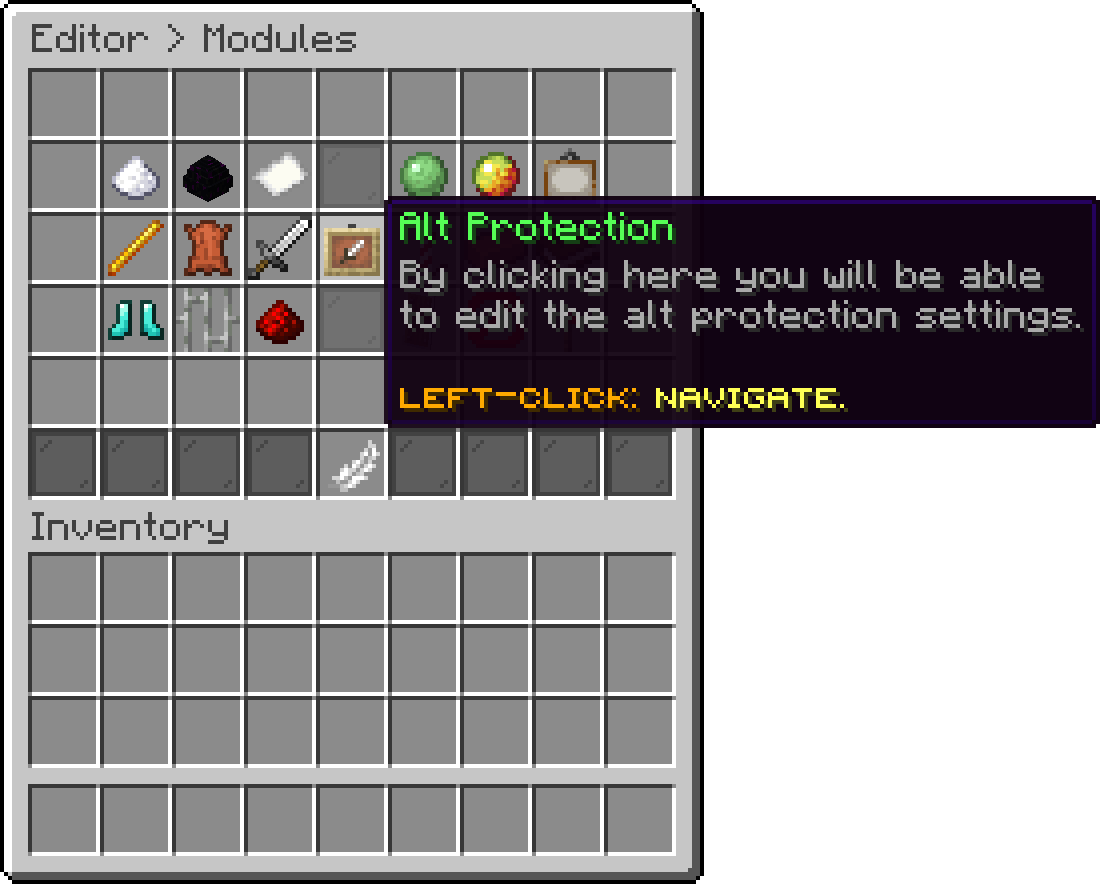
Modules (Alt Protection)
With this option, you can set how many accounts may be connected from one address at the same time. The account that goes over the number is the one denied. A value of 0 turns the limit off and lets everyone in, while the alerts and the command keep working.
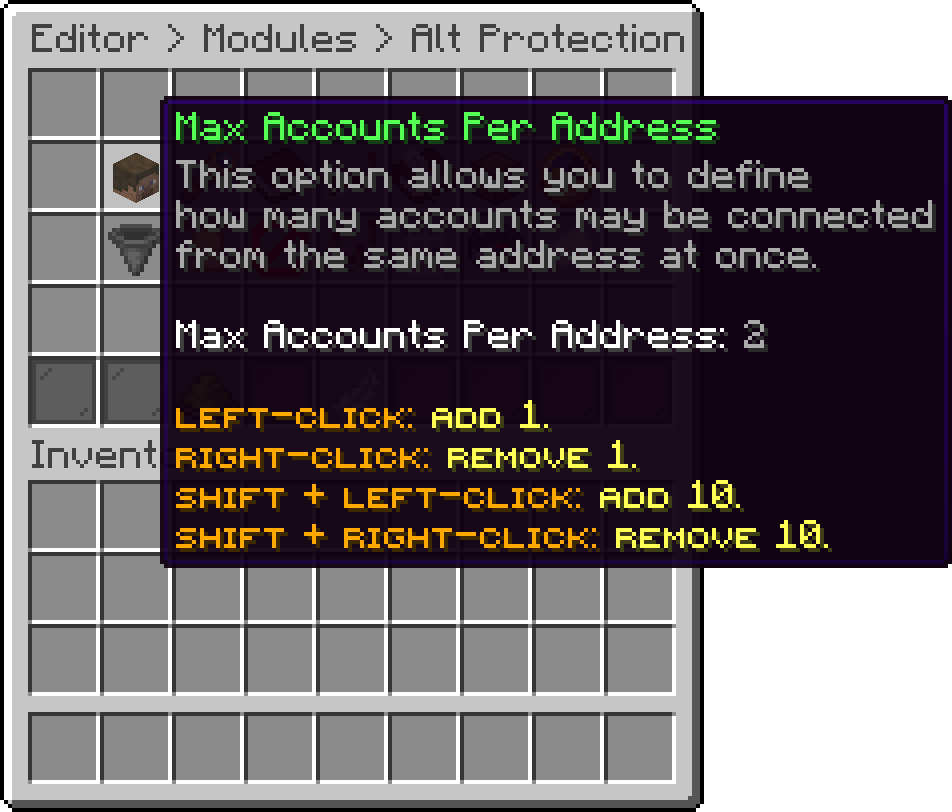
Alt Protection (Max Accounts Per Address)
With this option, you can count every account ever seen on the address instead of only the ones connected right now. It changes the meaning of the limit from how many accounts may play together to how many accounts may exist behind one address at all, so a player who leaves does not free a slot. It needs the history on.
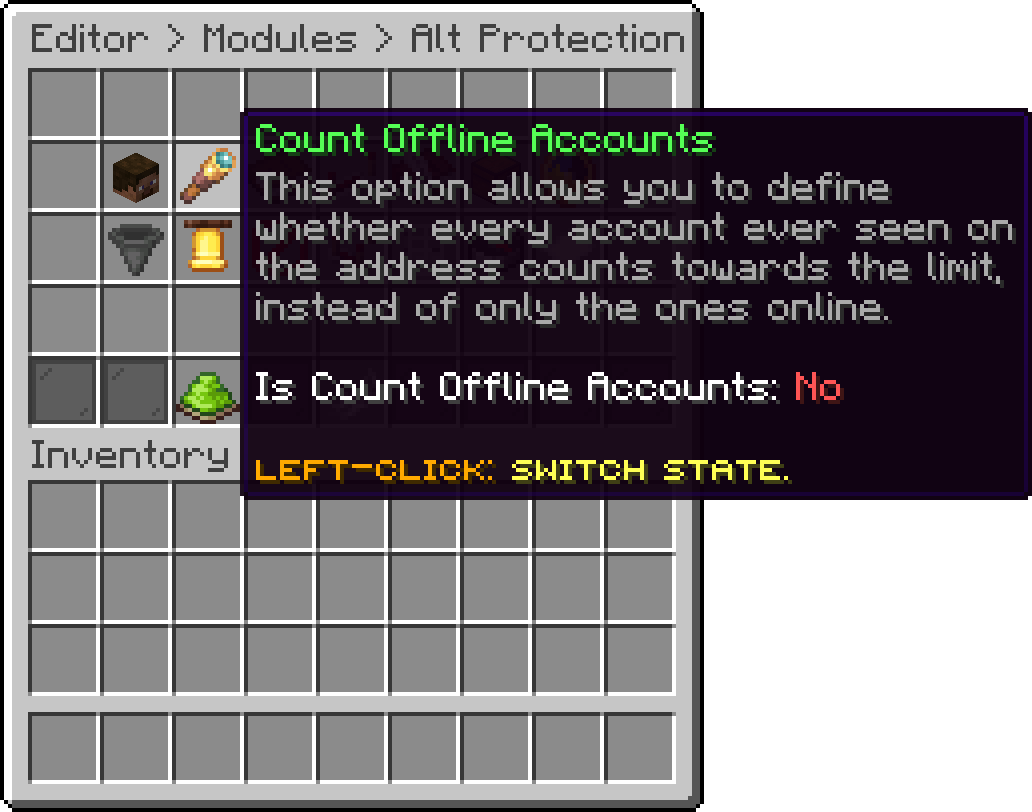
Alt Protection (Count Offline Accounts)
With this option, you can list the addresses that are never limited, which is what a shared connection such as a school or an internet cafe needs. Local and private addresses are counted like any other, so a test server on the same machine needs its address in here.
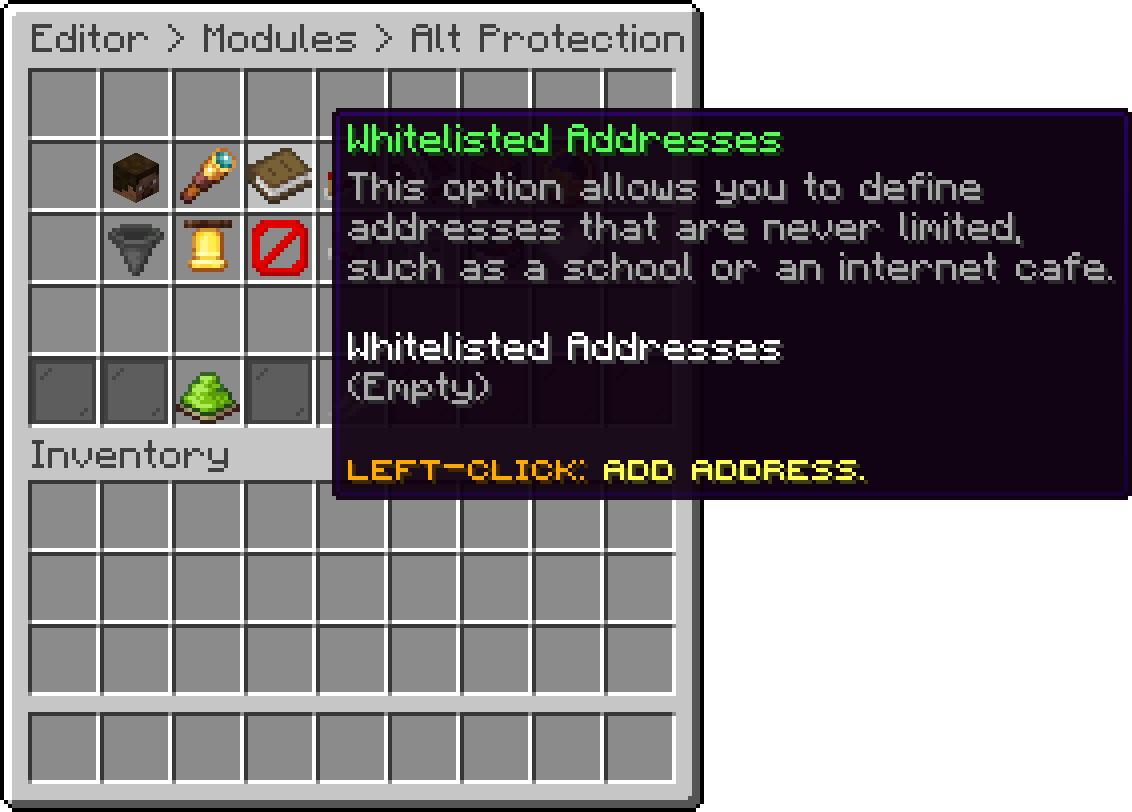
Alt Protection (Whitelisted Addresses)
With this option, you can list the names or uuids that are never limited. It is the way to let one player keep a second account without handing out a permission.
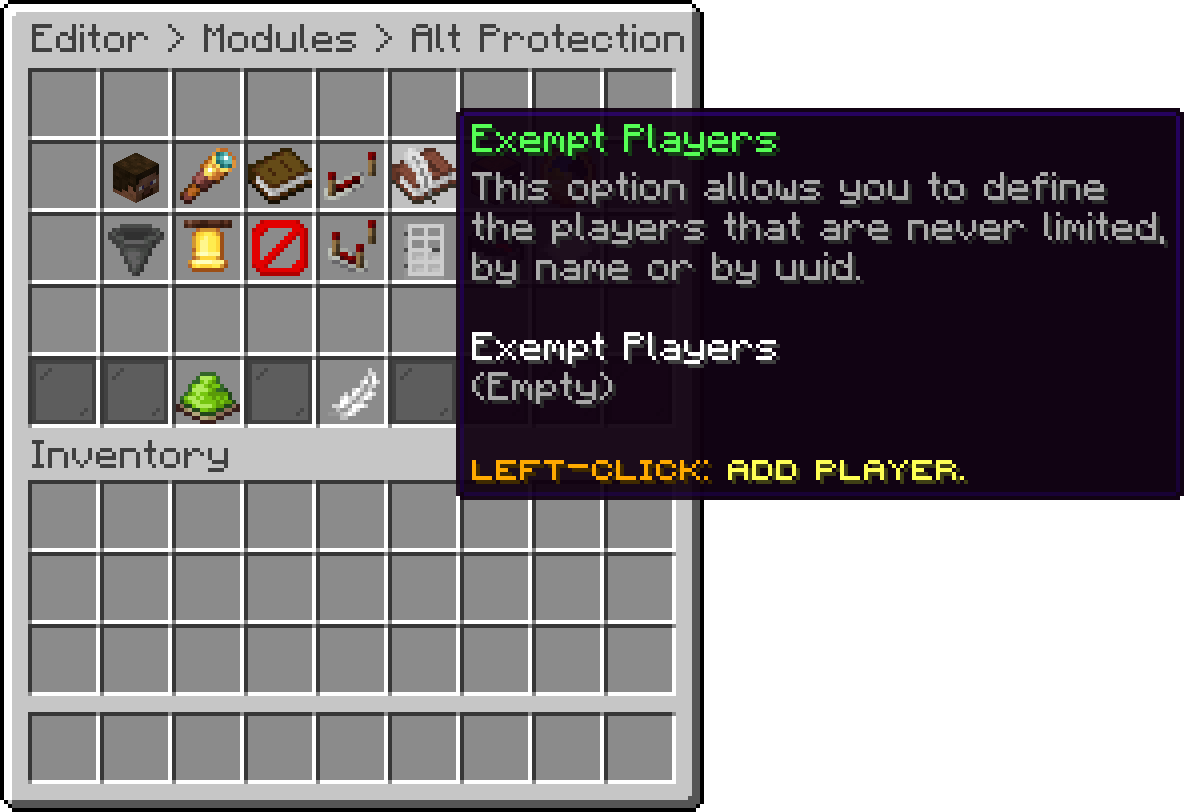
Alt Protection (Exempt Players)
With this option, you can remember every address a player connects from, so the command still answers for players that are offline. With it off only the players connected right now are known, and looking up an address, a summary or unlinking an address has nothing to answer with.
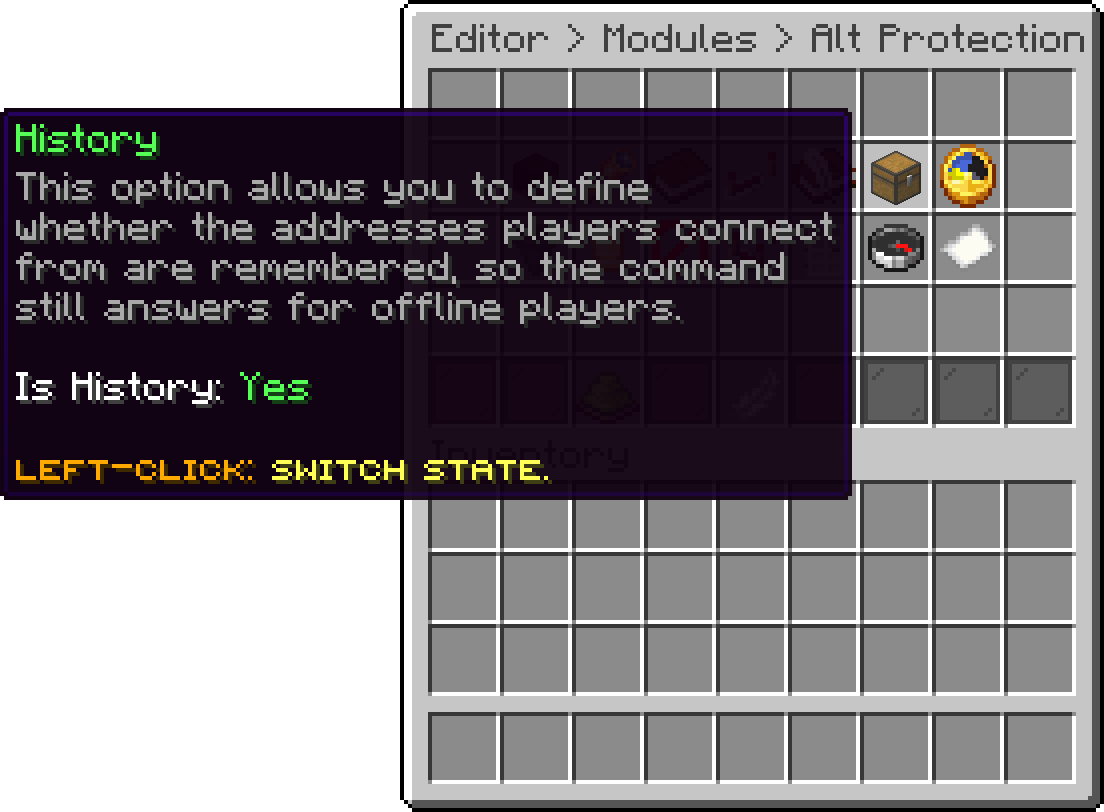
Alt Protection (History)
With this option, you can set how many days may pass without seeing an address before it is dropped from the history. Old addresses are cleaned out when the history is loaded on startup. A value of 0 keeps every address forever.
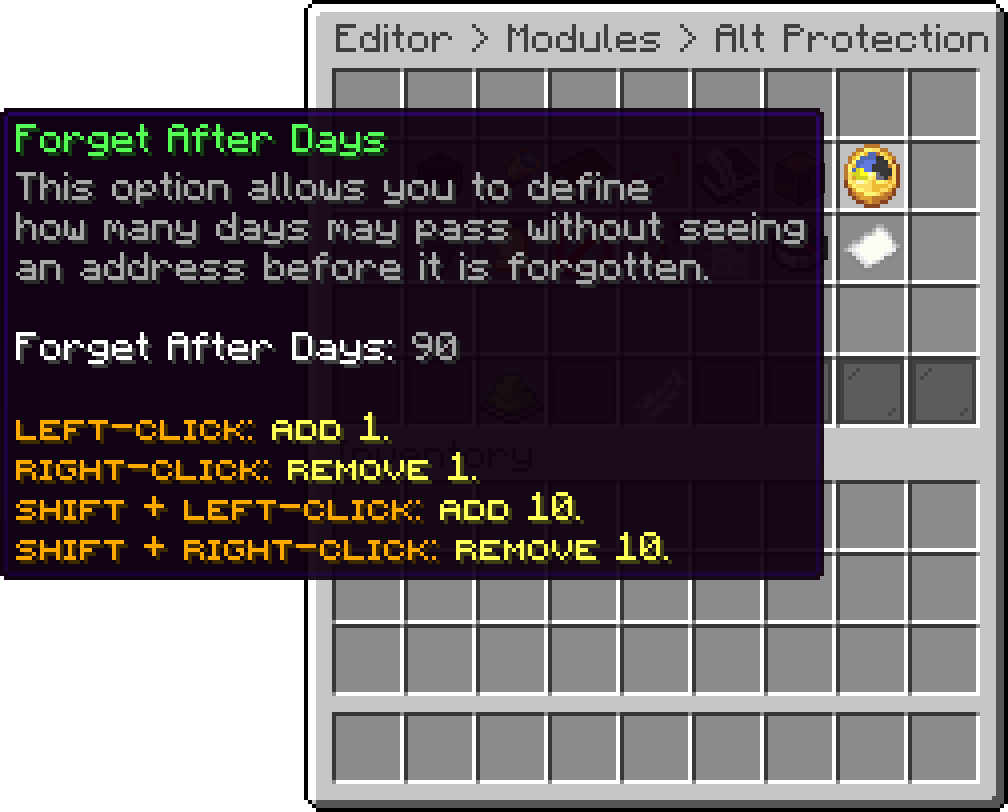
Alt Protection (Forget After Days)
With this option, you can set how often the remembered addresses are written to the disk. A lower value loses less if the server stops unexpectedly, a higher one writes less often. Nothing is written more often than every 20 seconds, and the file is written only when something changed.
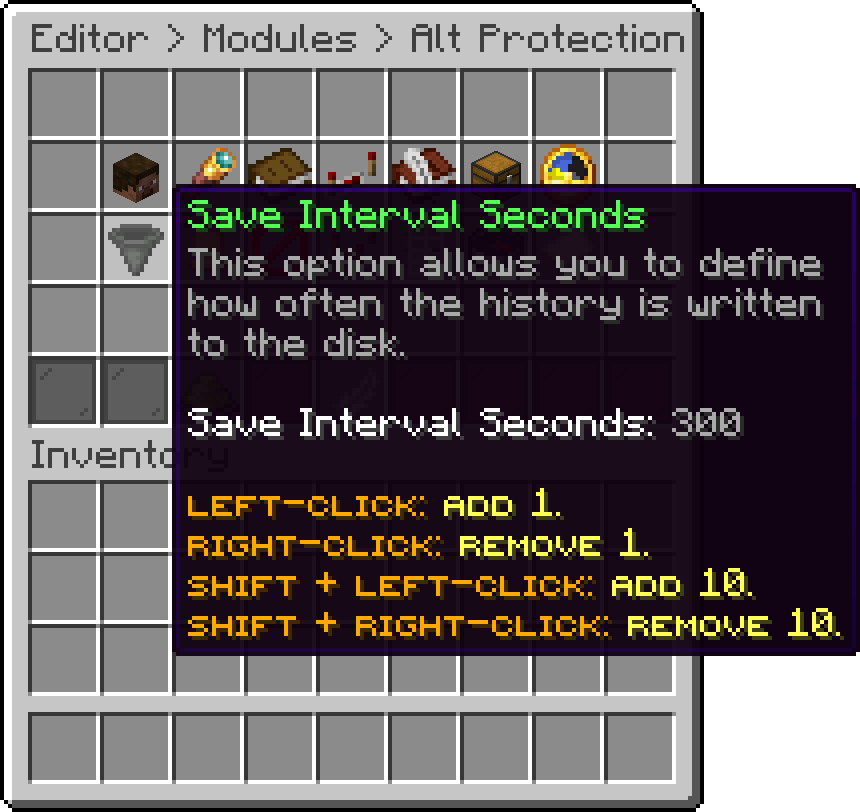
Alt Protection (Save Interval Seconds)
With this option, you can turn off every alert at once, without turning off the protection itself. The alerts go to the players with phoenixlobby.alts.notify, and to nobody else.
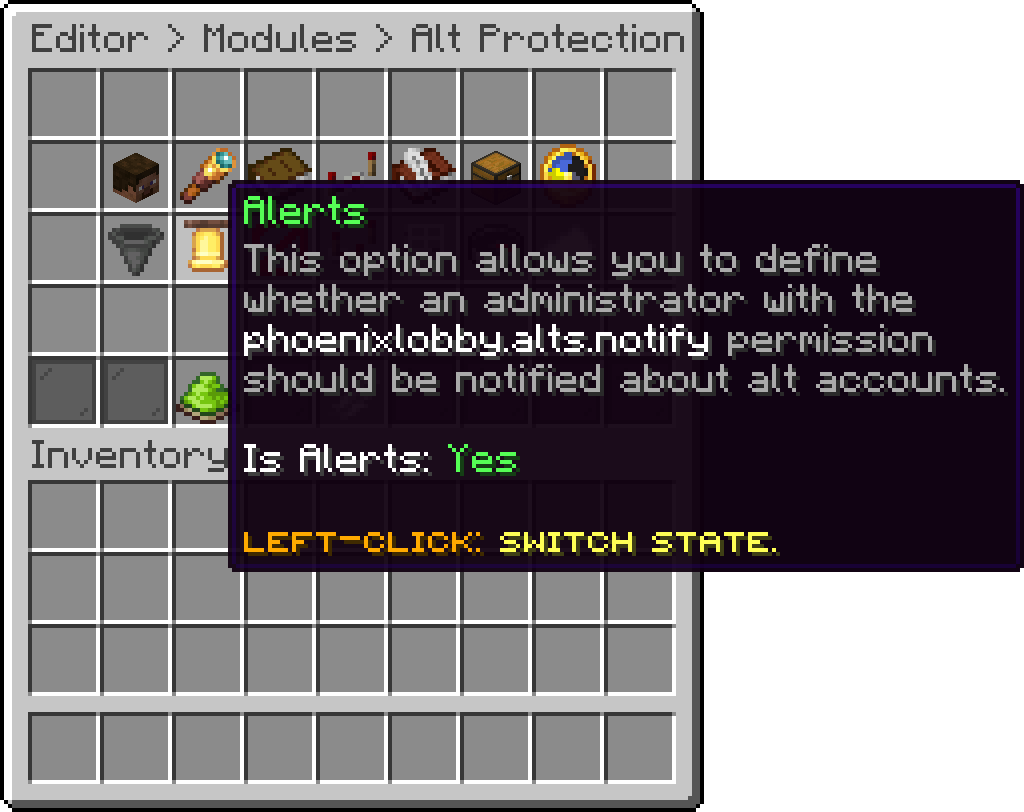
Alt Protection (Alerts)
With this option, you can be told when an account is denied for going over the limit. The alert names the address and the accounts that were already connected.
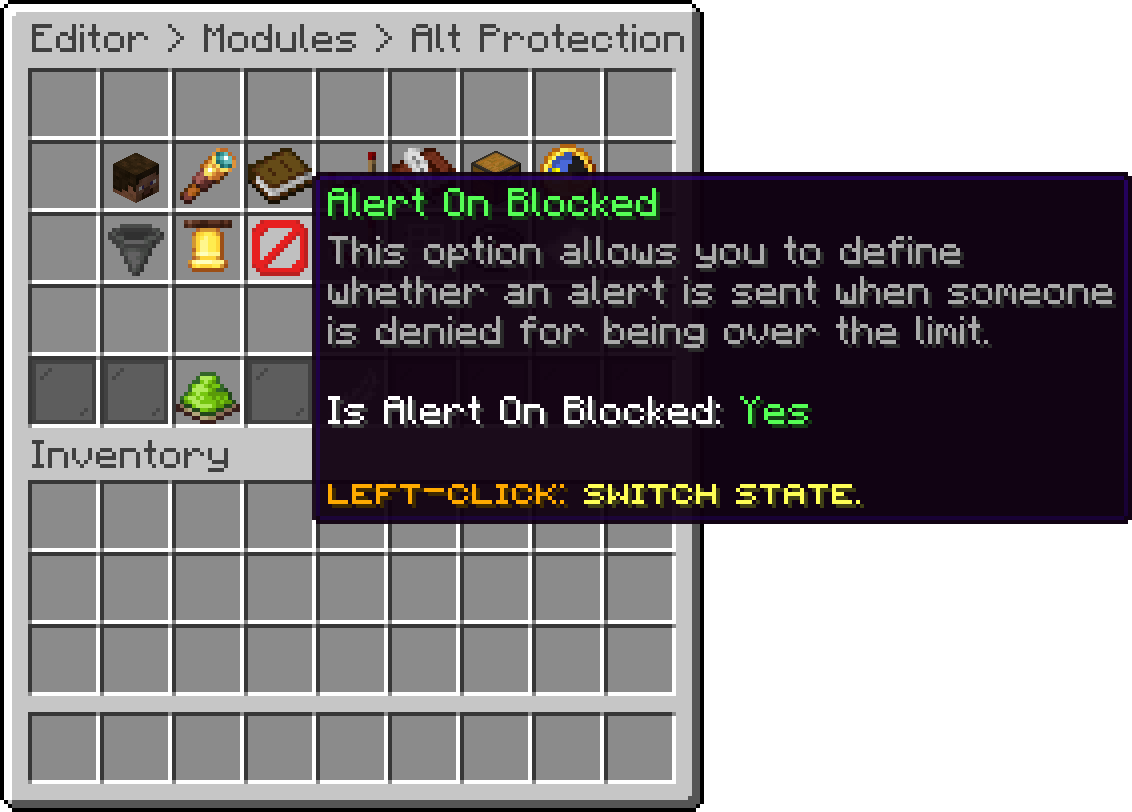
Alt Protection (Alert On Blocked)
With this option, you can be told when a player joins while another account is linked to their address, even when nobody is denied. Together with a limit of 0 it turns the module into a watchlist that never kicks.
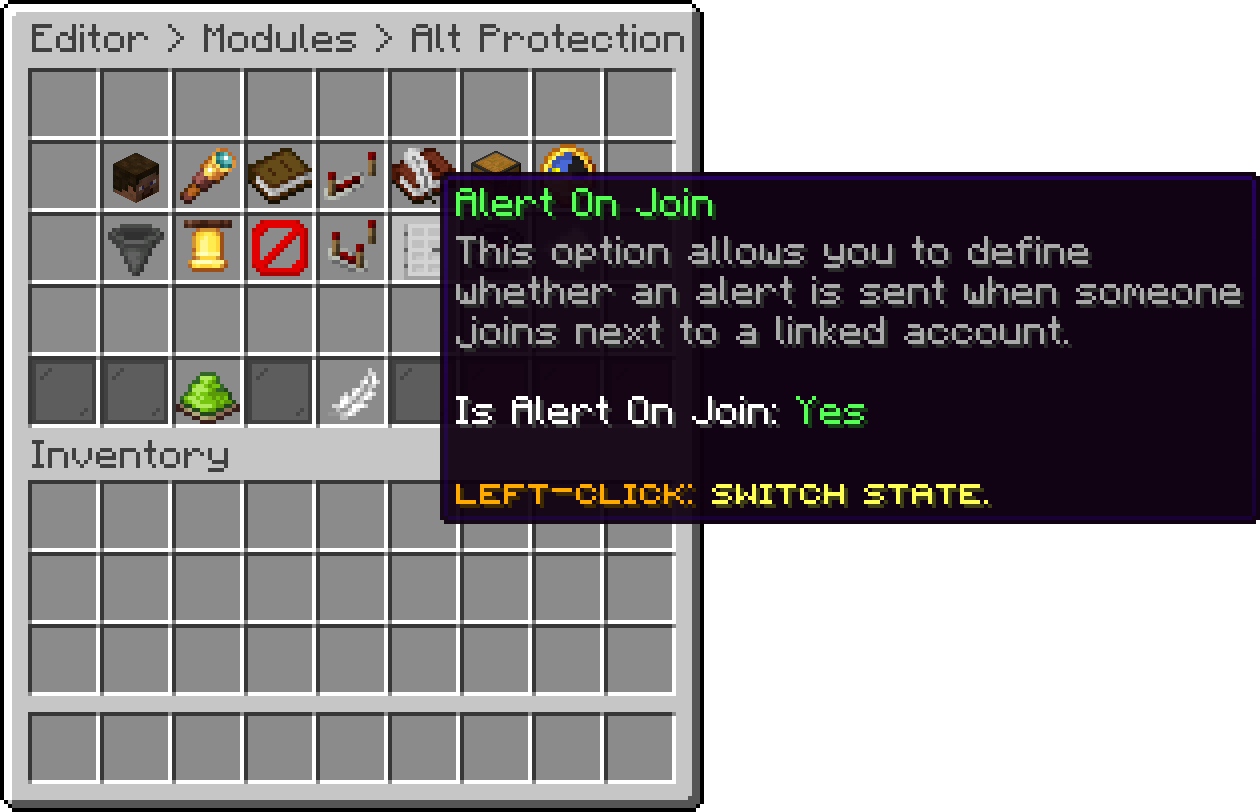
Alt Protection (Alert On Join)
With this option, you can allow an address to be sent to a lookup service to find out where it comes from. Nothing is sent until the command asks for it. With it off the lookup answers nothing and no address ever leaves the server.
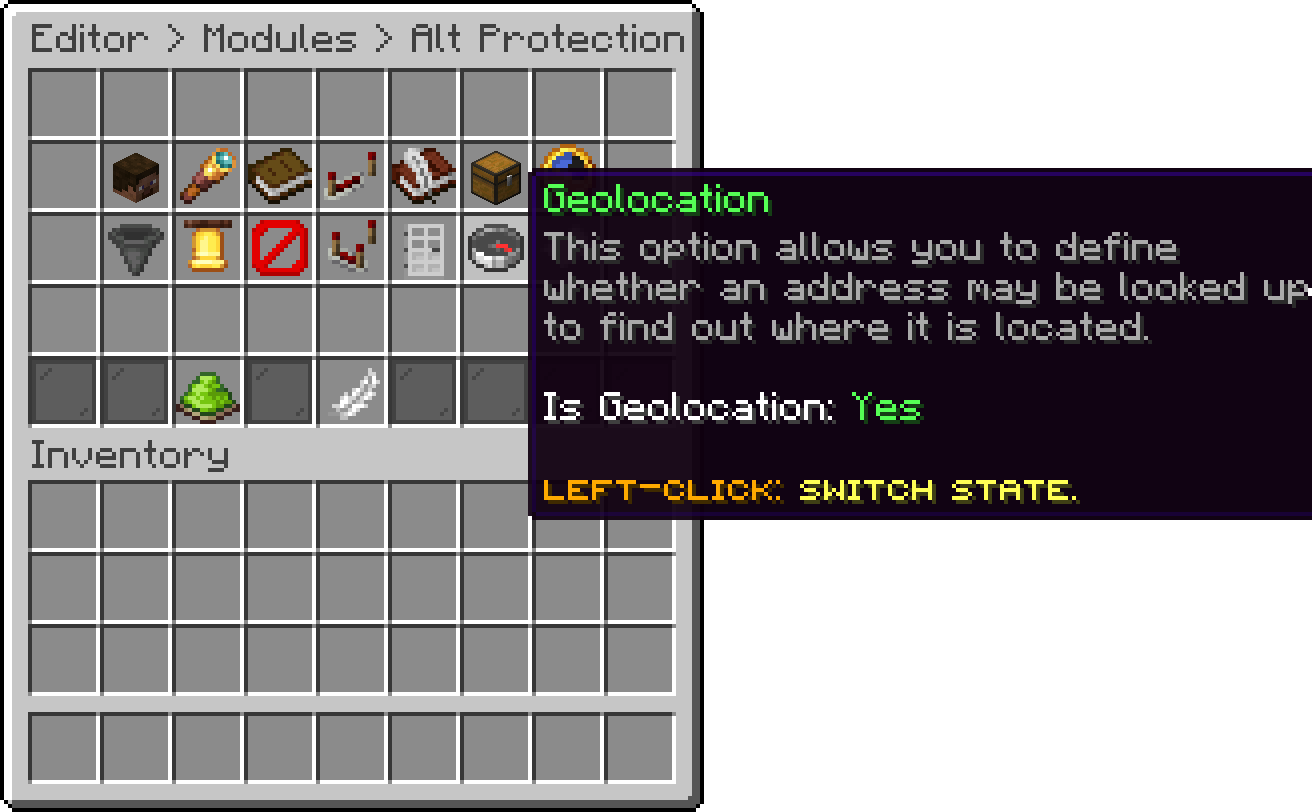
Alt Protection (Geolocation)
With this option, you can change the service the addresses are located with. It has to contain %ip%, which is replaced with the address being looked up, and it has to answer with the same country, regionName, city and isp fields the default service does. The editor refuses a url without the placeholder.
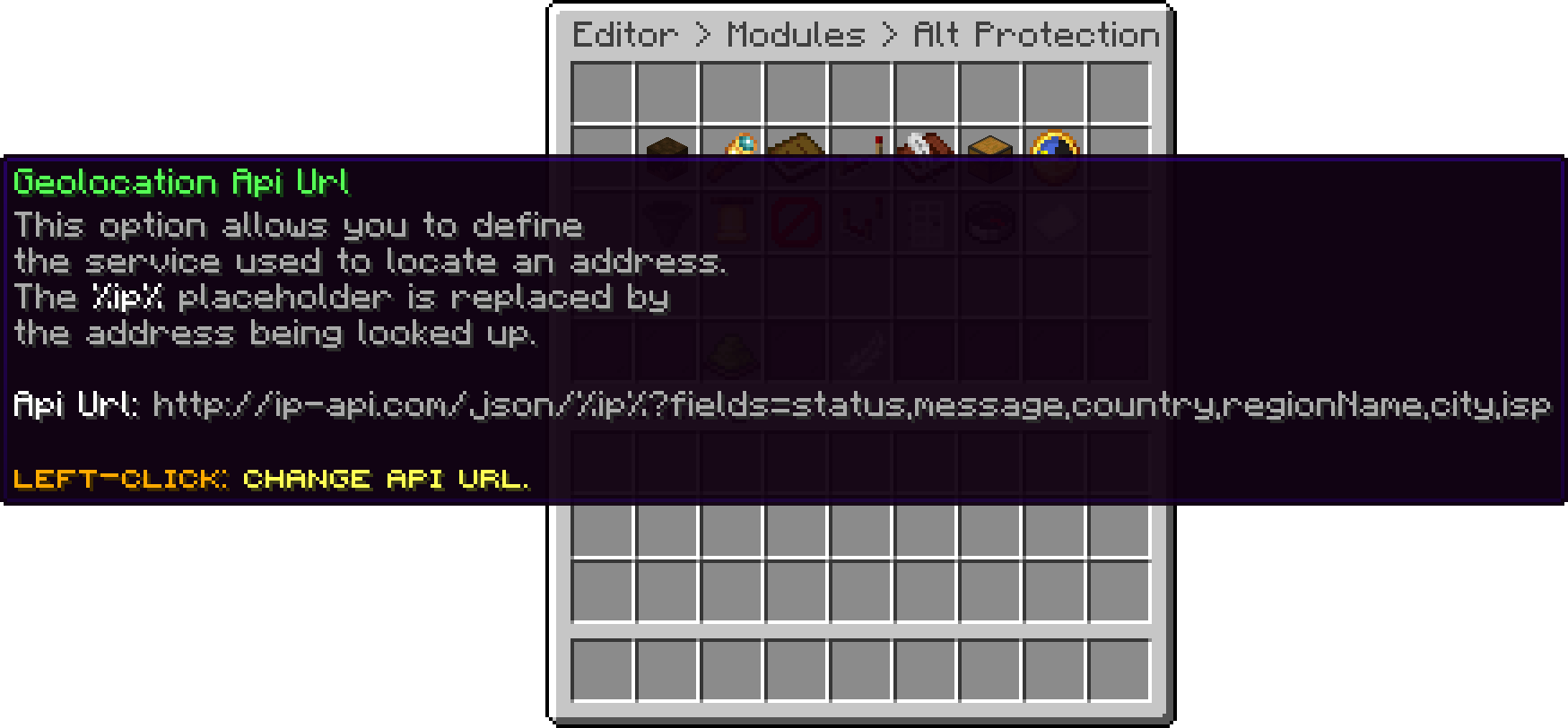
Alt Protection (Geolocation Api Url)
With this option, you can set for how long a result is kept before the same address is looked up again. Free services usually allow only a handful of requests per minute, so a higher value is the way to stay under their limit.
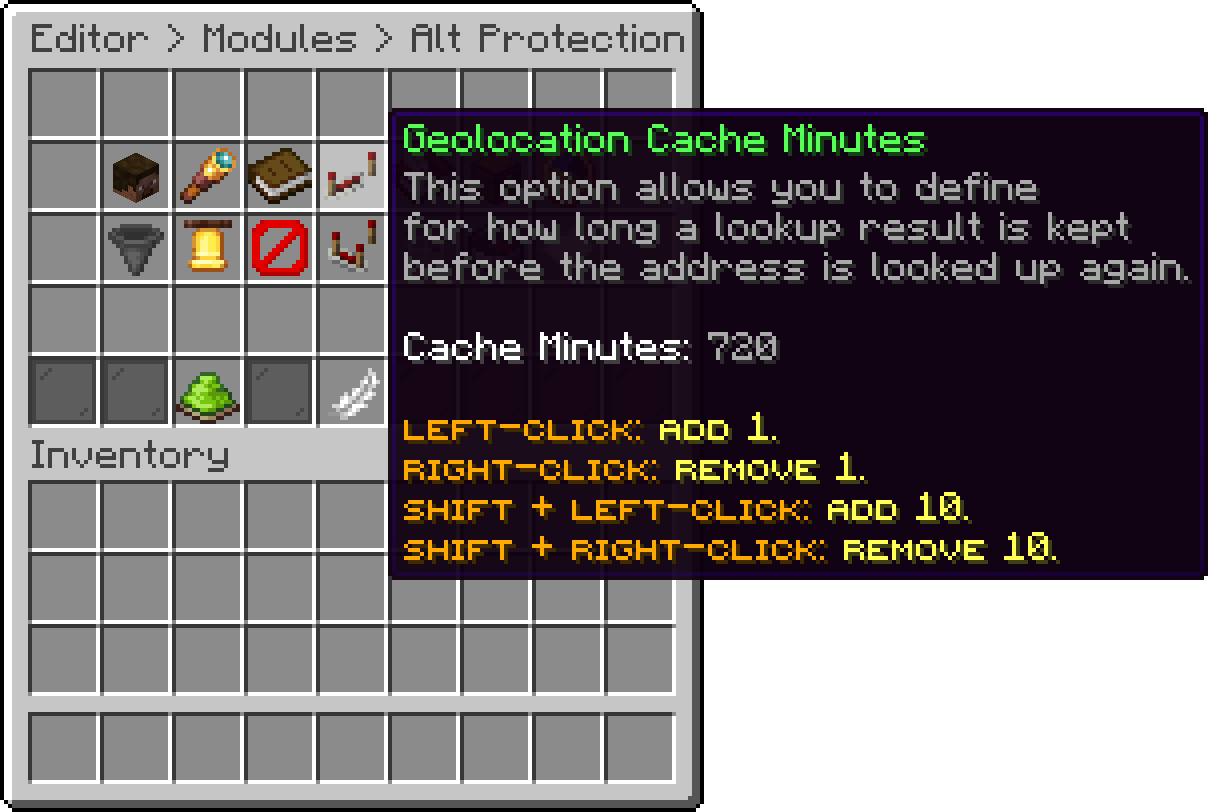
Alt Protection (Geolocation Cache Minutes)
With this option, you can set how long to wait for the lookup service before giving up. A failed lookup only means the location is unknown, it never denies anyone.
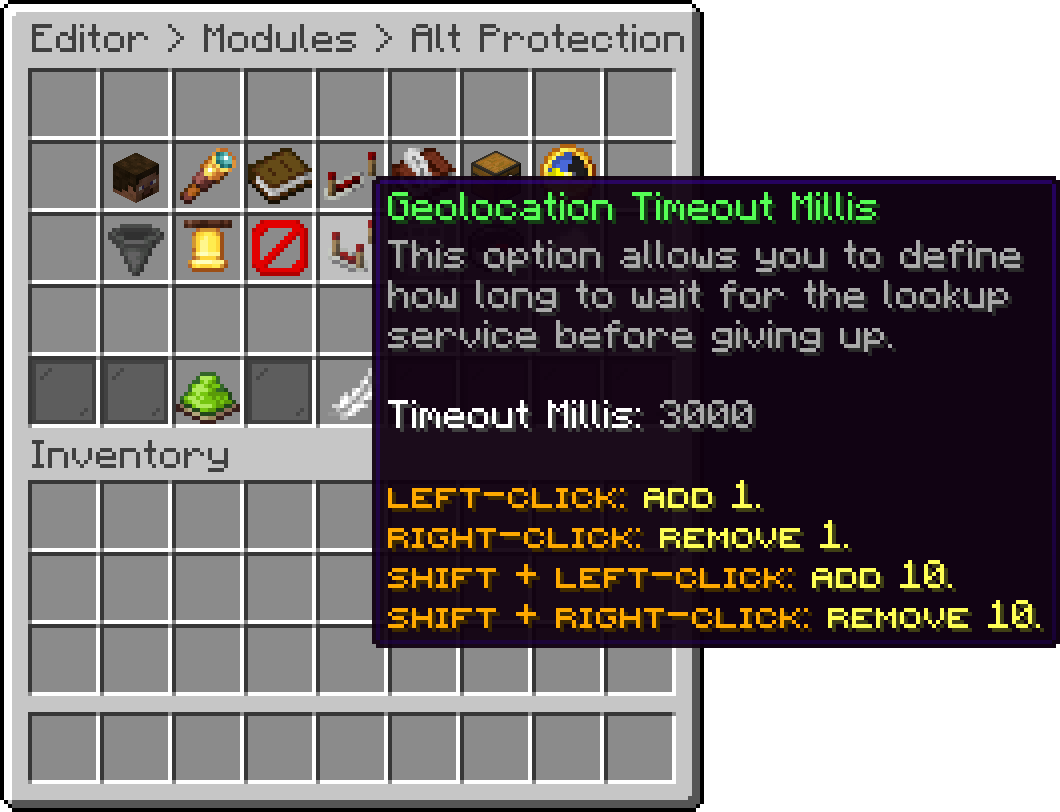
Alt Protection (Geolocation Timeout Millis)
With this option, you can turn the module off completely. The command stops working, the alerts stop, and nobody is limited.
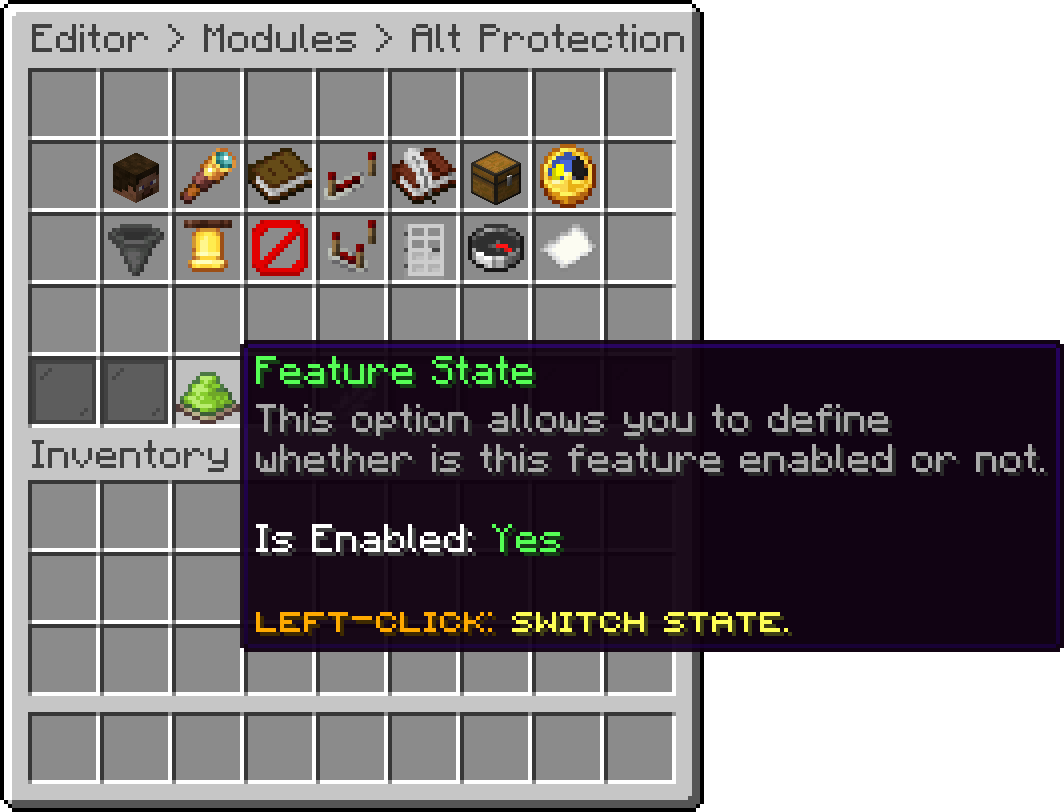
Alt Protection (Feature State)
The addresses are saved in the alt-history.json file inside the PhoenixLobby folder, so they survive a restart. On the proxy the same options live in its config.yml and the file is saved next to it instead.
phoenixlobby.alts.bypass has to be read before the player is connected, which only LuckPerms can answer. Without it installed the permission is ignored on the lobby and a warning is printed on startup, so use Whitelisted Addresses or Exempt Players instead. The proxy reads it on its own and needs nothing extra.
Oops... looks like the spiders padded through here
Add products to your cart and remove them from here Lets buy