

Oops... looks like the spiders padded through here
Add products to your cart and remove them from here Lets buy



On this page, you will find information on the messages that rotate above the hotbar.
This module is configured in modules/actionbar.yml inside the PhoenixLobby folder.
The action bar shows a rotating list of messages just above the hotbar, without taking up any chat space. Open it from Editor > Modules > Action Bar.
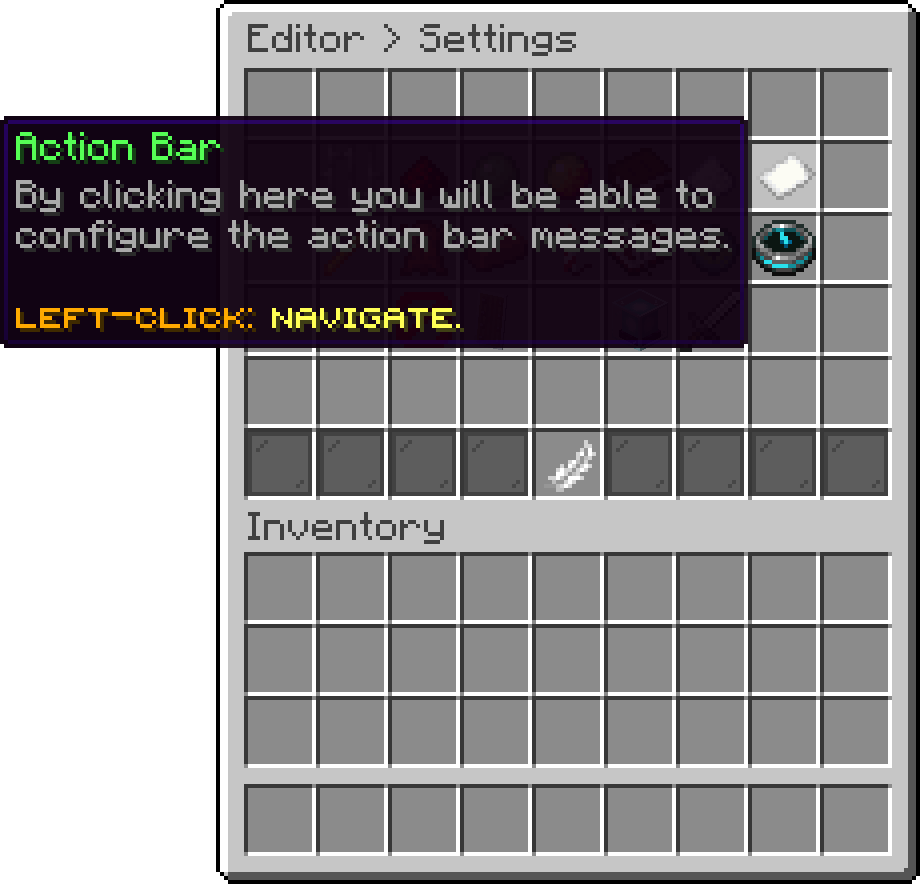
Modules (Action Bar)
With this option, you can change the messages shown in the action bar. Every entry is one message, and they are shown one after the other.
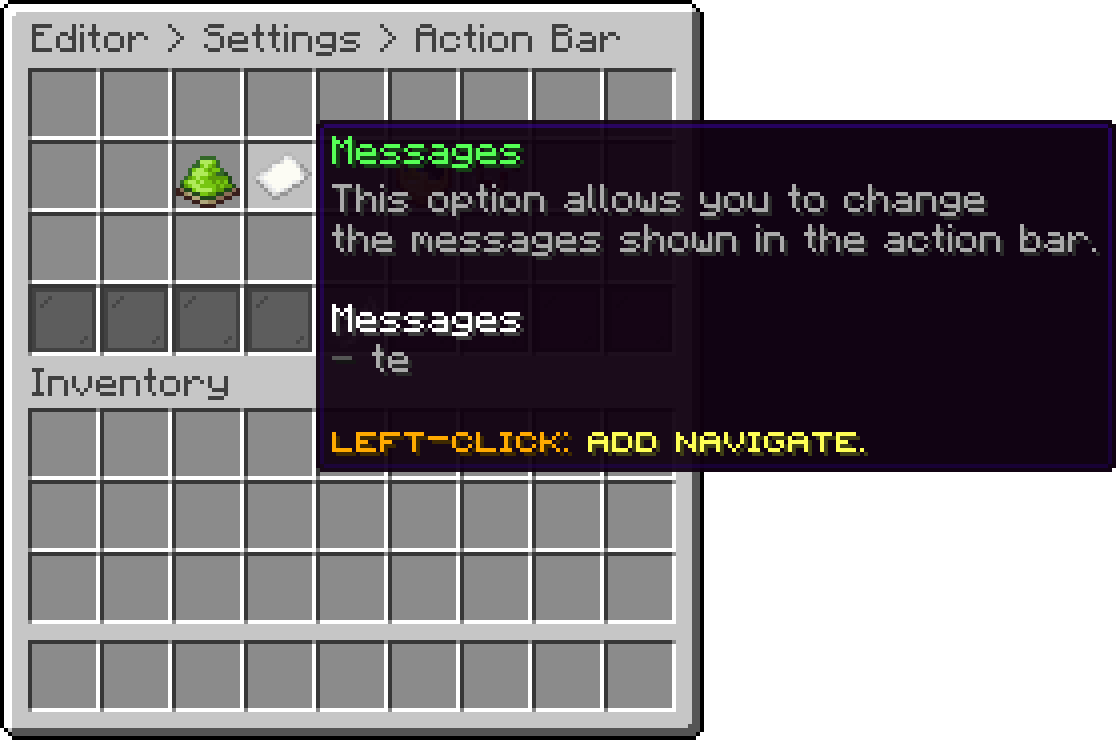
Action Bar (Messages)
With this option, you can change the time it takes to rotate to the next message.
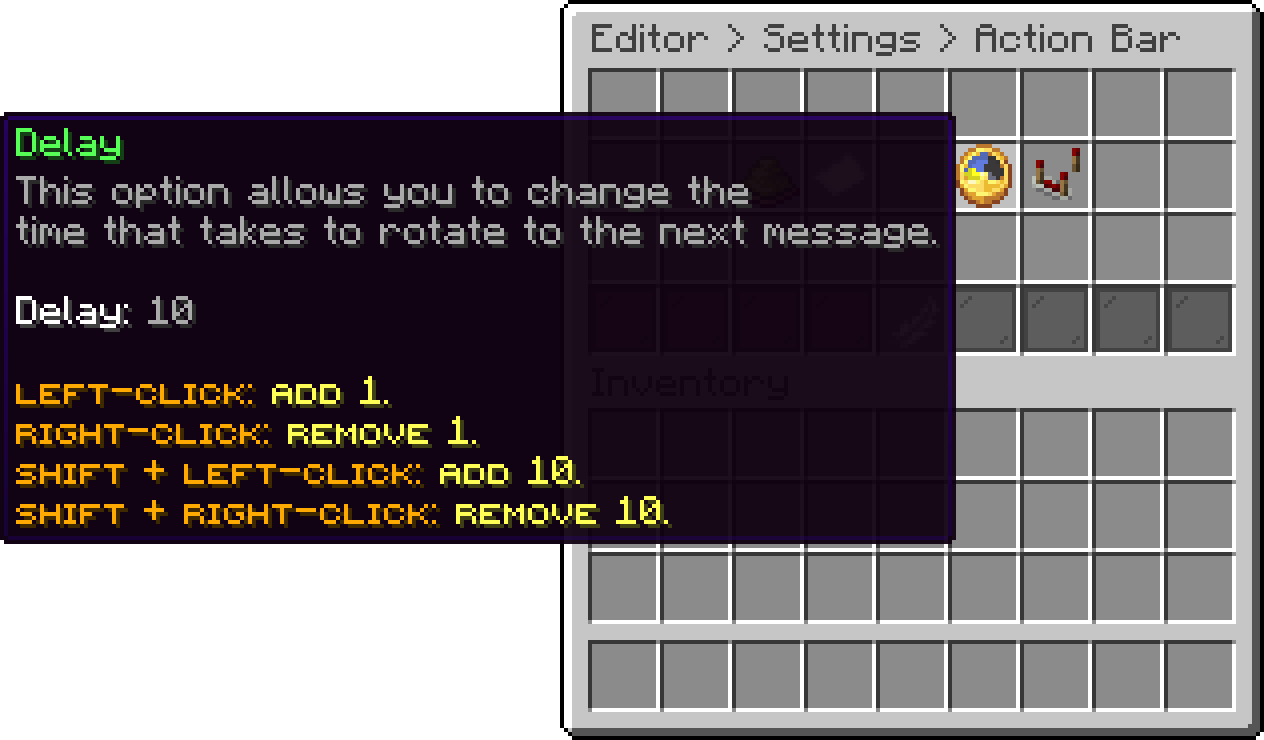
Action Bar (Delay)
With this option, you can edit the actions that are executed every time the action bar rotates, which is handy for playing a sound alongside the message. Every action type is available here.
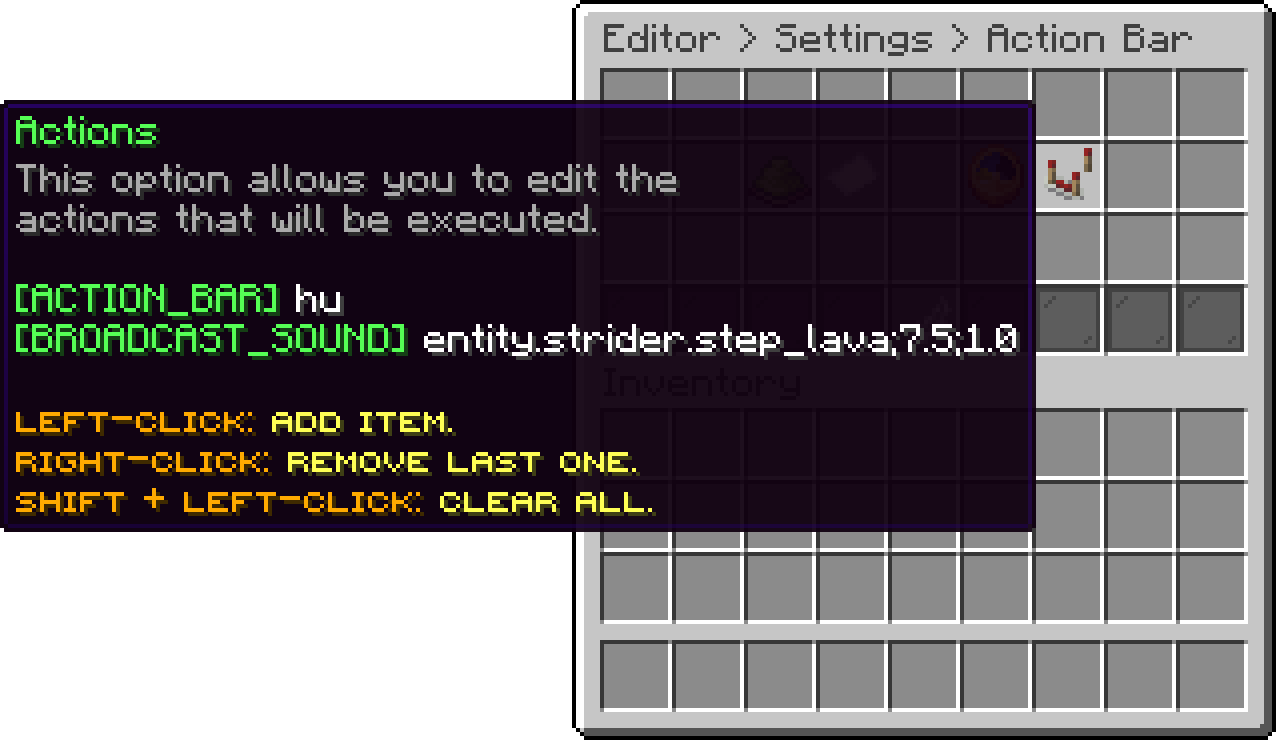
Action Bar (Actions)
With this option, you can turn the action bar off completely without clearing the messages.
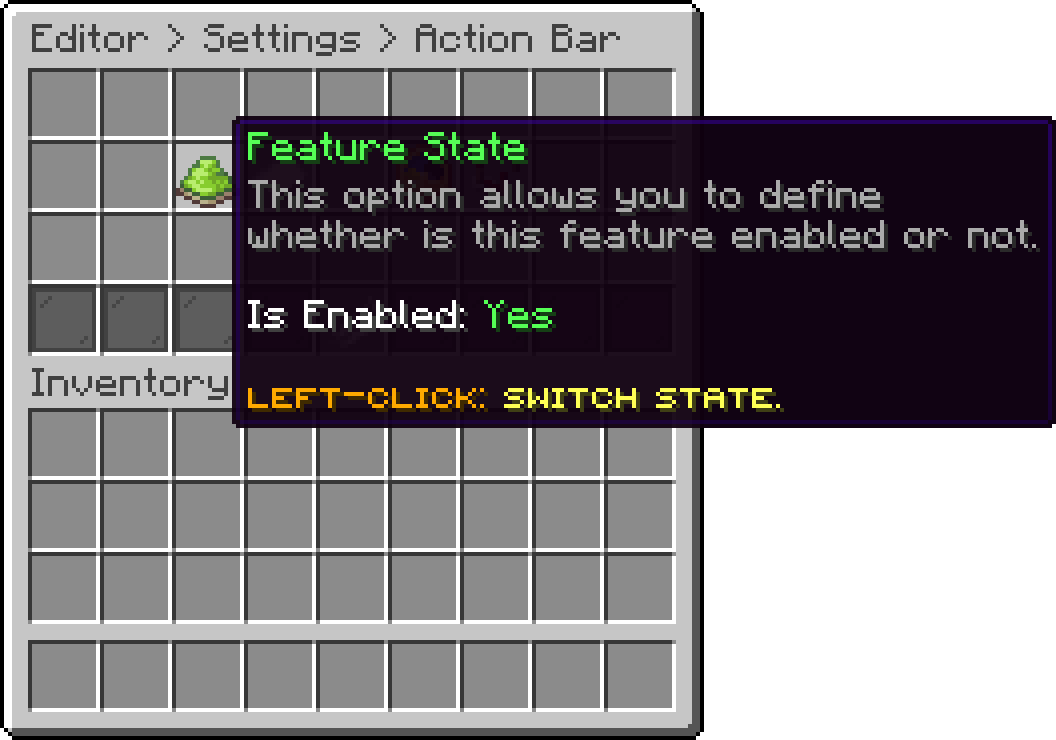
Action Bar (Feature State)
Players can hide the action bar for themselves, see Player Settings.
Oops... looks like the spiders padded through here
Add products to your cart and remove them from here Lets buy