




Your cart is empty
Looks like the spiders padded through here. Pick a plugin and it will show up here. Continue shoppingThis module is configured in modules/pvp.yml inside the PhoenixLobby folder. The PvP item and its kit live in lobby-items.yml instead, under pvp-mode.
PvP lets your players fight each other without leaving the lobby. A player enters it by holding the PvP item in their hotbar, and leaves it by holding the leave item that replaces it.
Entering and leaving both run a countdown first, so a player cannot escape a fight instantly. While in PvP mode their items are stored away and the PvP kit is given instead, and they get everything back the moment they leave. Open it from Editor > Modules > PvP Mode.
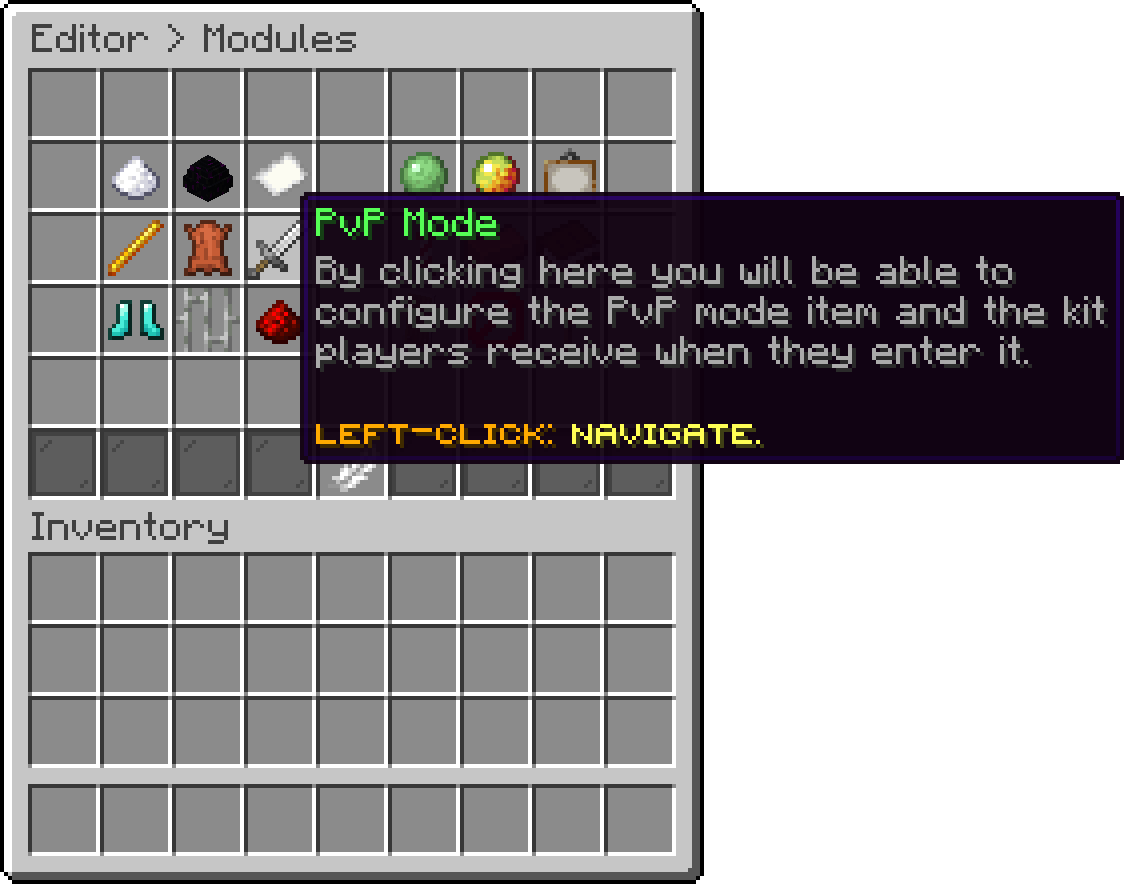
Modules (PvP Mode)
With this option, you can change which hotbar slot holds the PvP item. A value of -1 hides the item entirely, which is how you keep the mode available without putting it in everybody's hotbar.
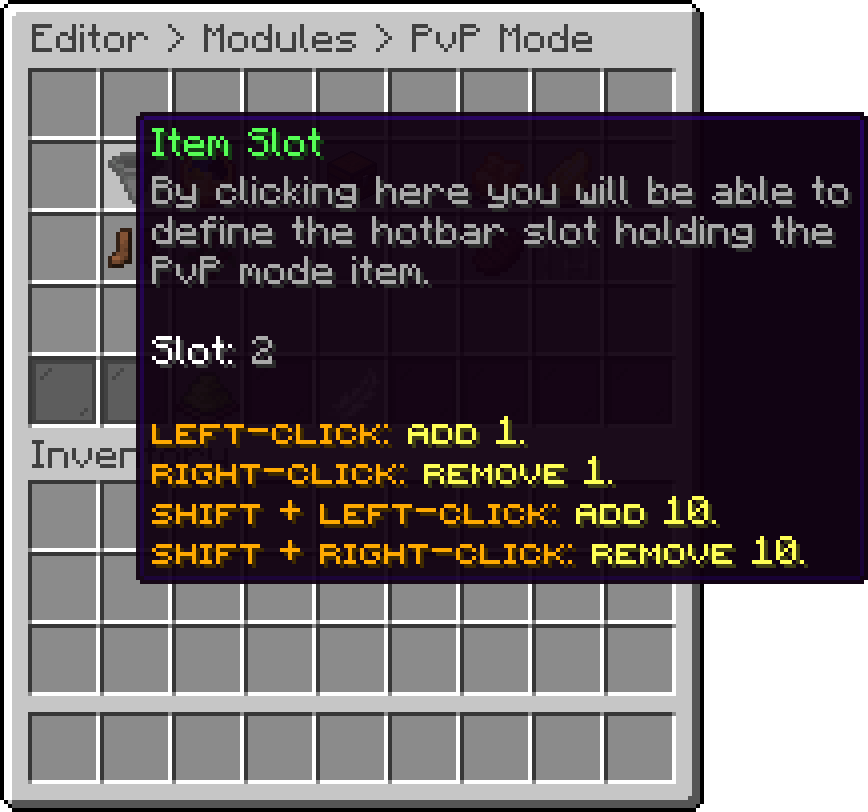
PvP Mode (Item Slot)
With this option, you can change how many seconds pass before entering or leaving takes effect. A value of 0 makes the switch instant, which also removes the delay a player would otherwise need to escape a fight.
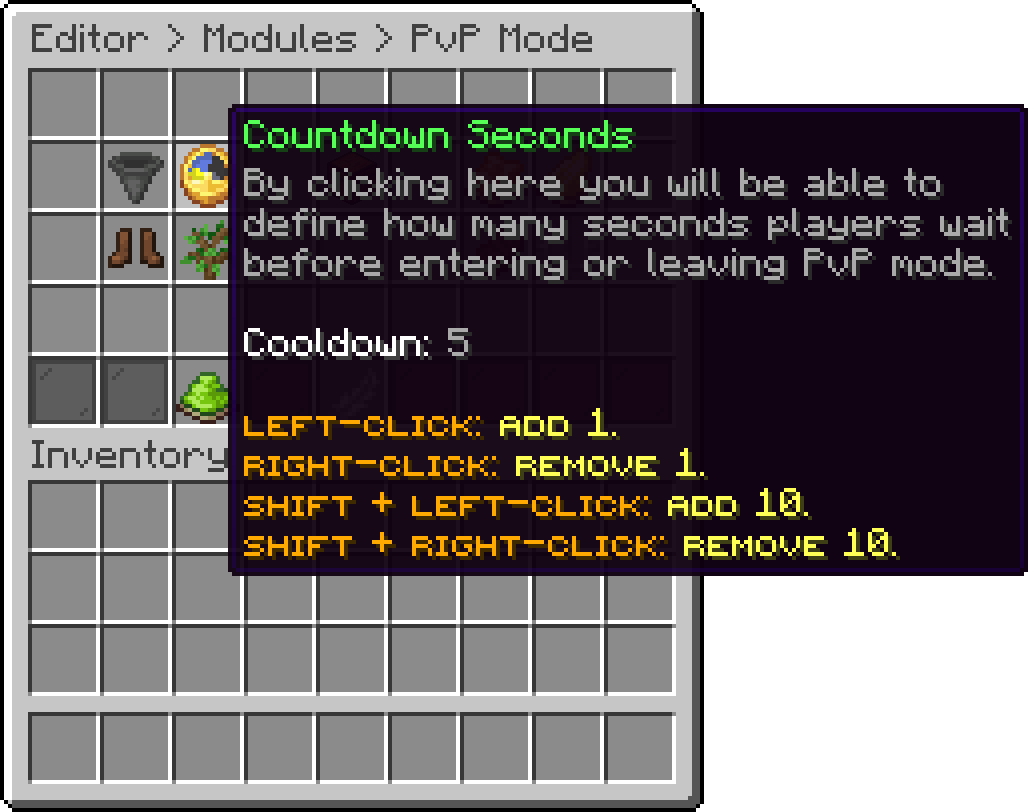
PvP Mode (Countdown Seconds)
With this option, you can ask the player to sneak once the countdown has finished before they actually enter. It stops somebody from being dropped into a fight by a misclick.
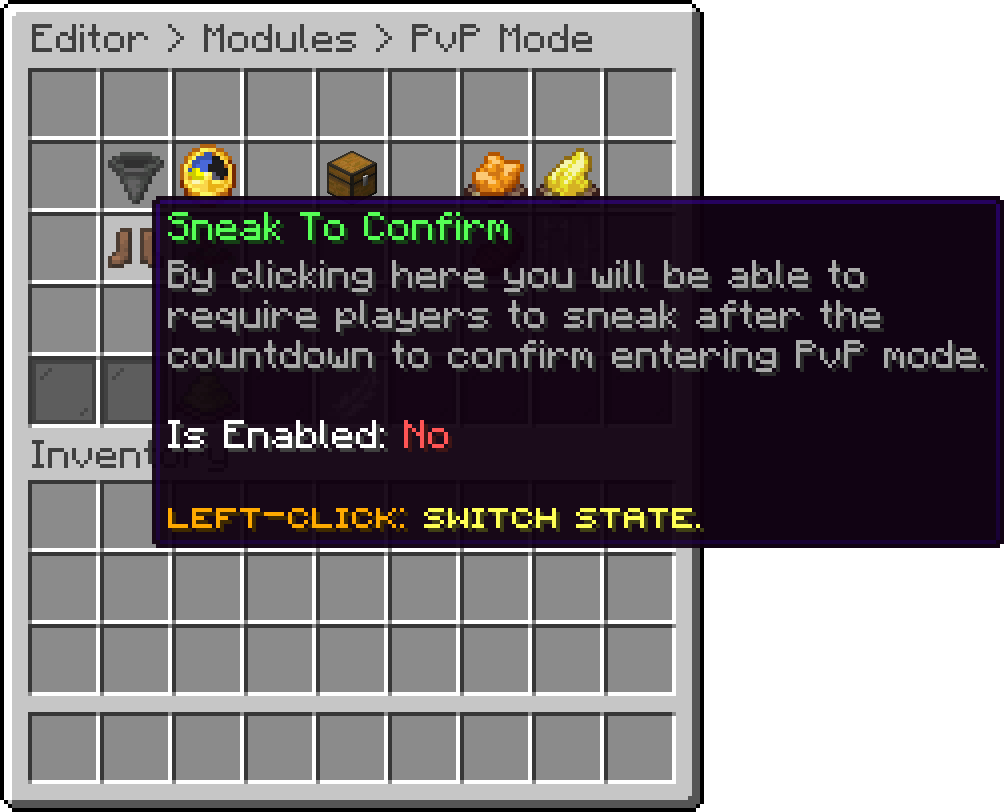
PvP Mode (Sneak To Confirm)
With this option, you can choose how the PvP item works. Turned on, selecting the item's slot starts the countdown and switching away cancels it. Turned off, players right-click the item instead. Change the item's name and lore to match, since they tell players which one to do.
With this option, a player leaves PvP mode by putting their gear away instead of using the leave item. Switching to a slot that holds no PvP kit item, such as an empty slot, starts the leave countdown, and switching back to any kit item cancels it. Switching between kit items keeps the player in the fight. It is off by default and has no editor button, so set it in modules/pvp.yml:
leave-on-unequip: true
With this option, you can edit the actions that run the moment a player enters PvP mode. Every action type is available here.
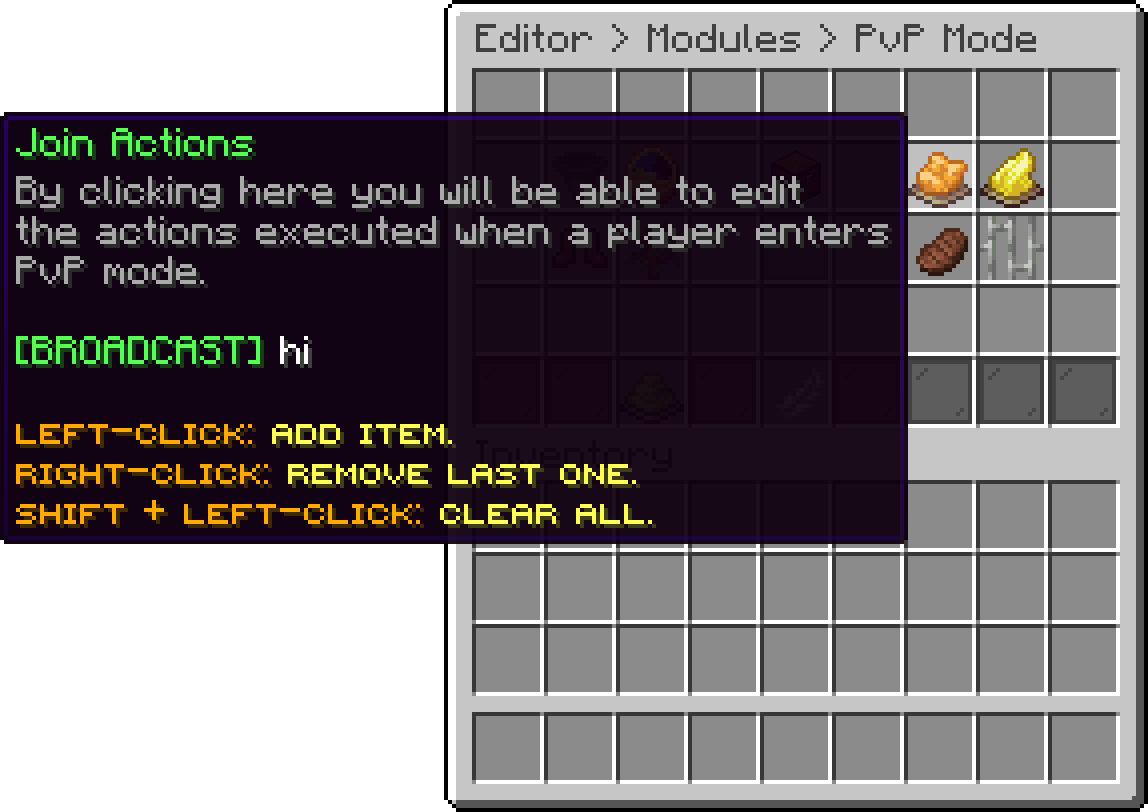
PvP Mode (Join Actions)
With this option, you can edit the actions that run when a player leaves PvP mode.
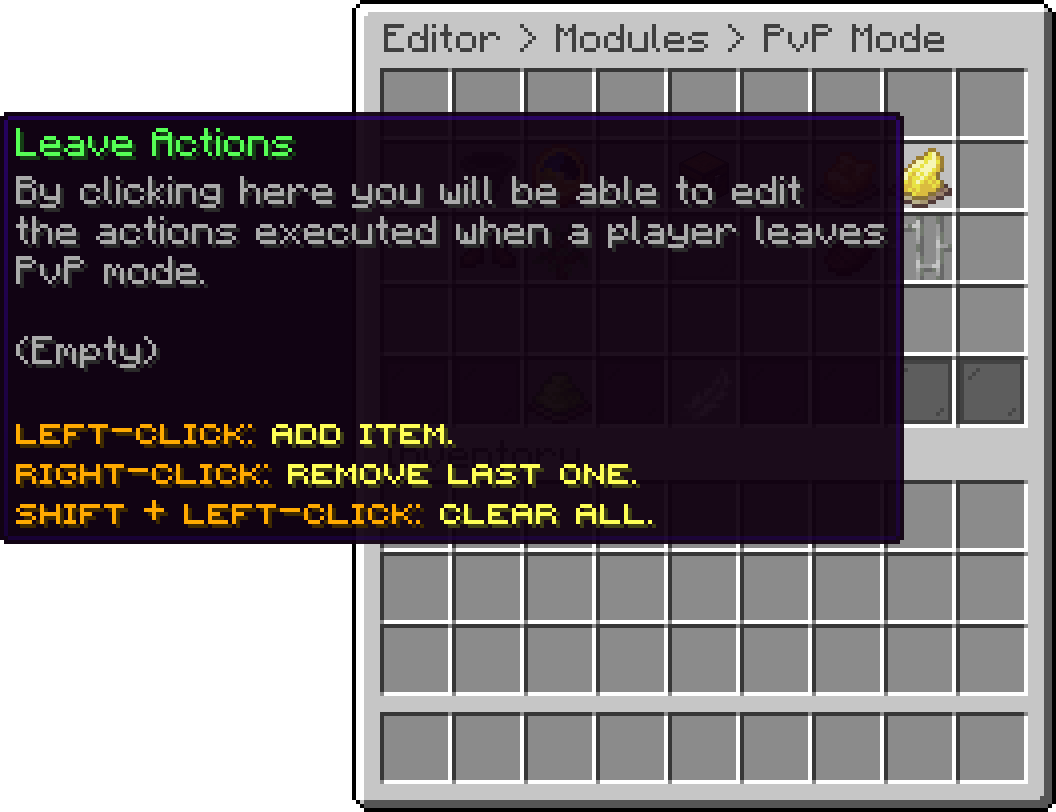
PvP Mode (Leave Actions)
The kit is stored in lobby-items.yml under pvp-mode.kit, not in modules/pvp.yml.
The kit is the gear a player is handed for the duration of a fight. Their own items are stored away when they enter and given back untouched when they leave, so nothing they were carrying is at risk. Open it from Editor > Modules > PvP Mode > PvP Kit.
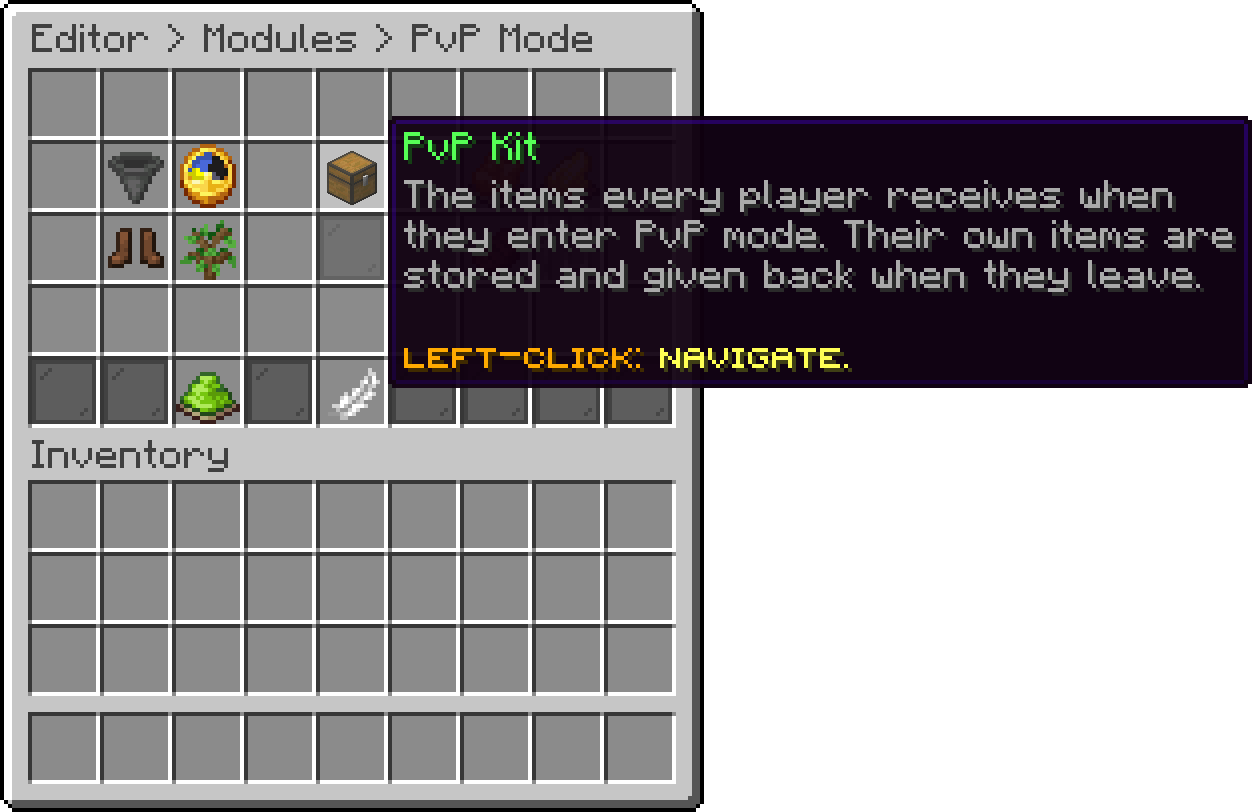
PvP Mode (PvP Kit)
The screen is the inventory itself rather than a list of options. Drag an item from your own inventory onto a slot to set it, and the layout you build is exactly what players receive: the top row holds the armour slots, and the rest is the hotbar and main inventory.

PvP Mode (Kit)
Rather than placing the kit item by item, gear yourself up the way you want players to be armed and click Import From Inventory. The kit is replaced with exactly what you are carrying, armour and offhand included.
Empties the kit in one click. A kit with nothing in it means players enter PvP mode with an empty inventory, which is what a server running its own kit plugin wants.
The kit ships with a netherite sword and a full set of netherite armour, falling back to diamond on a server where netherite does not exist.
Anything a player picks up during a fight is dropped when the kit is taken back off them. Do not put anything in the kit you would mind seeing on the floor.
By default PvP mode can be entered anywhere the plugin is active. This list narrows it to the worlds you pick, so a hub world can stay peaceful while a separate arena world allows fighting. Open it from Editor > Modules > PvP Mode > Enabled Worlds.
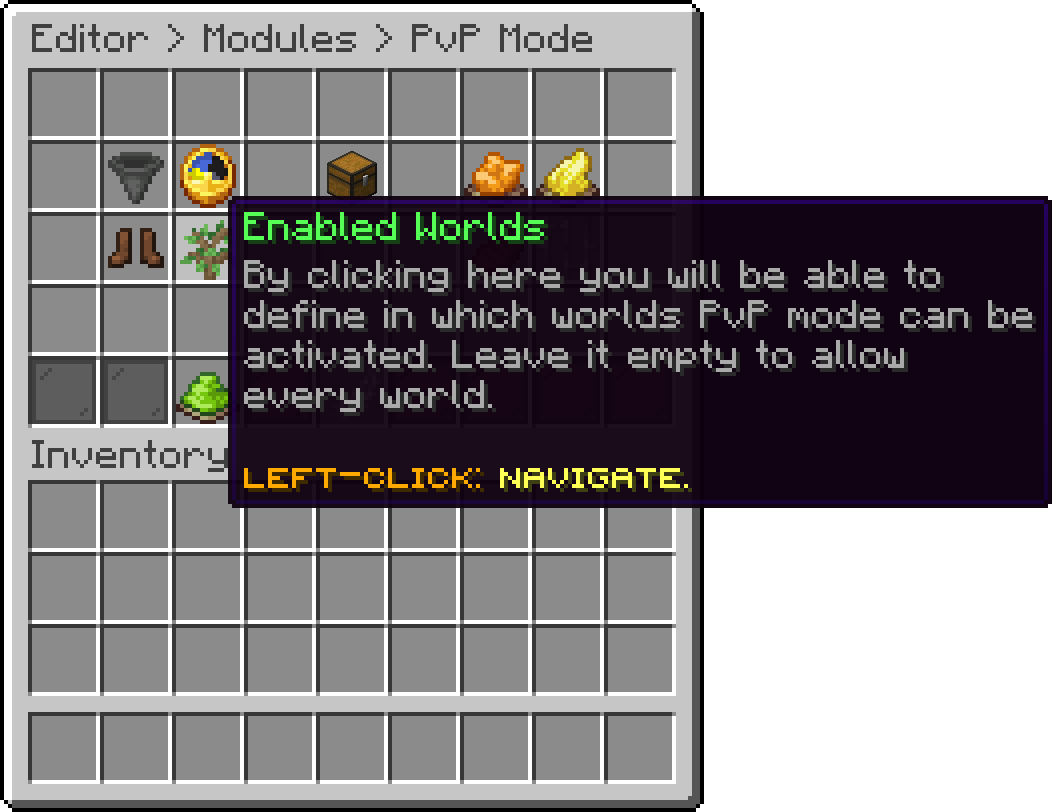
PvP Mode (Enabled Worlds)
Clicking it opens a list of the worlds currently loaded on the server, so there is nothing to type and no way to misspell a name.
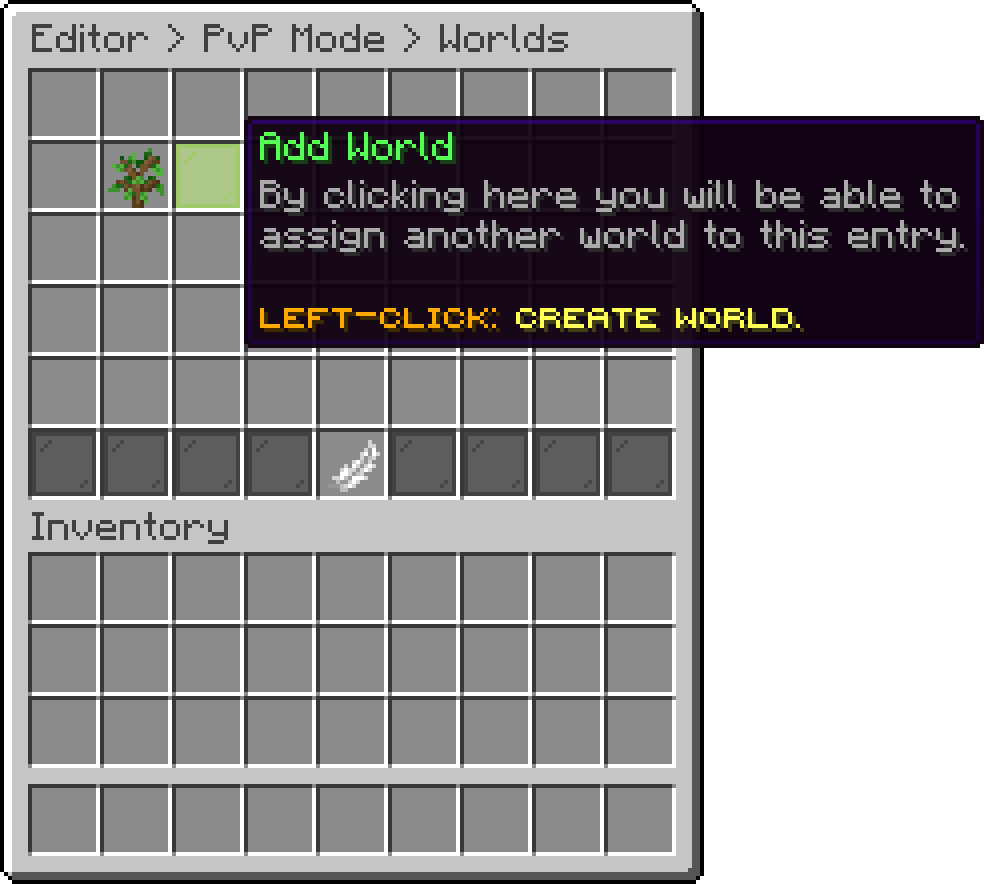
Enabled Worlds (Add World)
An empty list allows every world. It is not a list of worlds where PvP is blocked.
With WorldGuard installed, PhoenixLobby registers a phoenixlobby-restrictpvp region flag. Set it to allow on a region and players standing inside it cannot enter PvP mode, whatever the world list says.
/rg flag <region> phoenixlobby-restrictpvp allow
The flag is checked when somebody tries to enter, not while they fight, so a player who is already fighting keeps their kit when they walk in. See World Protection for the fly flag that ships alongside it.
The lobby normally lets players fly, double jump and bounce off launch pads. None of that belongs in a fight, so each one can be taken away for as long as a player is in PvP mode and handed straight back when they leave. Open it from Editor > Modules > PvP Mode > Restrictions.
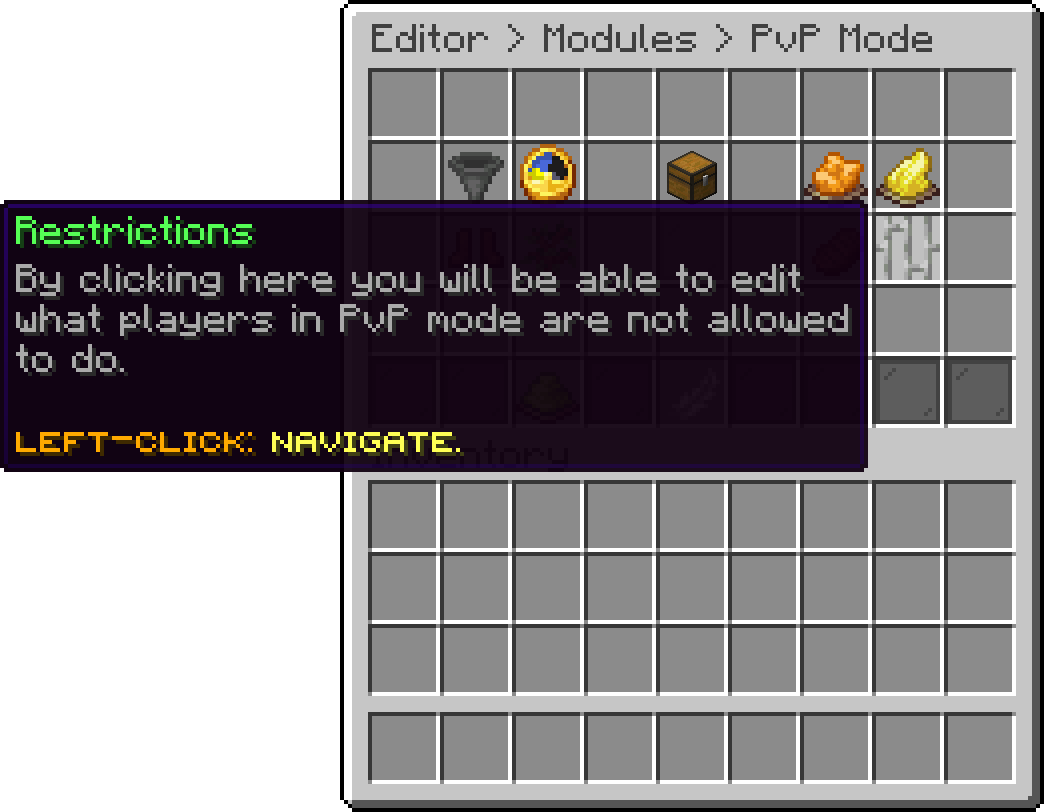
PvP Mode (Restrictions)
With this option, you can stop a fighting player from being thrown by a launch pad. The pad still works for everybody else standing on it.

Restrictions (Disable Launch Pad)
With this option, you can take the double jump away during a fight, so nobody can jetpack out of one.

Restrictions (Disable Double Jump)
With this option, you can take flight away when a player enters PvP mode.

Restrictions (Disable Fly)
With this option, you can decide what happens to somebody who is already in the air when flight is taken away. On drops them out of flight straight away, off leaves them gliding until they land on their own.

Restrictions (Kick From Flying)
With this option, you can let the food bar drain again during a fight. It is off everywhere else in the lobby because world protection freezes it, so this is what lets hunger matter in PvP without affecting the rest of the lobby. How the bar is set and restored is covered under Hunger.

Restrictions (Enable Hunger)
The food bar is frozen everywhere in the lobby, so a fight would normally start and end with a full bar and no way to lose health from hunger. These two options decide what the bar is set to on the way in and what happens to it on the way out. Open it from Editor > Modules > PvP Mode > Hunger.
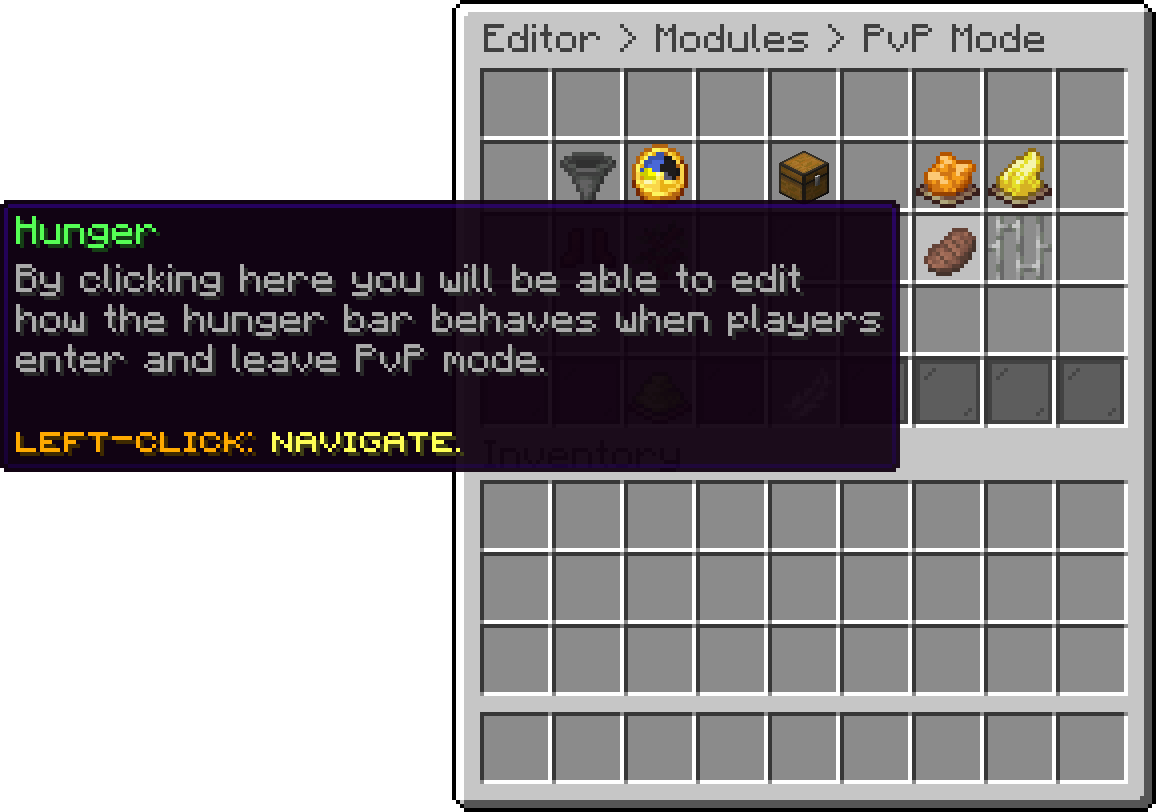
PvP Mode (Hunger)
Neither option does anything until Enable Hunger is turned on under Restrictions.
The food bar never drains on Peaceful. If World State forces Peaceful, the worlds PvP mode is enabled in run on Easy instead while Enable Hunger is on, and hostile mobs are kept from spawning there.
With this option, you can set the food level a player starts a fight with, out of 20.
The default of 17 is deliberate: Minecraft only regenerates health naturally at 18 or above, so starting one point under that stops players from healing back up mid-fight. Setting it to 18 or higher hands natural regeneration back to them.

Hunger (Level On Enable)
With this option, you can refill the food bar when a player leaves PvP mode, so nobody walks away from the lobby's fighting area hungry.

Hunger (Restore On Disable)
With this option, you can turn PvP mode off completely. The item is taken out of the hotbar and nobody can enter.
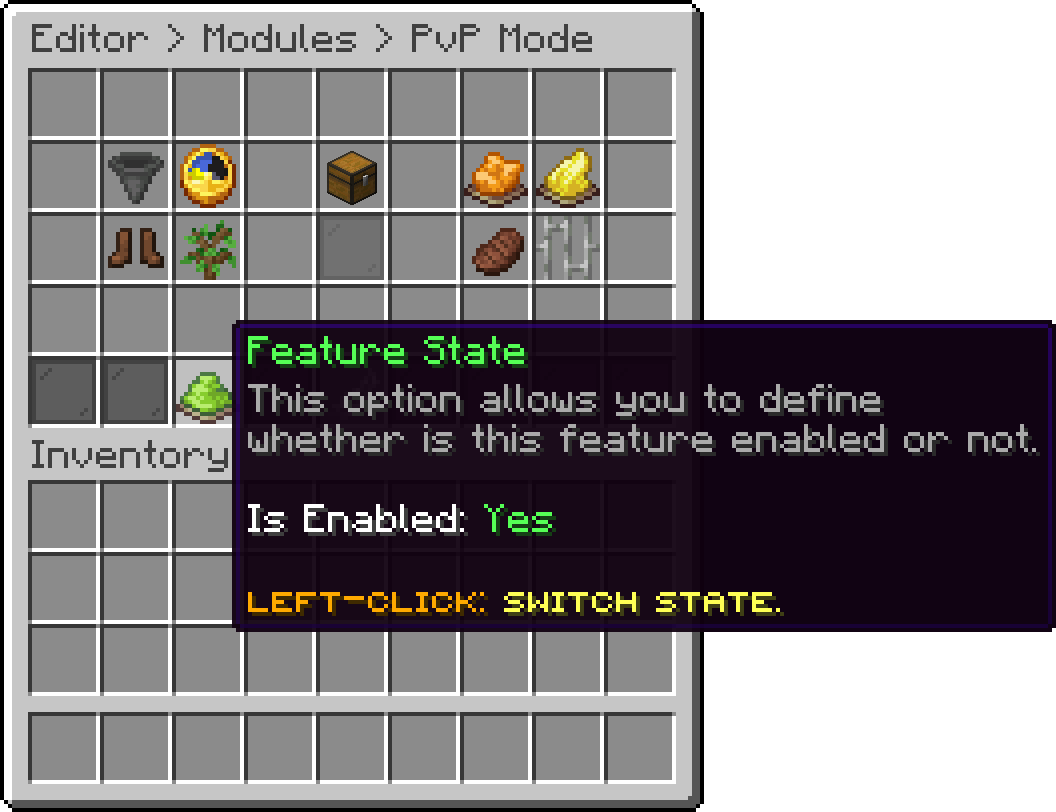
PvP Mode (Feature State)
Your guide to the docs
Ask me anything about Phoenix Lobby. I know these docs inside out, check the latest versions and changelogs, and can read your server logs.
Try asking
Your cart is empty
Looks like the spiders padded through here. Pick a plugin and it will show up here. Continue shopping