

Oops... looks like the spiders padded through here
Add products to your cart and remove them from here Lets buy



On this page, you will find information on how to use the World Protection rules.
This module is configured in modules/world.yml inside the PhoenixLobby folder.
World Protection turns off the parts of survival Minecraft that have no place in a lobby, from fall damage to redstone. There are 43 rules split across five types, and each one is a plain on or off. Open it from Editor > Modules > World.
Every rule is named after what it stops, so turning one on disables that behaviour.
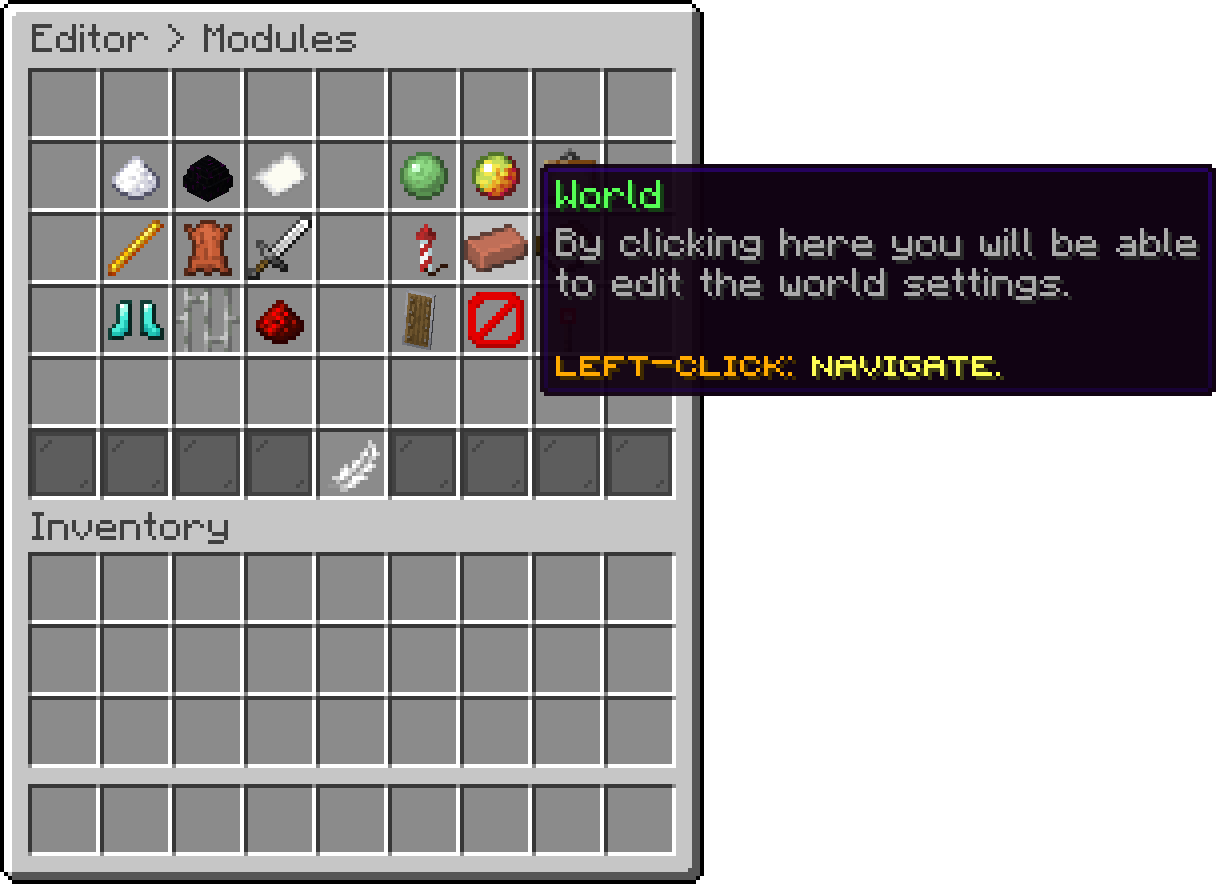
Modules (World)
Everything that can hurt, kill or inconvenience a player.
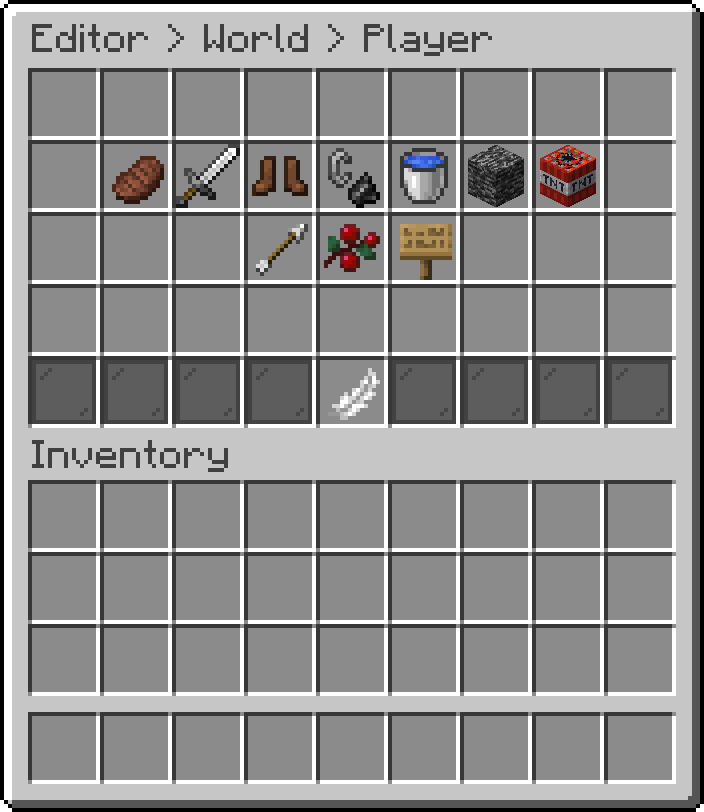
World (Player Rules)
| Rule | Stops | Default |
|---|---|---|
| Disable Hunger Loss | The food bar draining | On |
| Disable Player PvP | Players damaging each other | On |
| Disable Fall Damage | Damage from landing | On |
| Disable Fire Damage | Damage from fire and lava | On |
| Disable Drowning | Damage from running out of air | On |
| Disable Void Death | Dying to the void below the world | On |
| Disable Explosion Damage | Damage to players from explosions | On |
| Disable Projectile Damage | Damage from arrows and other projectiles | On |
| Disable Berry Bush Damage | Damage from walking through sweet berry bushes | On |
| Disable Death Message | The death message being broadcast to chat | On |
Disable Player PvP stays on even when the PvP module is in use. PvP mode allows damage between fighting players on its own.
Everything the world does on its own while nobody touches it.
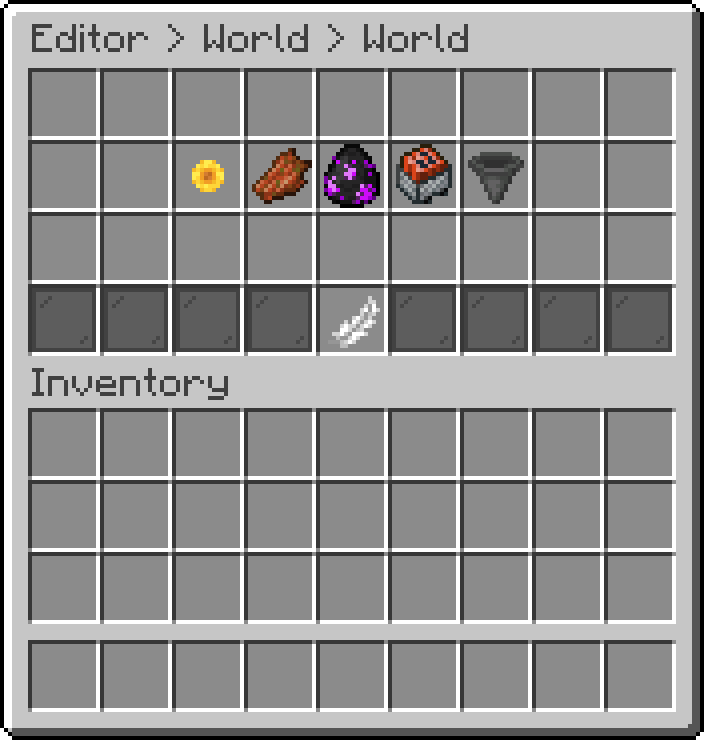
World (World Rules)
| Rule | Stops | Default |
|---|---|---|
| Disable Weather Change | Rain and thunder starting | On |
| Disable Mob Spawning | Mobs spawning naturally | On |
| Disable Mob Griefing | Mobs changing blocks, such as endermen and creepers | On |
| Disable Explosions | Explosions damaging the world | On |
| Disable Hopper Transfer | Hoppers moving items between containers | Off |
Everything to do with blocks changing, whether a player caused it or not.
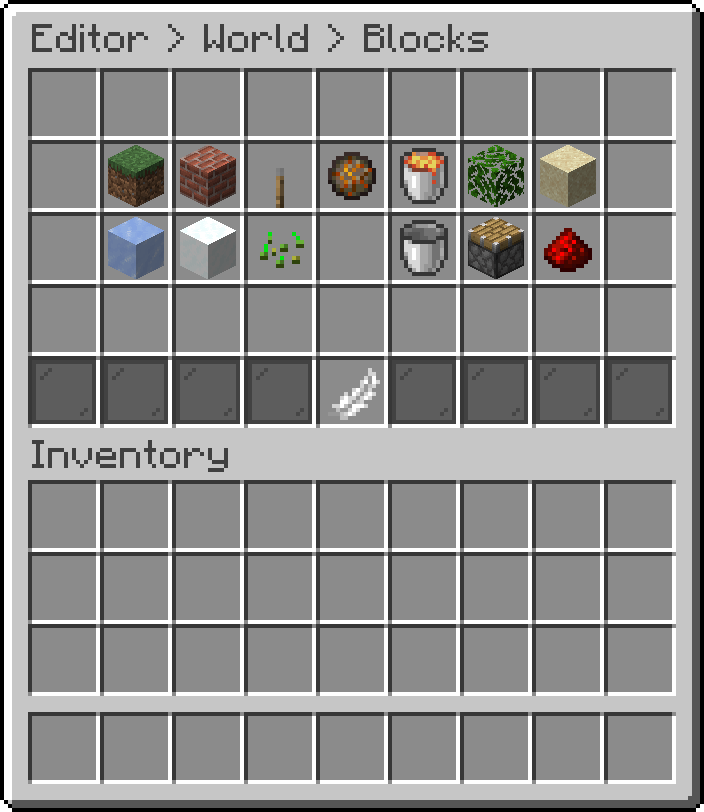
World (Block Rules)
| Rule | Stops | Default |
|---|---|---|
| Disable Block Break | Players breaking blocks | On |
| Disable Block Place | Players placing blocks | On |
| Disable Block Interact | Using doors, buttons, levers and the like | On |
| Disable Block Burn | Blocks being destroyed by fire | On |
| Disable Block Fire Spread | Fire spreading to other blocks | On |
| Disable Block Leaf Decay | Leaves decaying when their tree is cut | On |
| Disable Block Physics | Sand and gravel falling, and similar physics updates | Off |
| Disable Block Form | Ice and snow forming | On |
| Disable Block Fade | Ice and snow melting away | On |
| Disable Block Grow | Crops, saplings and vines growing | On |
| Disable Liquid Flow | Water and lava spreading | On |
| Disable Pistons | Pistons extending and retracting | Off |
| Disable Redstone | Redstone circuits updating | Off |
Disable Pistons and Disable Redstone are off by default because a lobby often has redstone builds in it. Turning either on stops those builds from working.
Everything a player can do with the items they are carrying.
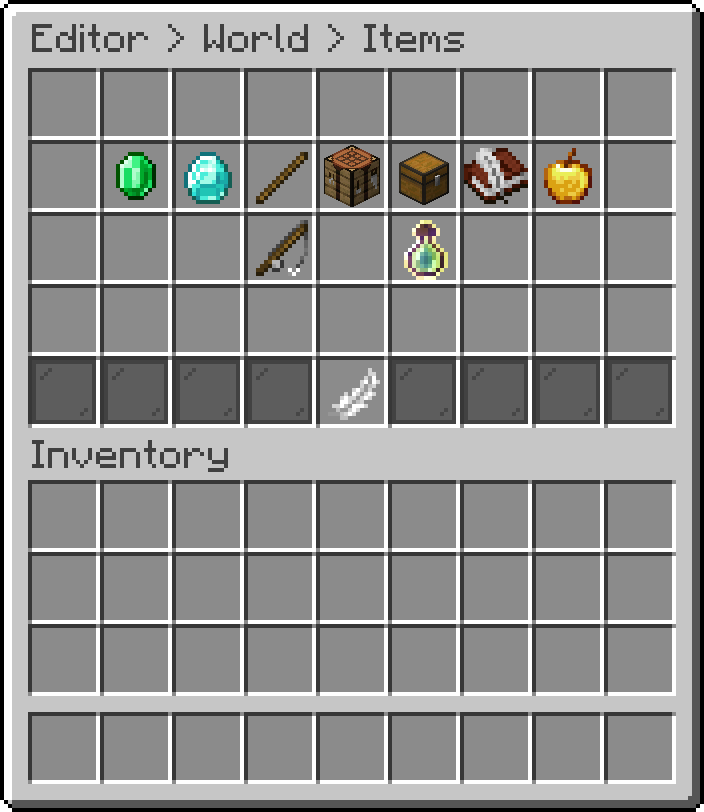
World (Item Rules)
| Rule | Stops | Default |
|---|---|---|
| Disable Item Drop | Dropping items on the ground | On |
| Disable Item Pickup | Picking items up | On |
| Disable Off Hand Swap | Swapping an item to the off hand | On |
| Disable Crafting | Crafting anything | On |
| Disable Inventory Interact | Moving items around the inventory | Off |
| Disable Book Editing | Writing in a book and quill | On |
| Disable Item Consume | Eating and drinking | Off |
| Disable Fishing | Casting a fishing rod | On |
| Disable Xp Pickup | Picking up experience orbs | On |
Disable Inventory Interact is off by default so the hotbar item menus still open. Turning it on stops players moving anything in their own inventory as well.
Everything a player can do with the world around them that is not a block.
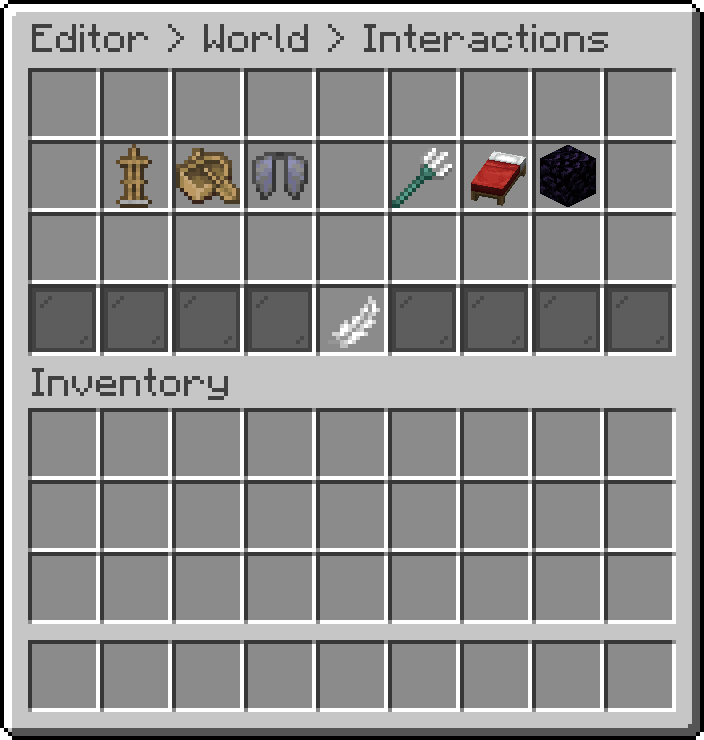
World (Interaction Rules)
| Rule | Stops | Default |
|---|---|---|
| Disable Armor Stands | Placing and posing armor stands | On |
| Disable Vehicles | Riding boats and minecarts | On |
| Disable Elytra | Gliding with an elytra | On |
| Disable Riptide | Launching with a riptide trident | On |
| Disable Bed Sleep | Sleeping in a bed | On |
| Disable Portals | Being taken through nether and end portals | On |
Separate from the rules, this is what the world itself is set to: the time of day, the weather, the difficulty and the gamerules. Open it from Editor > Modules > World > World State.
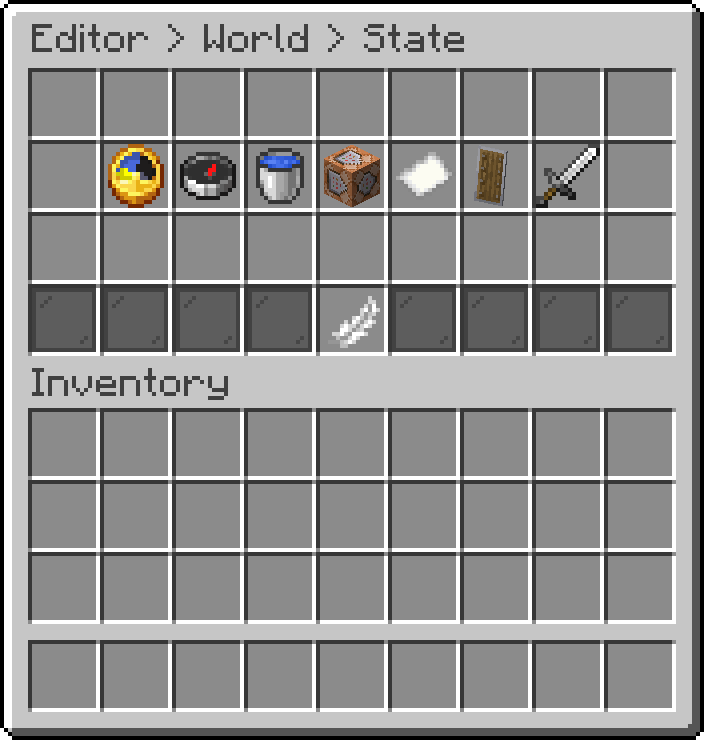
World (World State)
| Option | Description |
|---|---|
| Lock Time | Holds the world at the time below instead of letting it run |
| Time | The time of day to hold, in ticks |
| Lock Weather | Holds the weather clear |
| Force Difficulty | Sets the world difficulty to the one below |
| Difficulty | Which difficulty to force |
| Apply Gamerules | Whether the gamerules below are applied |
| Gamerules | The gamerules to set, edited as a list of names and values |
Every rule above applies to all the worlds the plugin is active in. An override is a world that answers differently, so a hub can be fully locked down while a build world keeps block placing. Open it from Editor > Modules > World > Per World Overrides.
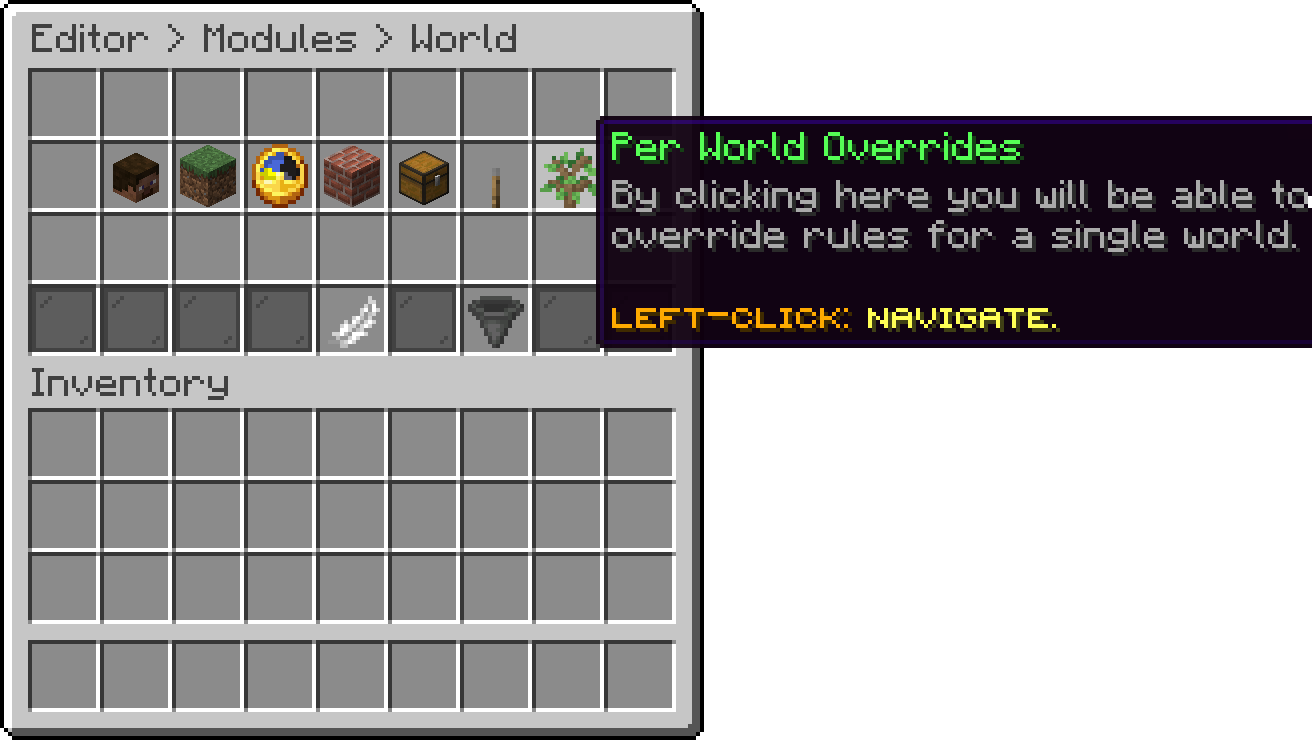
World (Per World Overrides)
An override only carries the rules you actually change in it. Anything you leave alone keeps following the values above, so there is no need to restate all 43.
By default the rules apply to every world except the ones you list under disabled. Switch to ENABLED_WORLDS if you would rather list the only worlds the plugin should work in.
If you use WorldGuard, PhoenixLobby adds two region flags.
| Flag | Description |
|---|---|
phoenixlobby-restrictpvp |
Players cannot enter PvP mode inside the region |
phoenixlobby-restrictfly |
Players cannot fly inside the region |
Set the flag to allow on the region you want to restrict, for example /rg flag <region> phoenixlobby-restrictfly allow.
Oops... looks like the spiders padded through here
Add products to your cart and remove them from here Lets buy