

Oops... looks like the spiders padded through here
Add products to your cart and remove them from here Lets buy



On this page, you will find information regarding the launch pads that throw players across your lobby.
This module is configured in modules/launchpad.yml inside the PhoenixLobby folder.
A launch pad is built out of two blocks: the one the player walks onto, and the one directly underneath it. Stepping on that pair throws the player forward, in the direction they are looking, with a particle effect trailing behind them. There is nothing to place or register, so every pair of those two blocks in the lobby is a pad. Open it from Editor > Modules > Launch Pads.
Half a second has to pass before the same player can be launched again, which stops a pad from firing repeatedly while they are still standing on it.
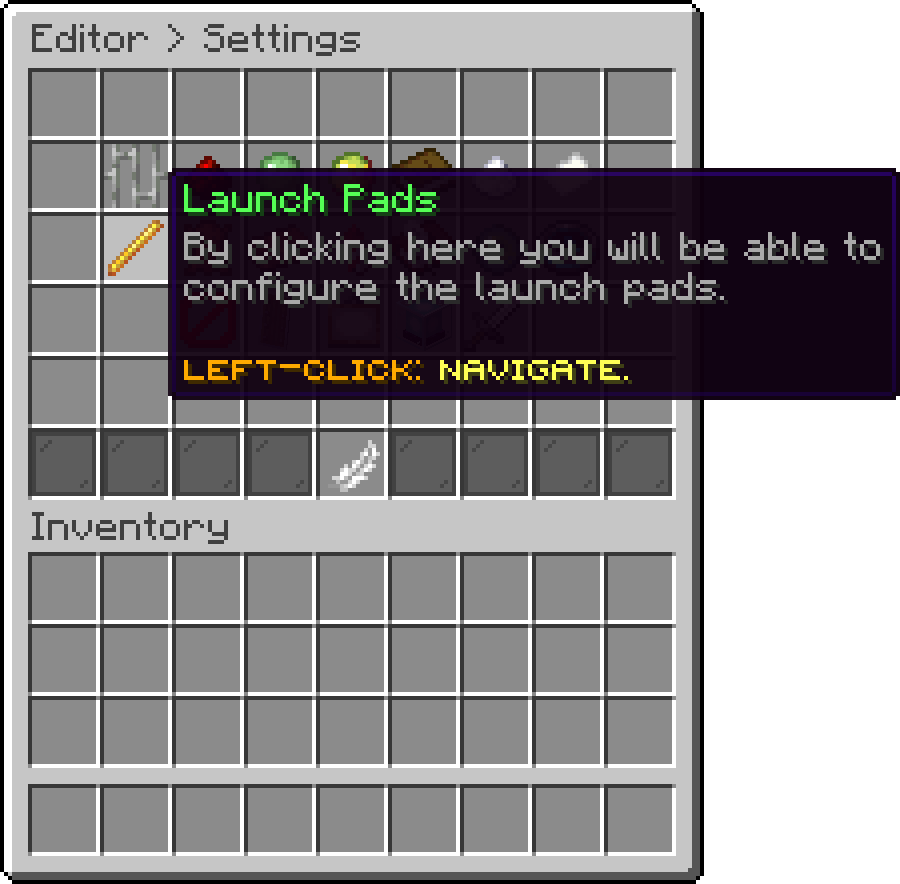
Modules (Launch Pads)
With this option, you can change how far the player is thrown, in the direction they are looking. A higher value sends them further.
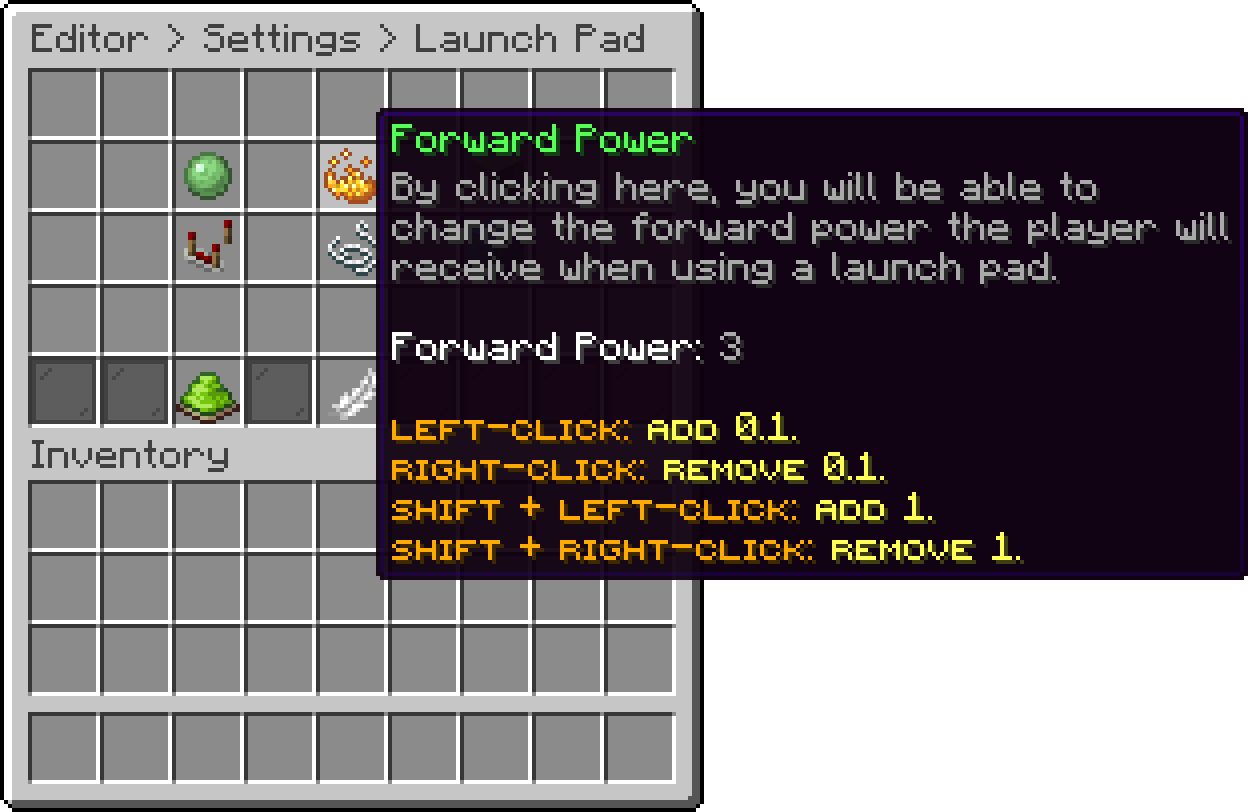
Launch Pad (Forward Power)
With this option, you can change how high the player is thrown.
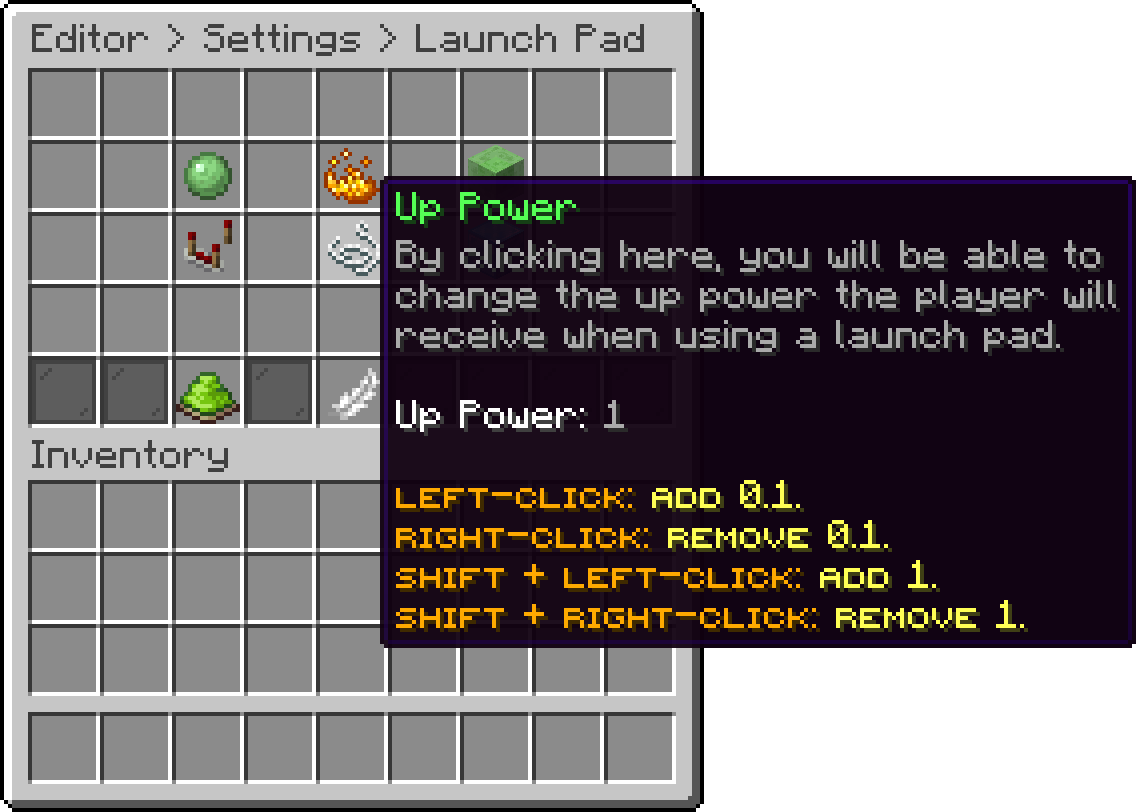
Launch Pad (Up Power)
Both powers are capped at 4. Higher values are ignored.
With this option, you can change the block the player walks onto. Drag the block you want out of your inventory and drop it onto the slot.
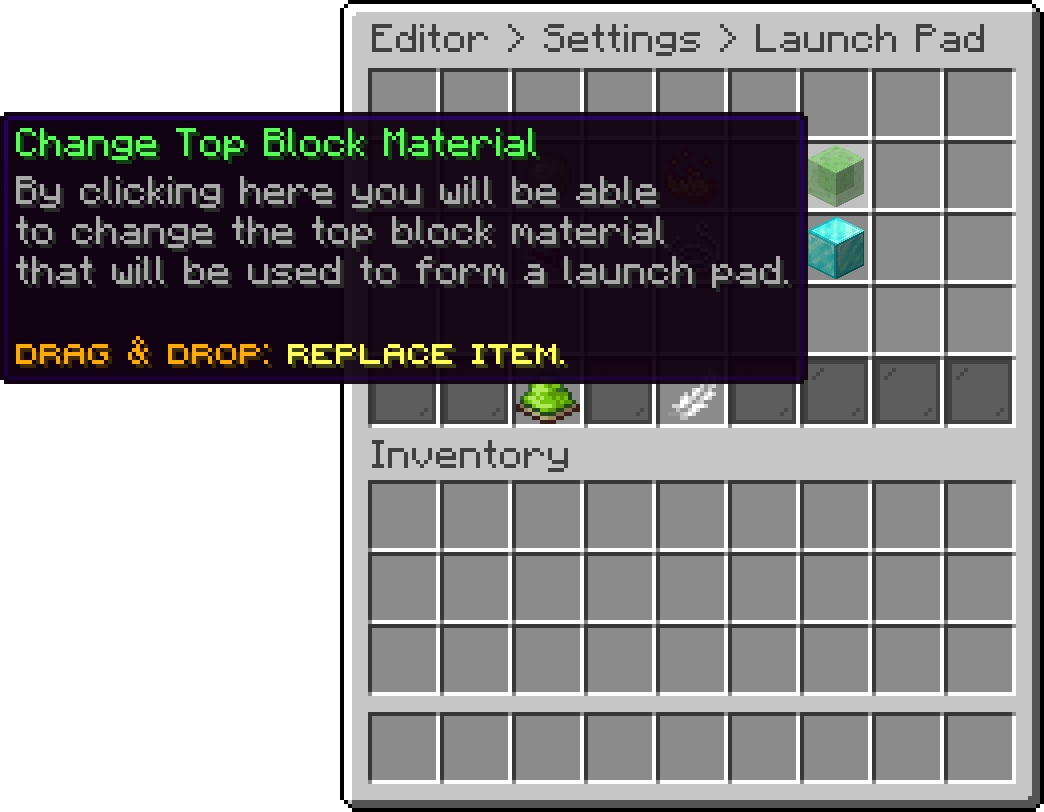
Launch Pad (Change Top Block Material)
With this option, you can change the block that has to sit directly under the top one. It is what keeps an ordinary slime block somewhere else in the lobby from launching anybody.
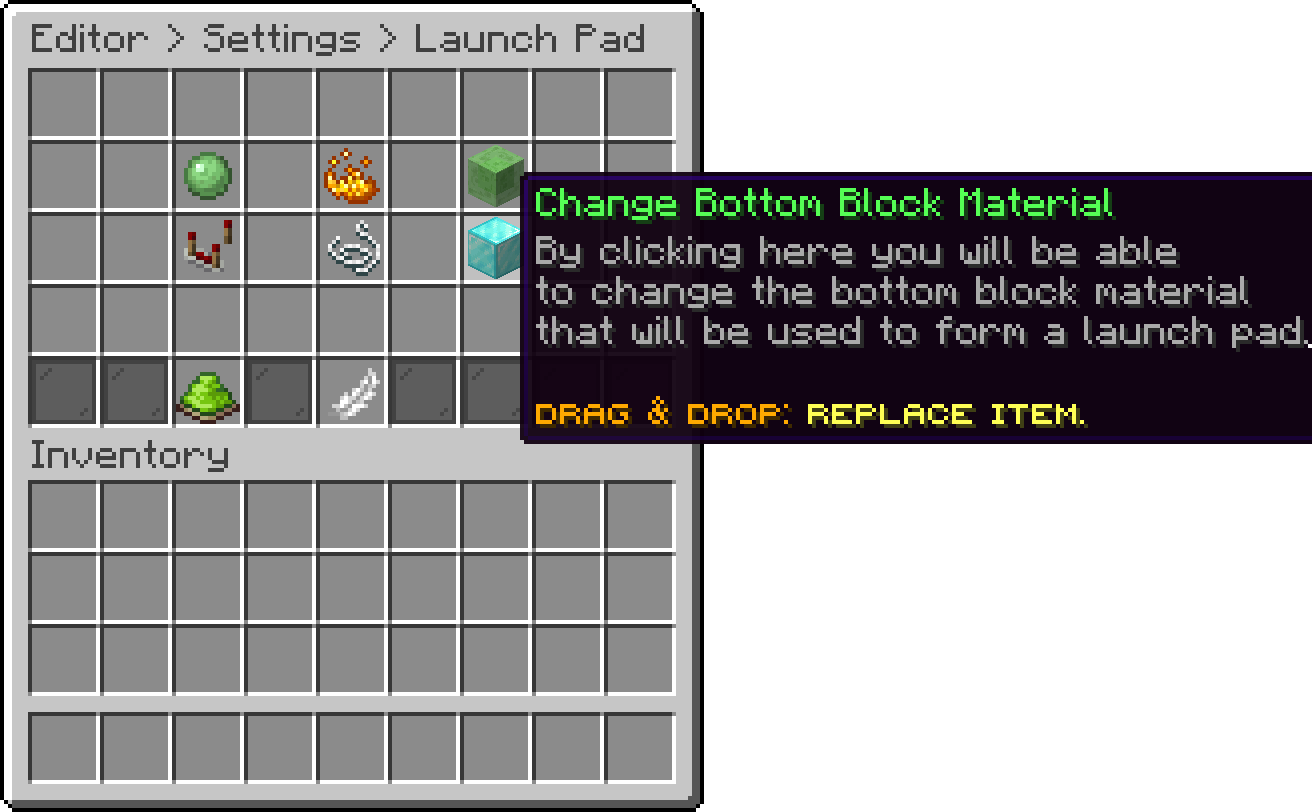
Launch Pad (Change Bottom Block Material)
A pressure plate or a slab works as the top block, so a pad can be made to sit flush with the floor instead of standing a block above it.
With this option, you can change the particle effect that follows the player after the launch. Five effects are available: None, Spiral, Double Spiral, Noise and Trail.
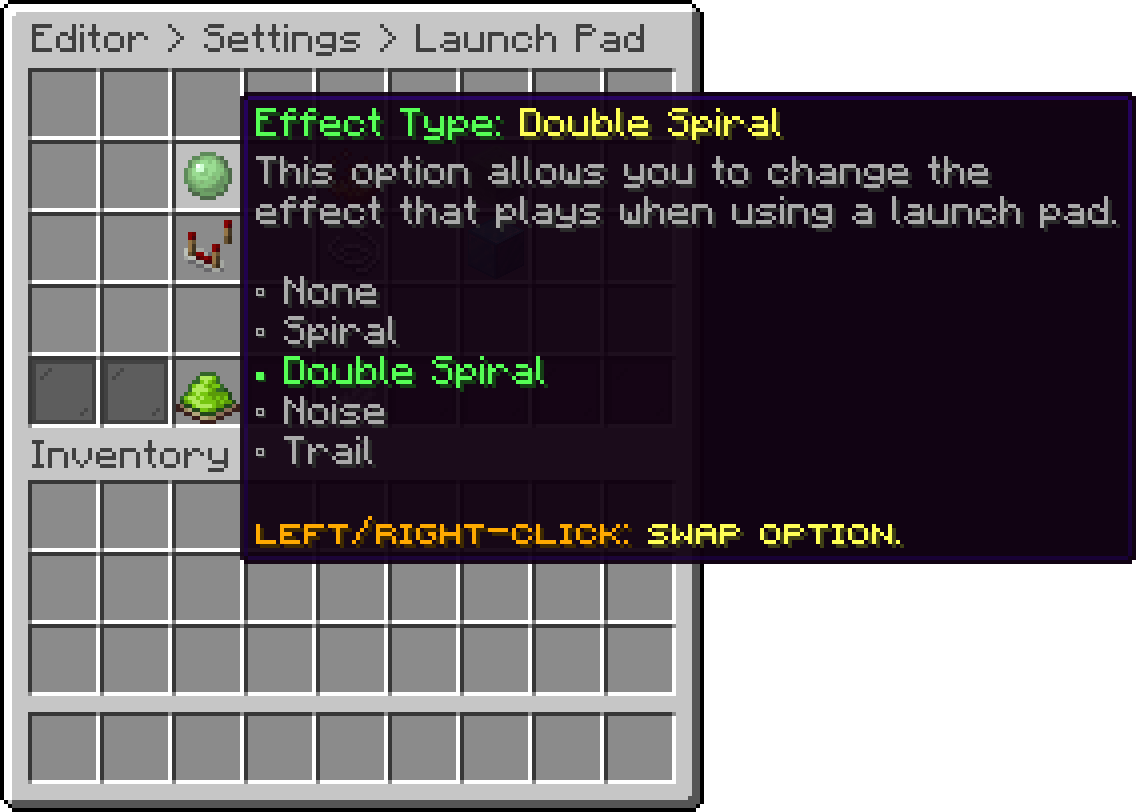
Launch Pad (Effect Type)
With this option, you can edit the actions that are executed every time a player is launched, which is handy for playing a sound alongside it. Every action type is available here.
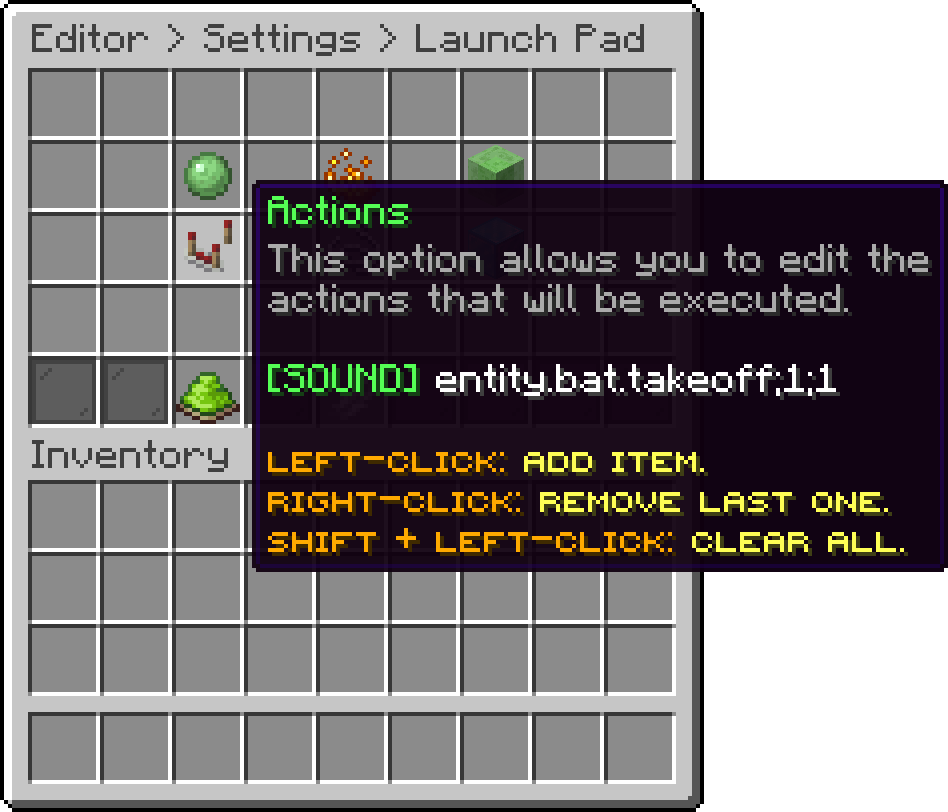
Launch Pad (Actions)
With this option, you can turn launch pads off completely without clearing the rest of the settings.
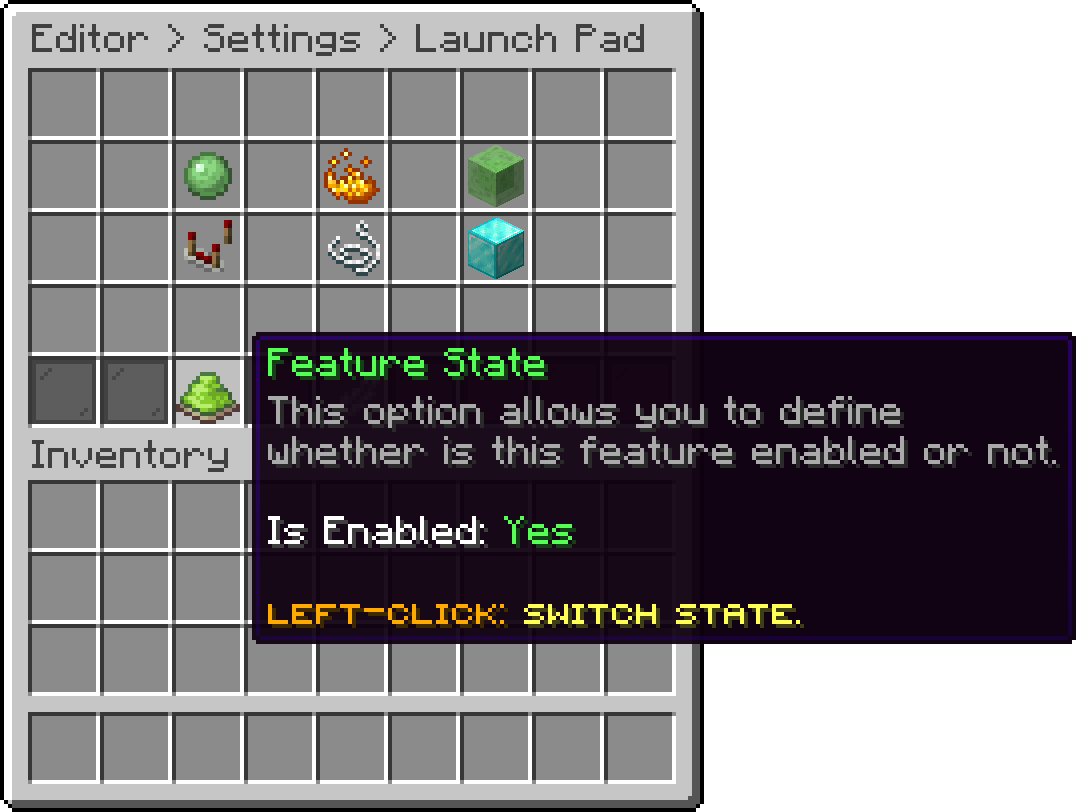
Launch Pad (Feature State)
Pads do not fire in a world the plugin is not active in, and they are skipped while fighting if the PvP restrictions disable them.
Oops... looks like the spiders padded through here
Add products to your cart and remove them from here Lets buy