

Oops... looks like the spiders padded through here
Add products to your cart and remove them from here Lets buy



On this page, you will find information regarding the chat filter.
This module is configured in modules/chat.yml inside the PhoenixLobby folder.
The chat filter blocks the messages that match one of your patterns. The two default patterns block links and ip addresses. Open it from Editor > Settings > Chat > Chat Filter.
Players with phoenixlobby.bypass.chatfilter are not checked.
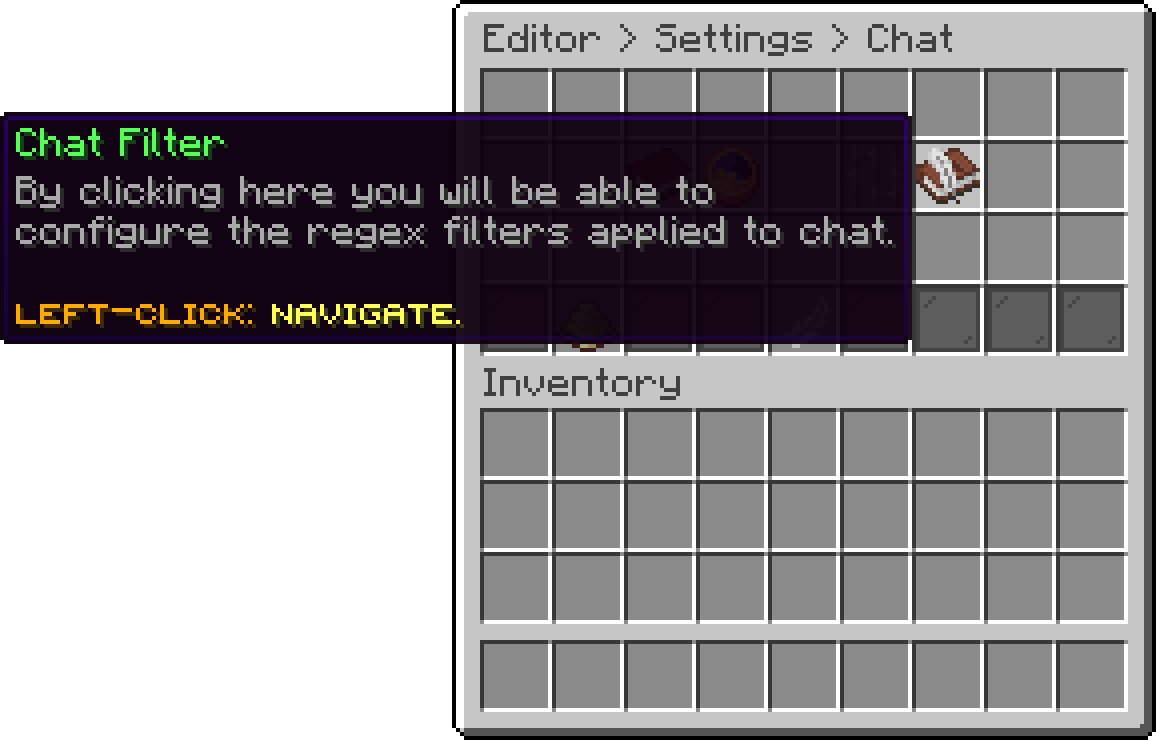
Chat (Chat Filter)
The list of patterns a message is checked against.
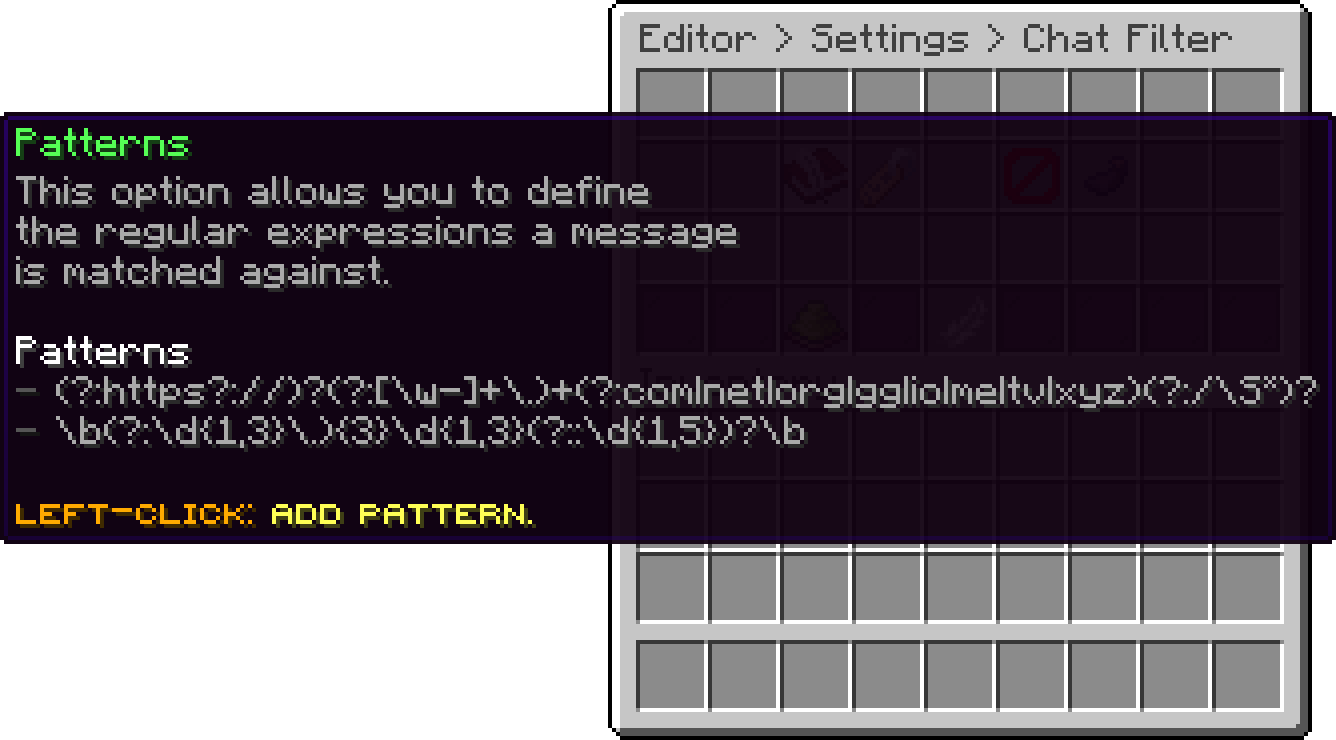
Chat Filter (Patterns)
Turn this on to replace the matched part with the censor character instead of blocking the whole message. Censor Character is what the match is replaced with.
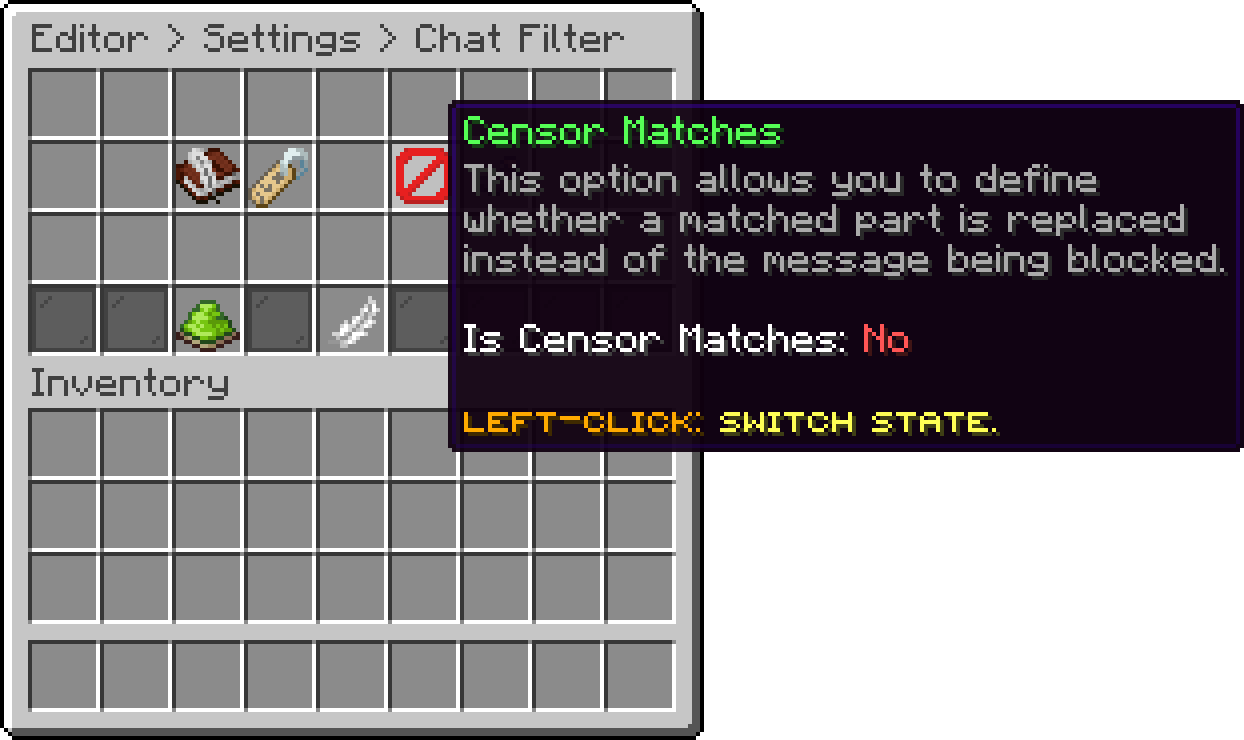
Chat Filter (Censor Matches)
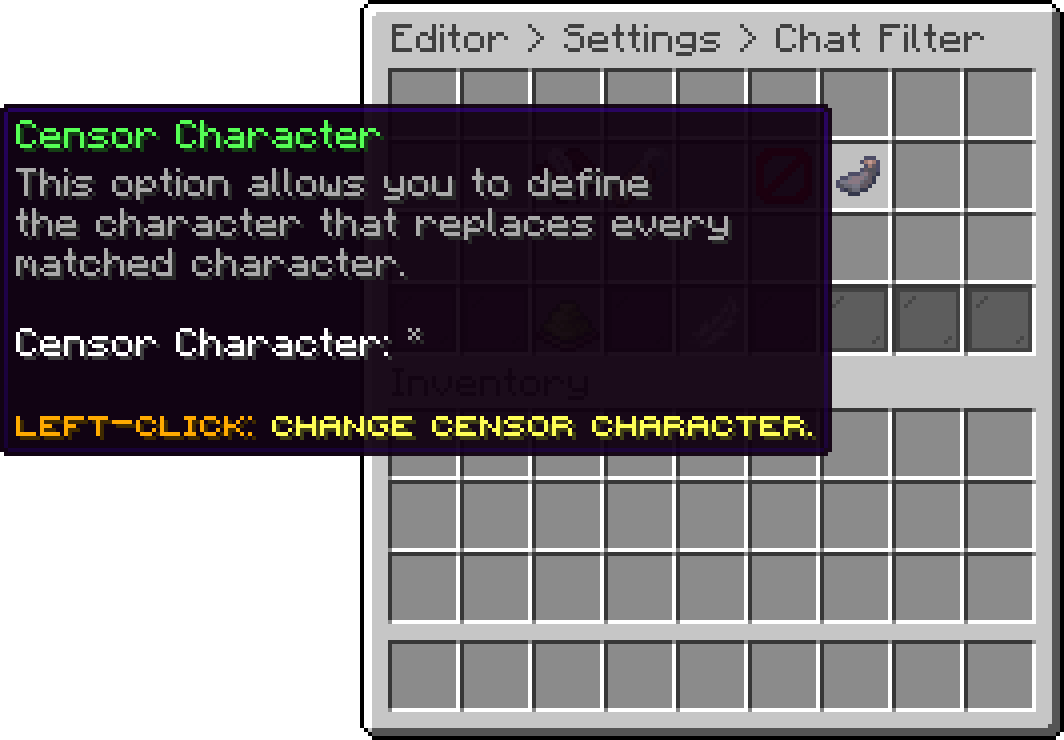
Chat Filter (Censor Character)
With this on, a pattern matches no matter how the message is capitalised.
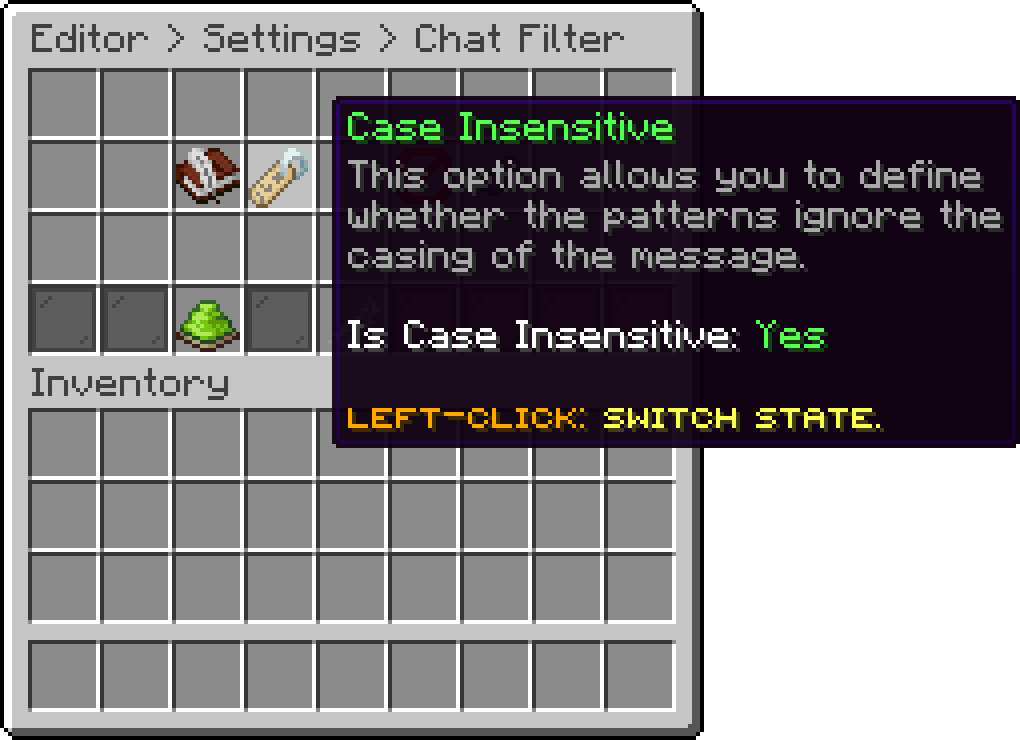
Chat Filter (Case Insensitive)
Turns the chat filter off without clearing the patterns.
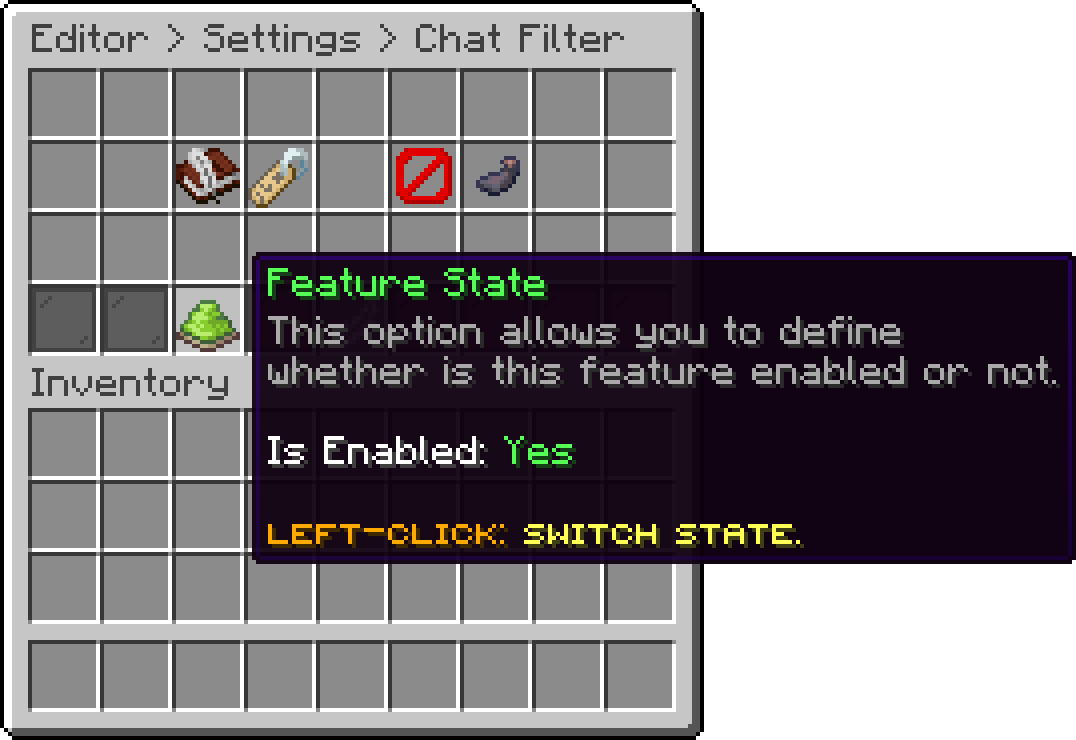
Chat Filter (Feature State)
filter:
  enabled: true
  case-insensitive: true
  censor-matches: false
  censor-character: '*'
  patterns:
  - (?:https?://)?(?:[\w-]+\.)+(?:com|net|org|gg|io|me|tv|xyz)(?:/\S*)?
  - \b(?:\d{1,3}\.){3}\d{1,3}(?::\d{1,5})?\b
The patterns are regular expressions, so a plain word works as well as a full pattern.
Oops... looks like the spiders padded through here
Add products to your cart and remove them from here Lets buy