

Oops... looks like the spiders padded through here
Add products to your cart and remove them from here Lets buy



On this page, you will find information regarding the pvp feature.
This module is configured in modules/pvp.yml inside the PhoenixLobby folder. The PvP item and its kit live in lobby-items.yml instead, under pvp-mode.
PvP lets your players fight each other without leaving the lobby. A player enters it with the PvP item in their hotbar, and leaves it the same way.
Entering and leaving both run a countdown first, so a player cannot escape a fight instantly. While in PvP mode their items are stored away and the PvP kit is given instead, and they get everything back the moment they leave. Open it from Editor > Modules > PvP Mode.
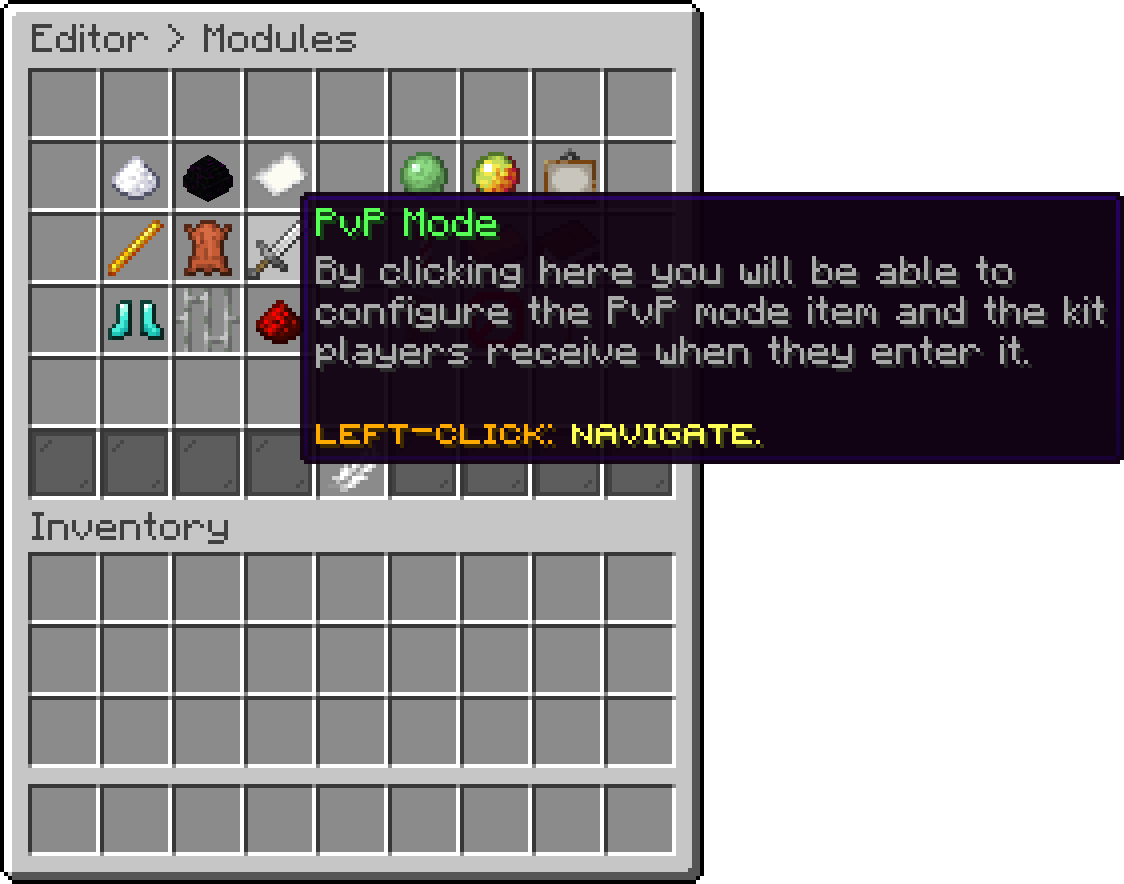
Modules (PvP Mode)
With this option, you can change which hotbar slot holds the PvP item. A value of -1 hides the item entirely, which is how you keep the mode available without putting it in everybody's hotbar.
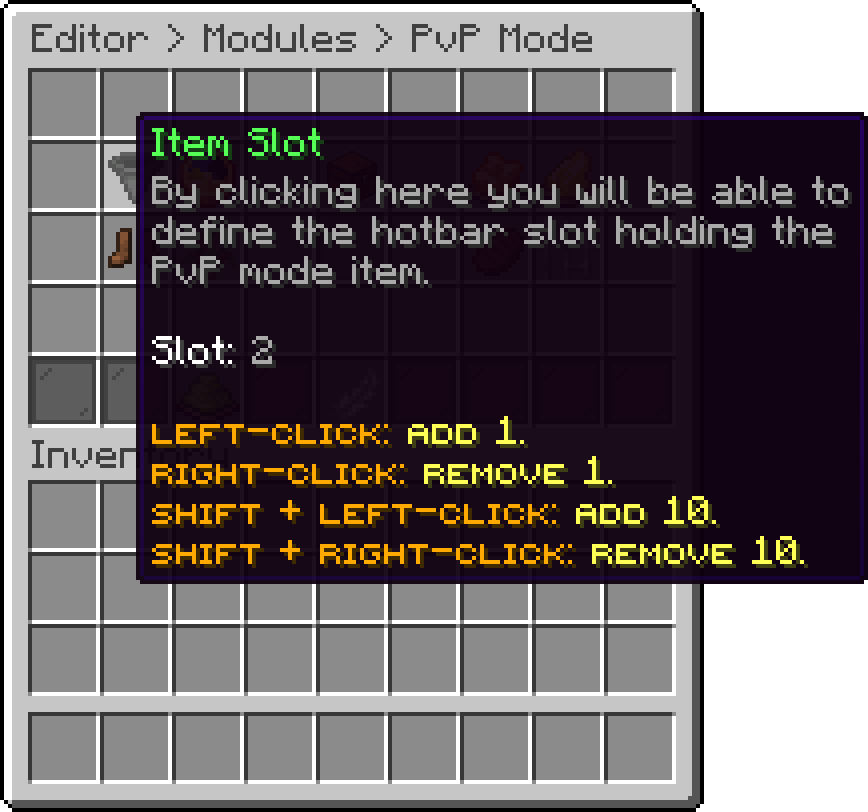
PvP Mode (Item Slot)
With this option, you can change how many seconds pass before entering or leaving takes effect. A value of 0 makes the switch instant, which also removes the delay a player would otherwise need to escape a fight.
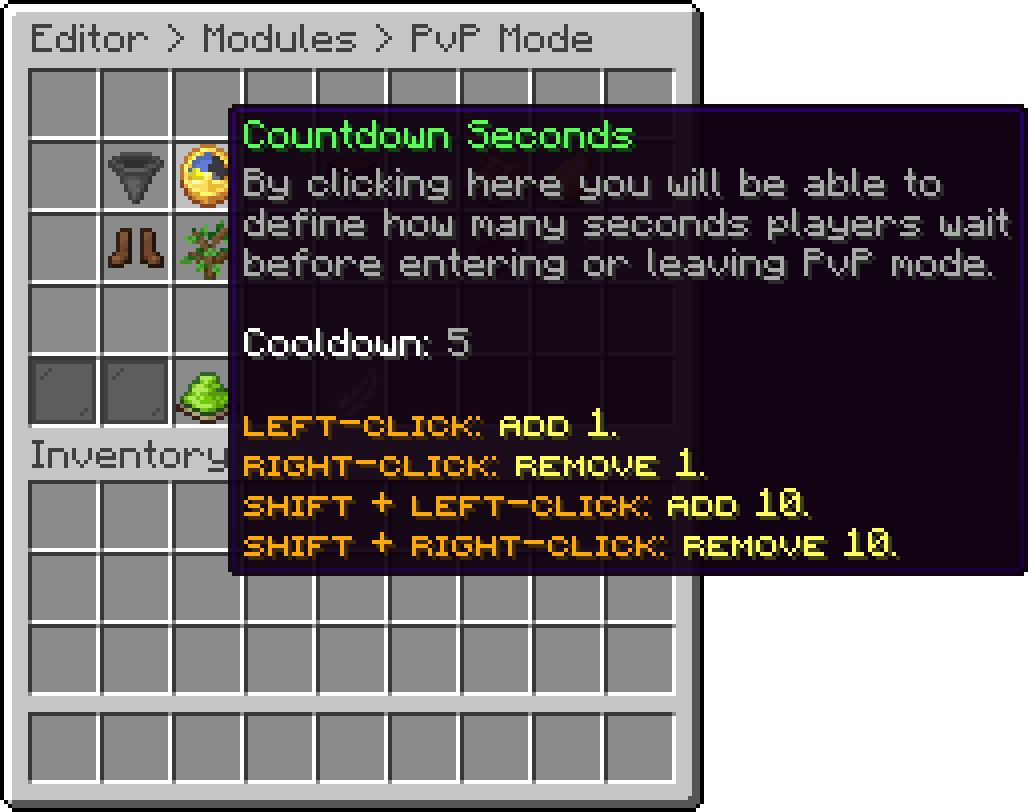
PvP Mode (Countdown Seconds)
With this option, you can ask the player to sneak once the countdown has finished before they actually enter. It stops somebody from being dropped into a fight by a misclick.
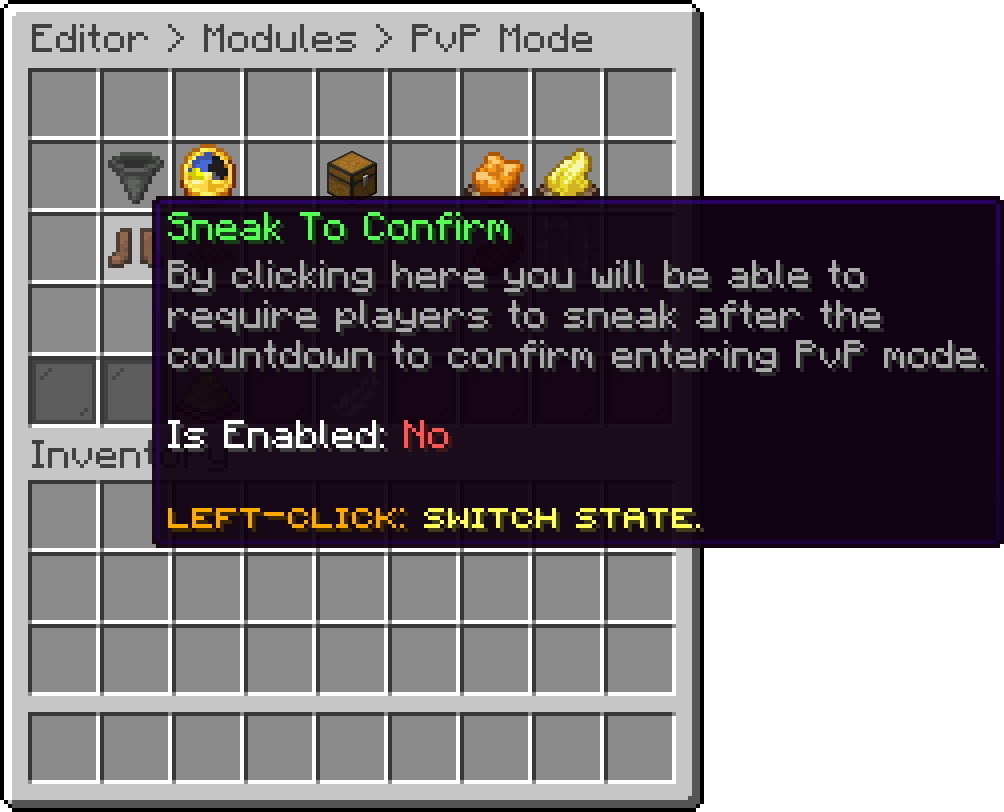
PvP Mode (Sneak To Confirm)
With this option, you can edit the actions that run the moment a player enters PvP mode. Every action type is available here.
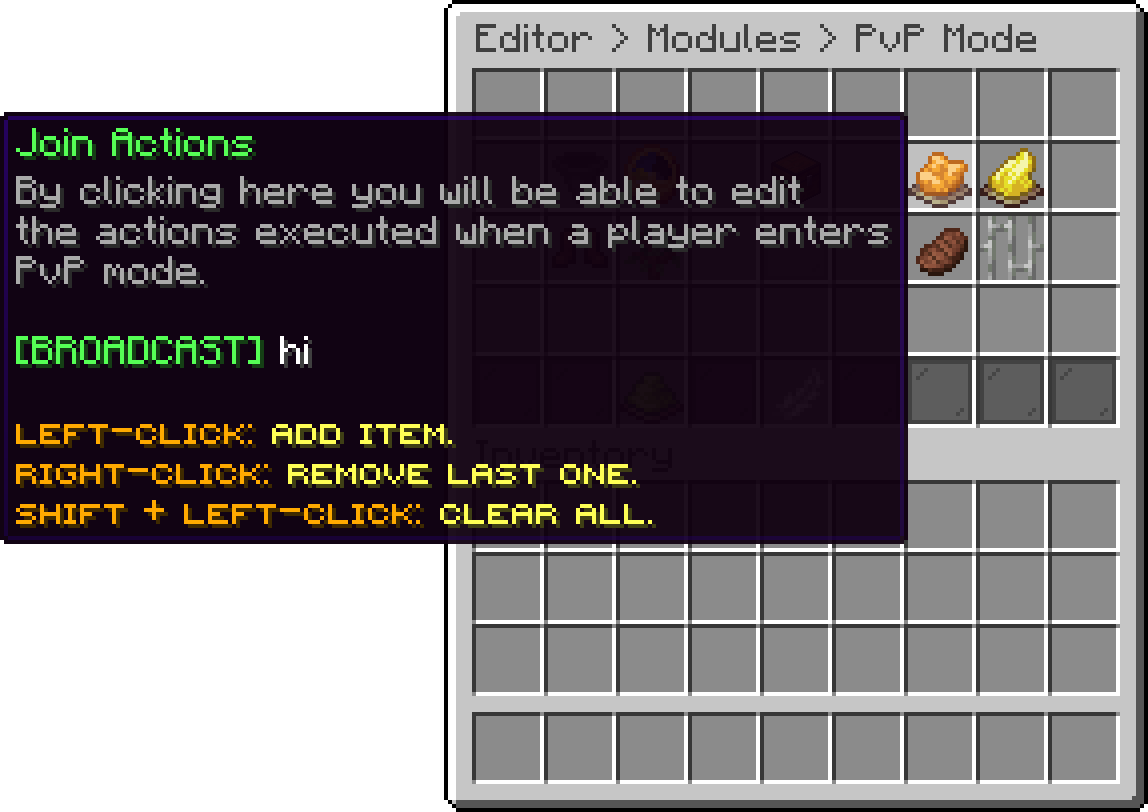
PvP Mode (Join Actions)
With this option, you can edit the actions that run when a player leaves PvP mode.
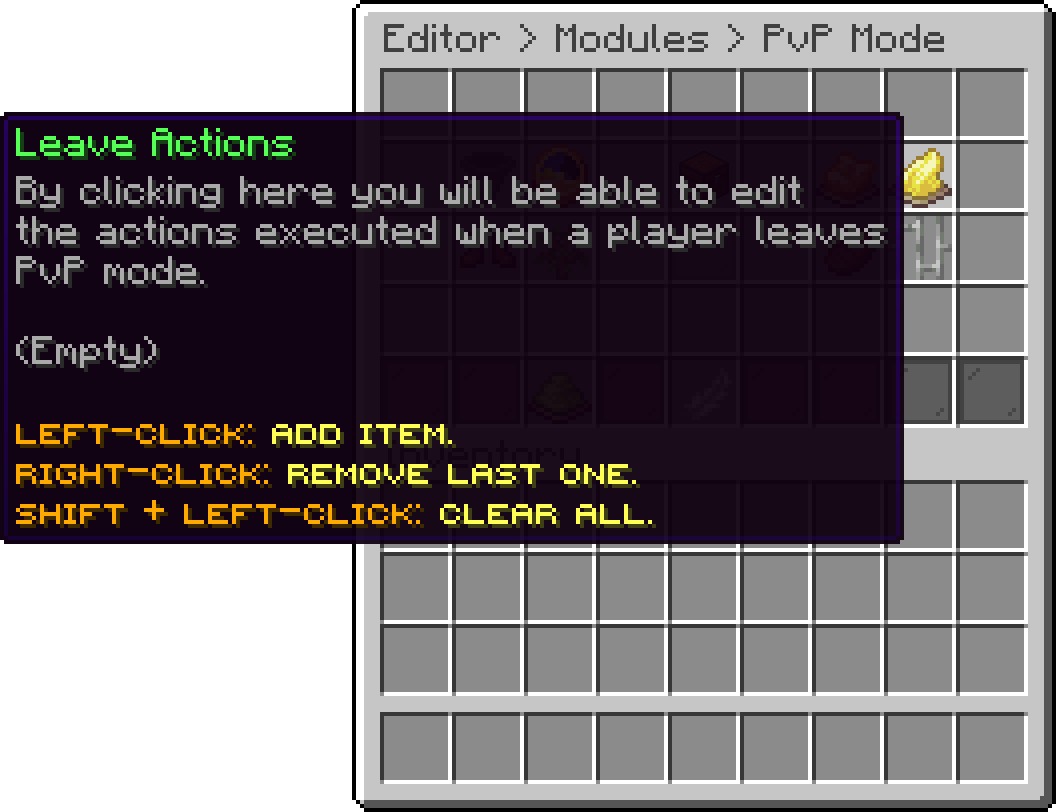
PvP Mode (Leave Actions)
The gear handed out for the duration of a fight has its own page: PvP Kit.
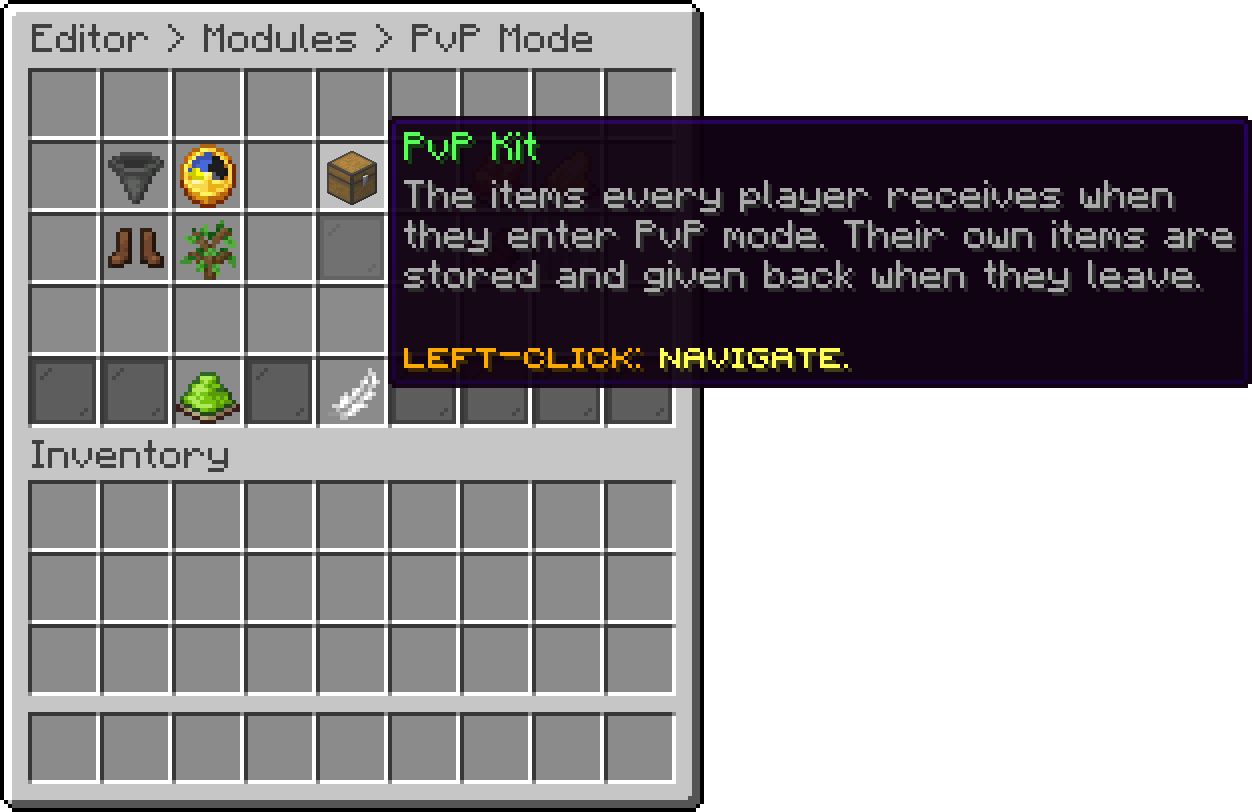
PvP Mode (PvP Kit)
Where the mode can be used is covered on its own page: Enabled Worlds.
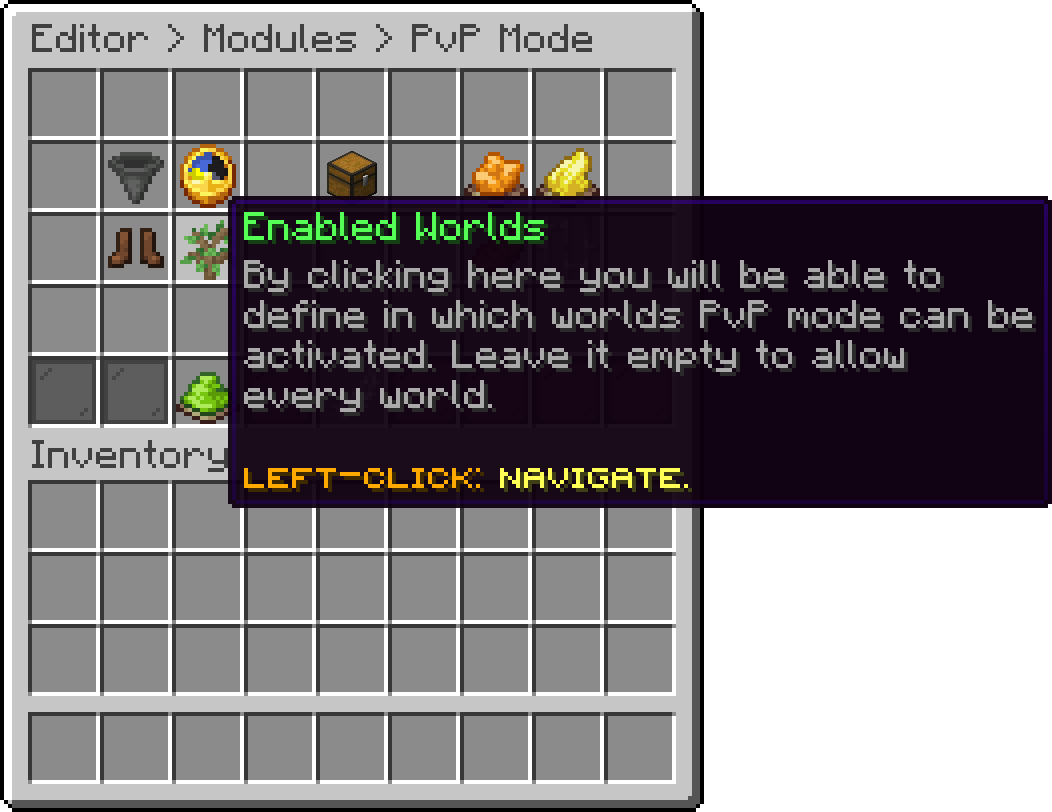
PvP Mode (Enabled Worlds)
What a fighting player loses access to has its own page: Restrictions.
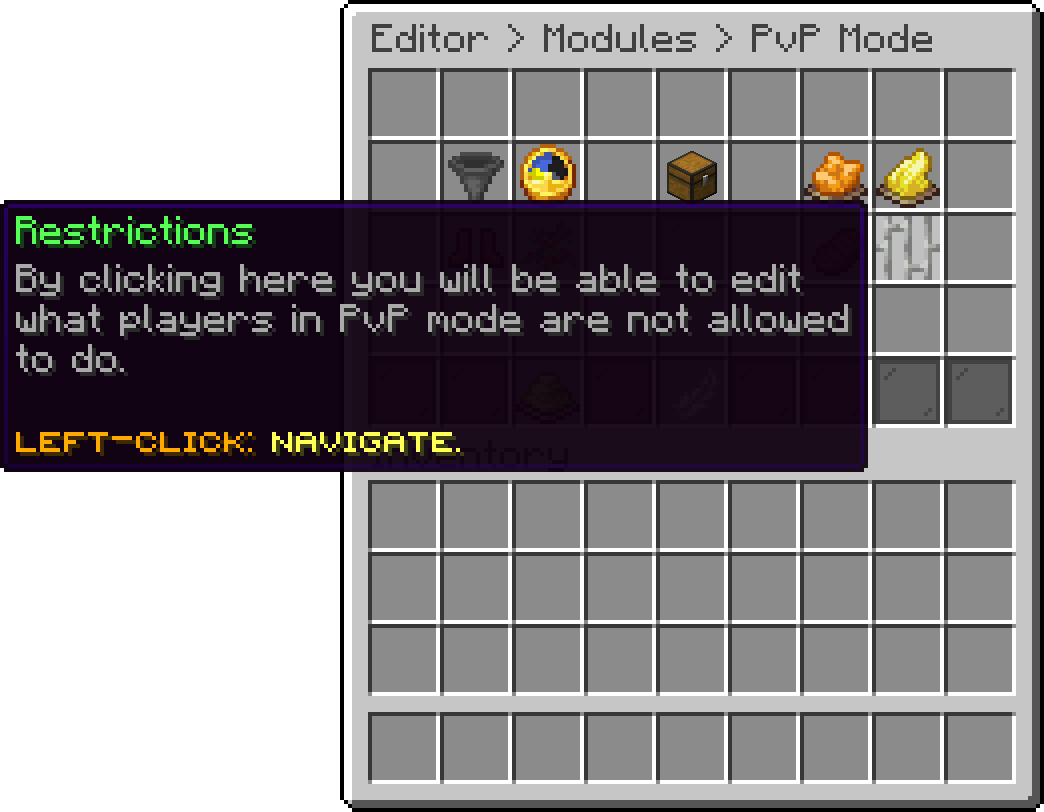
PvP Mode (Restrictions)
How the food bar behaves during a fight has its own page: Hunger.
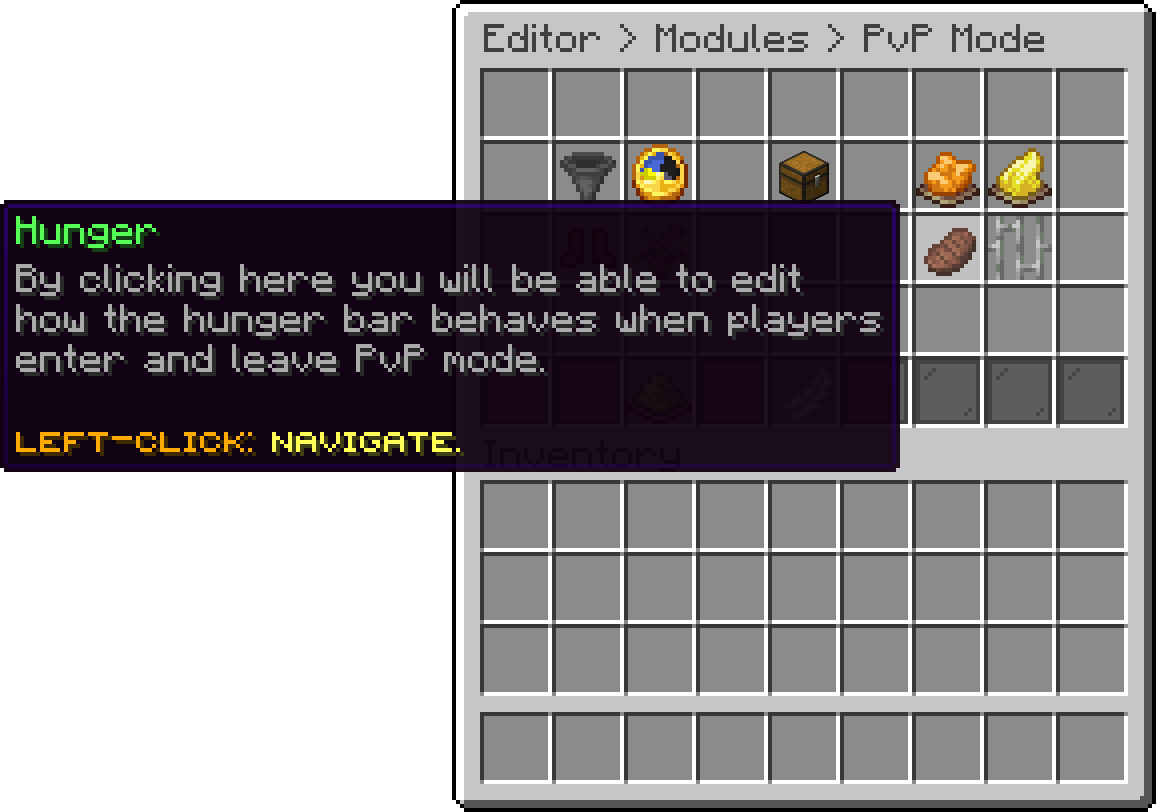
PvP Mode (Hunger)
With this option, you can turn PvP mode off completely. The item is taken out of the hotbar and nobody can enter.
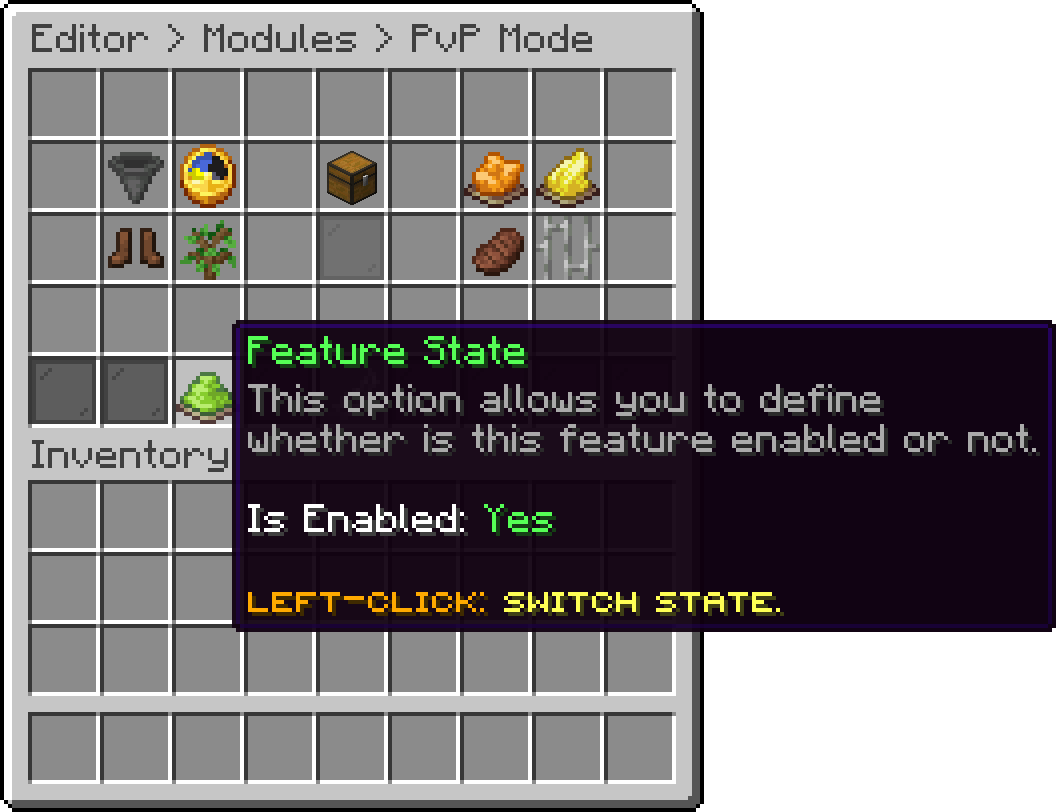
PvP Mode (Feature State)
Oops... looks like the spiders padded through here
Add products to your cart and remove them from here Lets buy