

Oops... looks like the spiders padded through here
Add products to your cart and remove them from here Lets buy



On this page, you will find information regarding the scoreboard feature.
This module is configured in modules/scoreboard.yml inside the PhoenixLobby folder.
The scoreboard is the panel down the right side of the screen. Its title can be animated by cycling through a list of frames, and its lines are refreshed on a timer so placeholders stay current. Open it from Editor > Modules > Scoreboard.
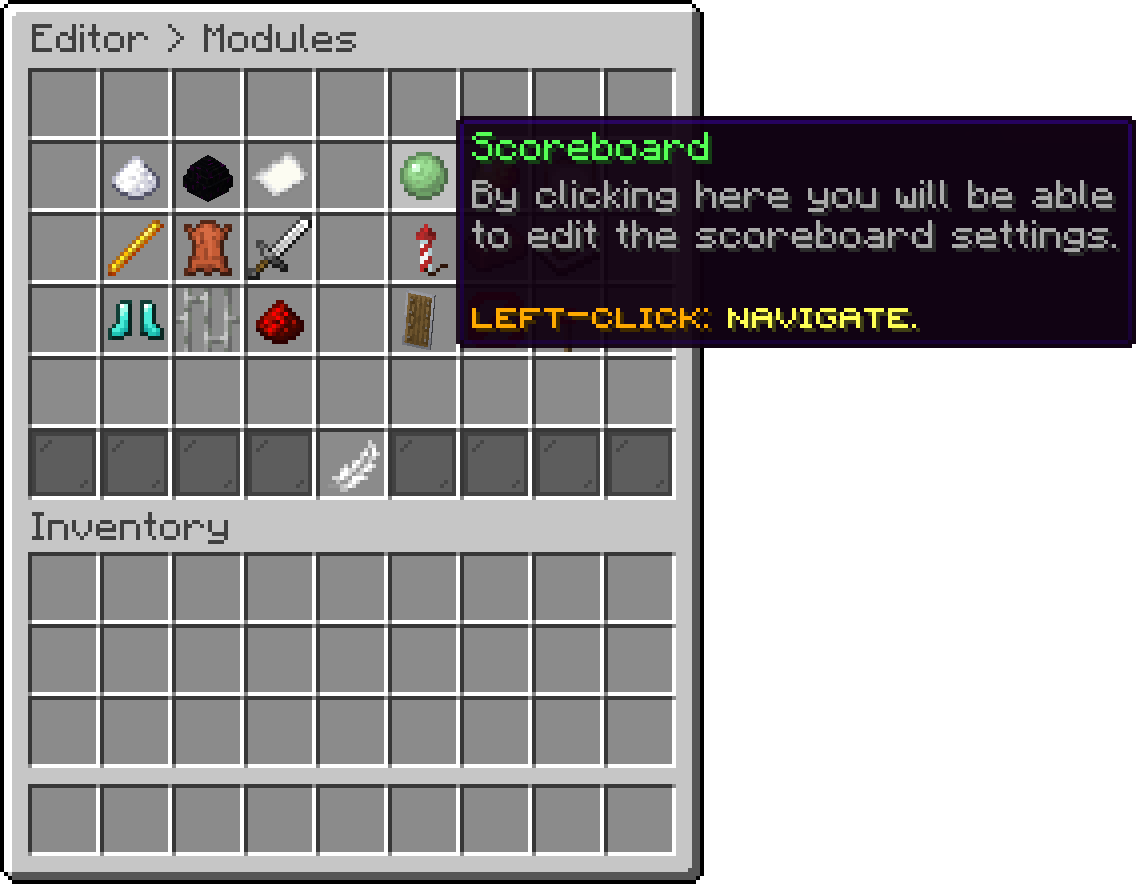
Modules (Scoreboard)
With this option, you can change how many ticks pass between two refreshes of the lines. Lower redraws sooner and costs more, and 20 ticks is one second.
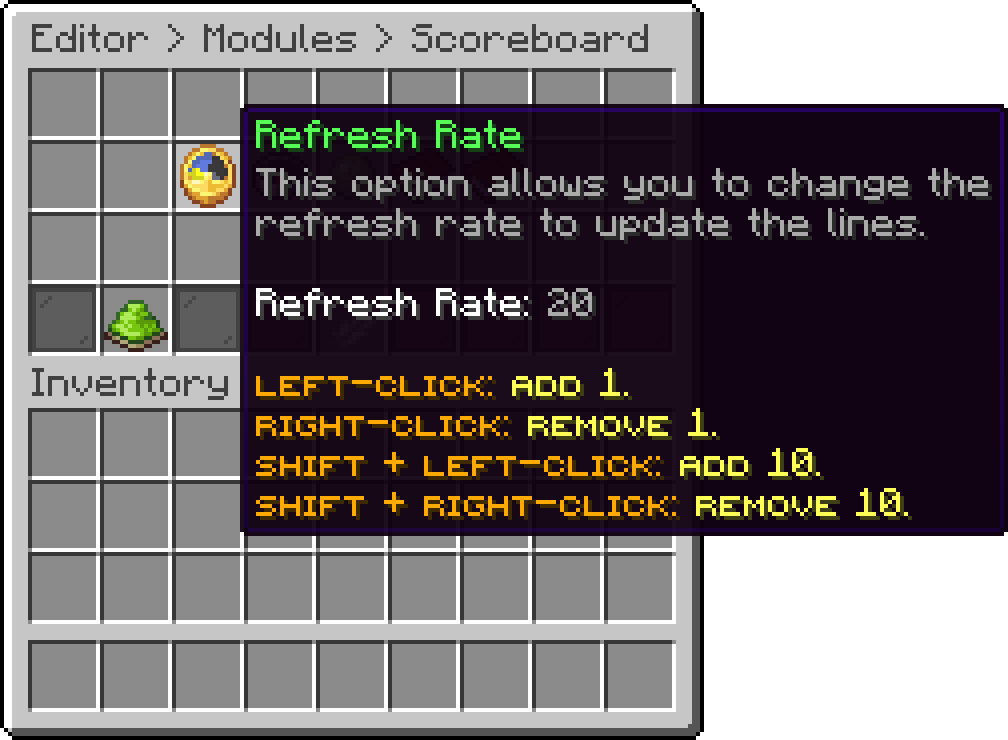
Scoreboard (Refresh Rate)
With this option, you can change how many ticks each title frame stays up before the next one is shown. A low value makes the animation run fast.
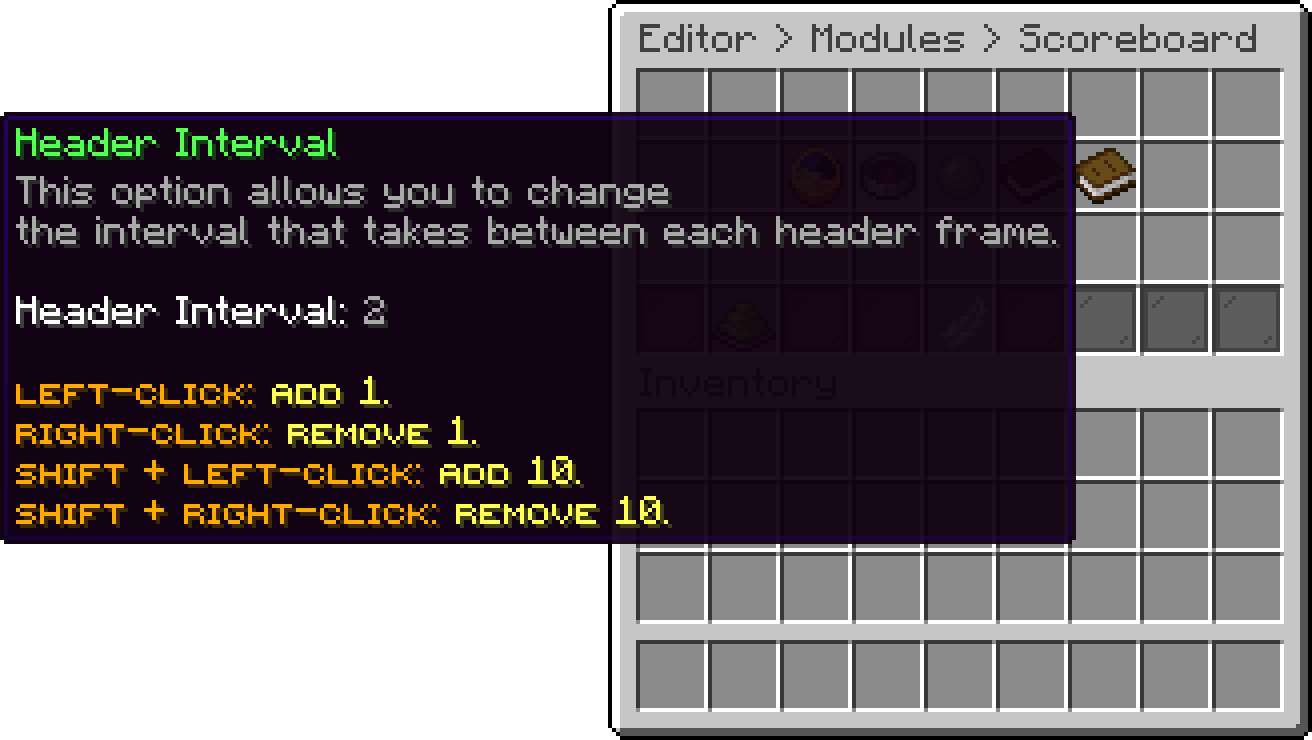
Scoreboard (Header Interval)
With this option, you can edit the frames the title cycles through. One entry is one frame, and the animation is built by repeating a frame to hold it and shifting colours between frames, which is how the default wave effect is made. A single frame leaves the title still.
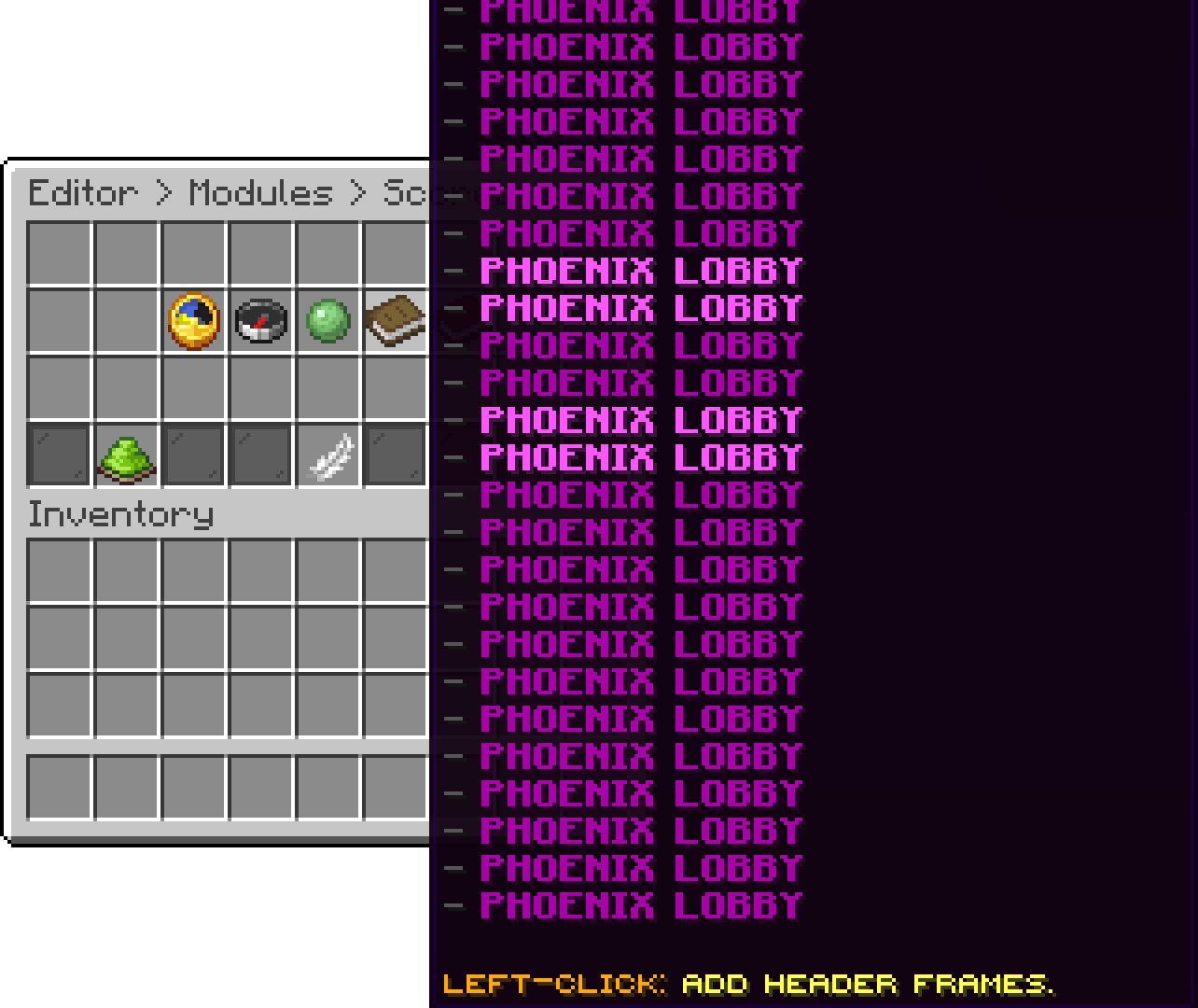
Scoreboard (Header Frames)
With this option, you can edit the lines under the title, in the order they are listed. An empty entry leaves a blank line for spacing. PlaceholderAPI placeholders work here.
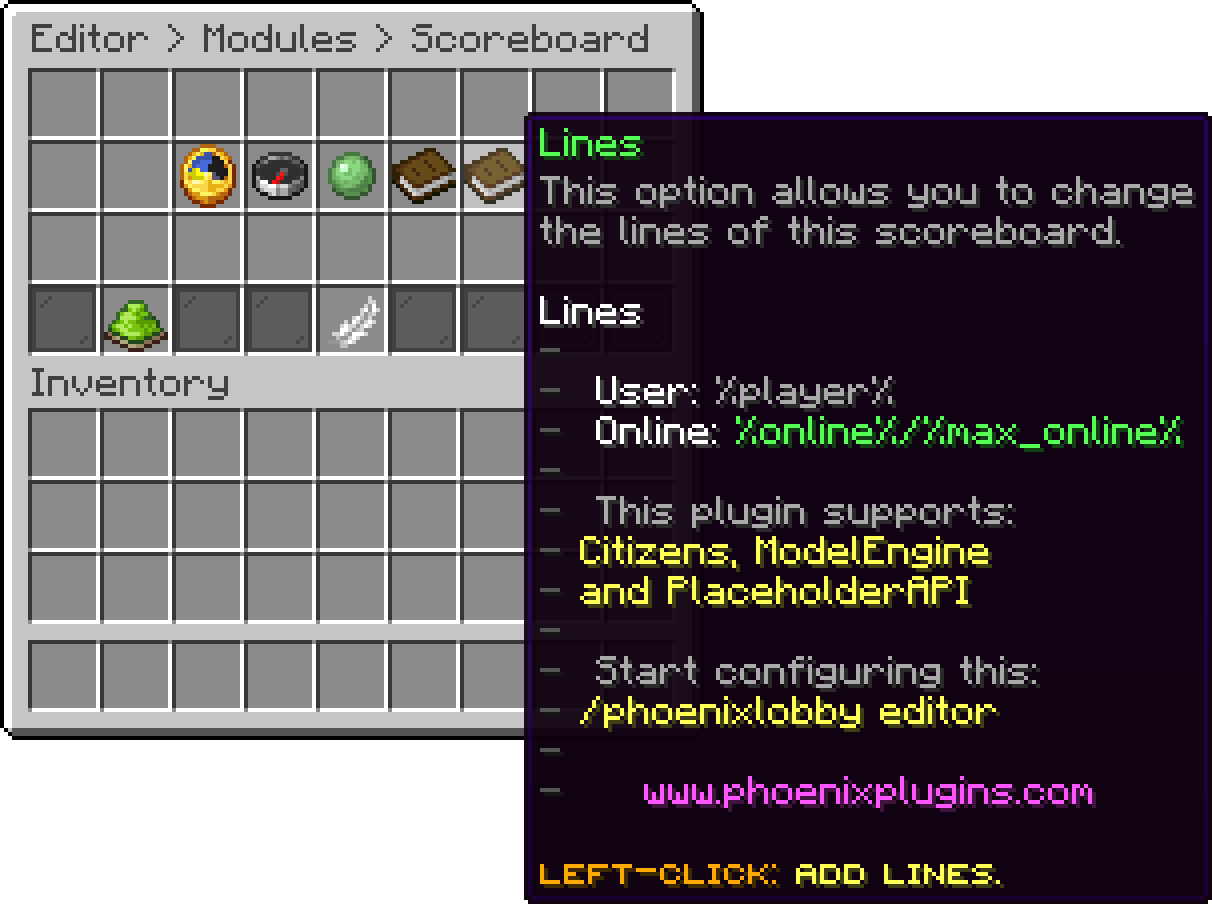
Scoreboard (Lines)
A board is a second scoreboard shown only in the worlds you assign to it, with its own title and lines. It has its own page: Per World Scoreboards.
With this option, you can turn the scoreboard off completely, for the default one and every board at once.
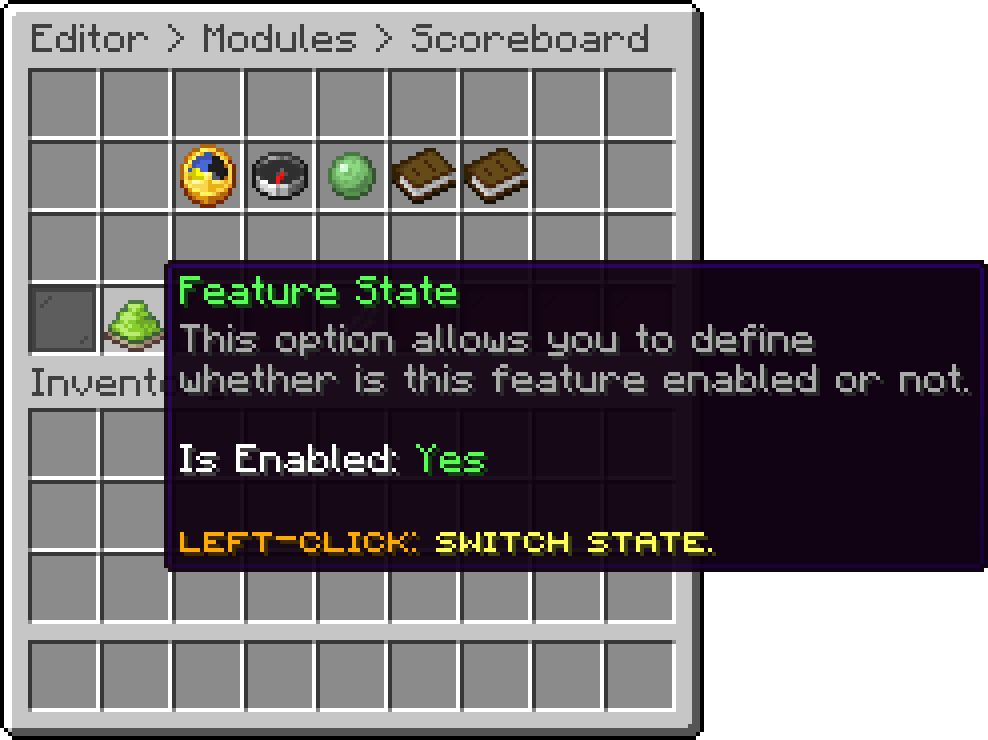
Scoreboard (Feature State)
.png)
Default Scoreboard
Players can hide the scoreboard for themselves with /togglescoreboard.
Oops... looks like the spiders padded through here
Add products to your cart and remove them from here Lets buy