

Oops... looks like the spiders padded through here
Add products to your cart and remove them from here Lets buy





On this page, you will find everything you need to know about the NPC Shops add-on.
The NPC Shops add-on puts a shop on an NPC. Players right-click the NPC to open the shop, with the same permission and currency checks as opening it by command. The NPC can be any entity, and a villager opens a vanilla trade menu instead of the shop menu.
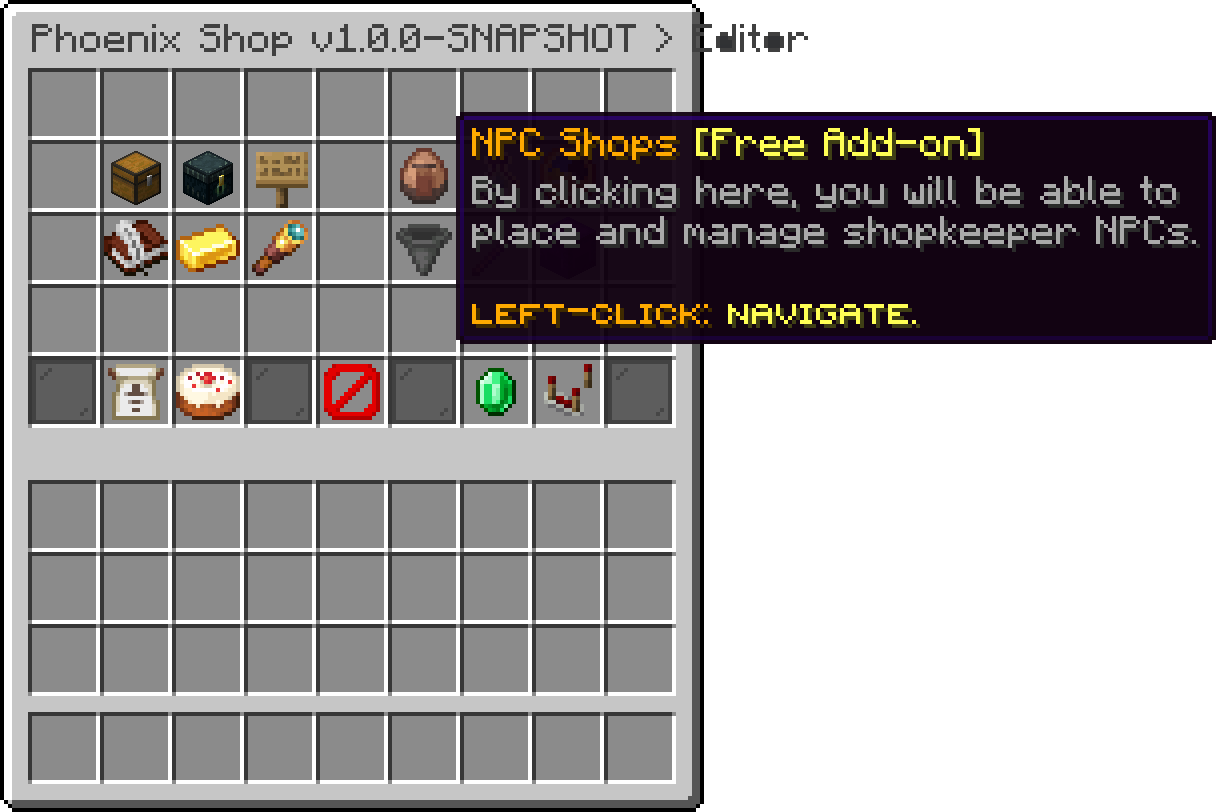
Editor (NPC Shops)
To install this add-on, drag and drop the jar file into the PhoenixShop/addons folder, then restart your server.
Without the add-on, its editor screens can still be browsed from the main editor as a locked preview. Nothing in the preview can be changed.
The add-on is free, but it requires the Premium edition. On Lite it does not load and the console says why.
| File | What it holds |
|---|---|
| Plugin database | Every placed NPC. An old npcs.yml is moved there on first start and renamed npcs.yml.migrated. |
PhoenixShop/translations/translations.<lang>.yml |
The add-on messages, under the npc section. |
| Command | Description |
|---|---|
/shopnpc create <shop> [engine] [entity] |
Places an NPC for a shop on the block you are looking at. |
/shopnpc remove |
Removes the NPC you are looking at. |
/shopnpc list |
Lists every placed NPC with its shop, engine and position. An NPC whose shop no longer exists is marked as missing. |
/npcshop works as an alias. The commands have to be run by a player.
| Permission | What it allows |
|---|---|
phoenixshop.npcshops.manage |
Creating, removing and listing shop NPCs. |
Using an NPC needs no permission of its own. A shop with a permission only opens for players who have it.
Oops... looks like the spiders padded through here
Add products to your cart and remove them from here Lets buy