

Oops... looks like the spiders padded through here
Add products to your cart and remove them from here Lets buy





On this page, you will find how to create a shop NPC and link it to a shop.
Editor > NPC Shops > New NPC asks for a shop, then spawns the NPC where you stand, facing the way you face. It uses Citizens if it is installed, then FancyNpcs, and otherwise a plain villager.
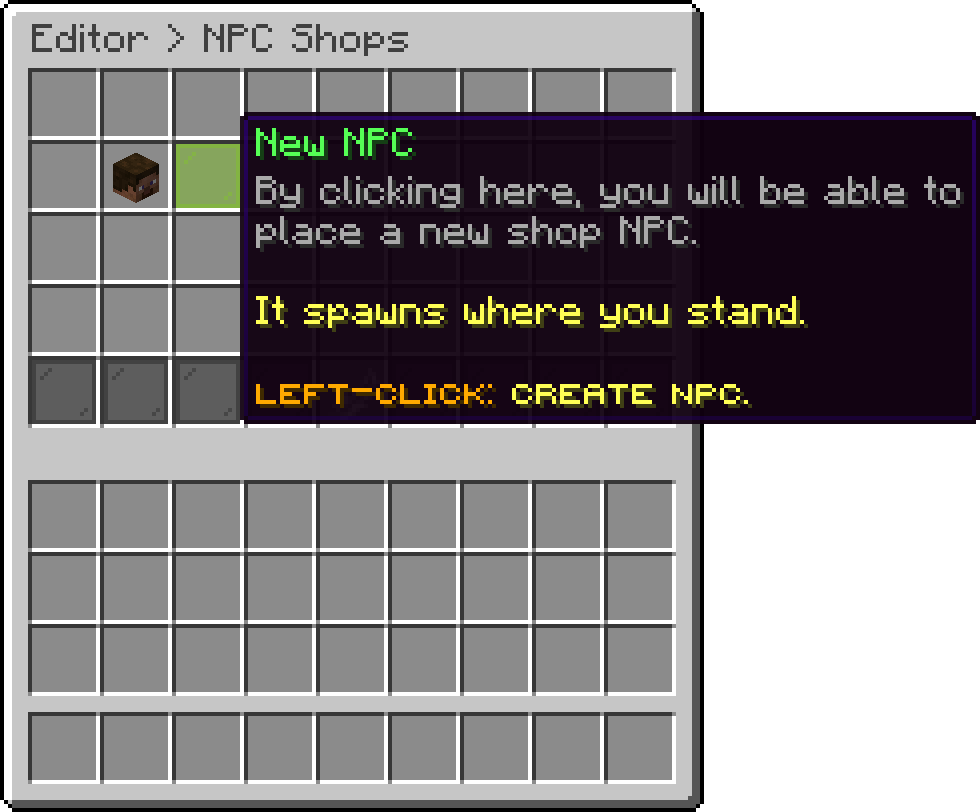
NPC Shops (New NPC)
The same can be done with a command. Look at the block the NPC should stand on, within 6 blocks, and run:
/shopnpc create <shop> [engine] [entity]
| Argument | What it does |
|---|---|
shop |
The identifier of the shop the NPC opens. |
engine |
citizens, fancynpcs, entity, modelengine or bettermodel. Citizens when left out. |
entity |
Any living entity type, such as villager or zombie. A player when left out, or a villager on the entity engine. |
The NPC spawns on top of that block, facing you, with the shop's display name above it. It is named after the shop with a number, such as shop-1.
| Engine | Requires | What it draws |
|---|---|---|
| Entity | Nothing | A real mob with its AI turned off. Any living entity. |
| Citizens | Citizens | Any living entity, or a player with a skin. |
| FancyNpcs | FancyNpcs | Any living entity, or a player with a skin. |
| Model Engine | ModelEngine 4.0.9+ | A model, with an idle and an interaction animation. |
| BetterModel | BetterModel | A model, with an idle and an interaction animation. |
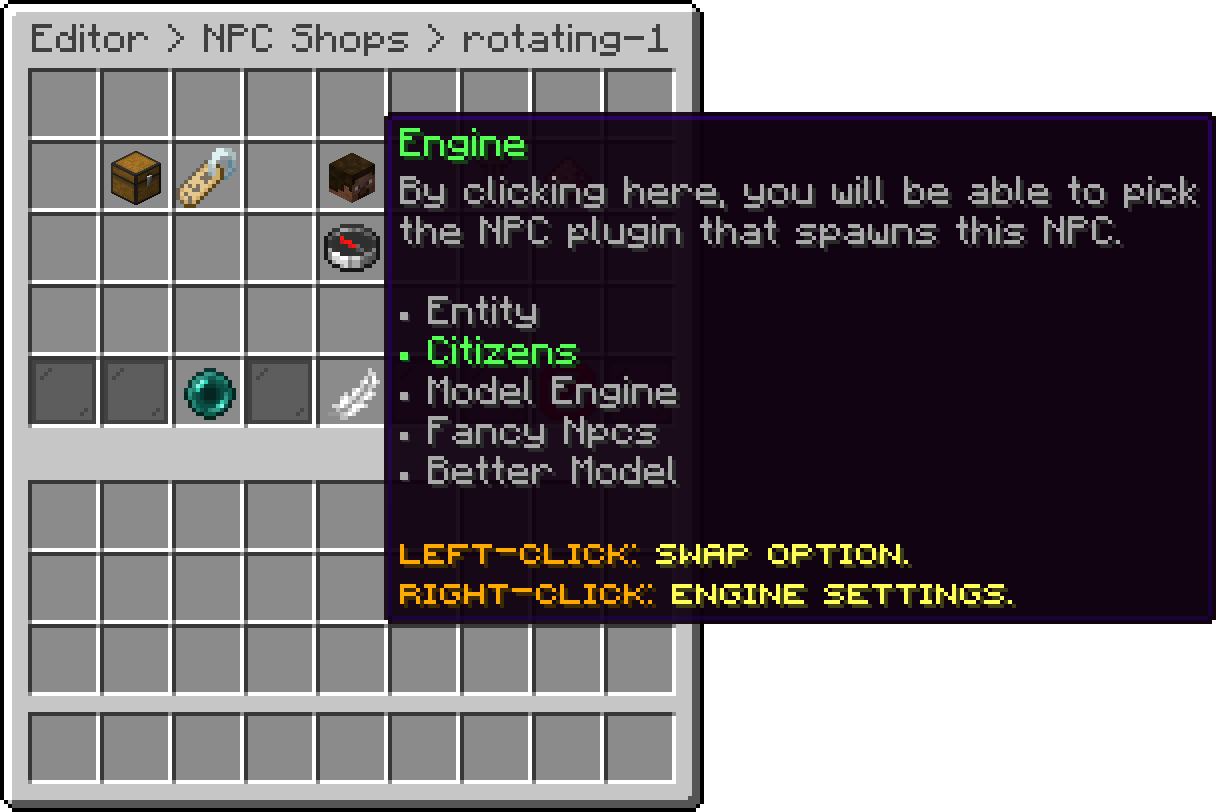
Edit NPC (Engine)
The add-on keeps its own record of every NPC and spawns them again on each start, so they are not saved in the Citizens or FancyNpcs files. Changes made to them through those plugins are lost on the next restart.
An NPC that is moved or pushed is put back in place.
Editor > NPC Shops lists every NPC, and marks the ones whose shop is gone or whose engine is not installed. Every change respawns the NPC straight away.
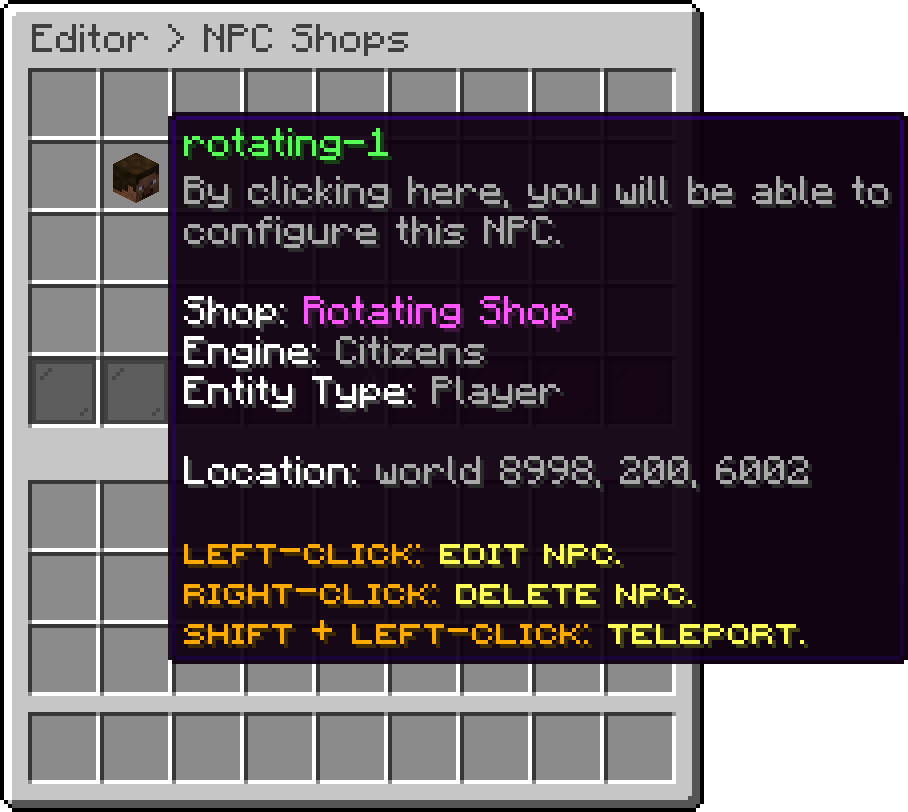
NPC Shops (rotating-1)
| Field | What it does |
|---|---|
| Shop | The shop the NPC opens. |
| Nameplate | The lines shown above the NPC. |
| Engine | Swaps between the installed engines. Its settings are listed below. |
| Scale | Makes the NPC bigger or smaller, 0.1 to 10. |
| Glow | A coloured outline around the NPC. |
| Position | Click a block: the NPC moves on top of it, facing you. |
| Setting | Engines | What it does |
|---|---|---|
| Entity Type | Entity, Citizens, FancyNpcs | What the NPC is. A villager opens the trade menu. |
| Skin | Citizens, FancyNpcs | The skin of a player NPC, looked up from a Mineskin link, a player name or a UUID. |
| Look Close | All | Turns the NPC towards the nearest player within 8 blocks. |
| Model | Model Engine, BetterModel | The model the NPC shows. Until one is picked, nothing spawns. |
| Idle Animation | Model Engine, BetterModel | Loops while nobody is clicking. |
| Interaction Animation | Model Engine, BetterModel | Plays once each time a player clicks the NPC. |
Delete it in the editor, or look at the block the NPC stands on and run /shopnpc remove.
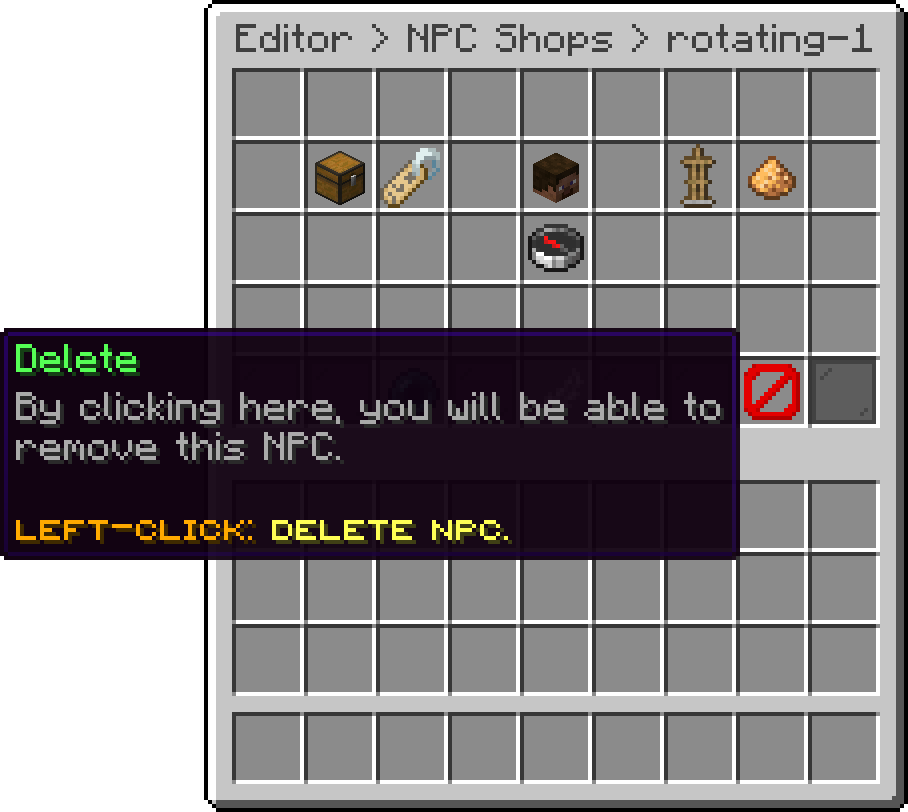
Edit NPC (Delete)
Deleting the shop an NPC points at does not remove the NPC. Clicking it tells the player the shop is gone, and /shopnpc list marks it as missing.
Oops... looks like the spiders padded through here
Add products to your cart and remove them from here Lets buy