






Your cart is empty
Looks like the spiders padded through here. Pick a plugin and it will show up here. Continue shoppingA party can fight itself in two ways, both started from the party menu:
/party fight) - exactly two teams, blue against red, up to 12 players each./party multifight) - up to four teams, red, blue, green and yellow, up to 6 players each.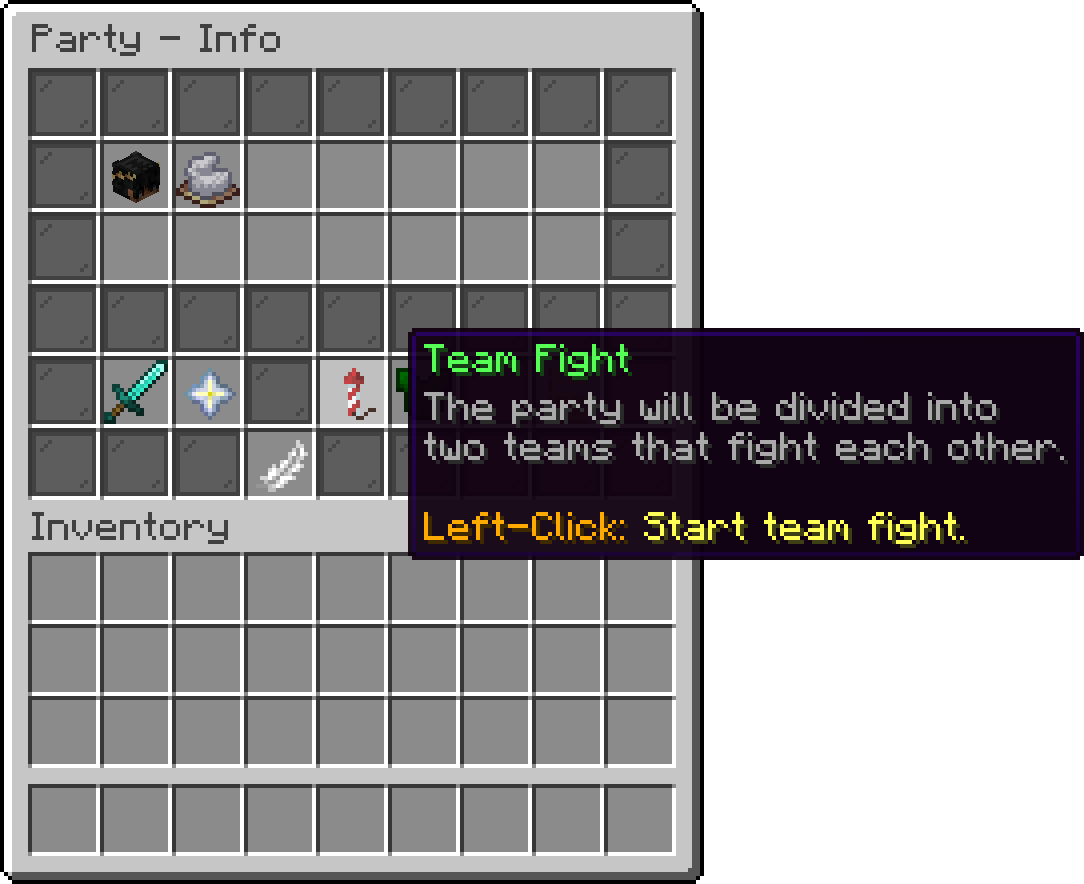
Party > Info
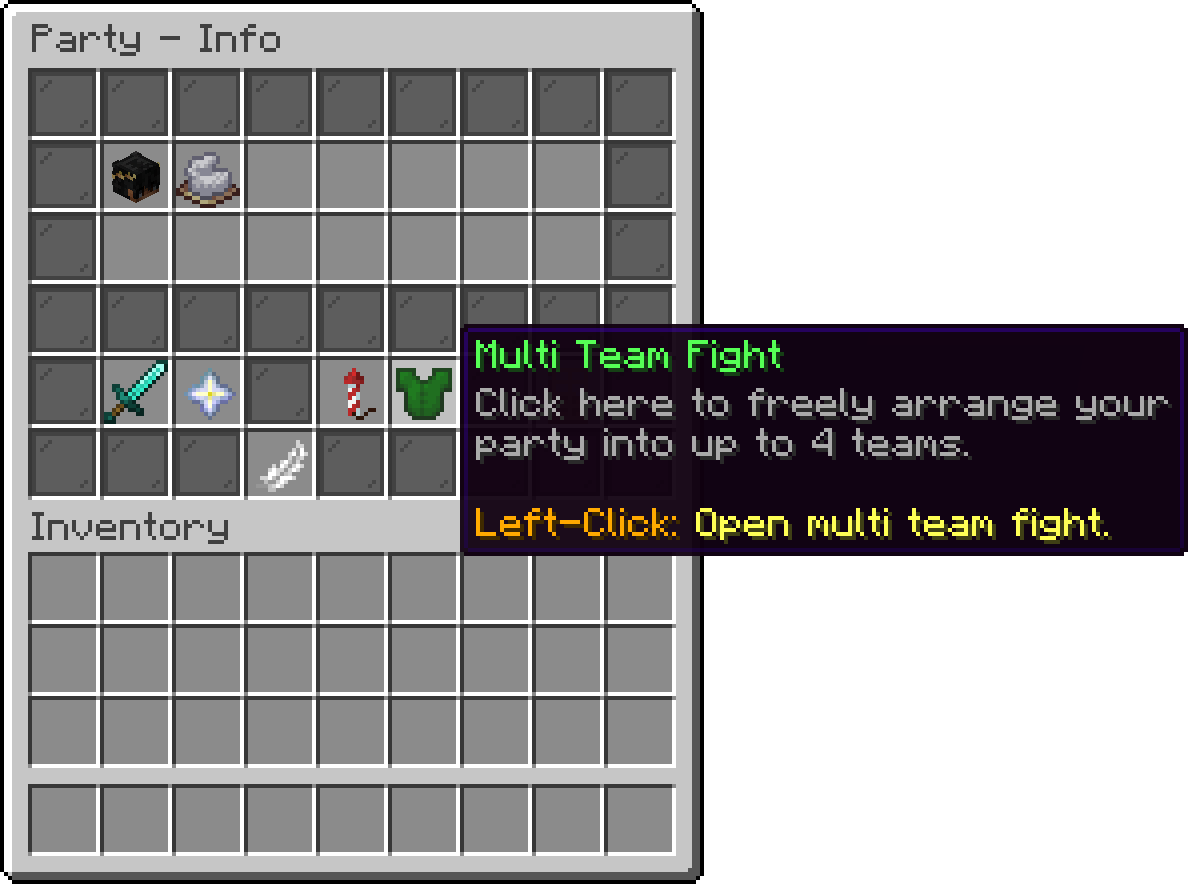
Party > Info
/party multifight requires PhoenixDuels Premium. It also takes an optional team count, /party multifight <2-4>.
Both open a picker where the party is already split for you. Nobody is committed to a team until the match is started, so the picker is where you sort out who plays with whom.
Each team is a coloured pane with the team's name and how full it is. Click a pane to join that team yourself. Team Fight puts the two teams on either side of one row; Multi Team Fight gives each team its own row, with the pane on the left.
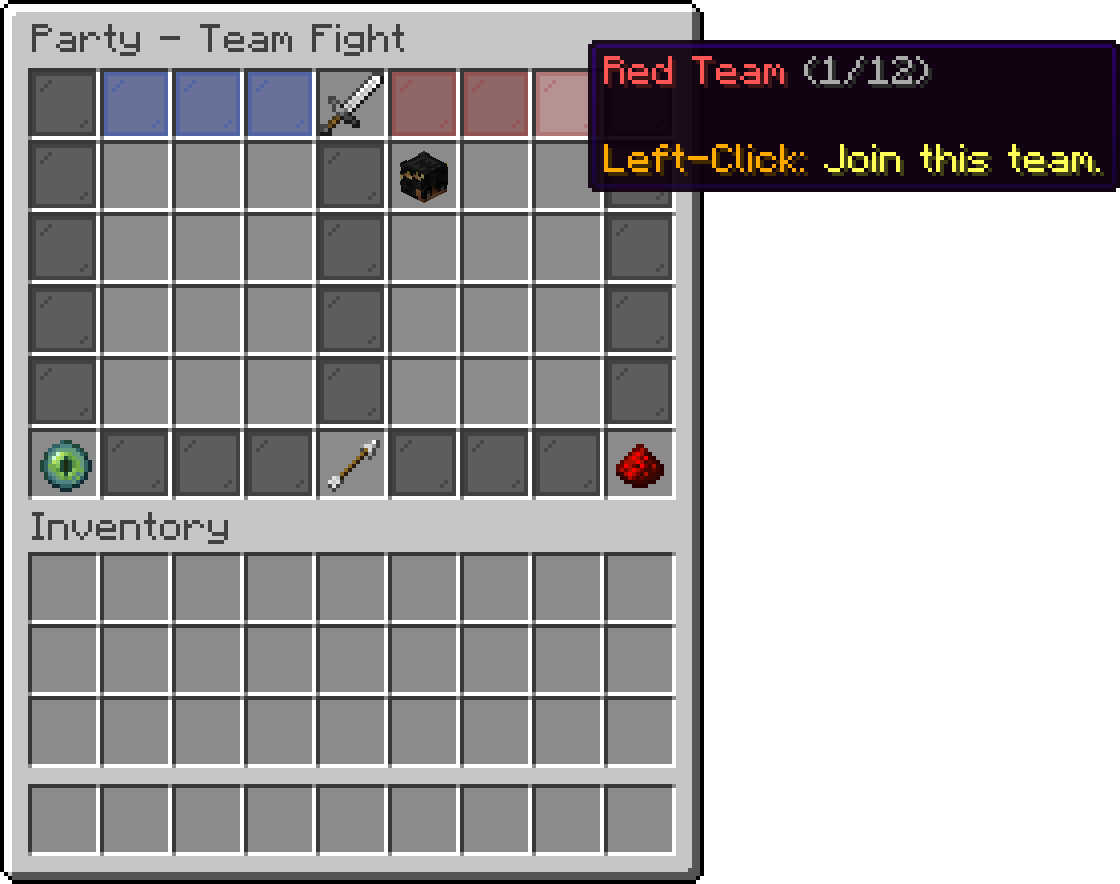
Party > Team Fight
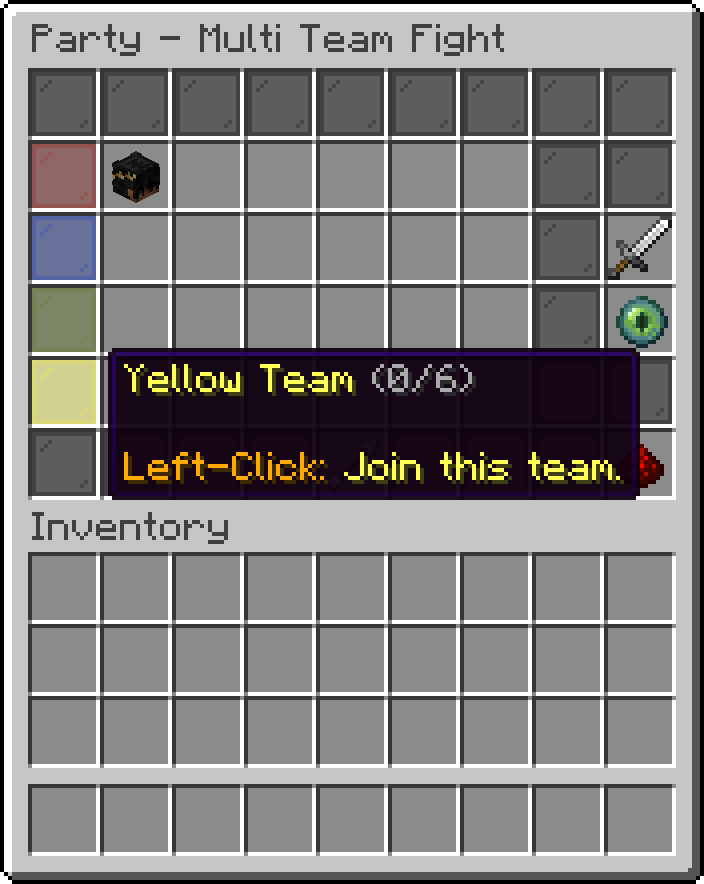
Party > Multi Team Fight
The leader moves other people around instead of only themselves: click a member's head to select them, then click the pane of the team they should end up in. Each head also shows that player's elo, whether they are the leader, and whether they are online.
Team Swapping is a lock for the whole party. While it is unlocked, any member can move themselves between teams. Locking it leaves only the leader able to move anyone, which is what you want once the teams are settled and you do not want someone re-shuffling as the match starts.
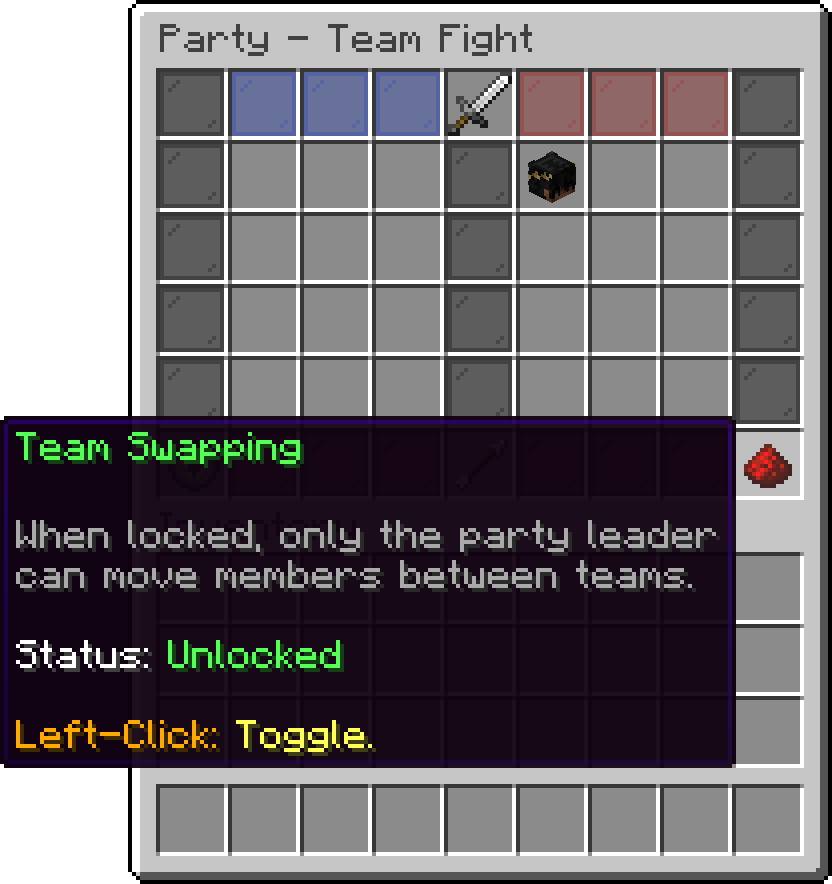
Party > Team Fight
Party members placed in Spectators watch the match instead of playing, which is how you handle an odd number of players or someone who just wants to sit one out. Left-click the eye to join or leave the spectators, and right-click it to see who is currently in there. Sitting out is always a personal choice, so this is never blocked by the team swapping lock; the leader can still move a selected member in or out from the same item.
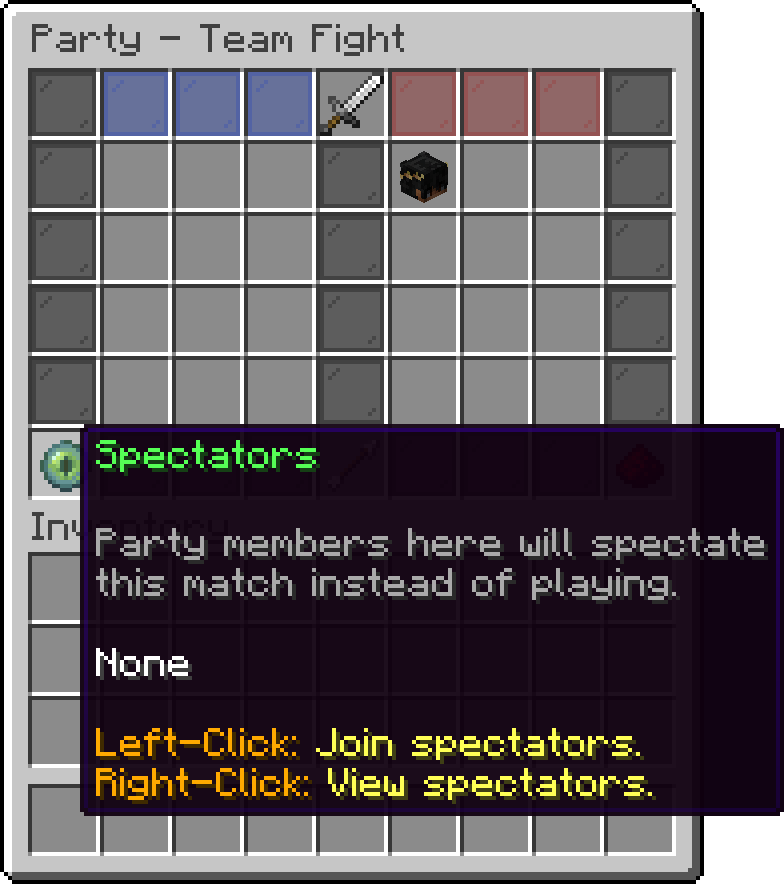
Party > Team Fight
Start Match continues to the usual mode and arena picker, and the match begins with the teams exactly as they are in the picker. At least two teams need members; if everyone has ended up on one team, the match will not start.
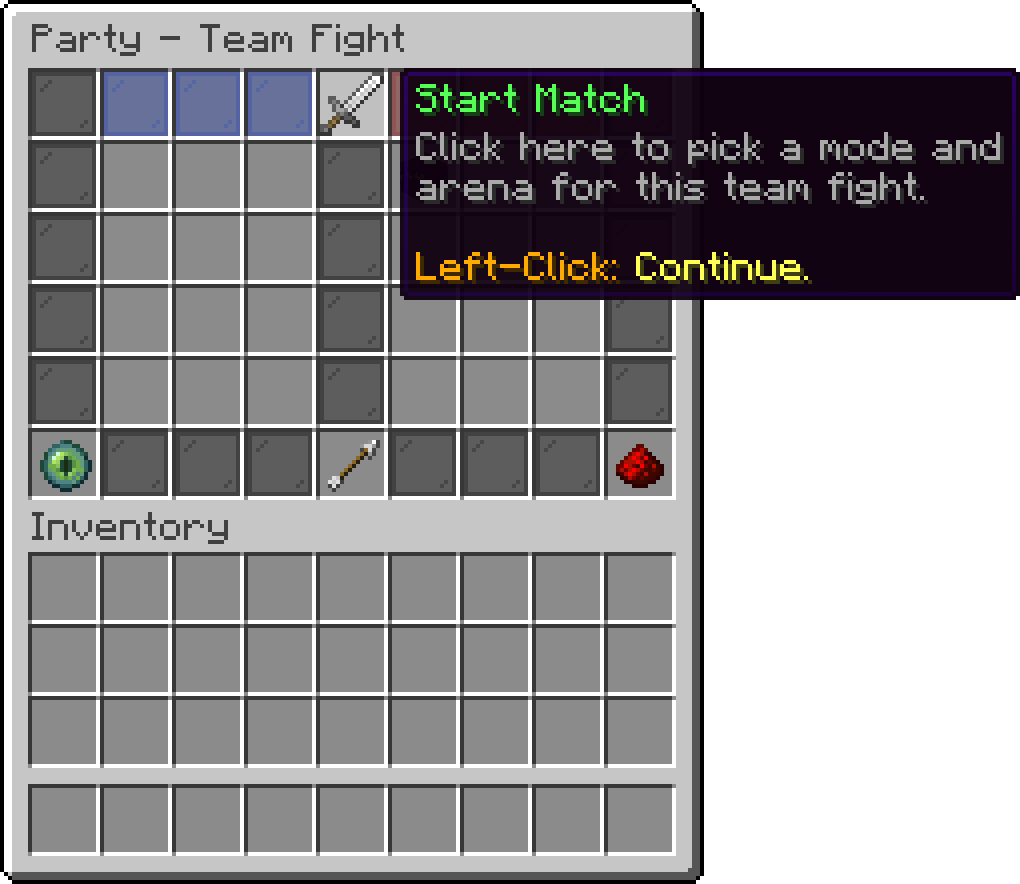
Party > Team Fight
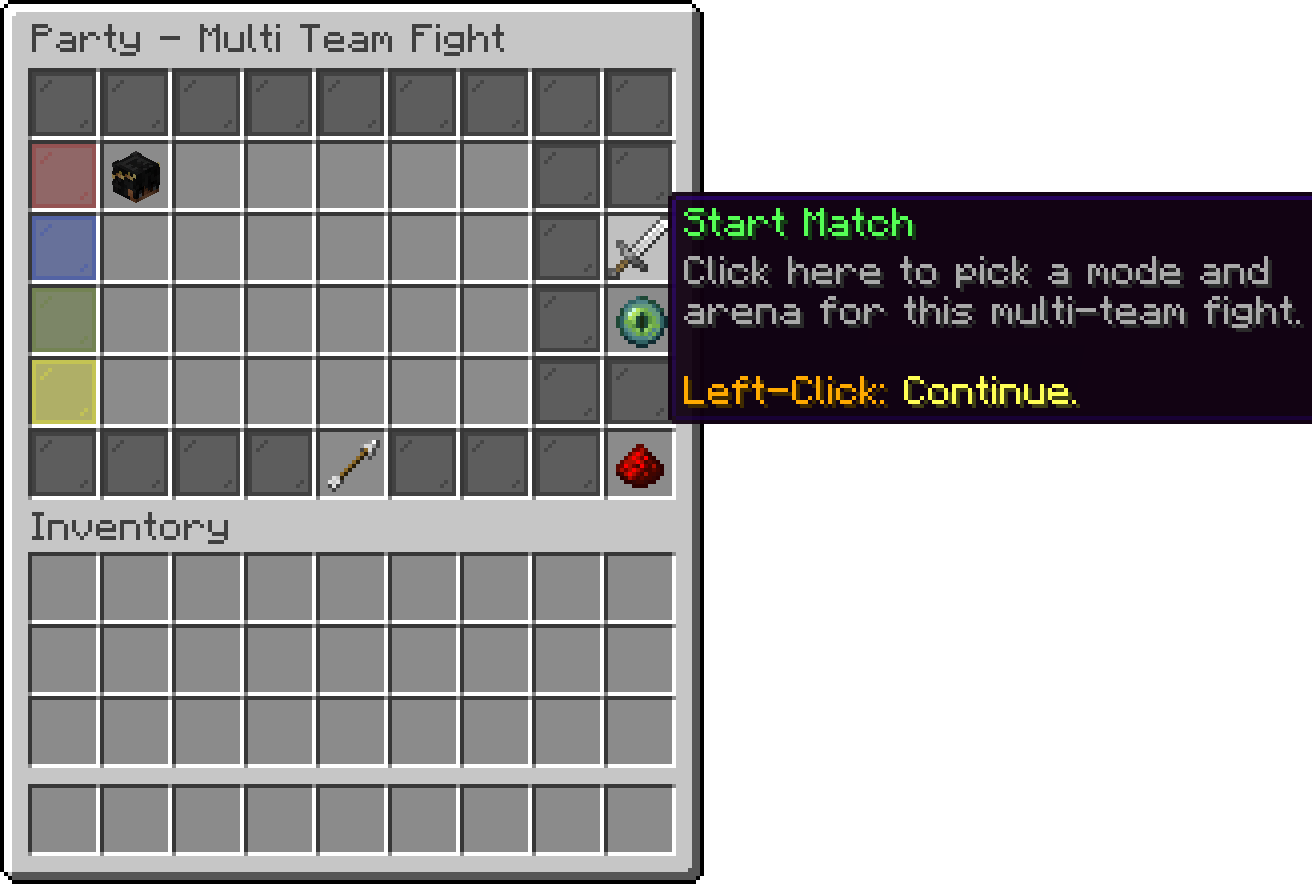
Party > Multi Team Fight
Challenge Party is the other direction: instead of splitting your own party, you pick another party on the server and the two fight each other.
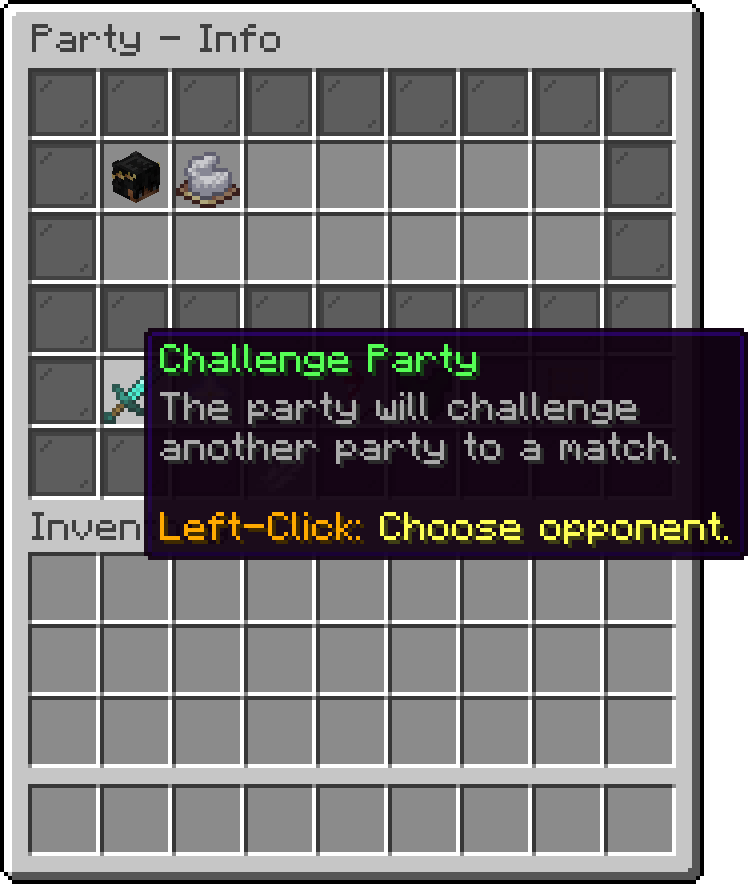
Party > Info
Your cart is empty
Looks like the spiders padded through here. Pick a plugin and it will show up here. Continue shopping