

Oops... looks like the spiders padded through here
Add products to your cart and remove them from here Lets buy




On this page, you will learn how to create the kits that modes hand to players at the start of a match.
A kit is a saved inventory: armour, hotbar, contents and offhand, stored once and given to both players when a match starts. Kits live on the server, not inside a mode, so one kit can be used by as many modes as you like. Each one is saved to its own file under plugins/PhoenixDuels/kits/.
A mode only uses a kit if its loadout is set to Premade Kit; the other loadout types hand players their own inventory instead. See create-a-mode.
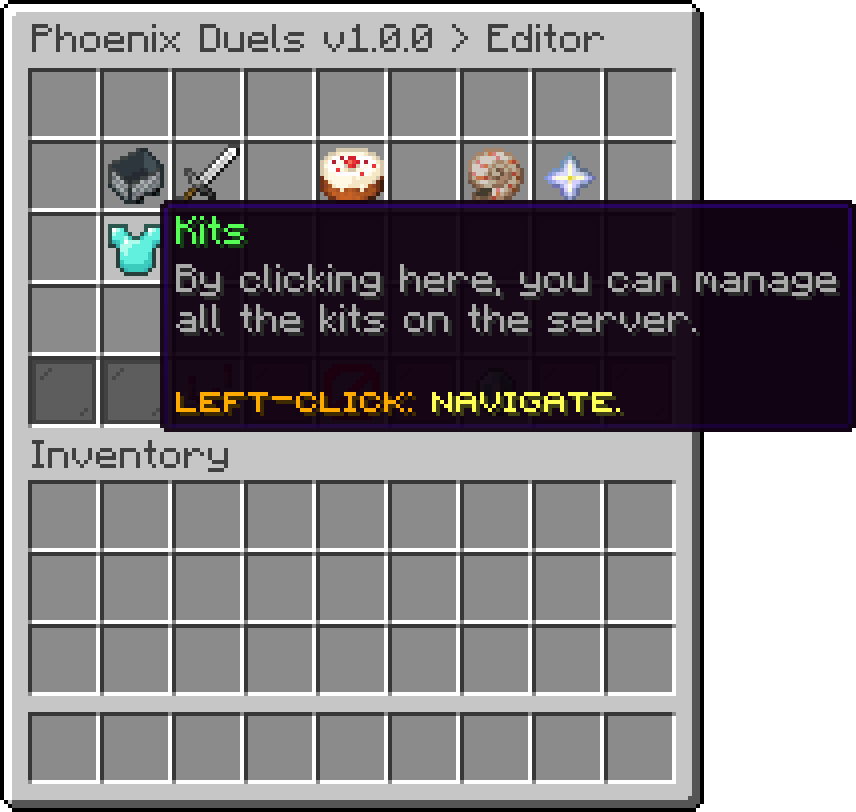
Editor
The kits screen lists every kit on the server. Click Add Kit to create one, and it opens straight into the kit's own screen.
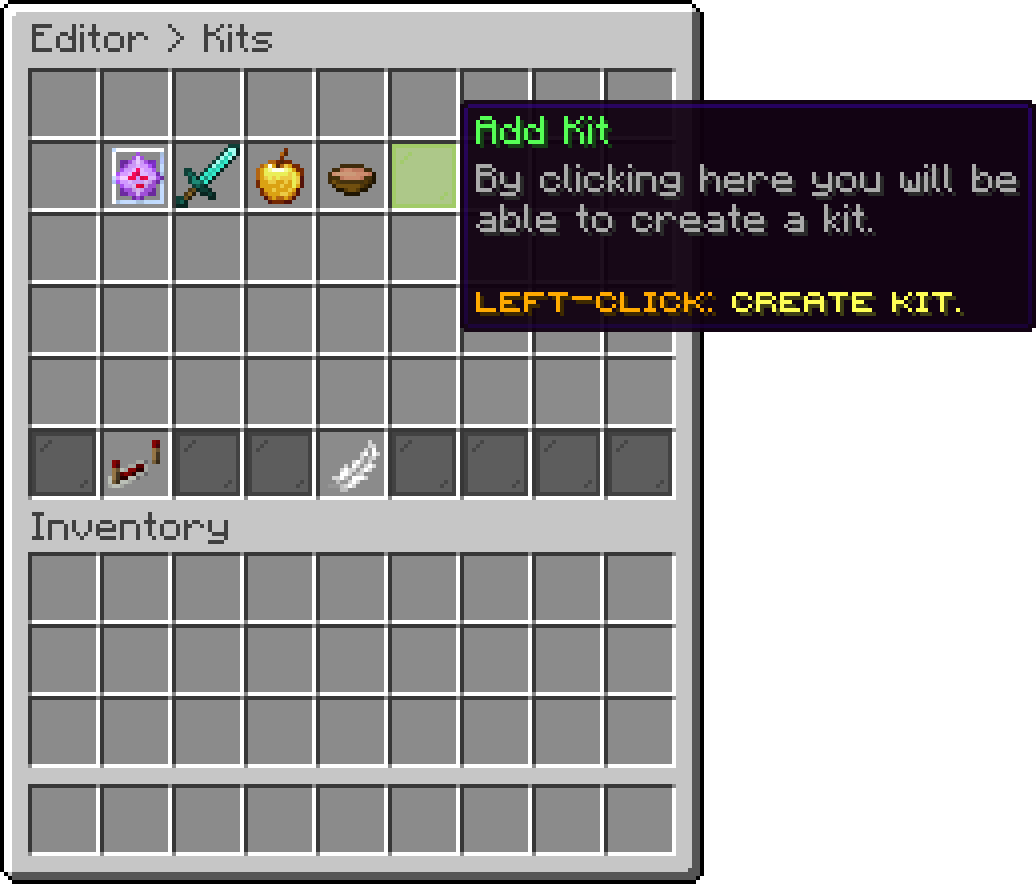
Editor > Kits
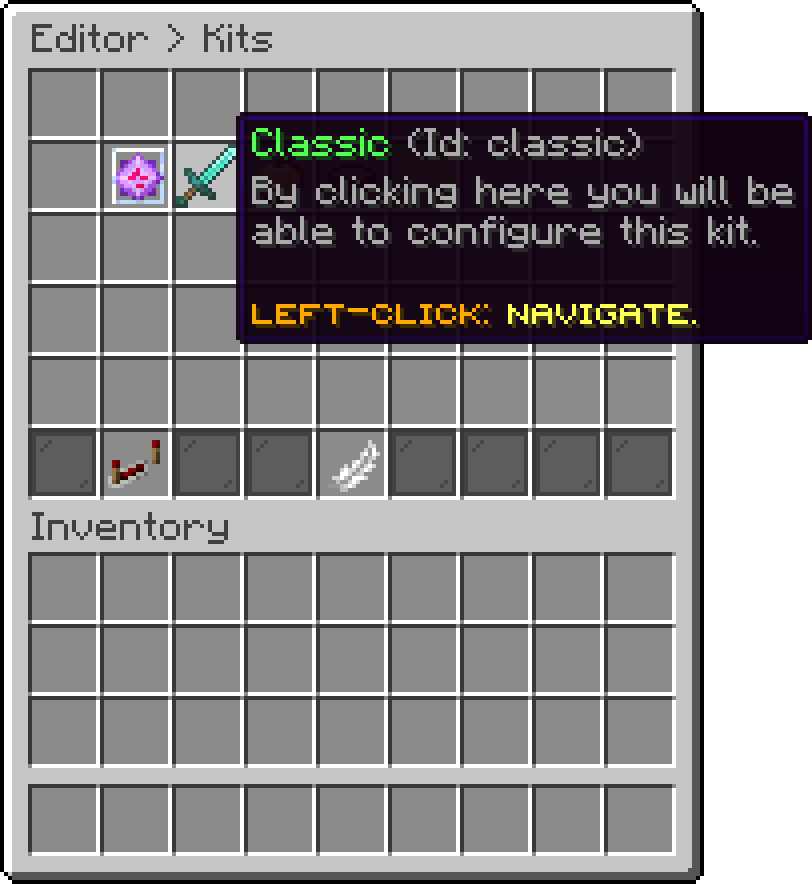
Editor > Kits
Turning Reordering on switches the list into sort mode: click one kit, then another, and the two swap places. The order set here is the order kits appear in anywhere players pick one.
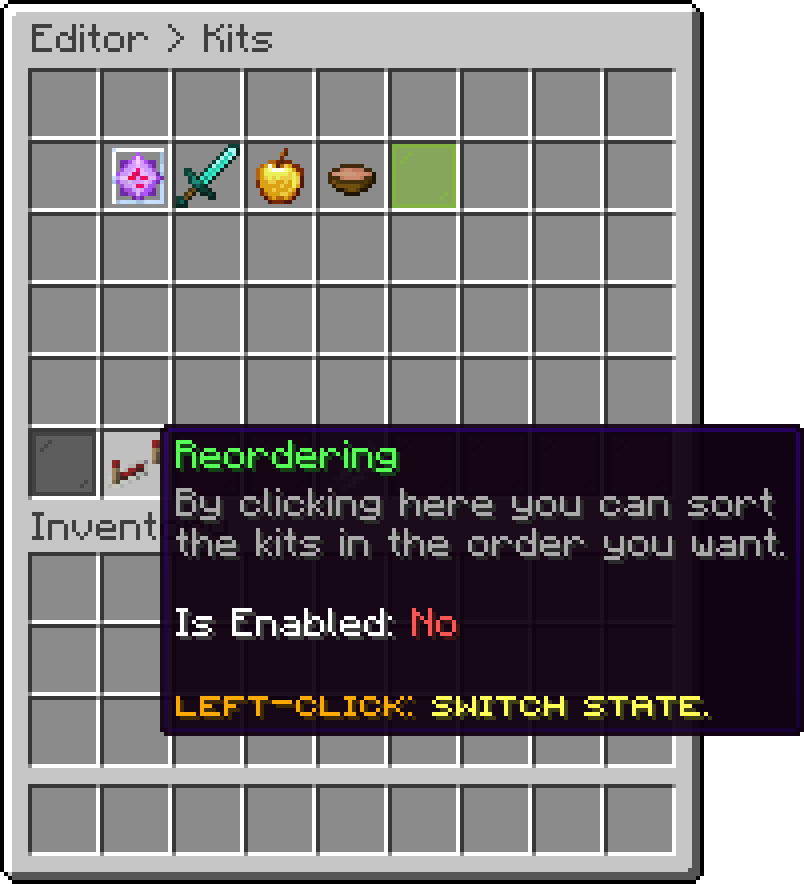
Editor > Kits
The Lite edition is limited to 5 kits. Kits beyond that are not loaded on startup.
The unique id of the kit, and what a mode stores when it links to it. It cannot contain spaces and cannot match another kit. Changing it later is safe from the editor, but any mode already linked to the old id has to be pointed at the new one.
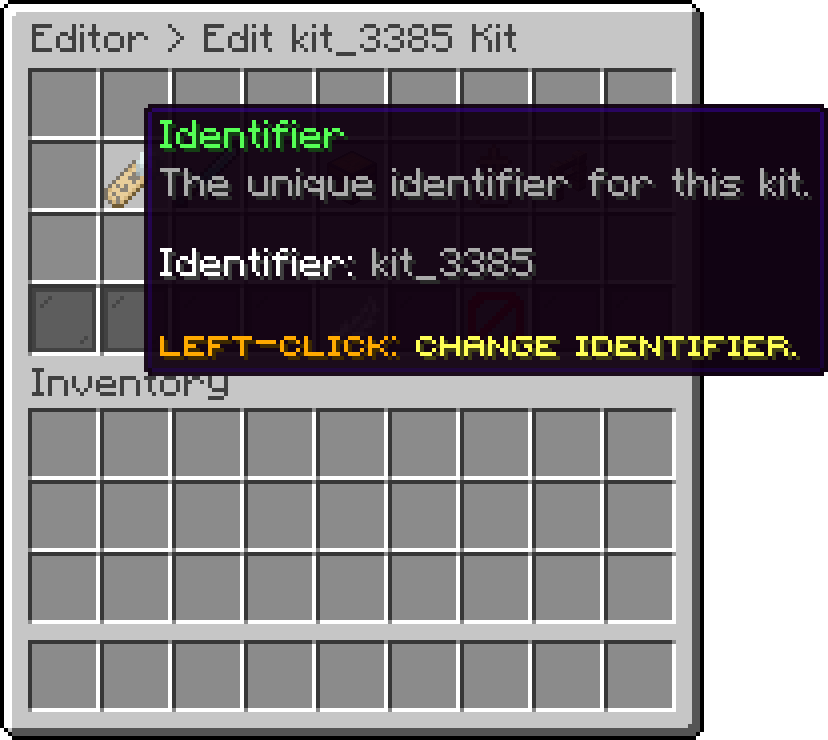
Editor > Kits > Kit
The name and icon players see wherever the kit is shown. This is display only; the identifier is what everything else refers to.
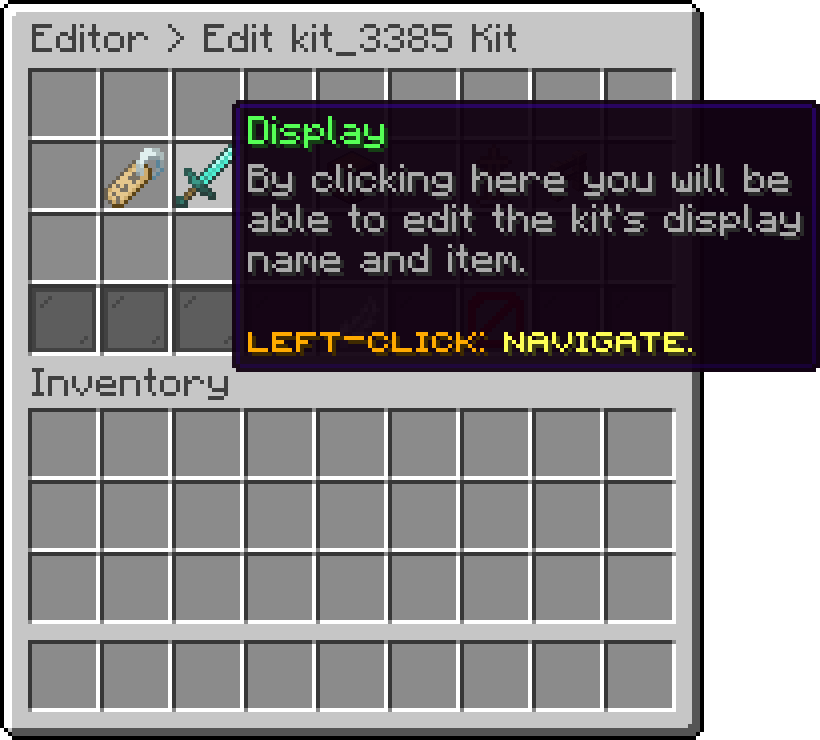
Editor > Kits > Kit
This is the kit itself. Left-click opens the items editor, and the lore shows how many items are currently stored. Shift + right-click skips the editor and copies your own inventory straight onto the kit, replacing whatever was there.
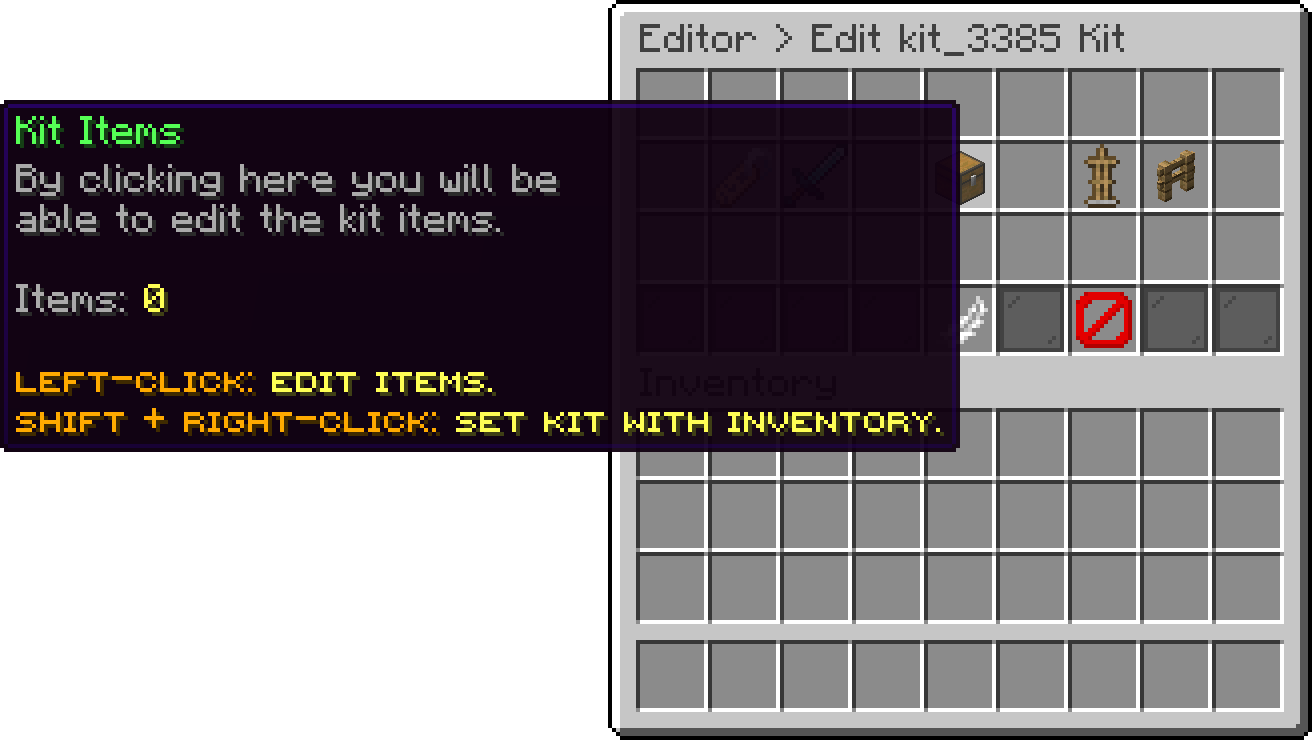
Editor > Kits > Kit
The editor mirrors a player inventory rather than a plain chest:
Empty slots are shown as coloured panes so the shape stays readable. Drag and drop an item onto any slot to set it, and drag it back out to clear it.
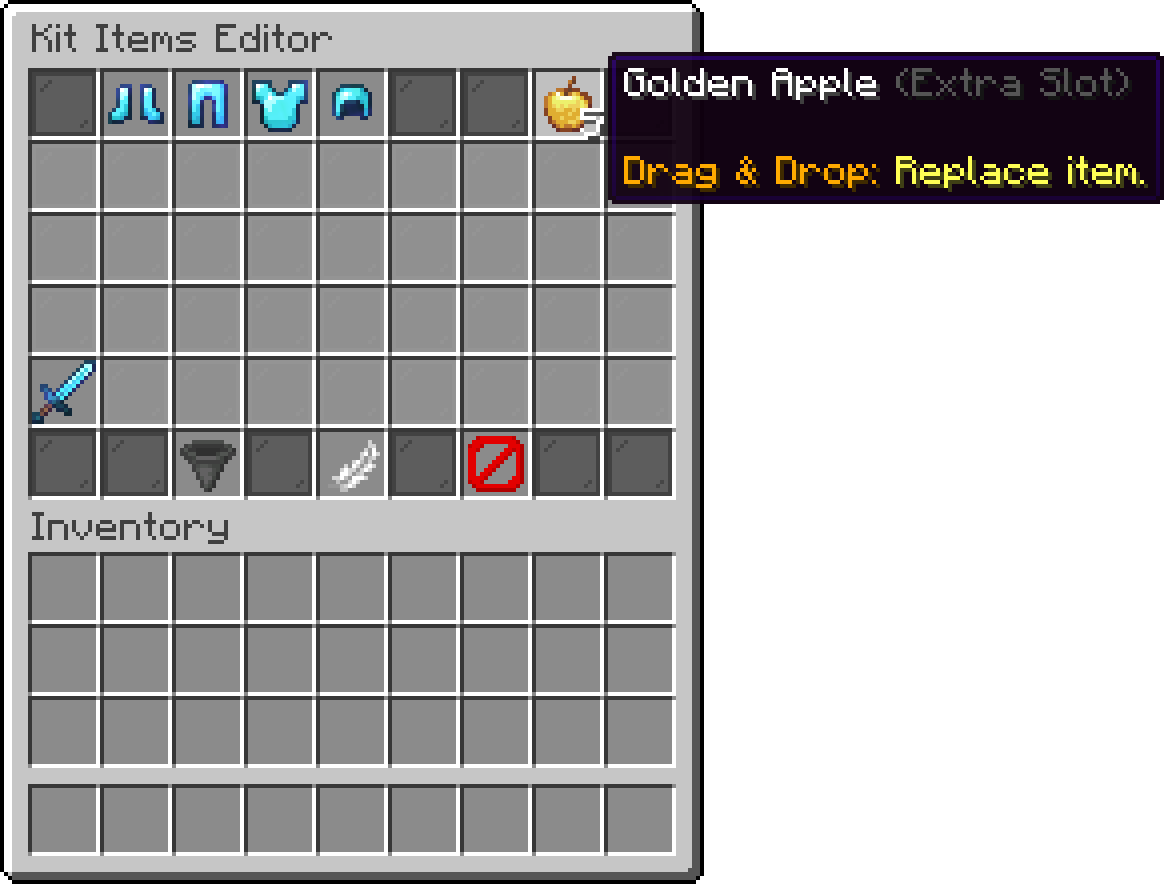
Kit Items Editor
Import from Inventory fills the whole kit from what you are currently carrying, which is the fastest way to build one: gear yourself up in creative, then import.
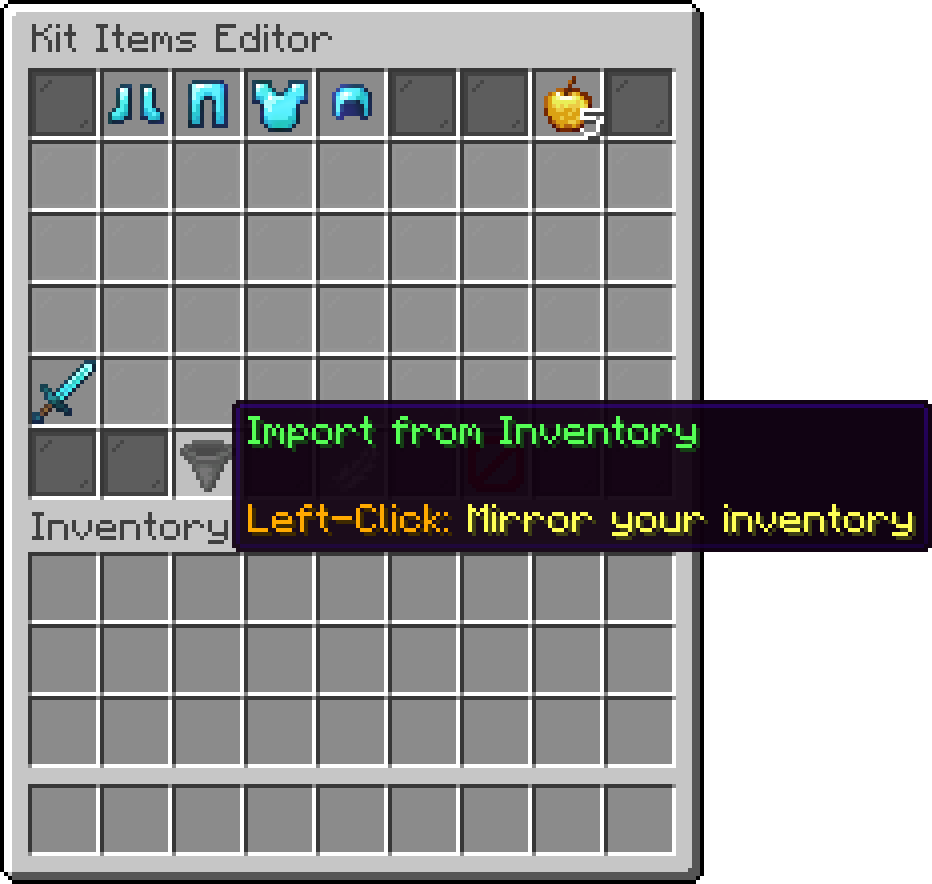
Kit Items Editor
Clear All Items empties the kit. There is no undo, so re-import or rebuild it afterwards.
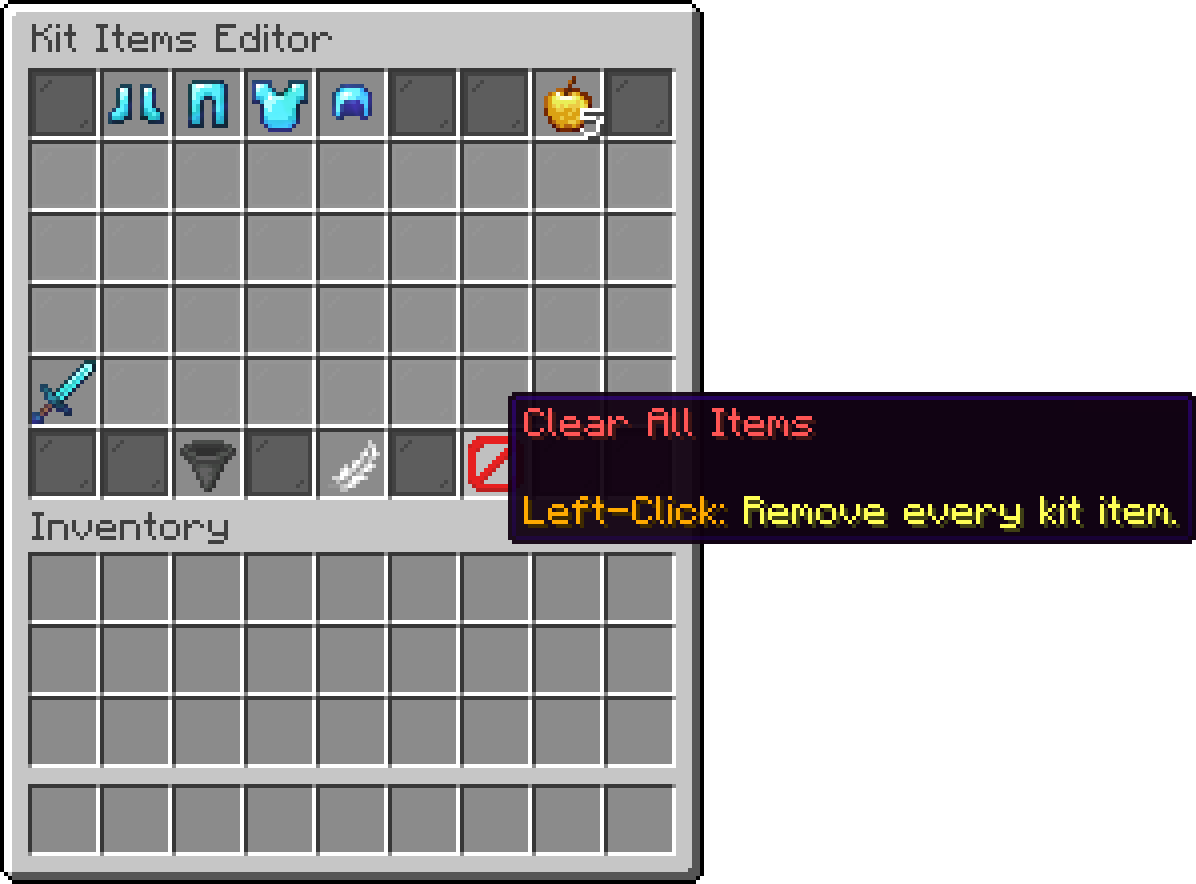
Kit Items Editor
When this is on, players may reorder this kit for themselves through the kit-editor.md, keeping the same items but arranging them the way they play. Turn it off for a kit whose exact arrangement matters, such as one built around a specific hotbar slot.
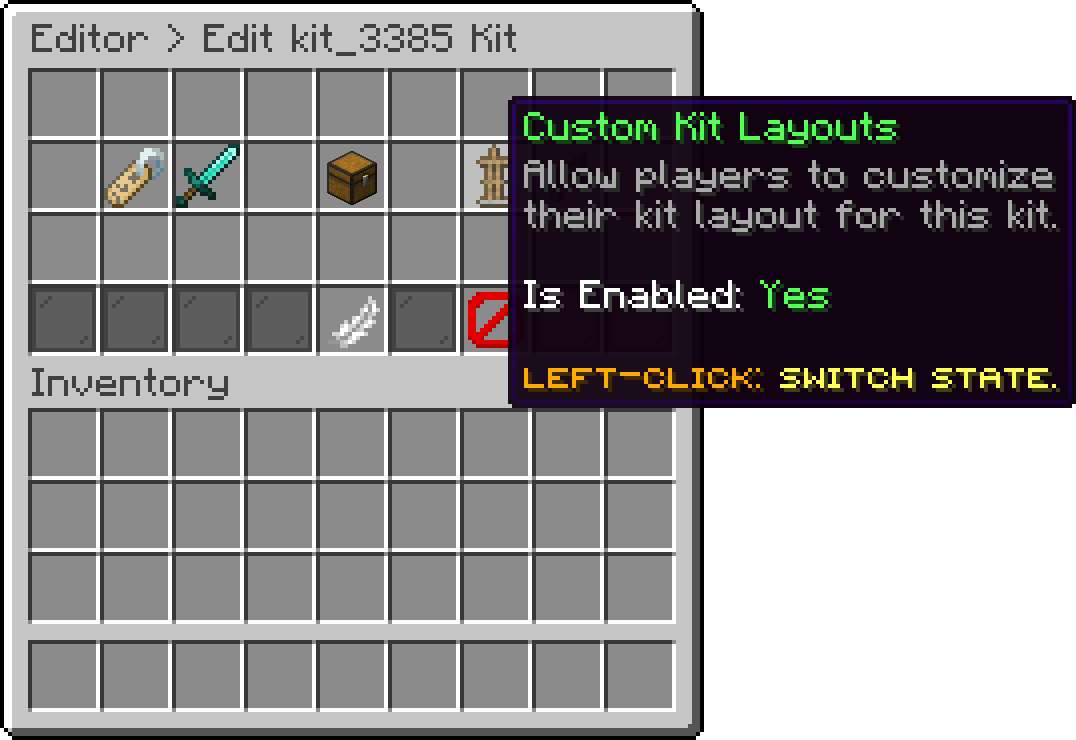
Editor > Kits > Kit
Custom Kit Layouts requires PhoenixDuels Premium. Creating and editing kits itself is available on every edition.
Holds a permission node for this kit, together with a toggle for whether it is required. Left-click switches the toggle, right-click sets the node.
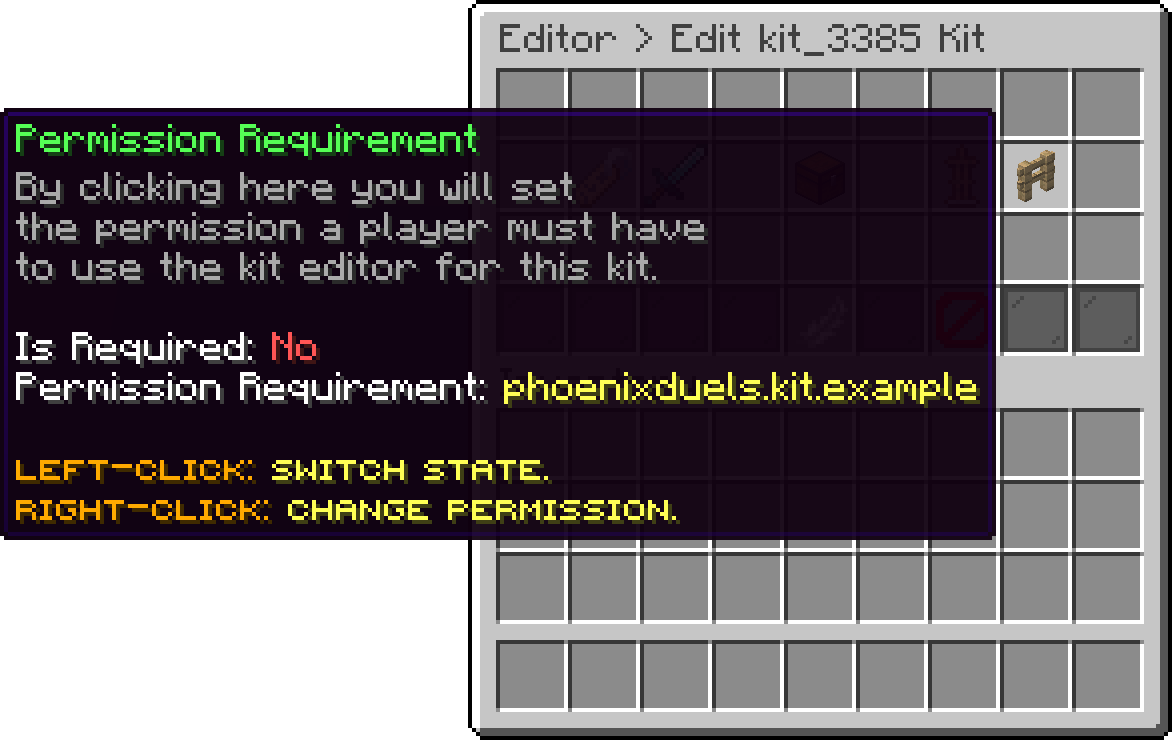
Editor > Kits > Kit
Open the mode you want, set its Loadout to Premade Kit with a left-click, then right-click the same item to pick which kit it uses. The loadout shows the linked kit's id next to the type, or No kit linked if you have not chosen one yet. A mode left in that state has nothing to hand out at the start of a match, so always finish the link.
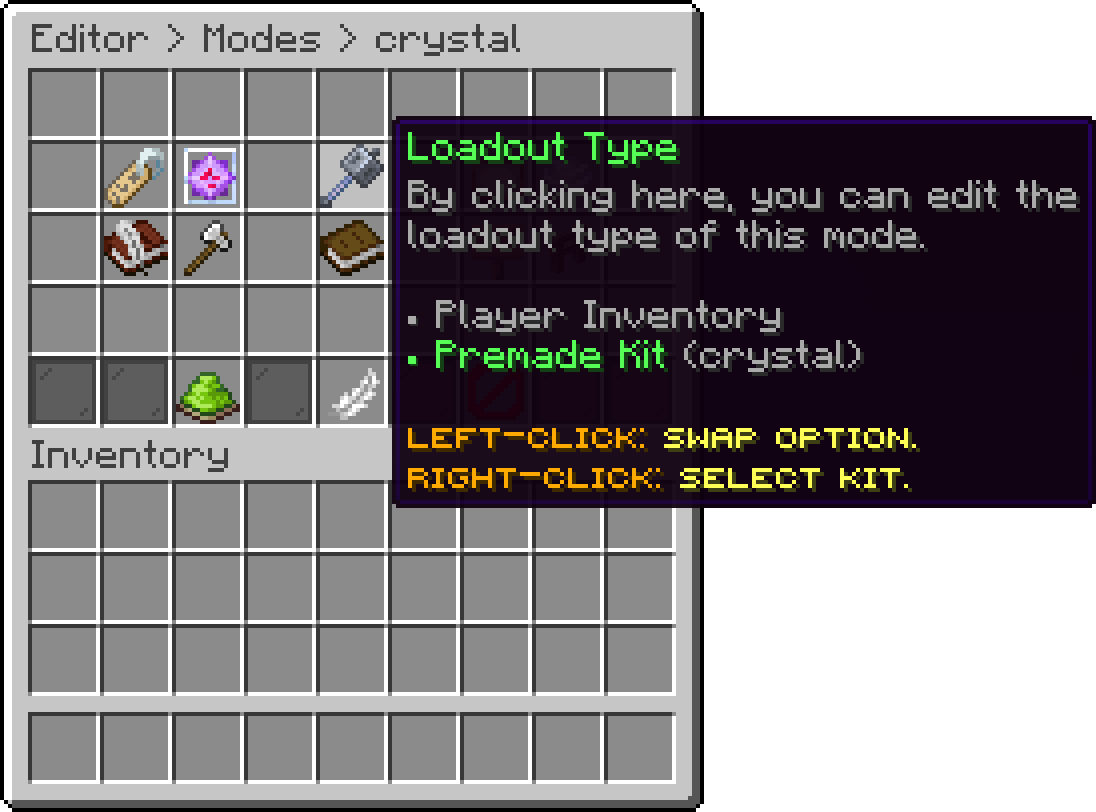
Editor > Modes > Mode
Oops... looks like the spiders padded through here
Add products to your cart and remove them from here Lets buy