






Your cart is empty
Looks like the spiders padded through here. Pick a plugin and it will show up here. Continue shoppingMaps and their arenas, from the arena options and templates to duplication and auto generation.
A map can contain several arenas where players can fight according to a game mode. It makes it much easier to duplicate arenas and have multiple ones with the same map.
To create a map, simply click on the stained glass and create your map!
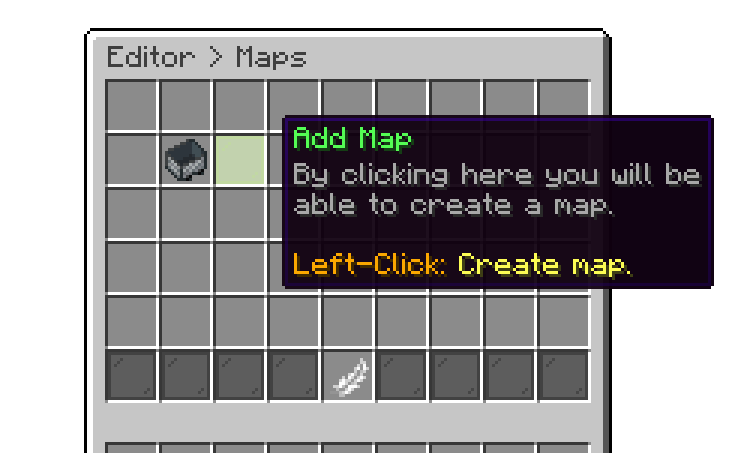
Editor > Edit Maps
You can use the reordering option to sort the maps in your desired order for the maps menu. This will change the position of the maps both in the editor, and when the user is selecting a map.
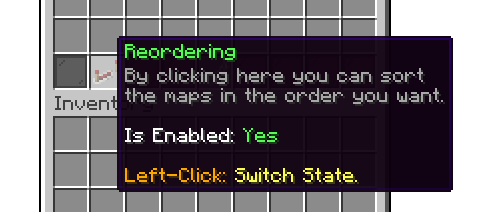
Editor > Edit Maps
With this option, you can set an identifier for the arena. Note that the arena identifier is unique and used internally by the plugin, and its different from the display name. For example, if your arena's name is Candy Land the identifier should be set to candy_land.
If your server is in production, we don't recommend changing this value.
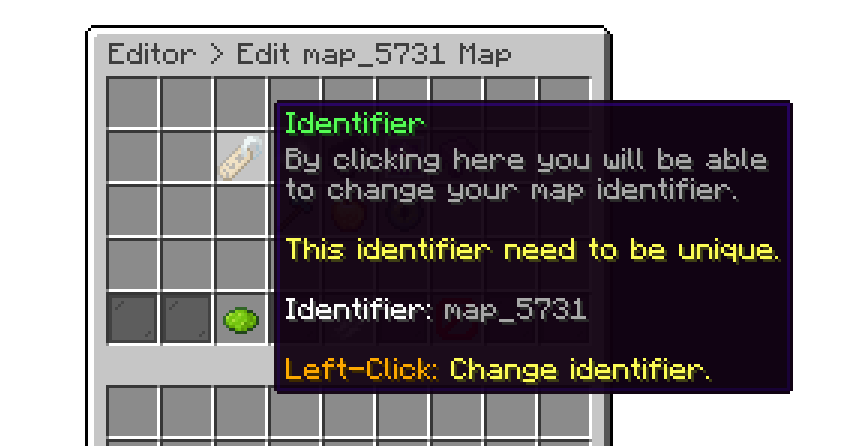
Editor > Maps > Arena
With this option, you can adjust the display name of the arena. The display name is typically shown in the scoreboard.
For the display name, you can use the default Minecraft color codes. For hex colors, use the &#D6D045 format.
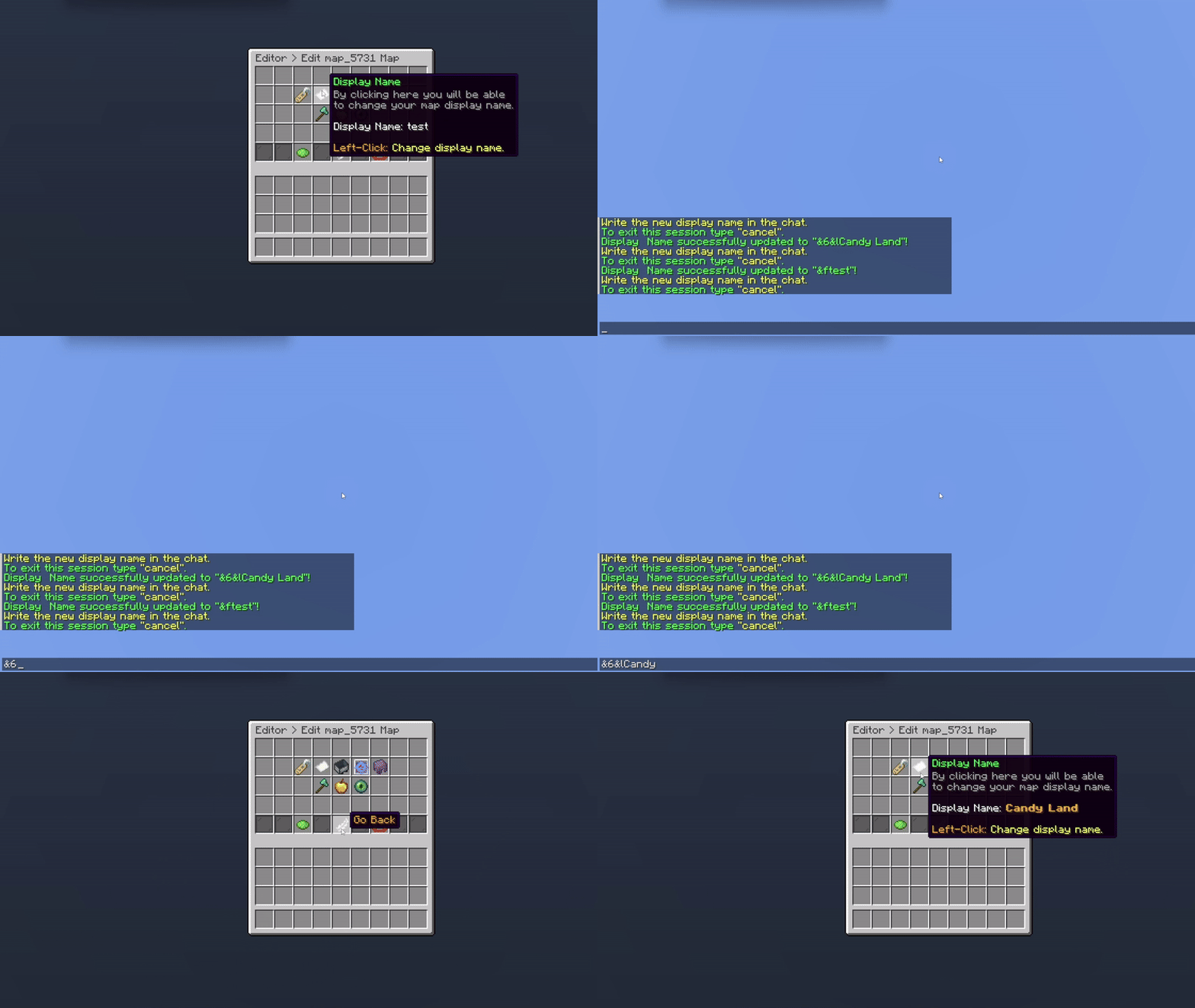
Editor > Maps > Arena
With display icon, you can set a specific material as your maps icon.
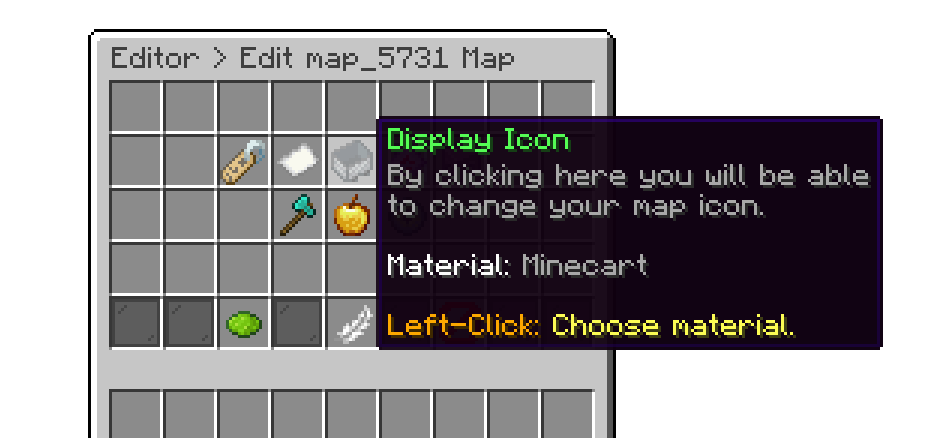
Editor > Maps > Arena
With Allowed Modes, you can select which game modes users are permitted to play on that specific arena. This feature lets you control the types of gameplay available in each arena, ensuring the right modes are enabled for the intended experience.
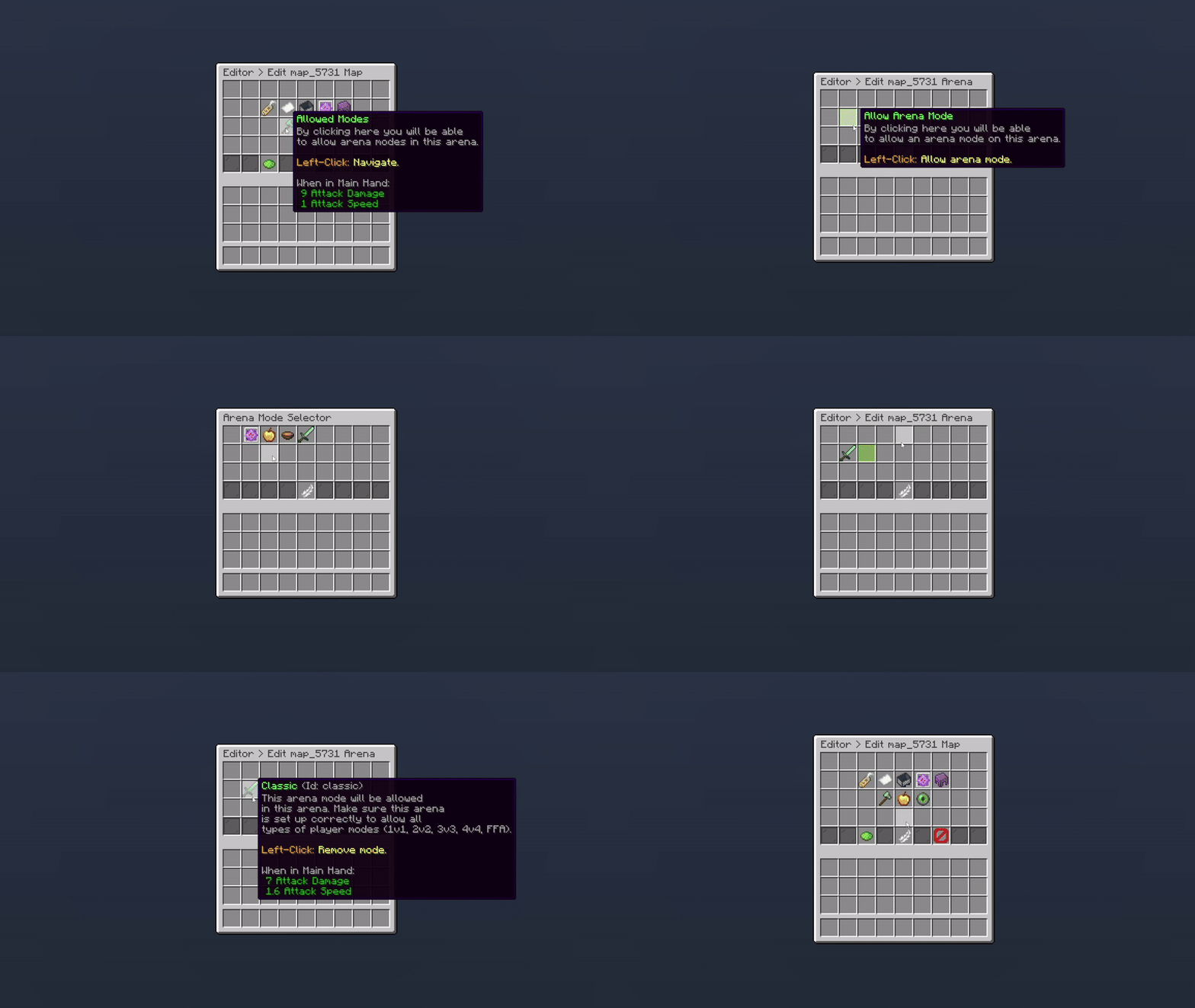
Editor > Maps > Arena
In the example above, only players queuing for Classic mode will have access to that arena.
When enabled, this option teleports users to the designated lobby location set for the Duels plugin. otherwise, they return to their previous location.
Quick Tip: The lobby can be set with /pduels setLobby
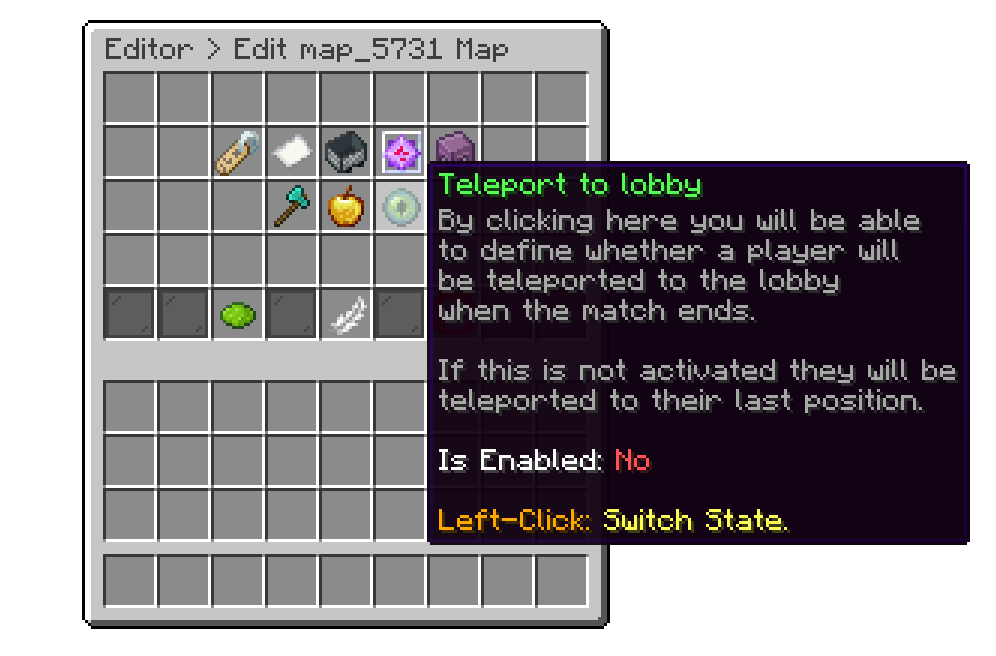
Editor > Maps > Arena
This option allows you to adjust settings for the universal region, battle region, FFA position, and spectator position. Additionally, you can now configure multiple team positions and assign colors to each team.
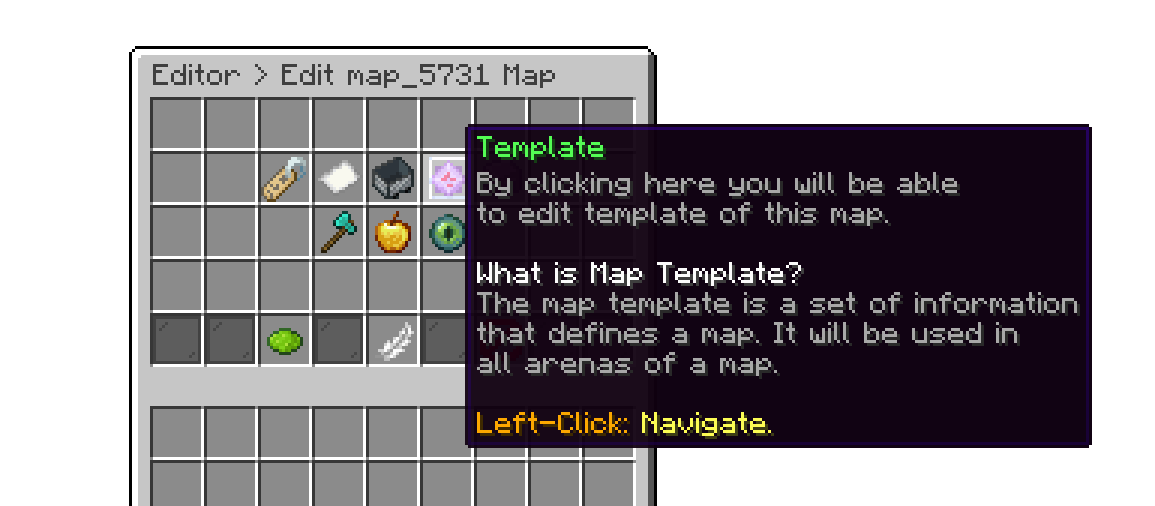
Editor > Maps > Arena
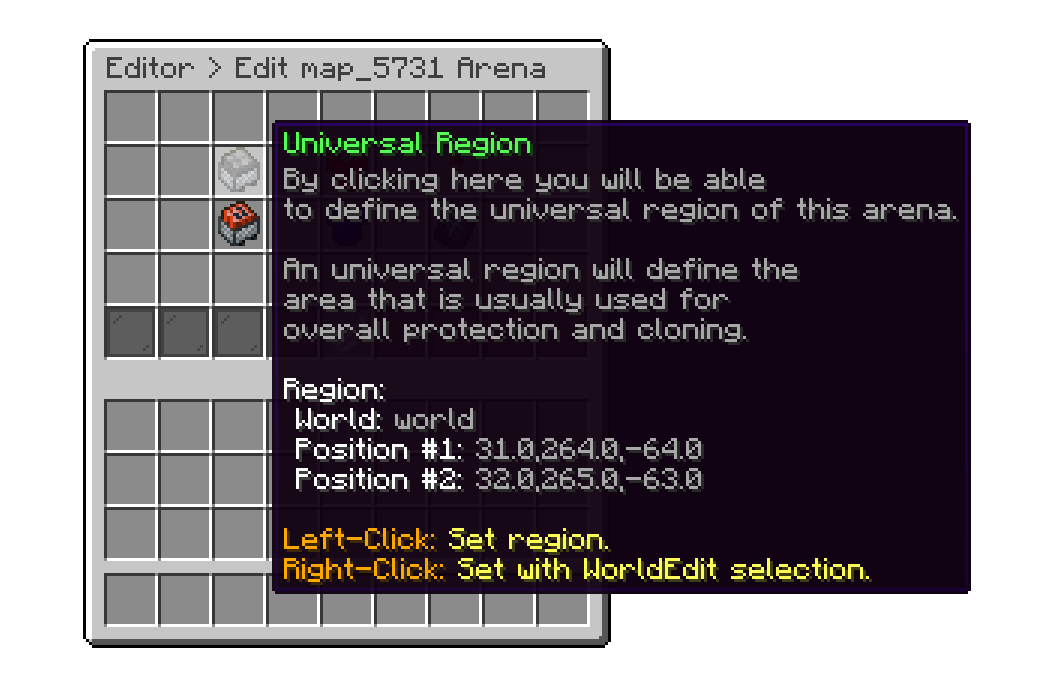
This option lets you redefine the universal and battle regions, and the FFA, spectator locations.
This option lets you set up to 4 spawn locations for players, ideal for 4v4 matches, ensuring each player spawns at a different location
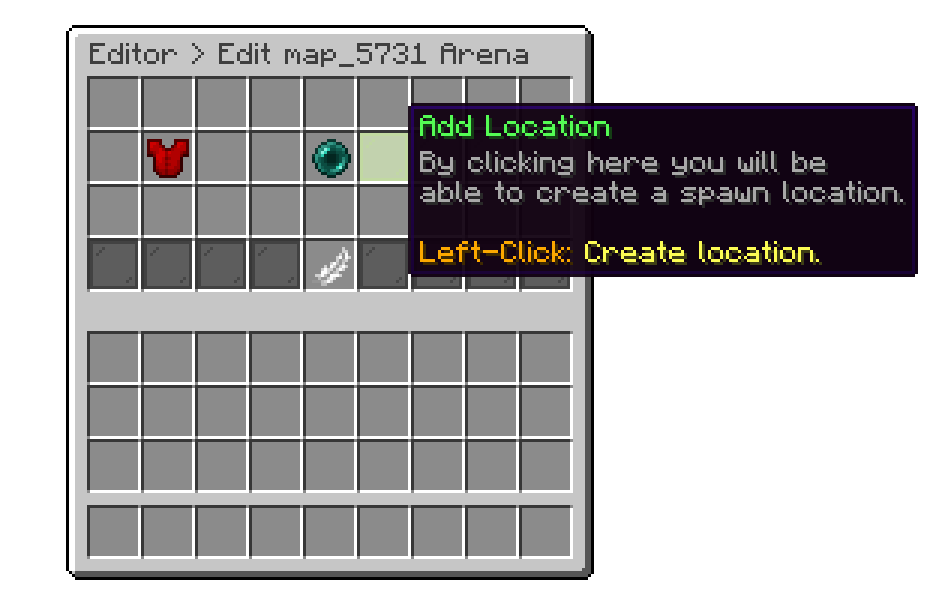
Editor > Maps > Arena > Template
This option allows you to customize the color assigned to each team. By default Team 1 is Red and Team 2 is Blue.
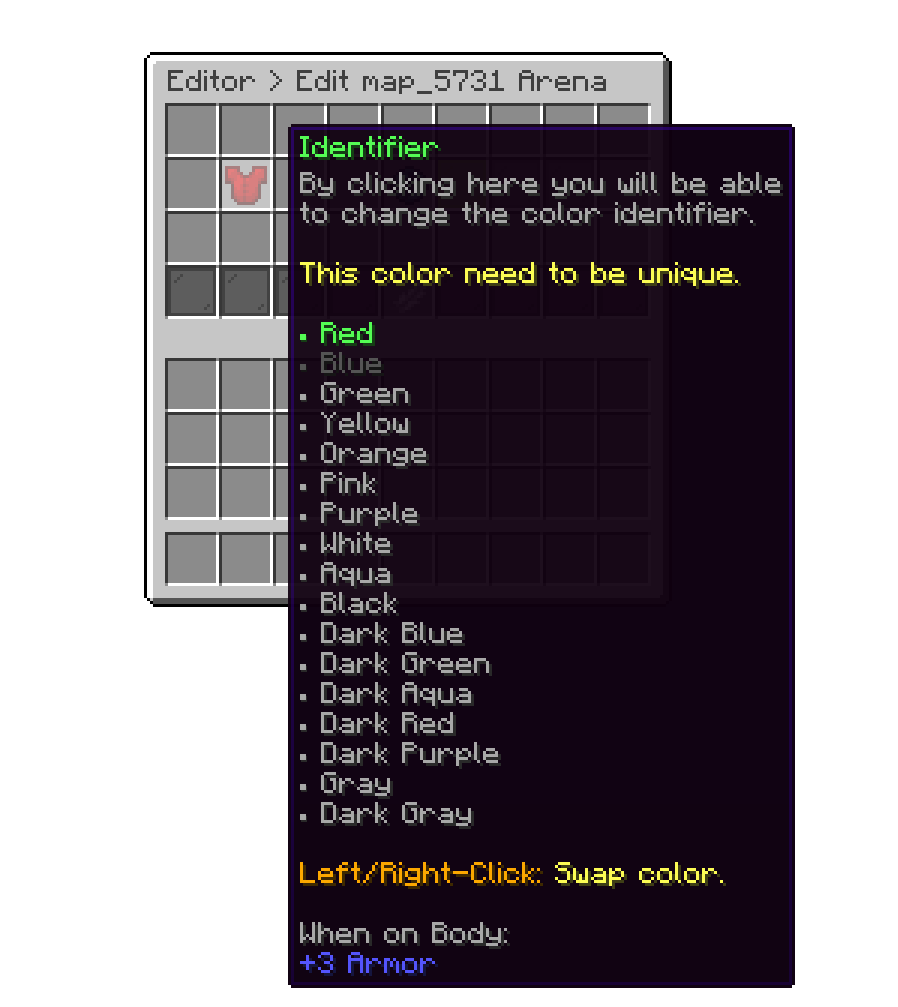
Editor > Maps > Arena > Template
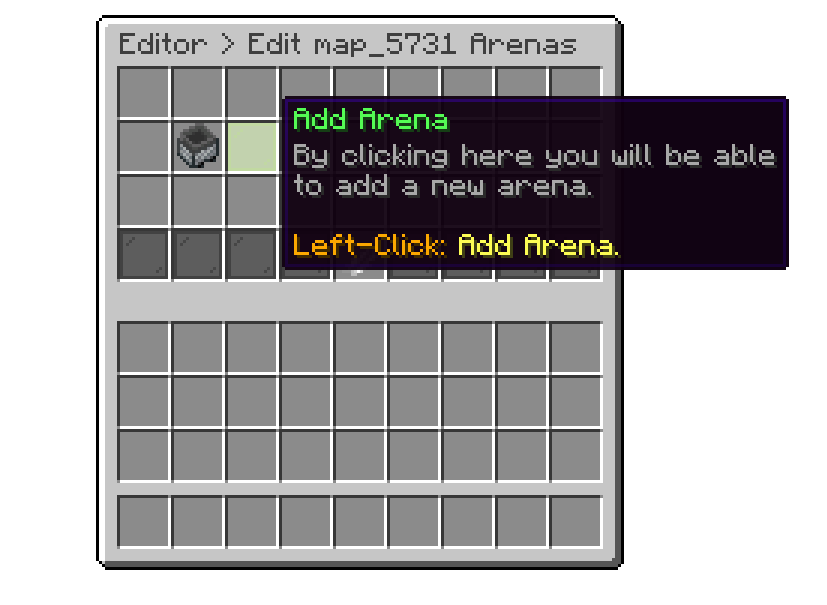
This option allows you to duplicate your current arena and place it elsewhere, making it easier to create new arenas quickly with similar settings to the original.
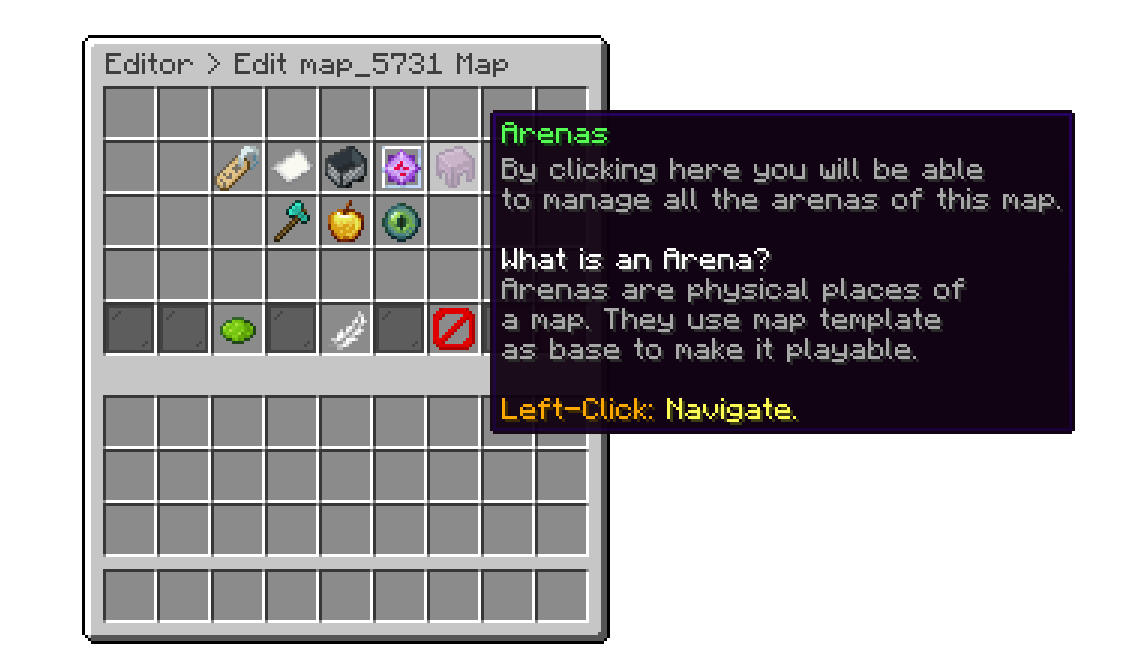
Editor > Maps > Arena
The following action will paste the schematic of the original arena over whatever is already there. Make sure you are standing in empty space where you actually want the new arena.
Editor > Maps > Arena
If the copy lands somewhere it should not have, such as on top of your spawn, it can be taken back. The message confirming the duplication is clickable and runs /pduels undoarena, which you can also type yourself.
Undoing removes the new arena instance from the map and restores whatever was standing at that spot before the paste, because the plugin snapshots the destination first.
The undo is available for five minutes, and only to the player who performed the duplication. After that the copy is an ordinary arena instance and has to be deleted from the arena list by hand, leaving the pasted blocks behind.
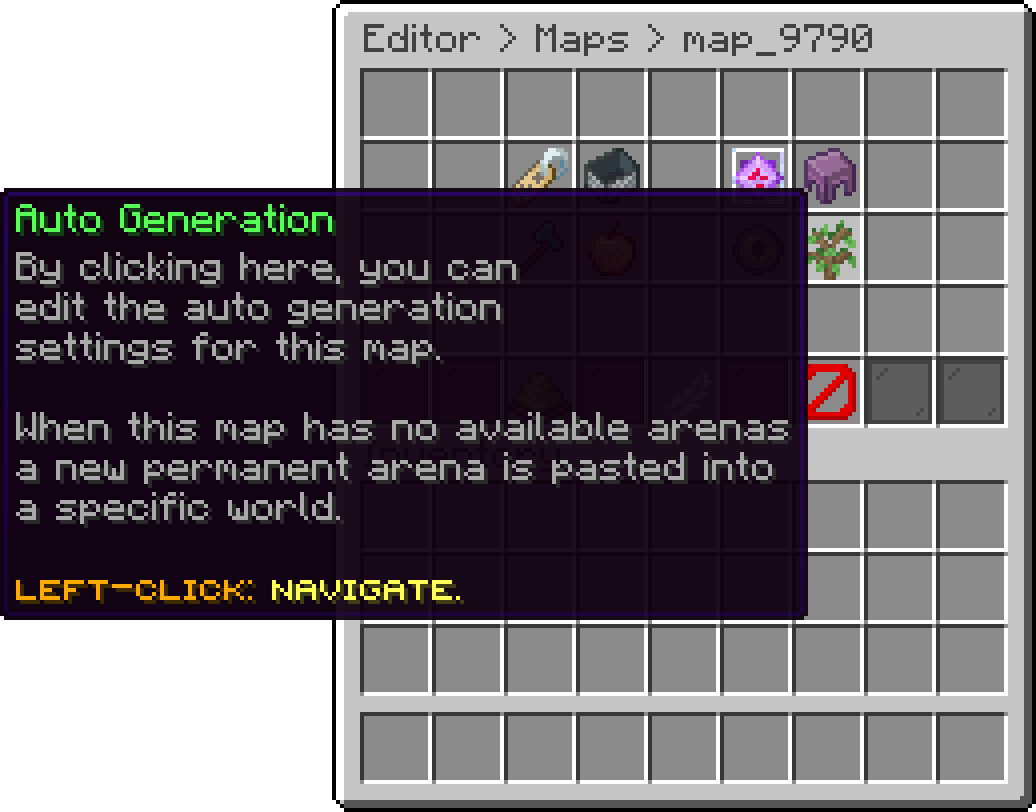
Auto Generation handles the case where every arena of a map is already in use. Rather than making players wait, the plugin pastes a new permanent instance into a world you nominate and hands the match to it.
It is separate from the grid wizard and available to any map, Free Mode or Grid Mode. Instances created this way are permanent: they stay registered after the match ends and are reused like any other arena, so a busy map grows once and then settles.
Auto Generation requires PhoenixDuels Premium, since it would otherwise let other editions exceed their arena limit.
The settings live on the map itself, not on an individual arena.
Editor > Maps > Map
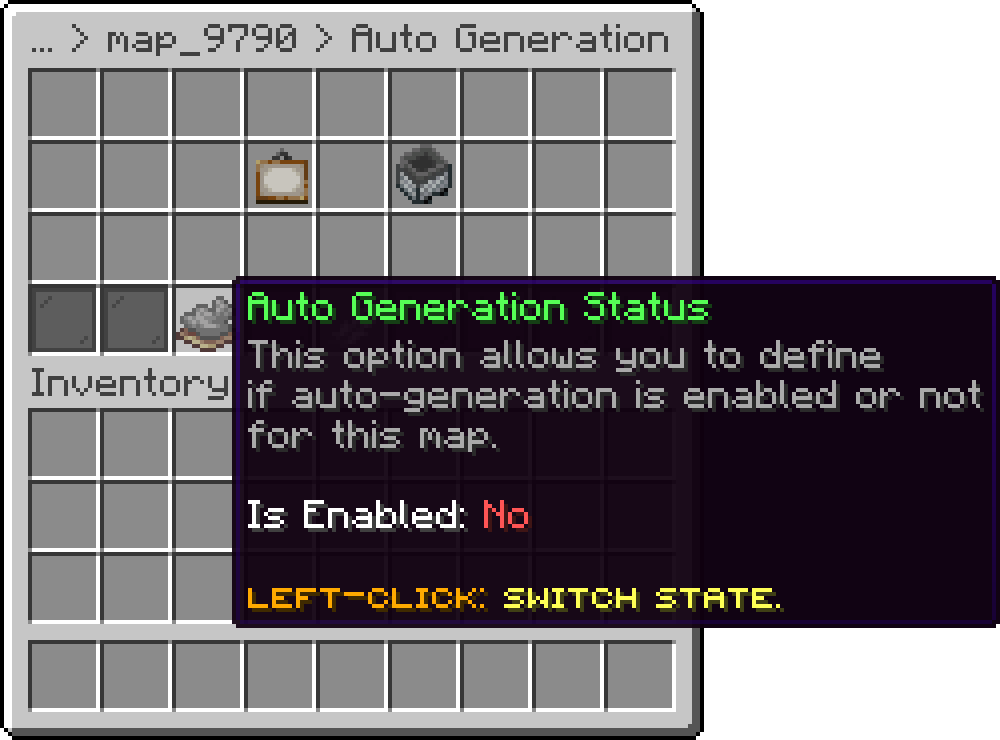
Auto Generation Status turns the feature on for this map.
Editor > Maps > Map > Auto Generation
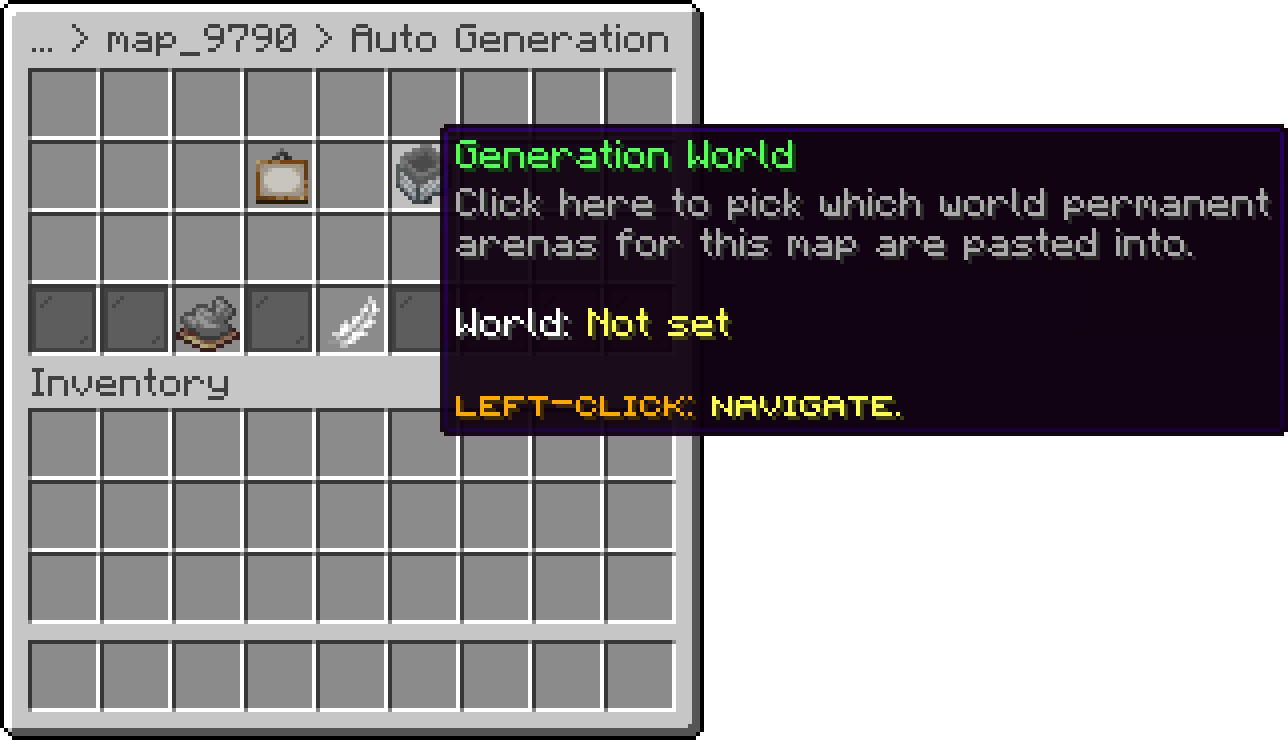
Generation World picks which world the new instances are pasted into, chosen from a list of the worlds on your server. Pointing this at a dedicated flat or void world keeps generated arenas out of the way of your builds.
Editor > Maps > Map > Auto Generation
Minimum Spacing is the smallest gap allowed between a new instance and anything already placed in the generation world, defaulting to 250 blocks.
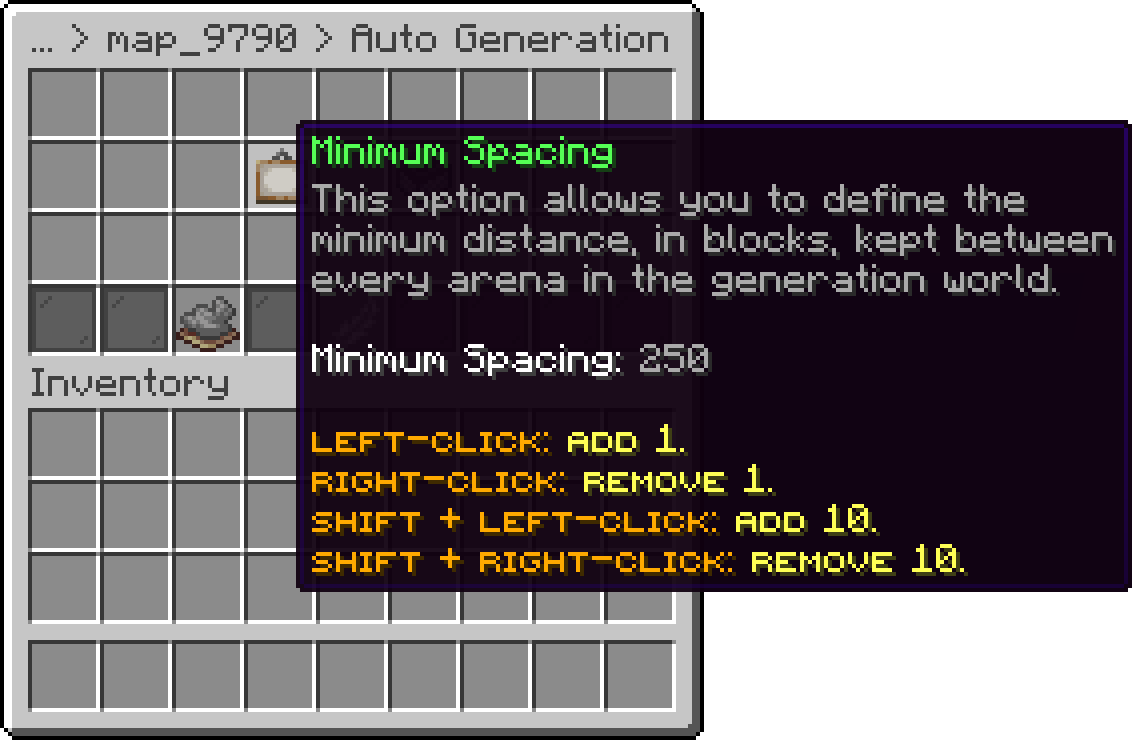
Editor > Maps > Map > Auto Generation
Auto Generation needs a captured copy of the arena to paste. Maps on the internal regeneration engine get this once their regeneration state is built, and maps on the WorldEdit engine need WorldEdit installed with a generated schematic. Without one, nothing is generated and players queue as normal.
Your cart is empty
Looks like the spiders padded through here. Pick a plugin and it will show up here. Continue shopping