

Oops... looks like the spiders padded through here
Add products to your cart and remove them from here Lets buy



On this page, you will find all the information about the model engine engine type.
This option requires ModelEngine installed.
This engine uses a ModelEngine model as the NPC, so anything you can build in Blockbench can stand in the lobby and play its own animations.
With this option, you can pick one of the models ModelEngine has loaded. An NPC left on unknown shows a "Setup the model" marker in the world instead of a model.
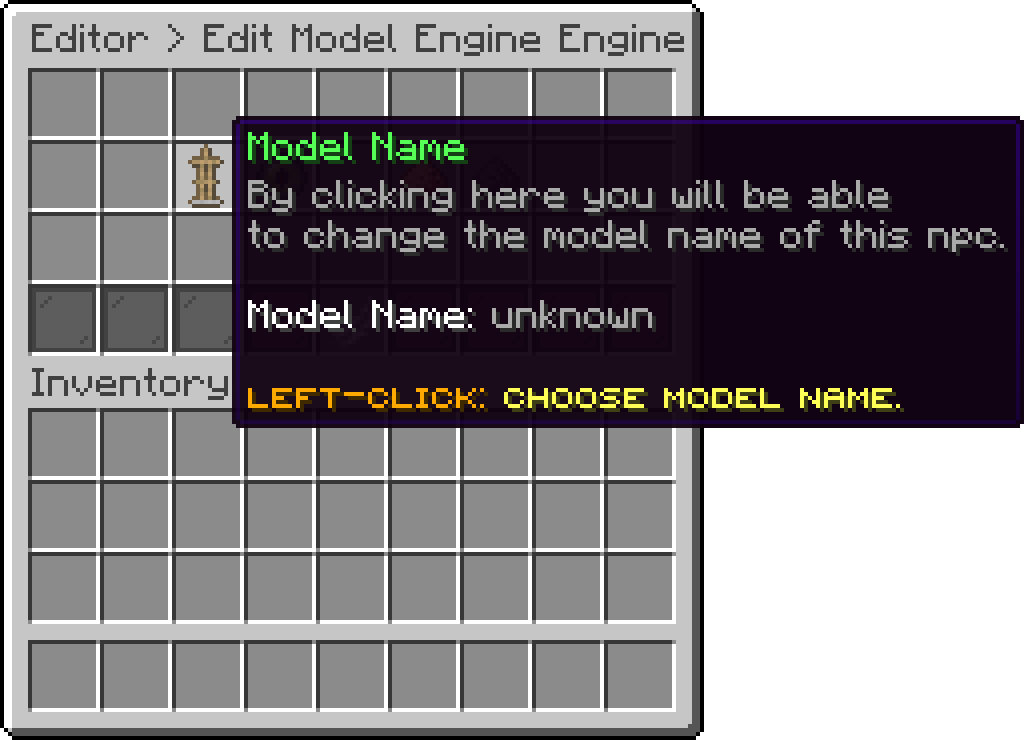
Model Engine (Model Name)
With this option, you can loop an animation while the NPC is standing there. The list is the animations of the chosen model, so picking the model comes first.
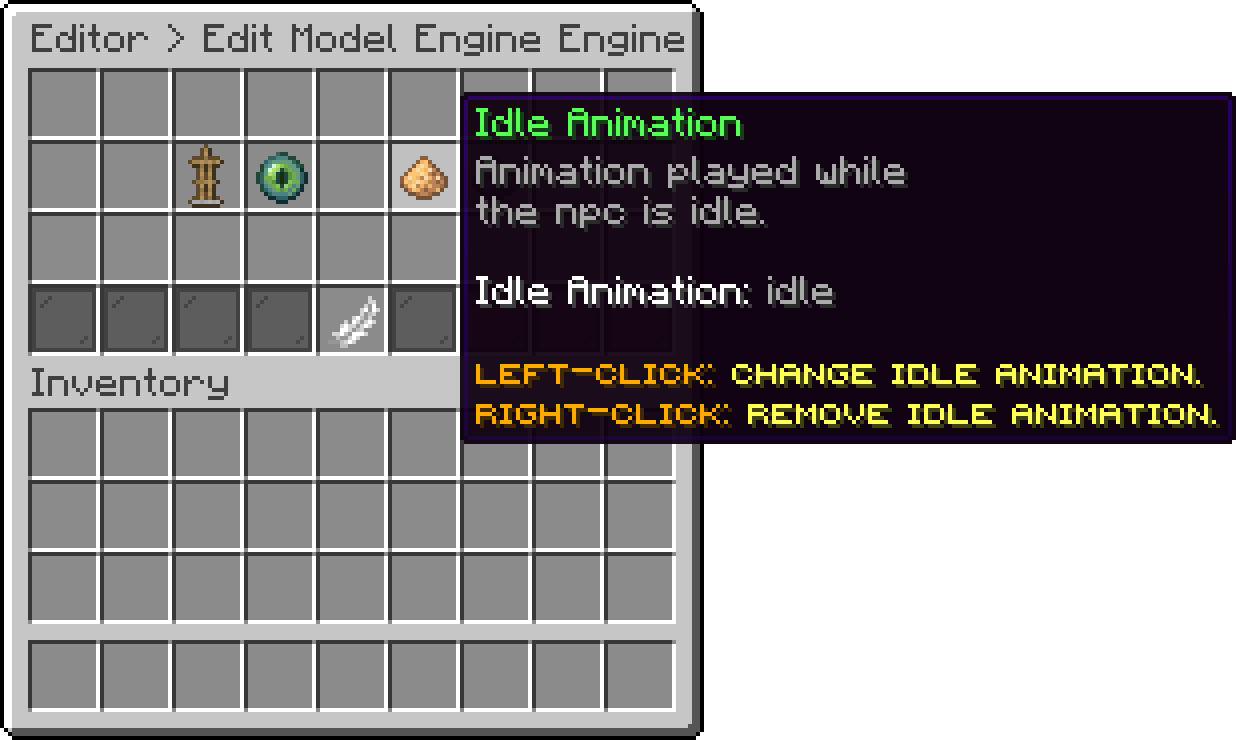
Model Engine (Idle Animation)
With this option, you can play an animation once when a player clicks the NPC. It runs alongside the actions of that click, not instead of them.
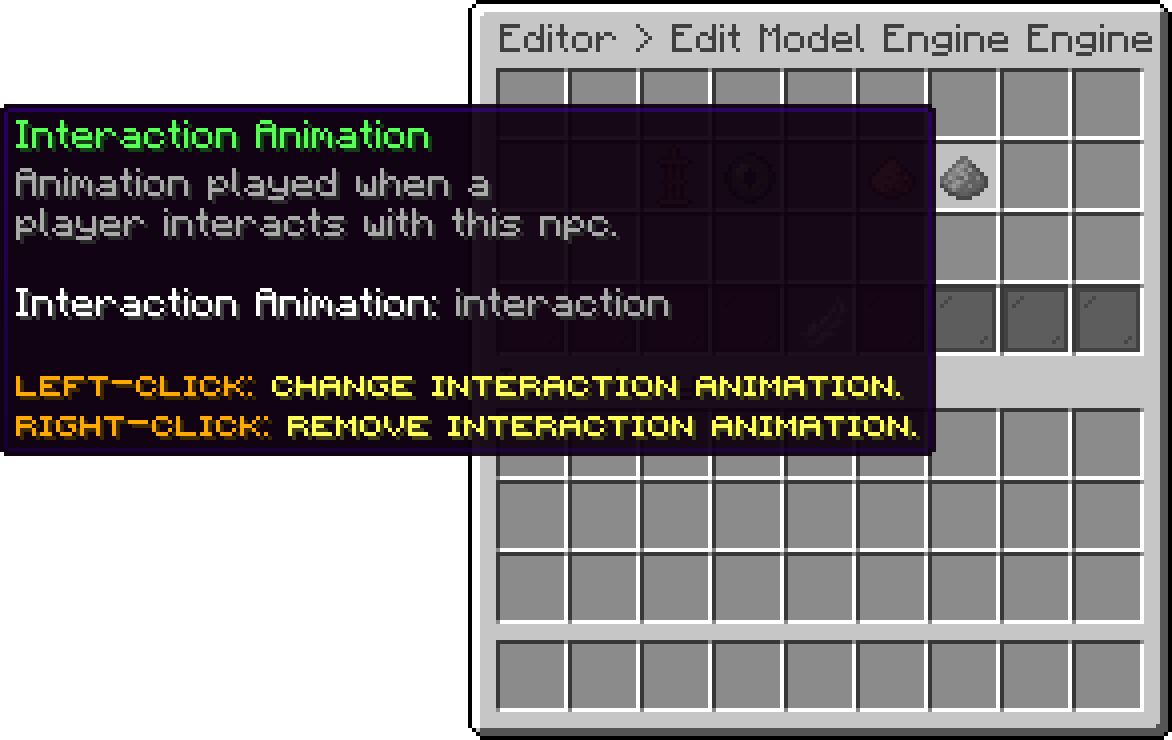
Model Engine (Interaction Animation)
With this option, you can make the model turn towards the nearest player instead of facing the direction it was placed in.
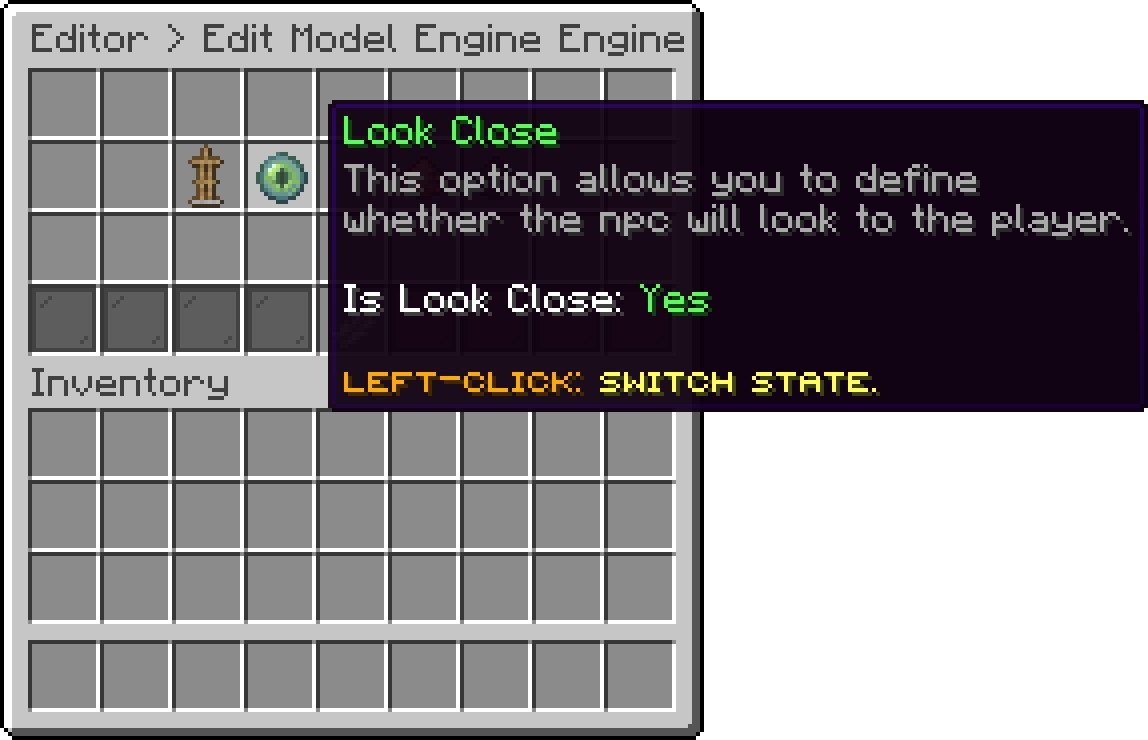
Model Engine (Look Close)
Oops... looks like the spiders padded through here
Add products to your cart and remove them from here Lets buy