

Oops... looks like the spiders padded through here
Add products to your cart and remove them from here Lets buy



On this page, you will find all the information about editing your already existing hologram.
With this option, you can rename the identifier of the hologram. The identifier is used internally by the plugin and has to be unique, so no two holograms can share the same one. It is not shown to players.
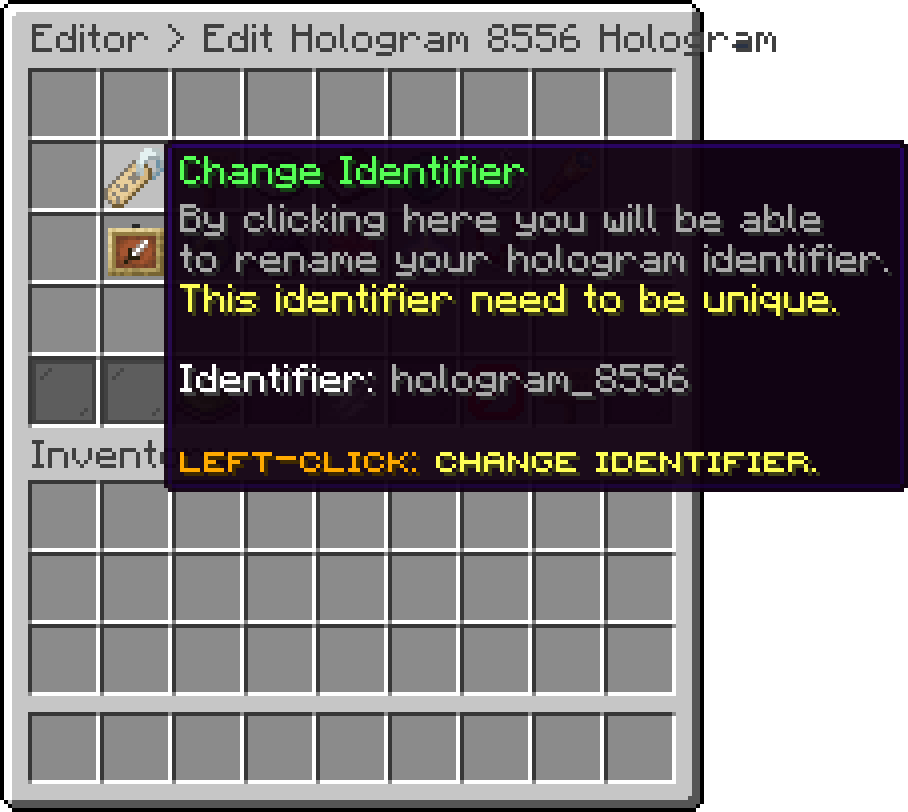
Edit Hologram (Change Identifier)
With this option, you can change the item and the name used for the hologram inside the editor. This only affects how the hologram is listed in the menu, it does not change anything players see in the world.
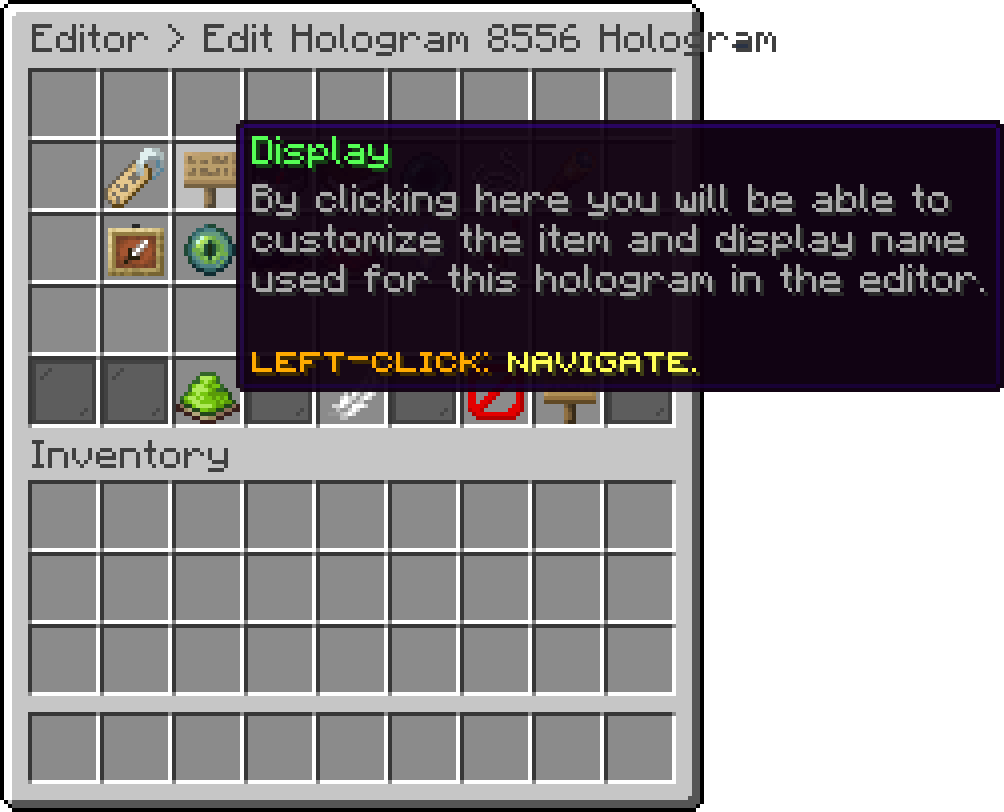
Edit Hologram (Display)
With this option, you can configure the text of the hologram. Every entry is its own line, and empty entries can be used to leave a gap between two lines.
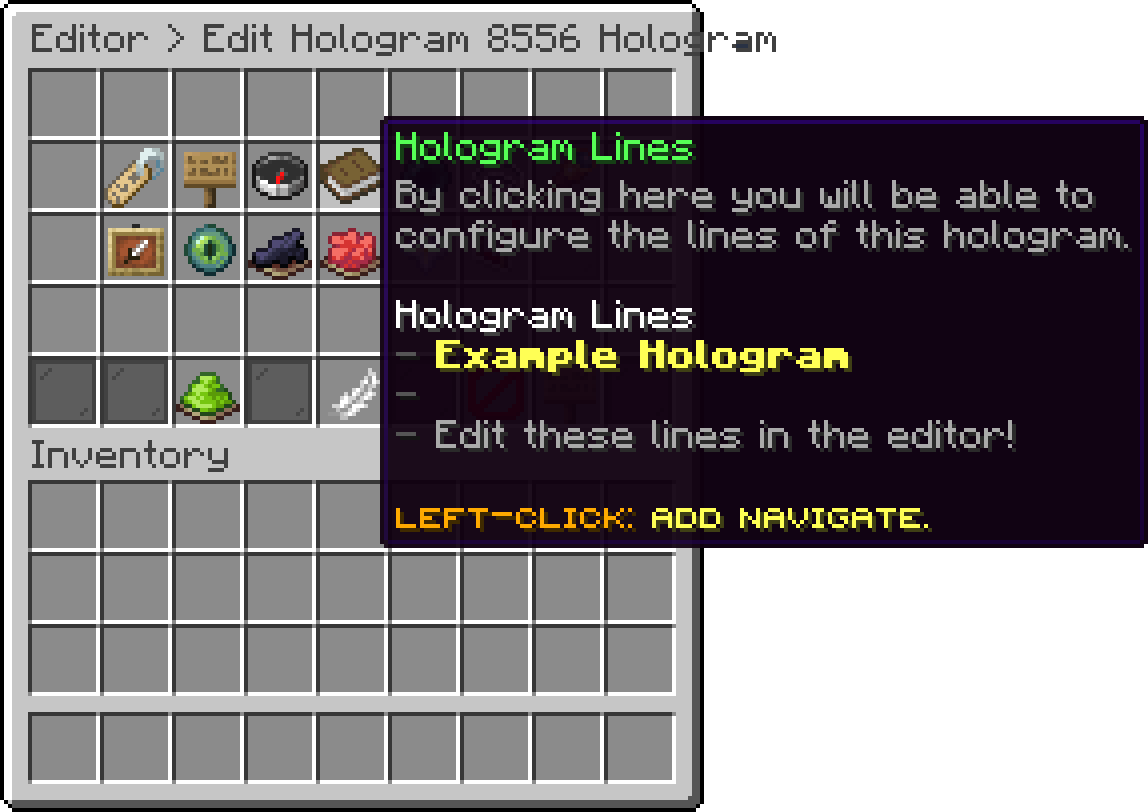
Edit Hologram (Hologram Lines)
With this option, you can move the hologram to the position you are standing at. The tooltip shows the world, the coordinates, and the yaw and pitch it is currently using.
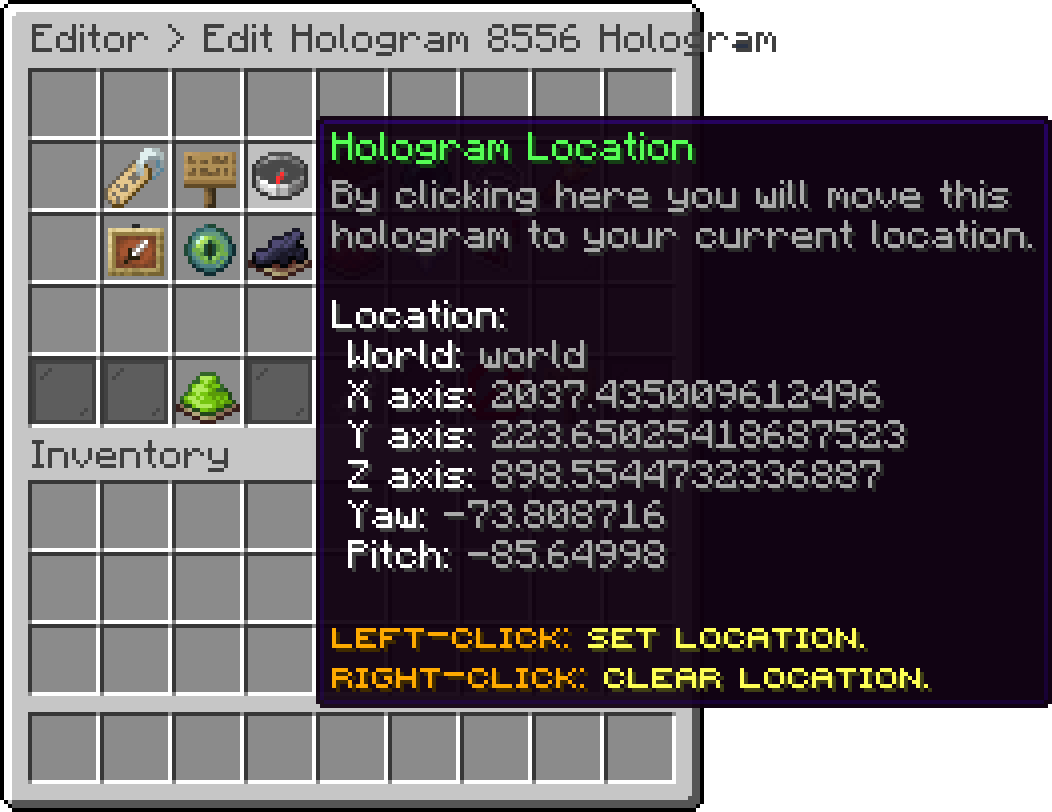
Edit Hologram (Hologram Location)
With this option, you can set the actions that are executed when a player clicks the hologram. The same action types used by npcs and hotbar items are available here.
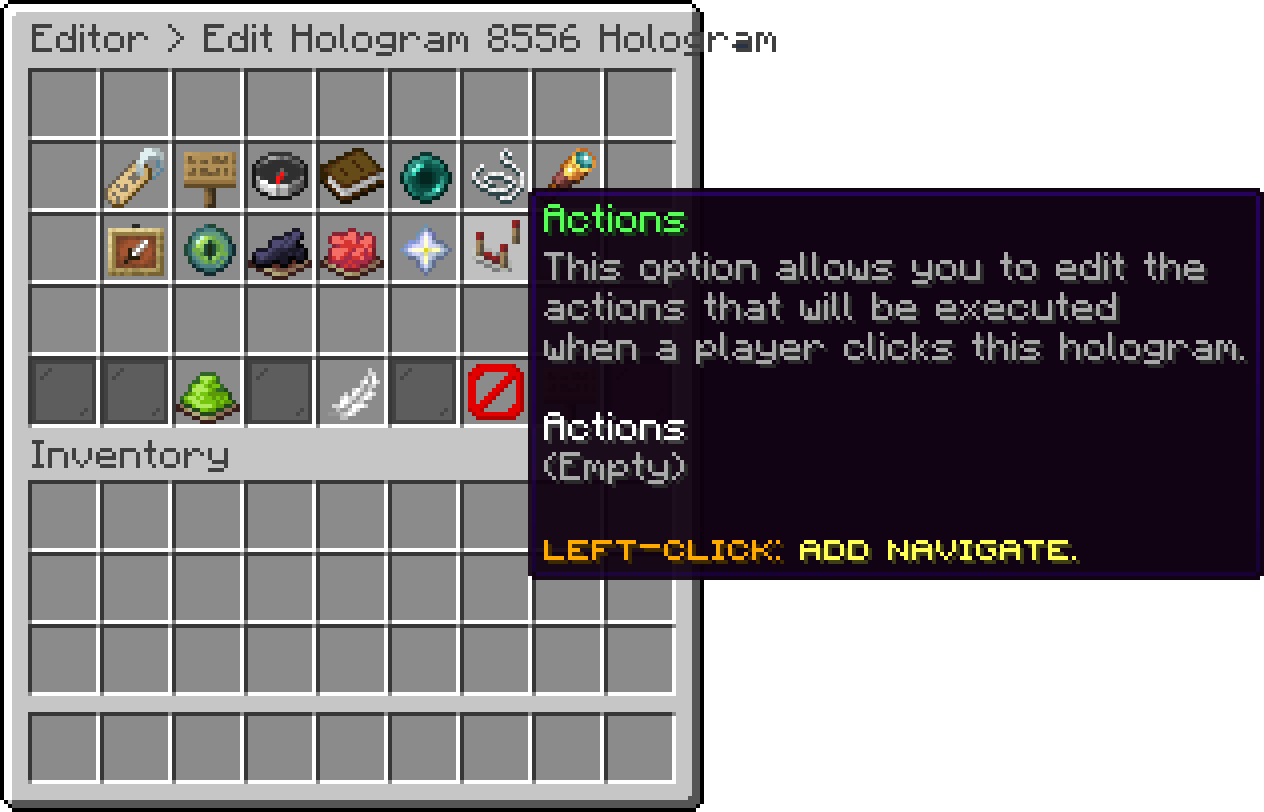
Edit Hologram (Actions)
With this option, you can disable a hologram without removing it. A disabled hologram stays saved with all of its options but does not appear in the world.
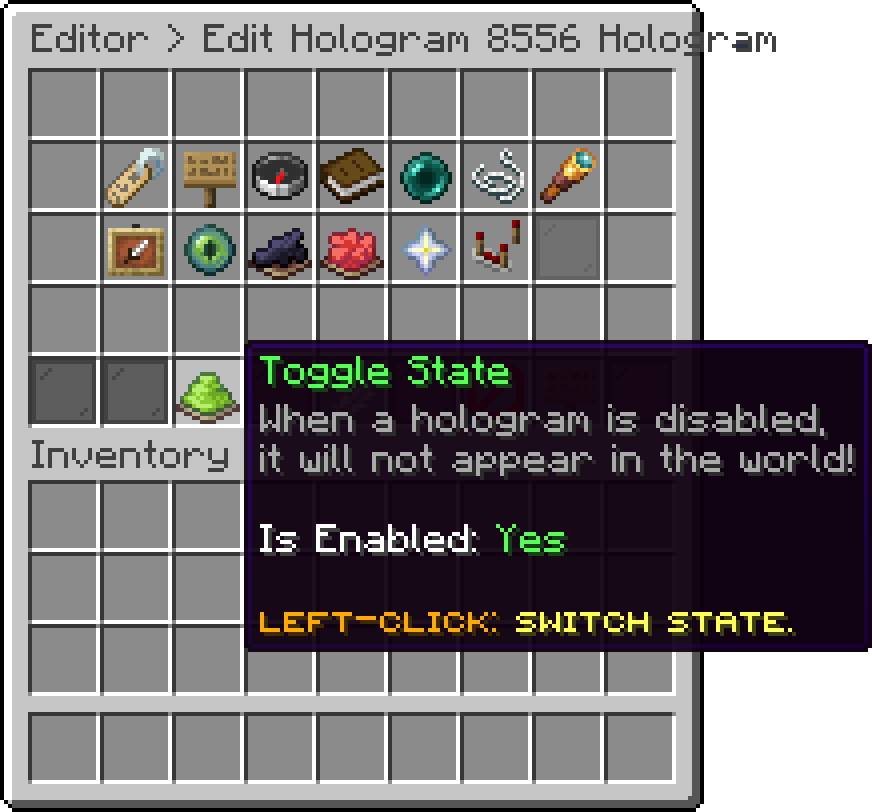
Edit Hologram (Toggle State)
With this option, you can duplicate the hologram under a new identifier. The copy keeps every option of the original, which is useful when you want several holograms sharing the same style.
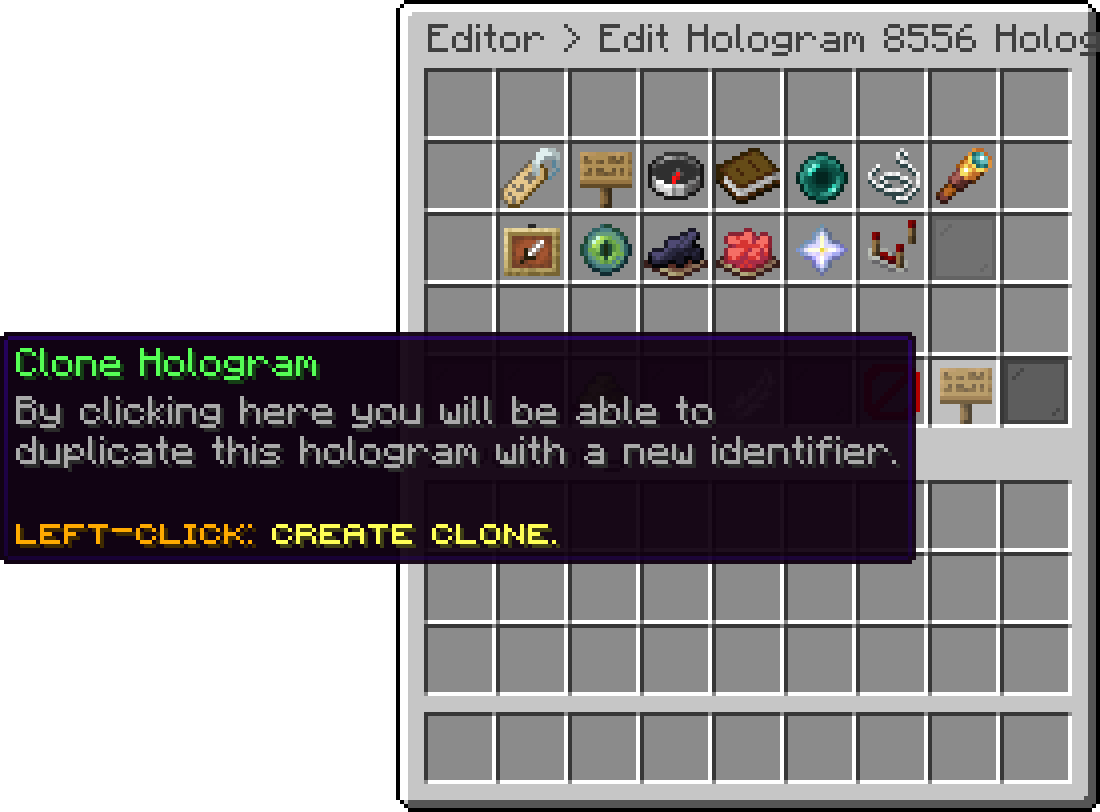
Edit Hologram (Clone Hologram)
With this option, you can remove the hologram from the server.
Deleting a hologram cannot be undone. Use Toggle State instead if you only want to hide it for a while.
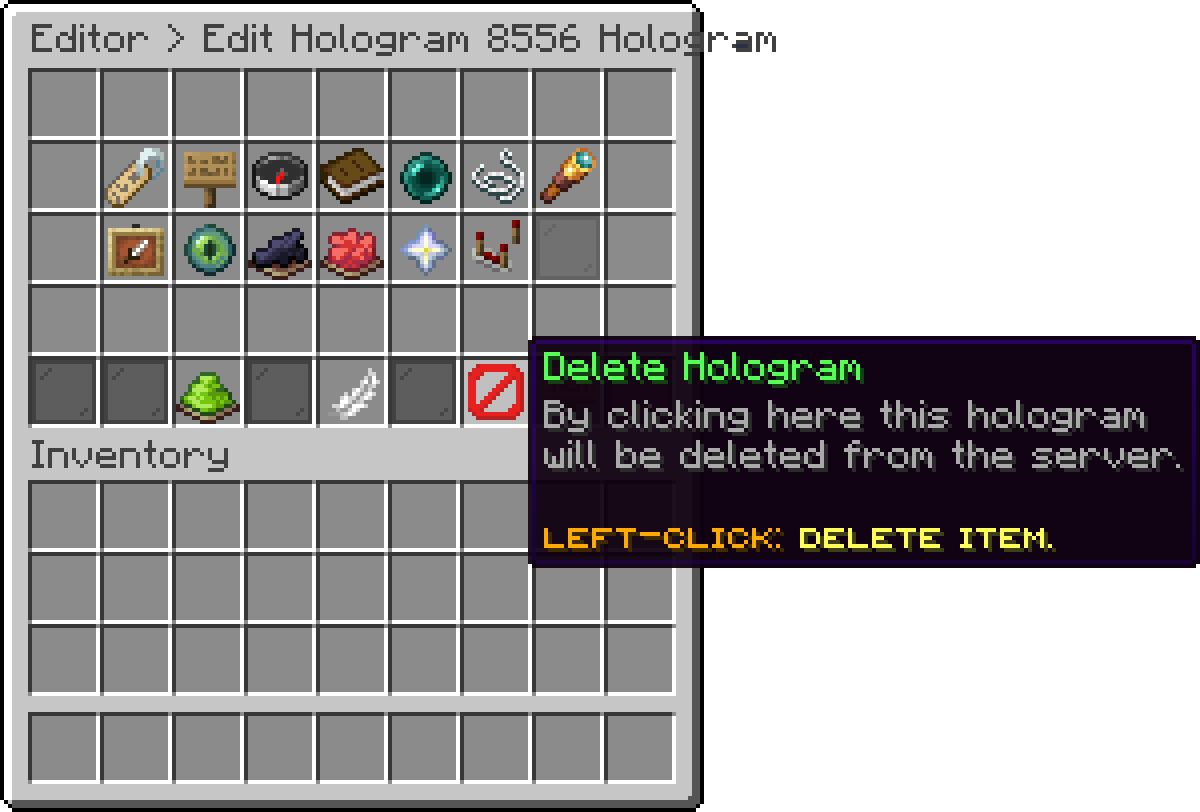
Edit Hologram (Delete Hologram)
Oops... looks like the spiders padded through here
Add products to your cart and remove them from here Lets buy