

Oops... looks like the spiders padded through here
Add products to your cart and remove them from here Lets buy



On this page, you will find information on how to edit NPCs within the plugin
Clicking an NPC in Editor > Npcs opens its own settings. Everything here applies to that one NPC.
With this option, you can rename the identifier the plugin uses to tell this NPC apart from the others. It is separate from the display name and never shown to players.
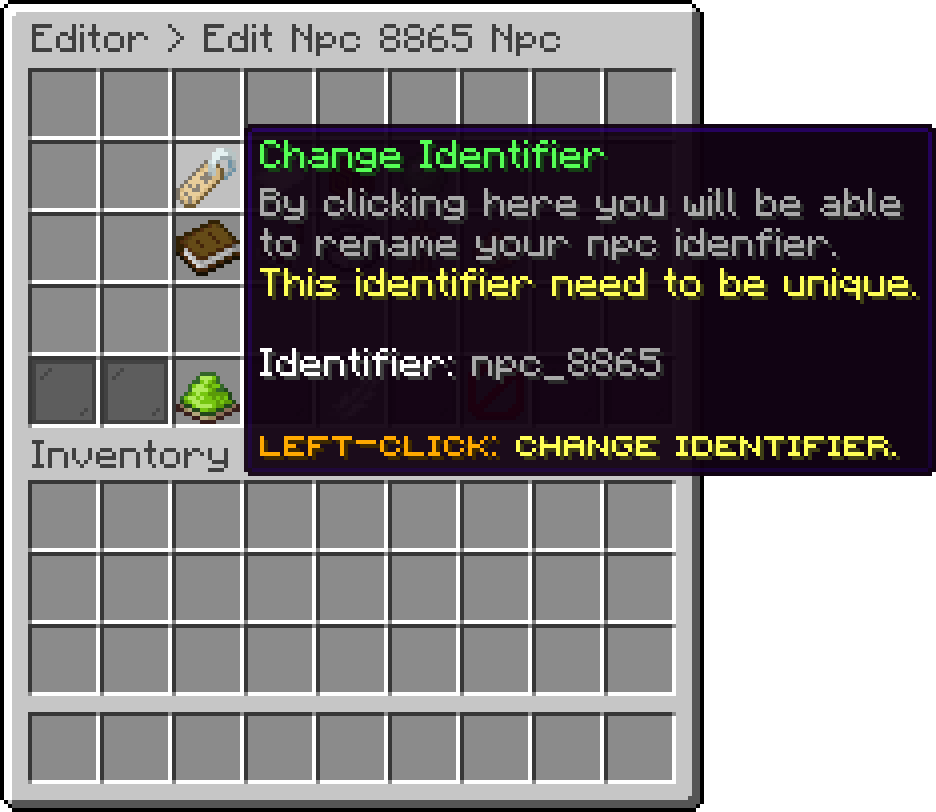
Edit NPC (Change Identifier)
Anything pointing at the old identifier, such as a command or another NPC's actions, stops working when you change it.
With this option, you can change the name shown to players, which appears in the hologram above the NPC. Colour codes and MiniMessage tags both work here.
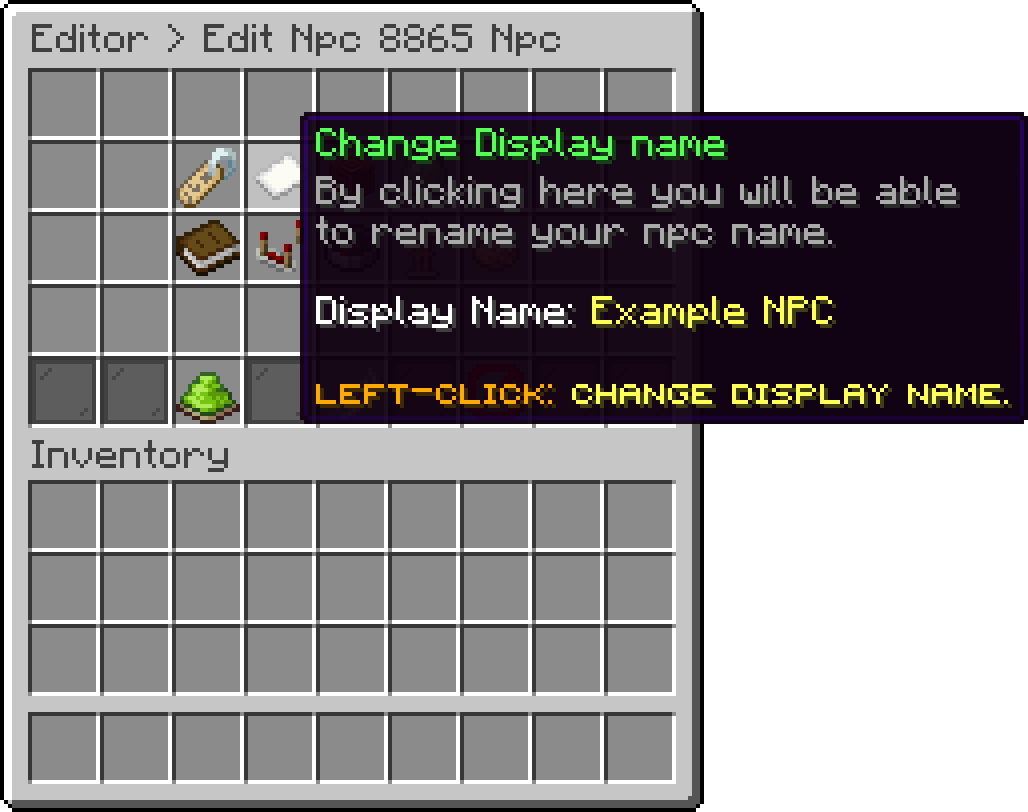
Edit NPC (Change Display Name)
With this option, you can change what the NPC is actually made of. Seven engines are available: Flying Head, Item, Entity, Citizens, Model Engine, Fancy NPCS and Better Model.
Each has its own settings and its own page under NPC Engines. An engine whose plugin is missing is marked Not installed and cannot be picked.
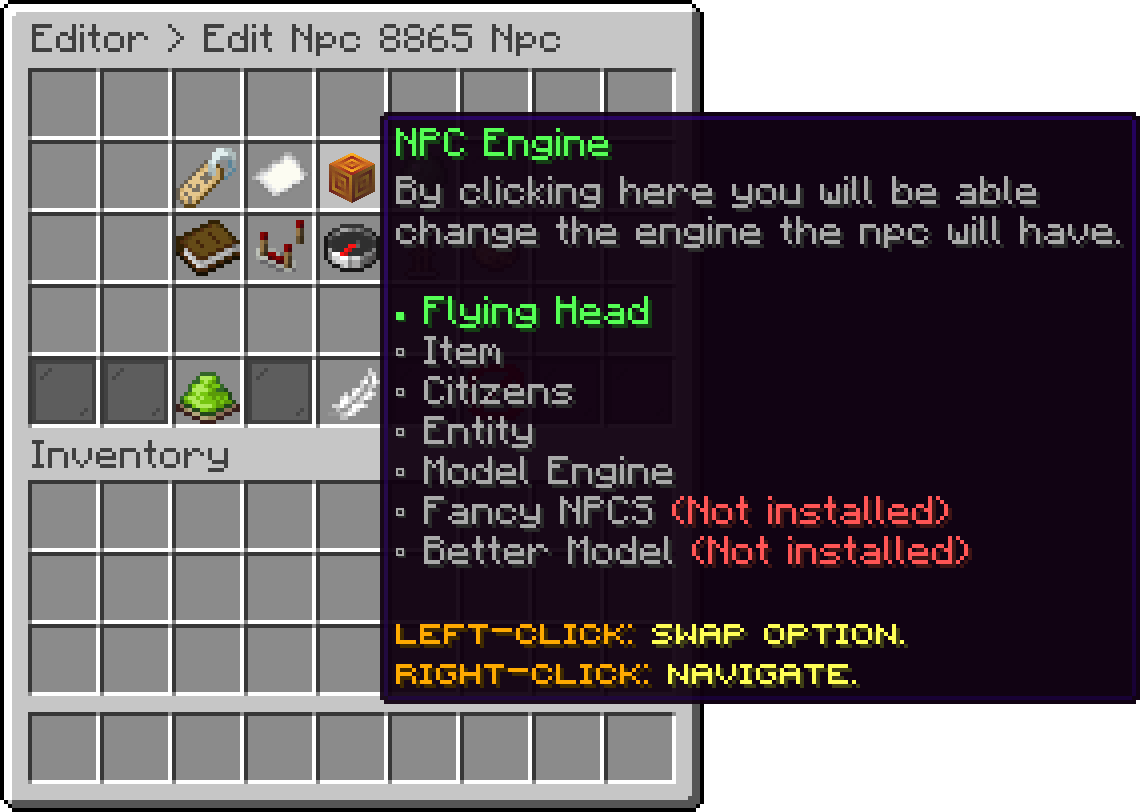
Edit NPC (NPC Engine)
With this option, you can add a particle effect that plays around the NPC while it is standing there. Thirteen shapes are available, each with its own particle, colour, offset and density, and an NPC can carry several at once. Its own settings are on the NPC Effects page.
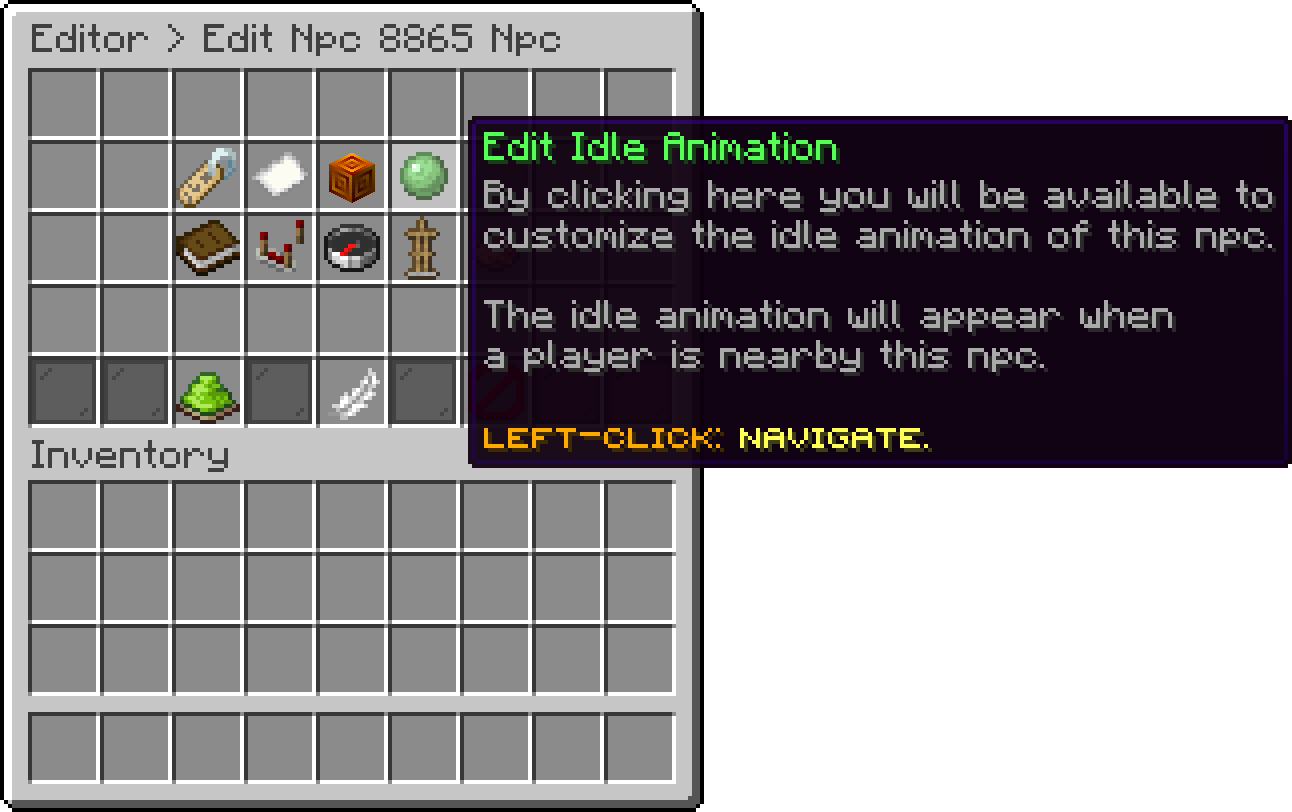
Edit NPC (Edit Idle Animation)
With this option, you can give the NPC a glowing outline and pick its colour, which is the cheapest way to make one stand out against a busy build. Its own settings are on the NPC Glow page.
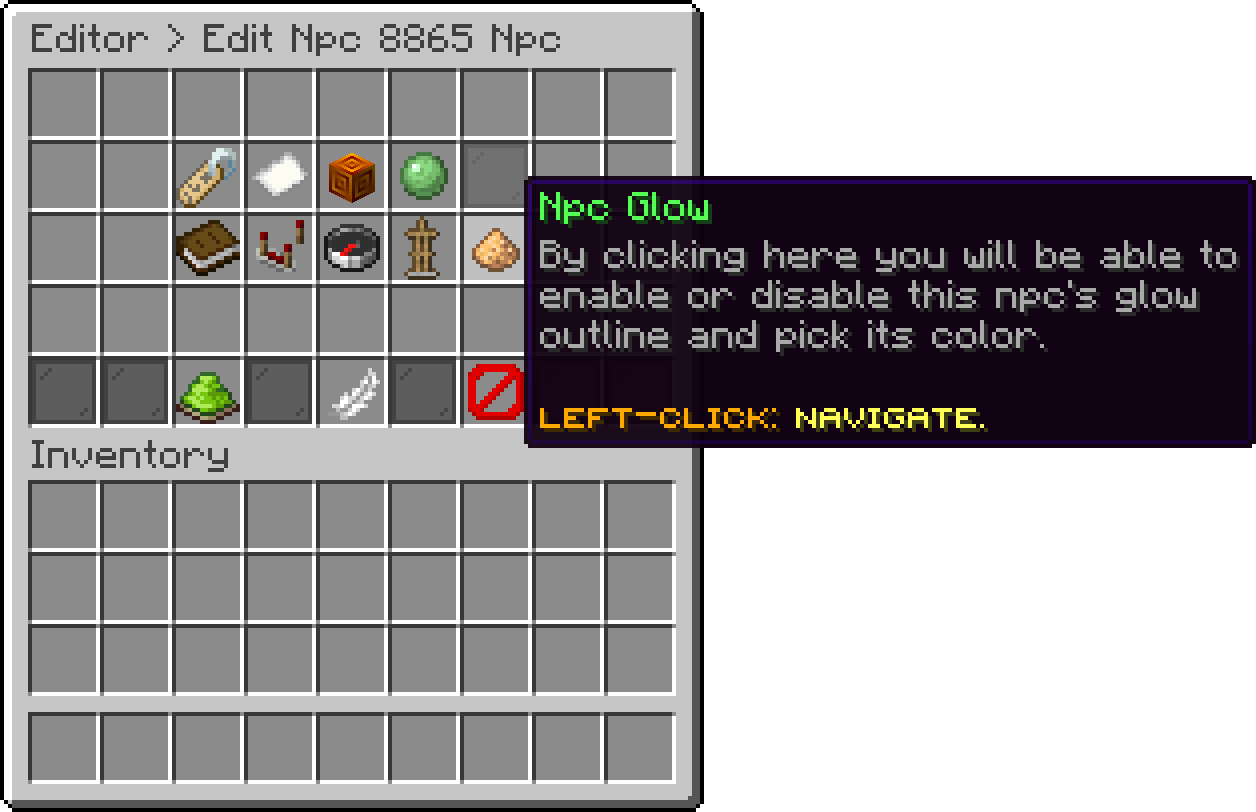
Edit NPC (Npc Glow)
With this option, you can make the NPC bigger or smaller than a player.
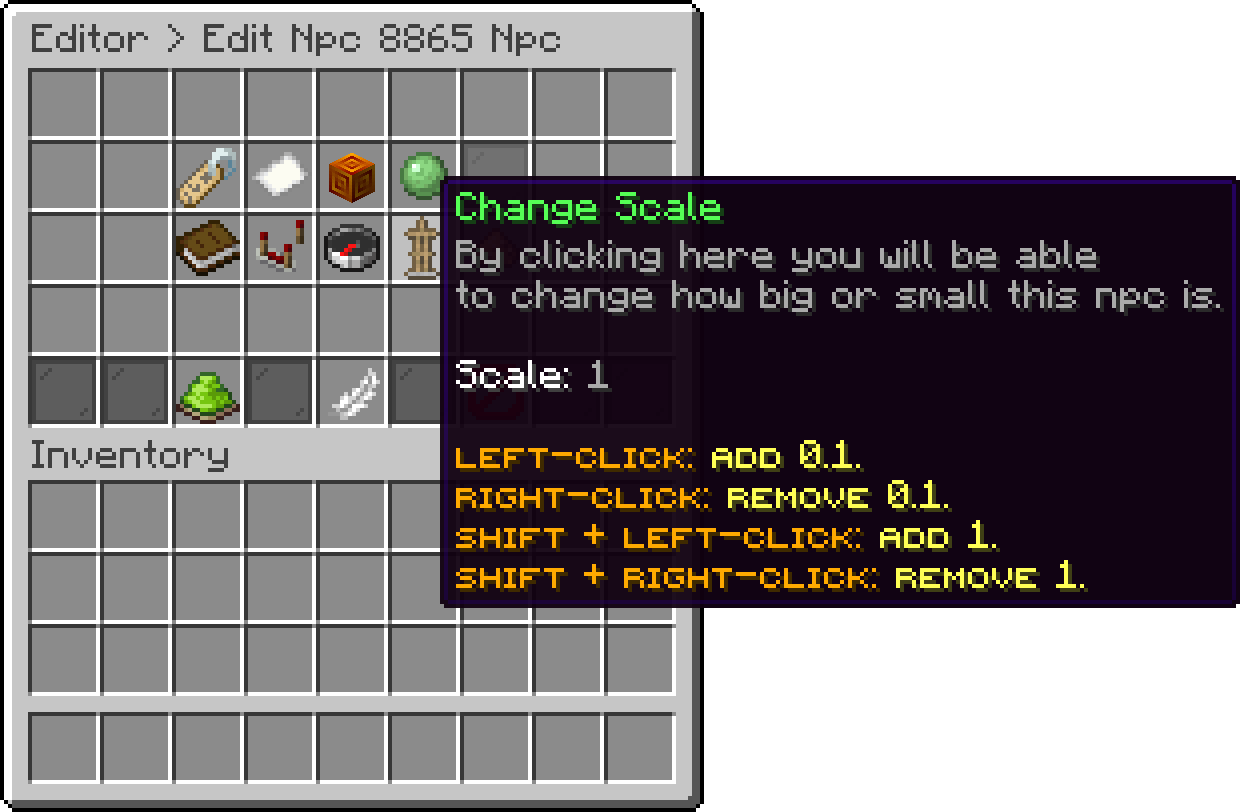
Edit NPC (Change Scale)
With this option, you can link the NPC to a server on your network. It is what %proxy_online% counts in the hologram, and it is picked from a list rather than typed.
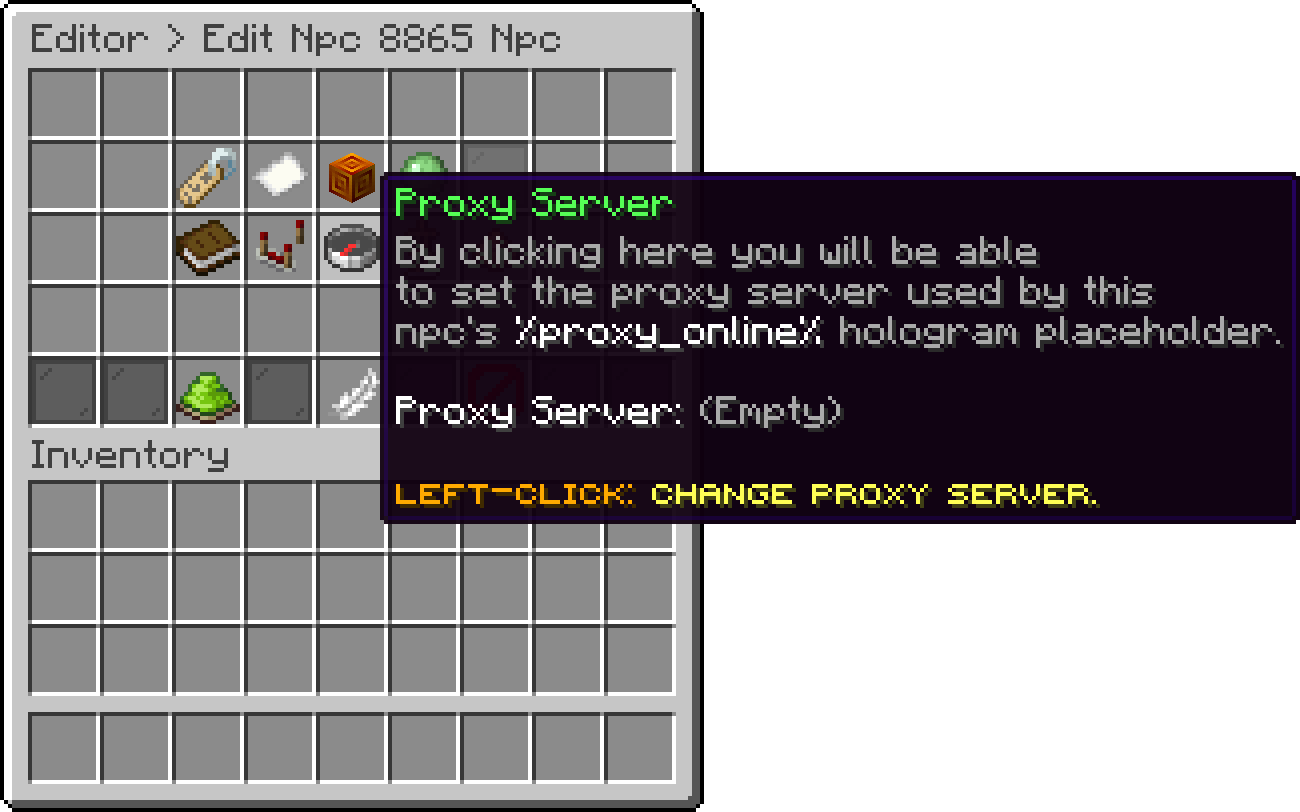
Edit NPC (Proxy Server)
With this option, you can edit what happens when a player clicks the NPC. Every action type is available, so one NPC can send a player to another server, run a command or open a menu.
[PROXY] server_name
[COMMAND] /console; mvtp %player% your_world_name
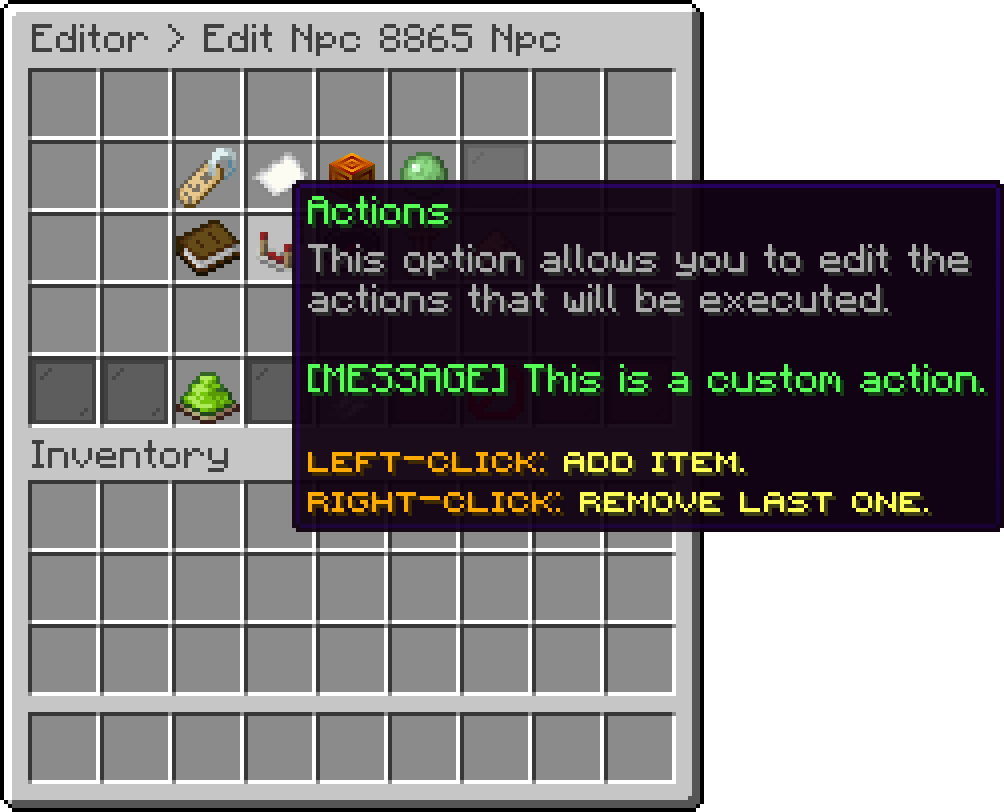
Edit NPC (Actions)
With this option, you can edit the floating text above the NPC. The plugin has its own hologram system, so no external plugin is needed. Its own settings are on the NPC Hologram page.
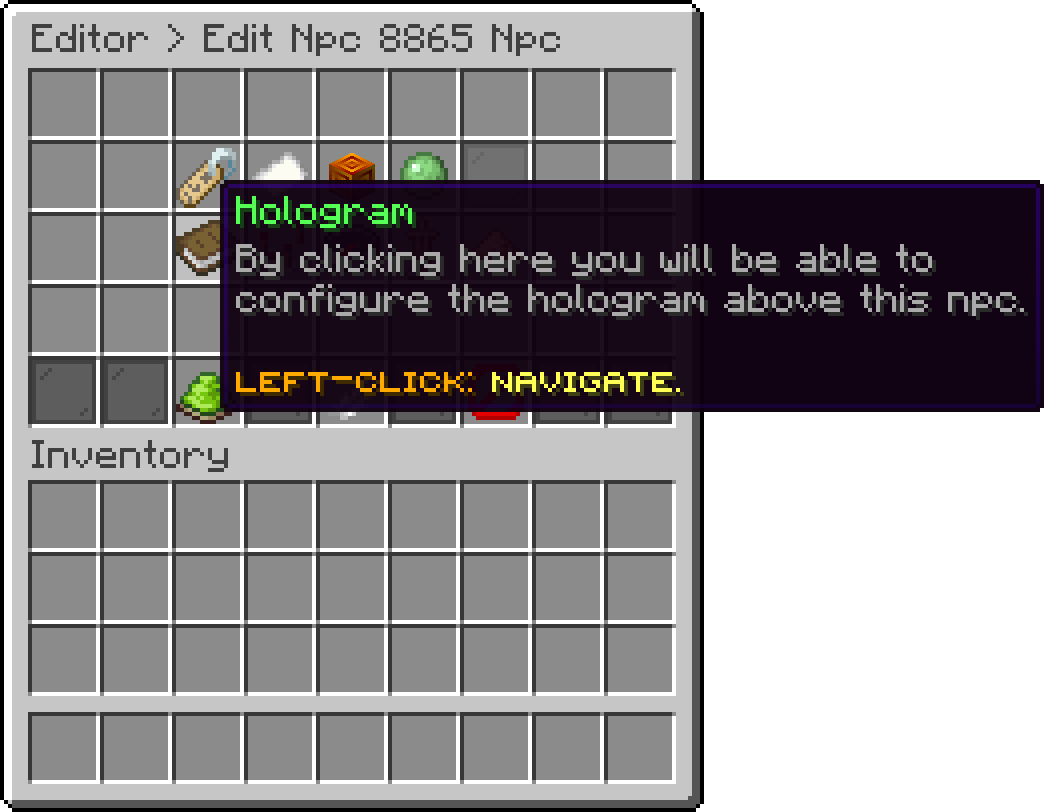
Edit NPC (Hologram)
With this option, you can hide the NPC from the world without deleting it or losing any of its settings.
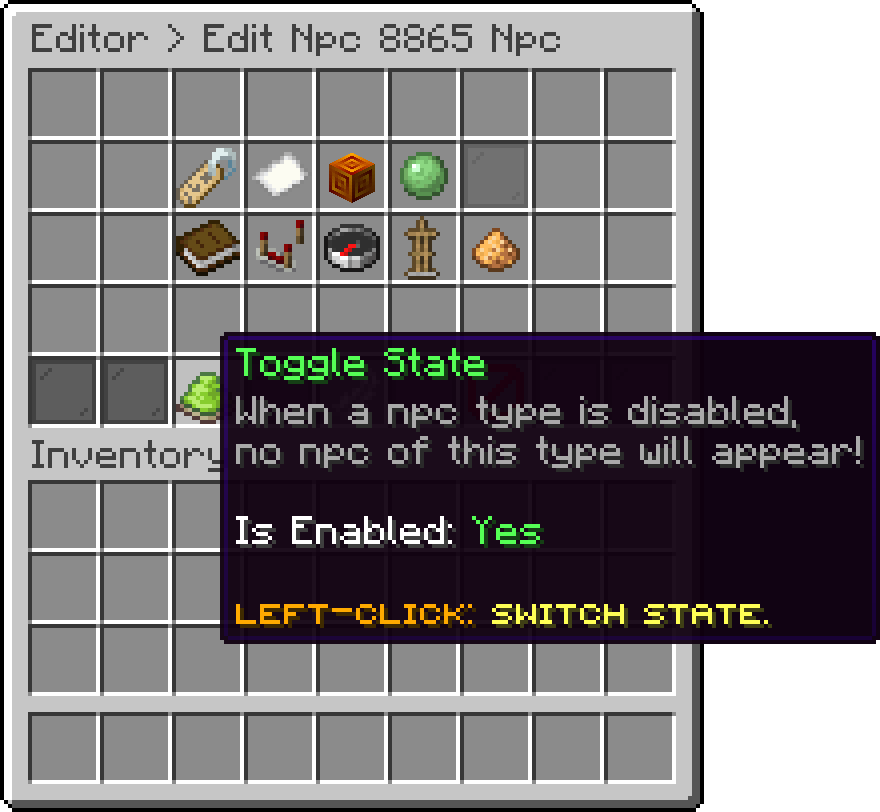
Edit NPC (Toggle State)
Oops... looks like the spiders padded through here
Add products to your cart and remove them from here Lets buy