

Oops... looks like the spiders padded through here
Add products to your cart and remove them from here Lets buy



On this page, you will find information regarding the player count shown next to your MOTD.
This module is configured in modules/motd.yml inside the PhoenixLobby folder, under player-count.
By default the server list shows the real numbers, and hovering them lists a sample of who is online. Every part of that can be overridden or hidden here. Open it from Editor > Modules > MOTD > Player Count.
Leaving an option empty keeps the real value, so only what you actually fill in is replaced.
With this option, you can replace the two numbers with free text, which is what a server showing Open! or a queue length in that spot is doing.
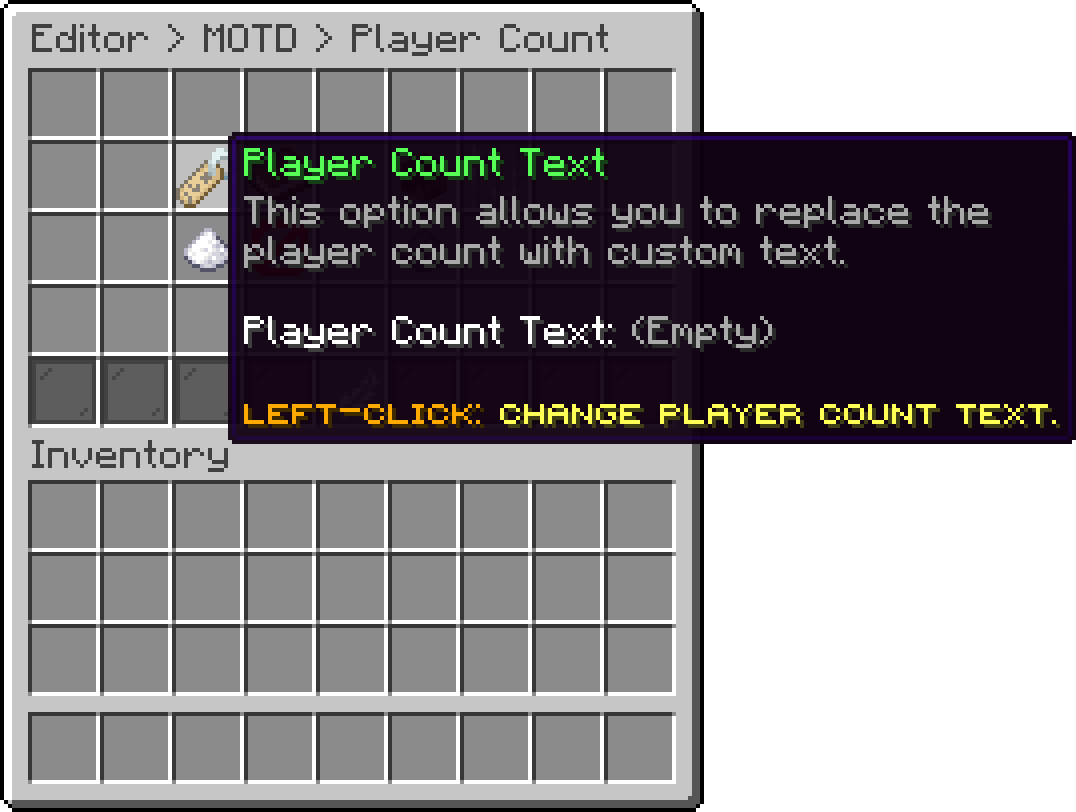
Player Count (Player Count Text)
The client only draws text there when it thinks the server is a version it cannot join, so filling this in also puts the red incompatible-version marker on your entry in the list. Leave it empty if you would rather keep the normal numbers.
With this option, you can override the first number. A placeholder that resolves to something other than a number is ignored and the real count is used, which leaves vanished staff out.
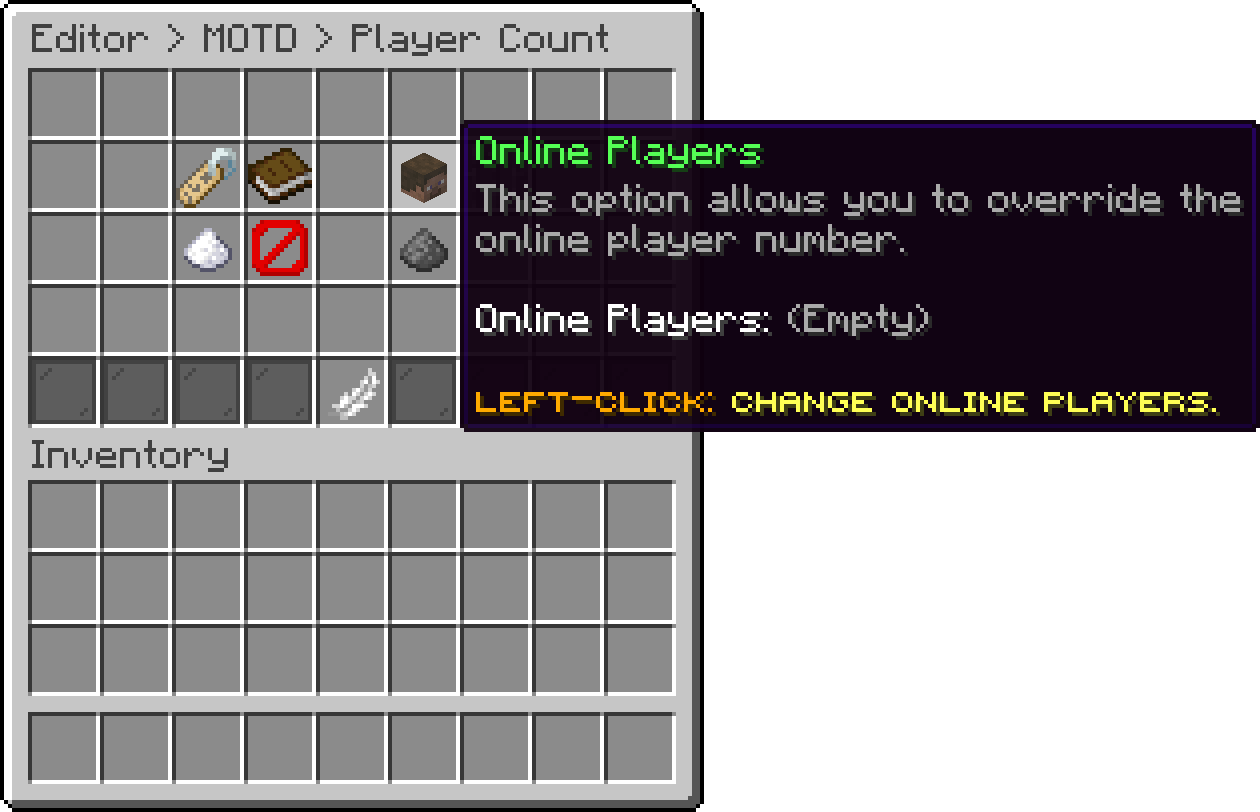
Player Count (Online Players)
With this option, you can override the second number, which is otherwise the slot count from server.properties.
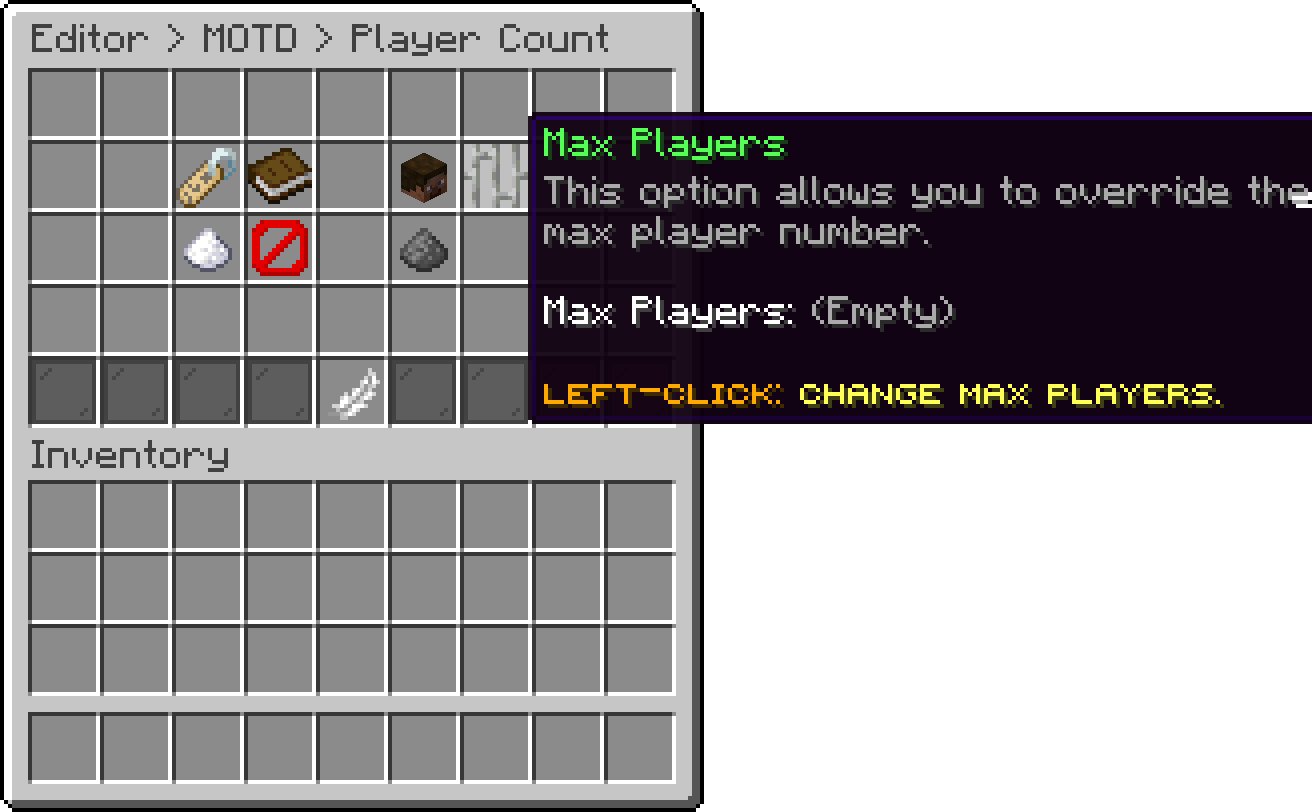
Player Count (Max Players)
With this option, you can report the maximum as however many players are online plus this amount, so the server never looks full no matter how busy it gets. It is ignored while Max Players is set, since that one wins.
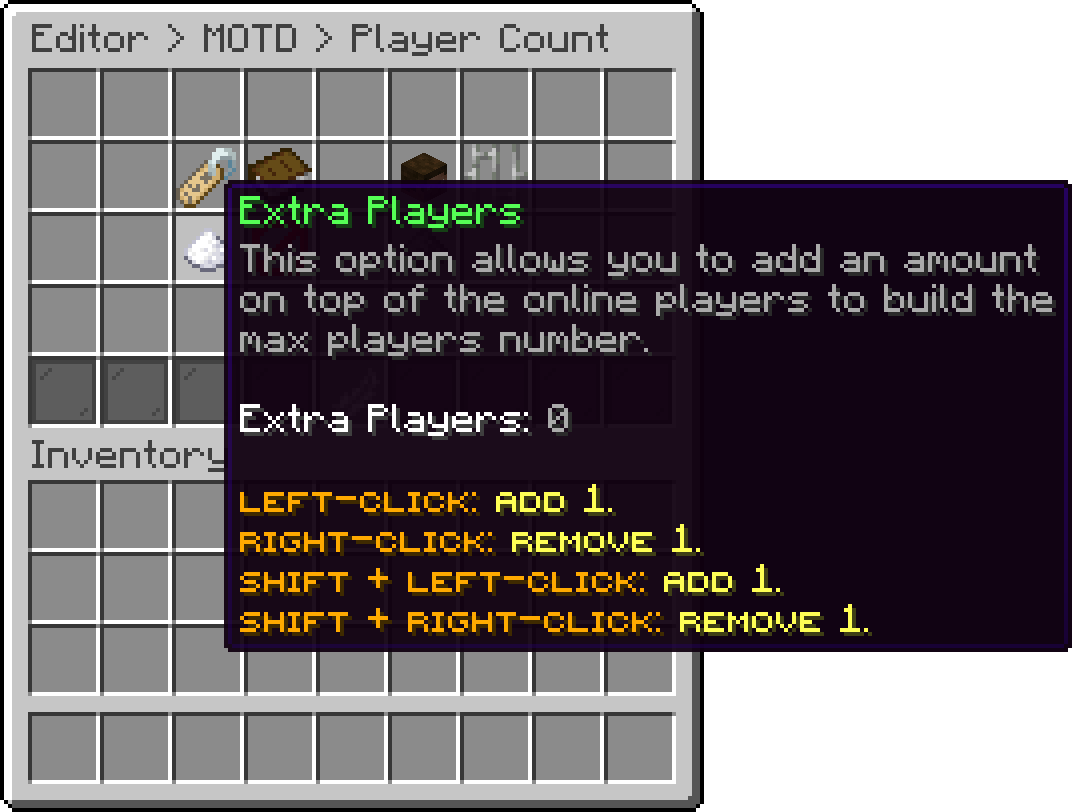
Player Count (Extra Players)
With this option, you can replace the player sample that appears when the count is hovered with lines of your own. It is the one place in the list where more than two lines of text fit, which is what makes it useful for a rules note or a vote link.
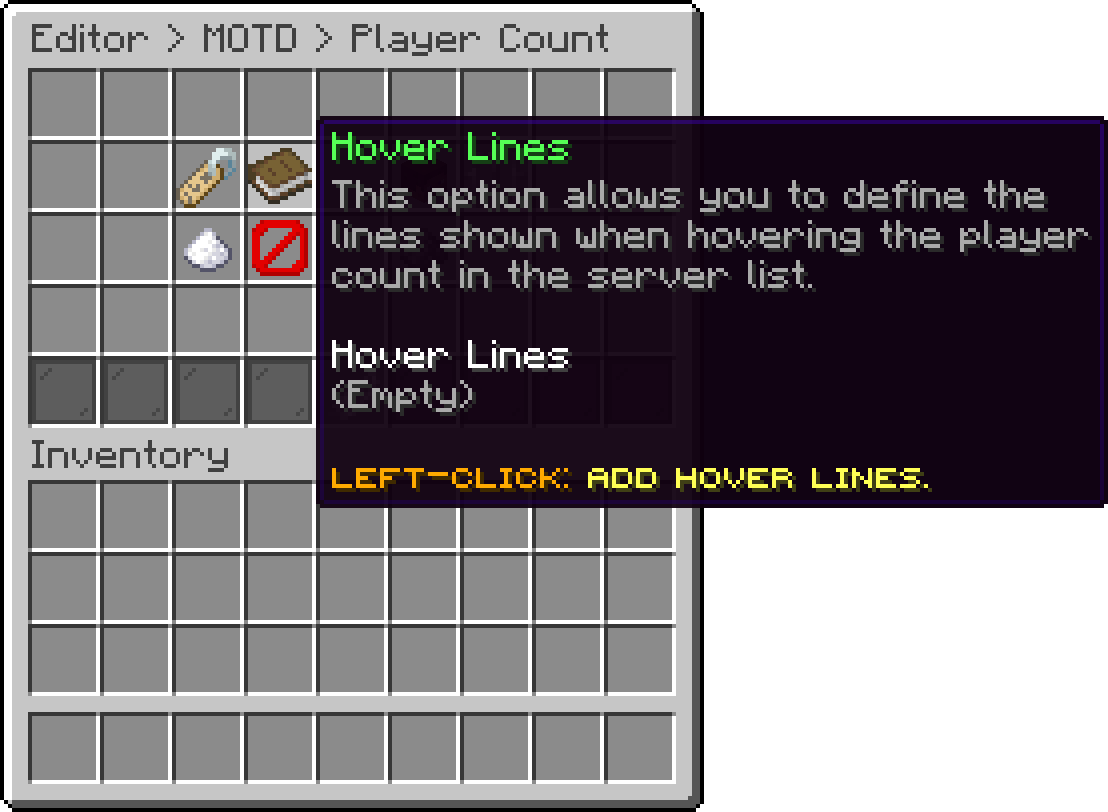
Player Count (Hover Lines)
With this option, you can drop the count from the ping entirely, so nothing is drawn where the numbers usually are.
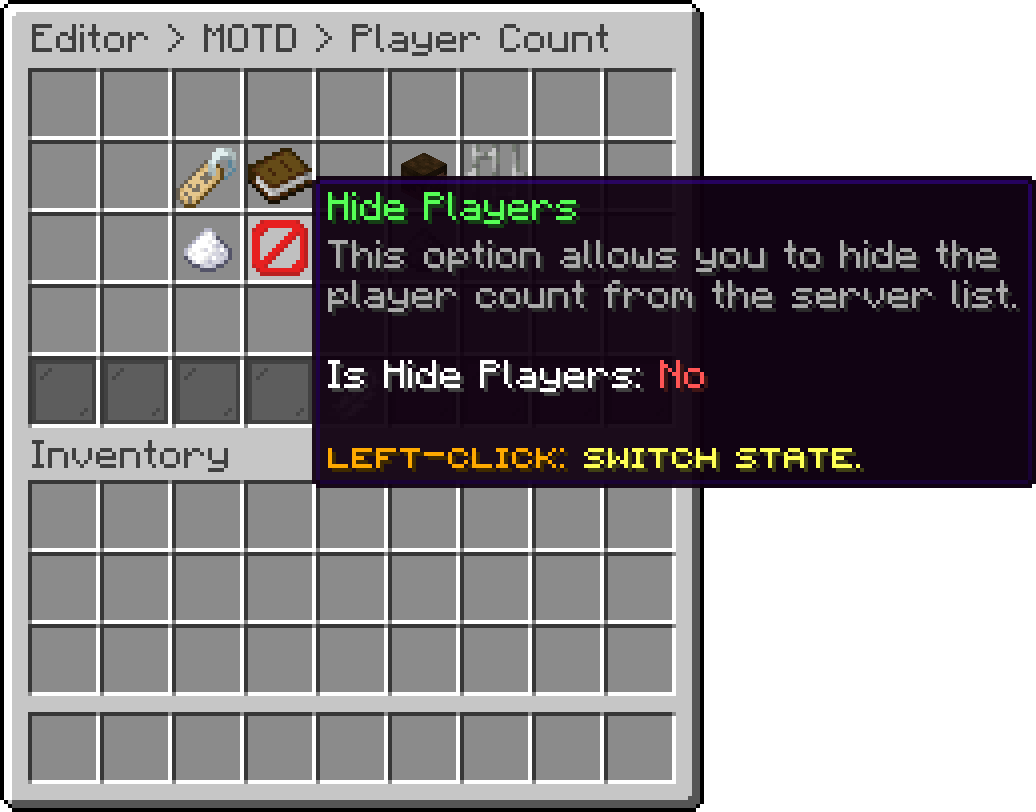
Player Count (Hide Players)
With this option, you can remove the hover list without touching the numbers, which keeps the count honest while keeping your players' names off it.
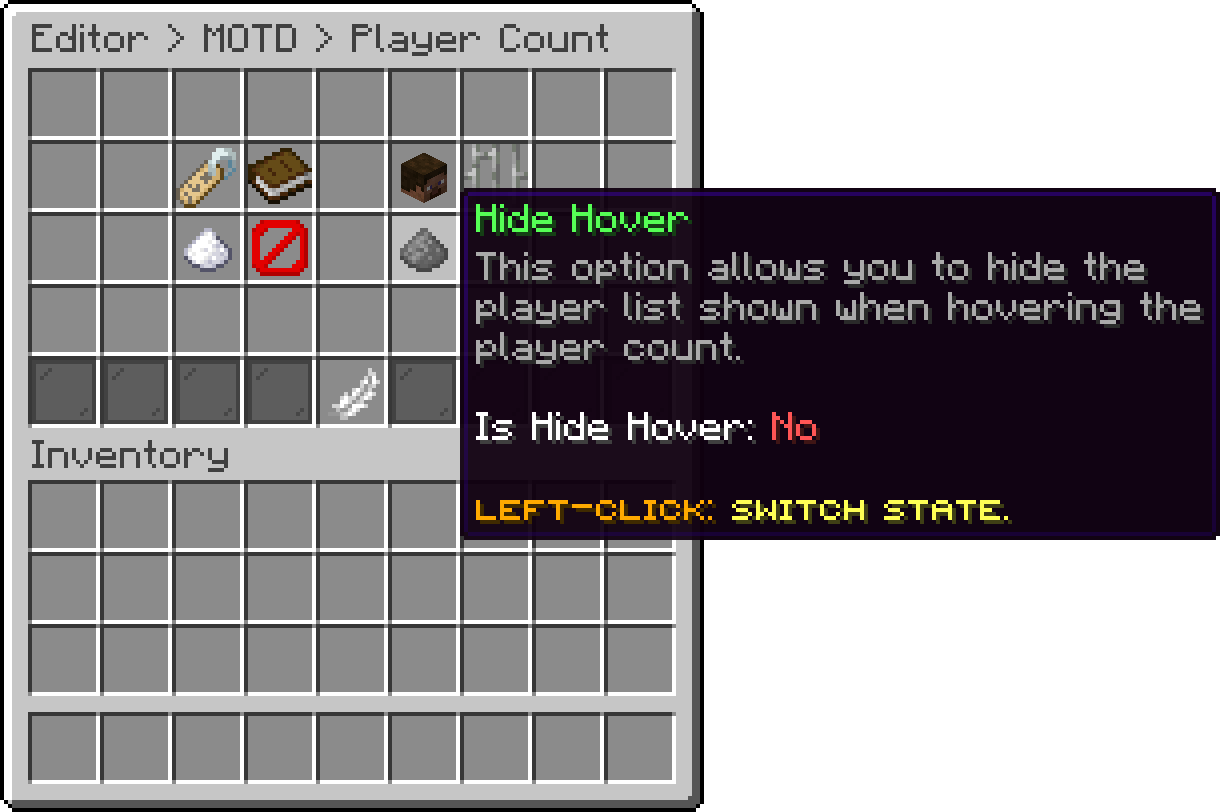
Player Count (Hide Hover)
Player Count Text, Online Players, Hover Lines, Hide Players and Hide Hover need Paper or a fork of it, because Spigot's ping event cannot express any of them. On plain Spigot the module says so once on startup and applies what is left: the message, the icon, Max Players and Extra Players.
Every MOTD placeholder works in these options as well, and everything on this page keeps applying while a maintenance is running, since a maintenance only replaces the message.
Oops... looks like the spiders padded through here
Add products to your cart and remove them from here Lets buy