

Oops... looks like the spiders padded through here
Add products to your cart and remove them from here Lets buy



On this page, you will find information regarding the anti spam checks.
This module is configured in modules/chat.yml inside the PhoenixLobby folder.
Anti Spam blocks the messages that annoy the rest of your players. Each check can be turned off on its own in Editor > Modules > Chat > Anti Spam.
Players with phoenixlobby.bypass.antispam are not checked.
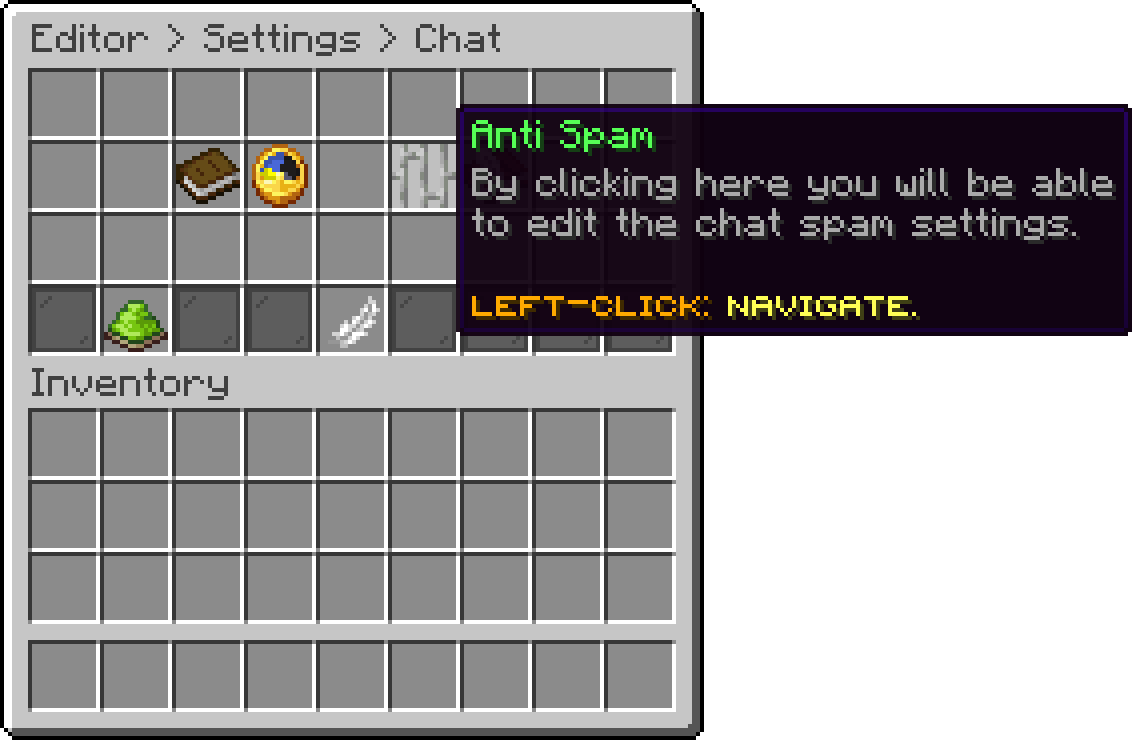
Chat (Anti Spam)
Blocks a message that is too similar to the last ones the player sent. Repeated Messages History is how many of their previous messages are compared, and Similarity Percentage is how close a message has to be before it counts as a repeat.
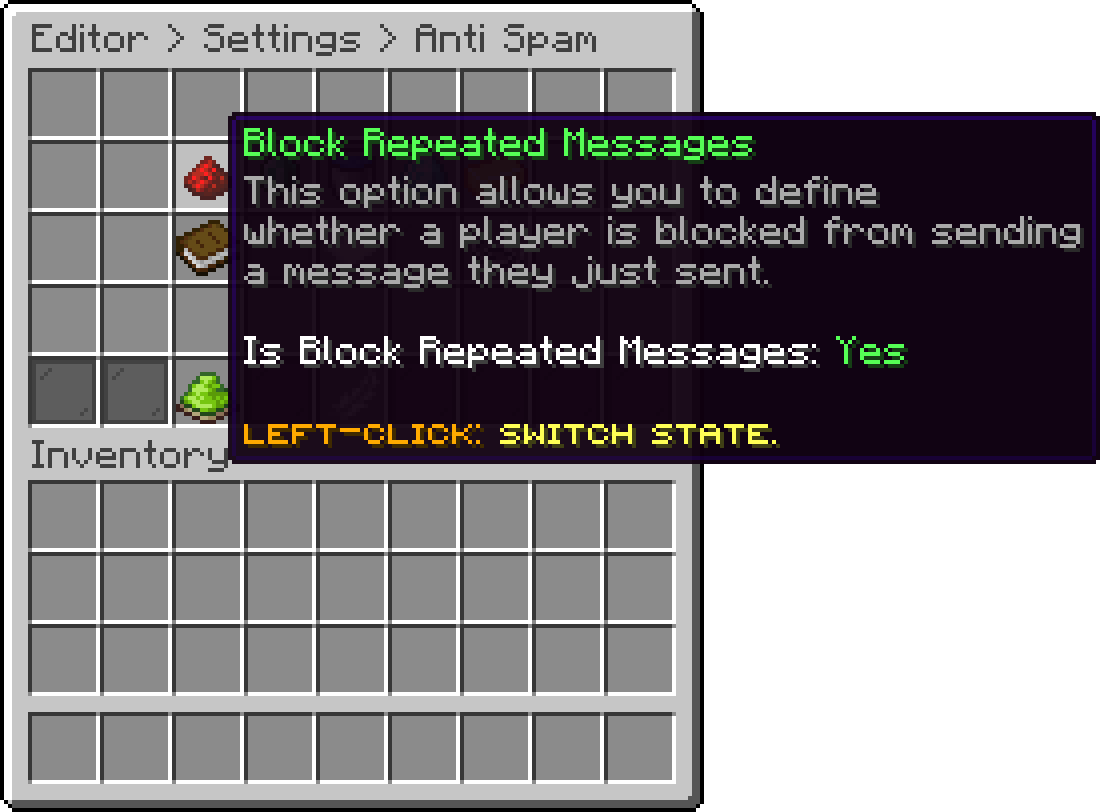
Anti Spam (Block Repeated Messages)
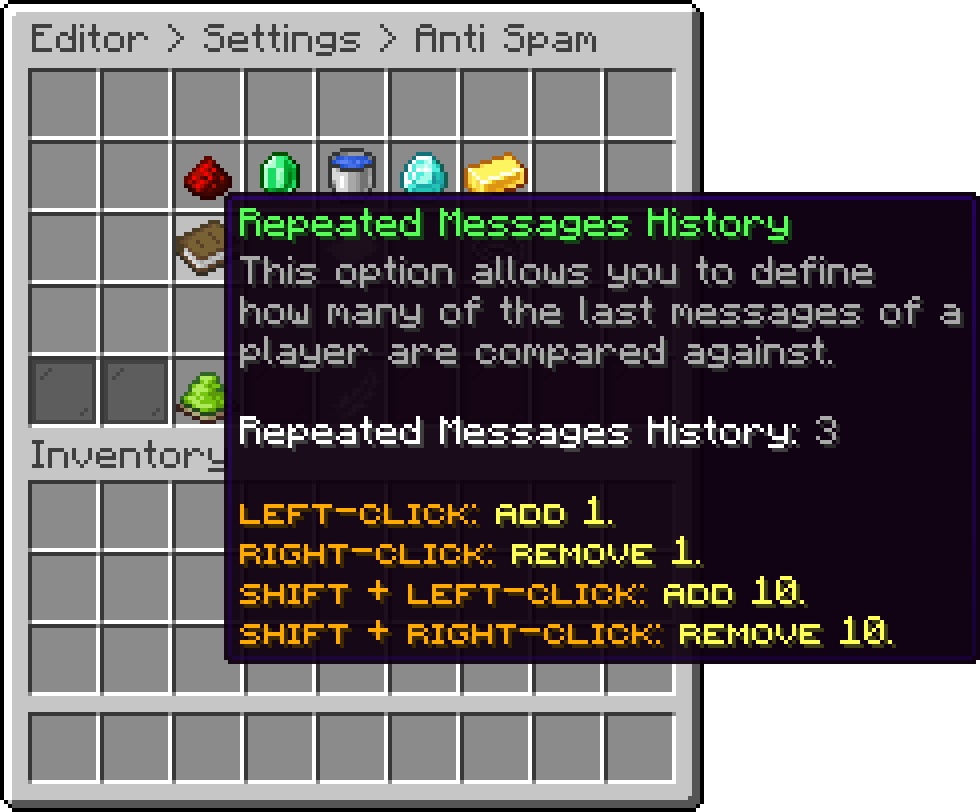
Anti Spam (Repeated Messages History)
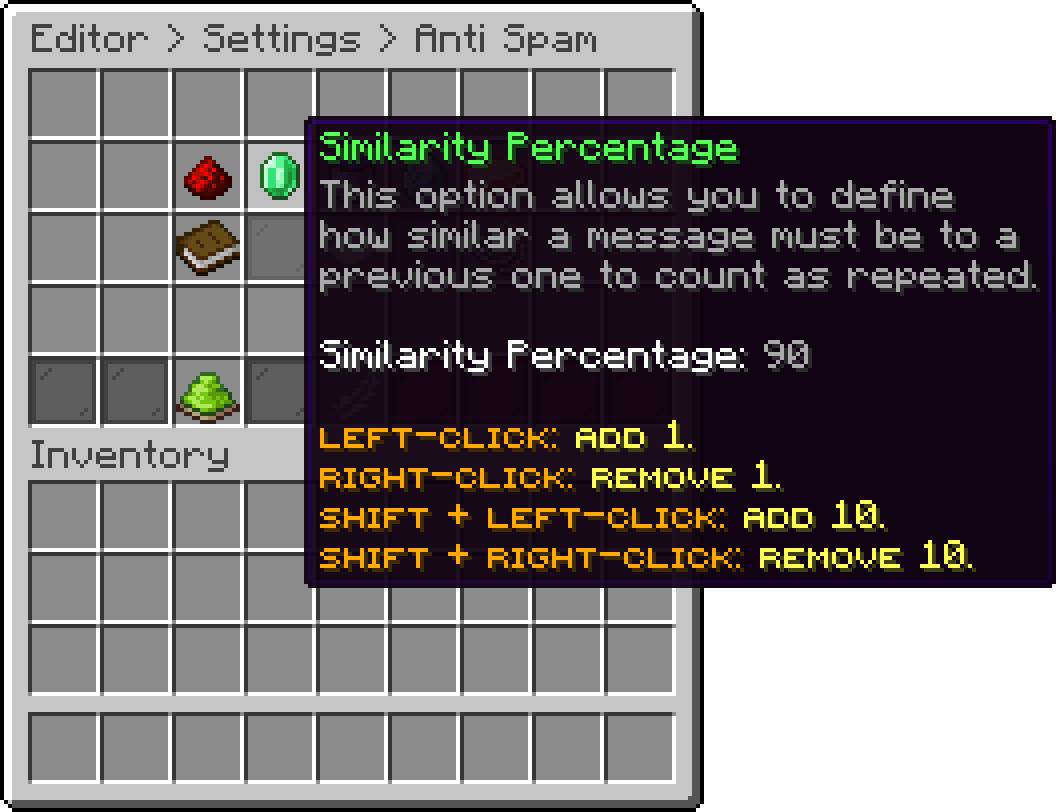
Anti Spam (Similarity Percentage)
Blocks a message with too many capital letters. Caps Minimum Length keeps short messages out of the check, and Caps Percentage is how much of the message has to be uppercase before it is blocked.
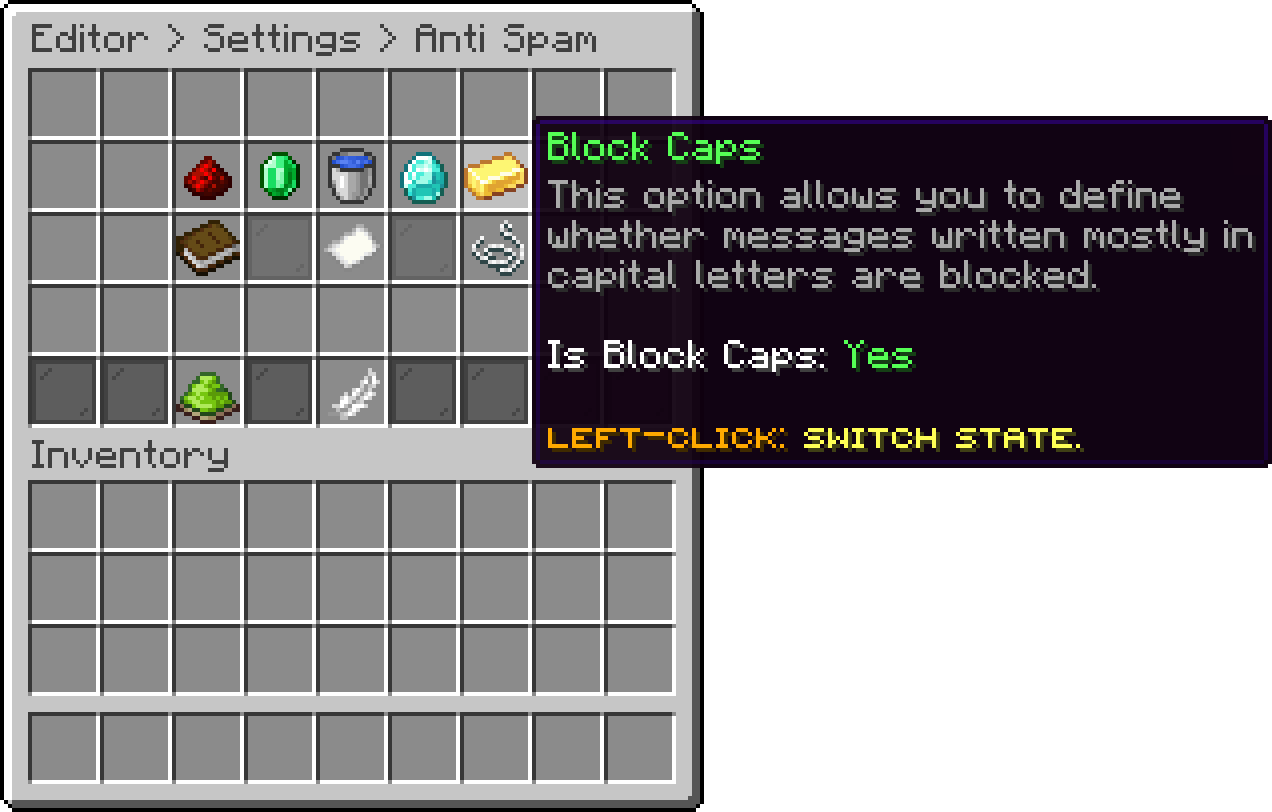
Anti Spam (Block Caps)
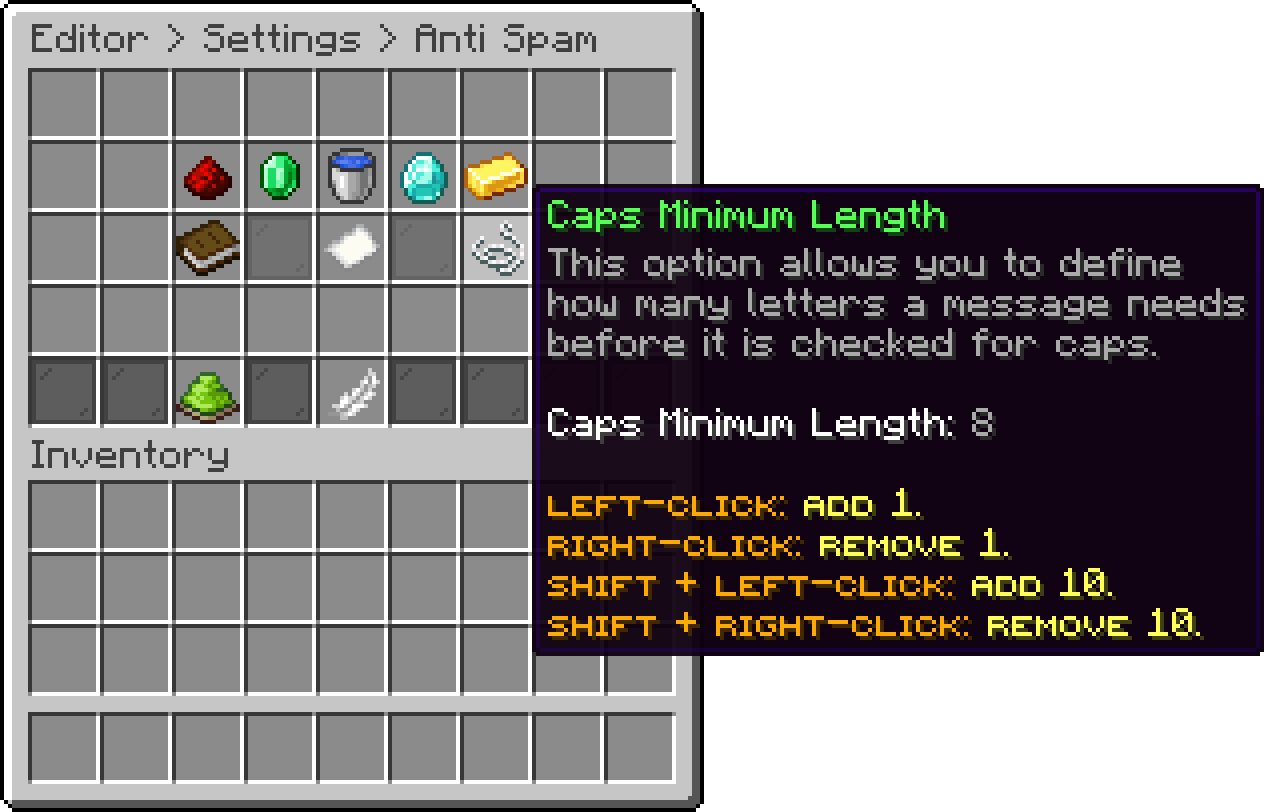
Anti Spam (Caps Minimum Length)
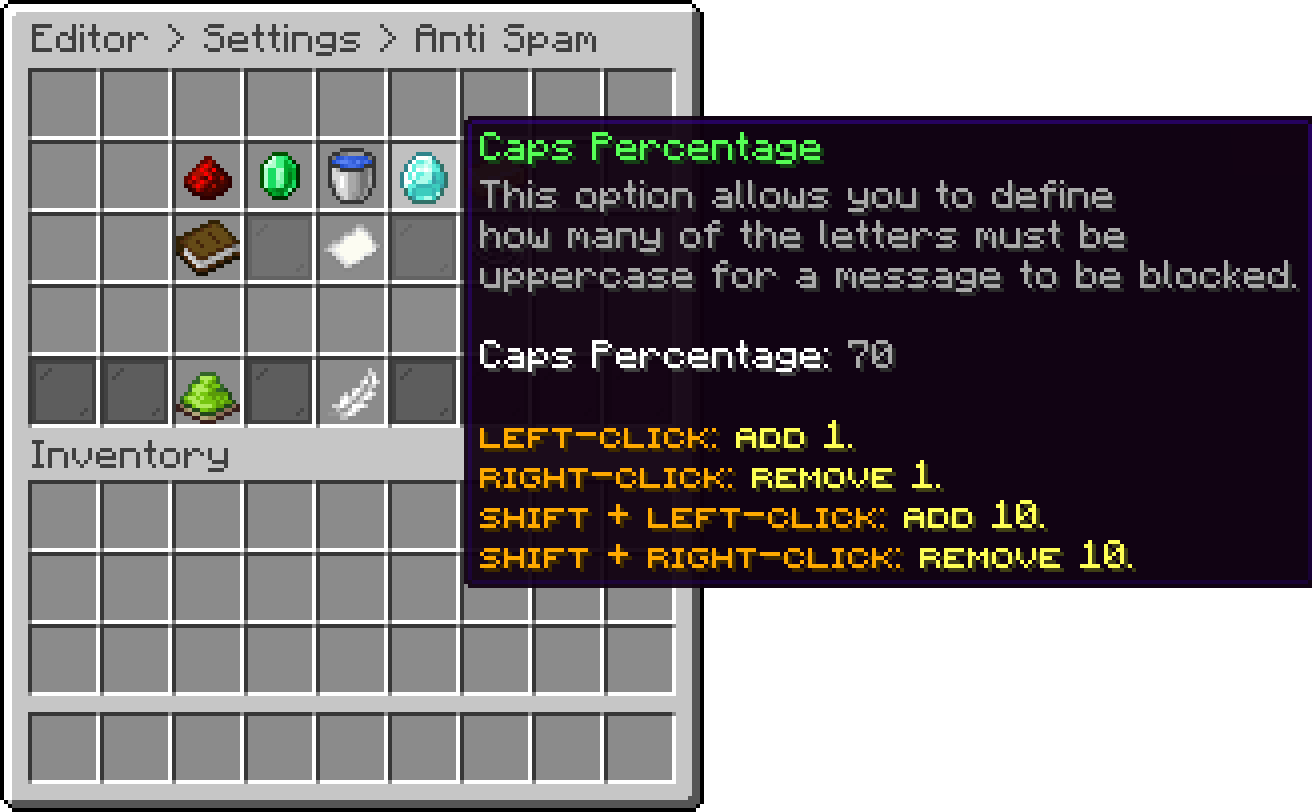
Anti Spam (Caps Percentage)
Blocks a message with the same character repeated too many times, with Max Repeated Characters setting the limit.
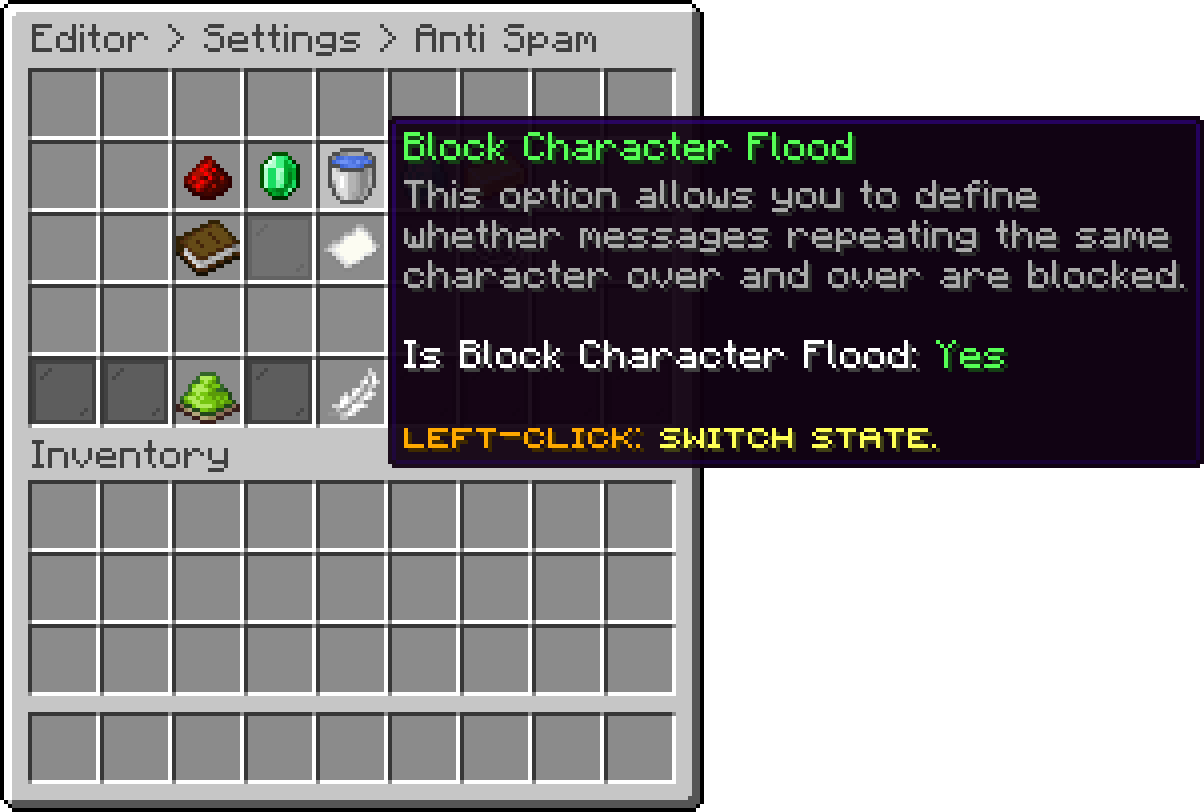
Anti Spam (Block Character Flood)
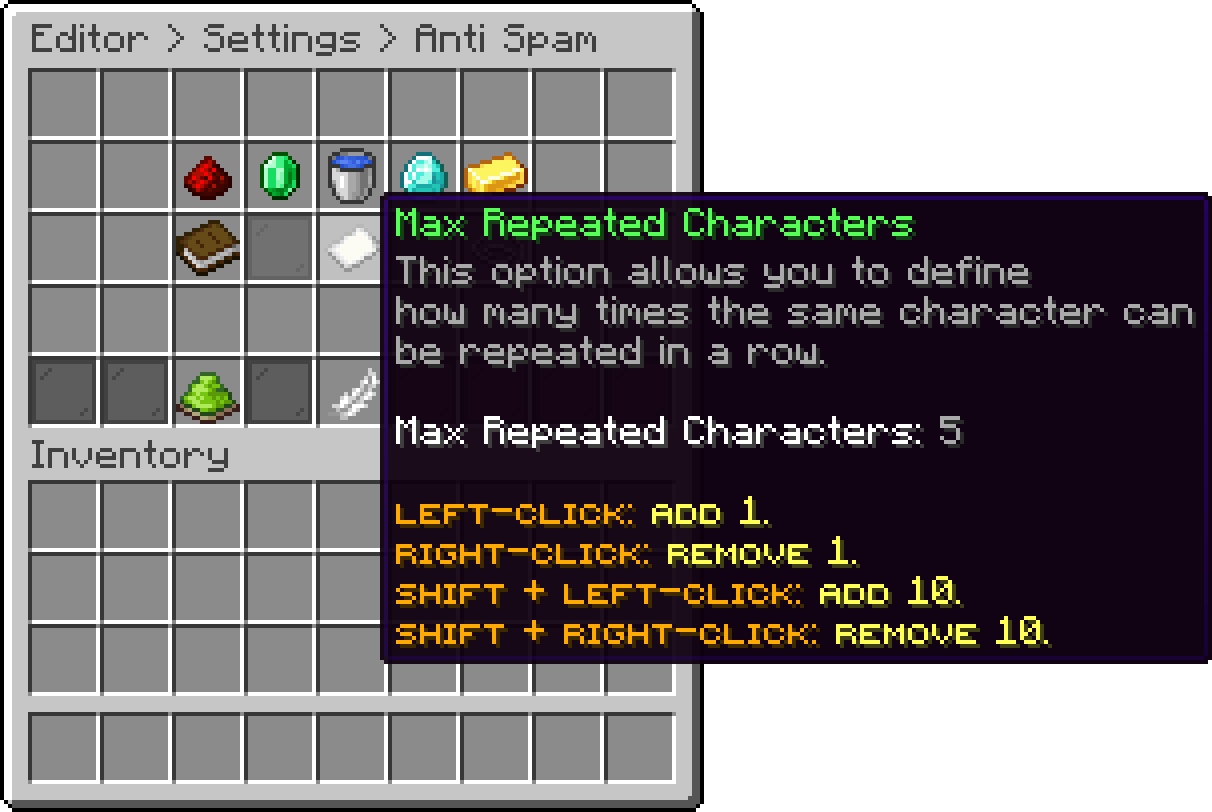
Anti Spam (Max Repeated Characters)
Turns every Anti Spam check off at once.
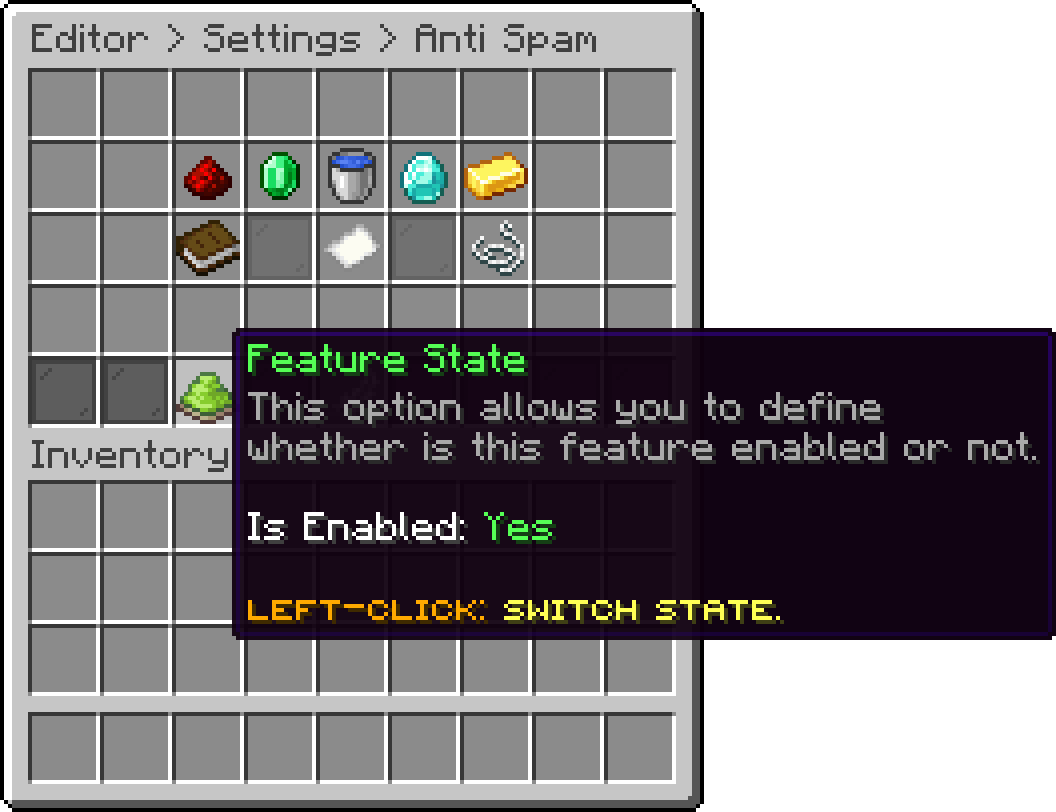
Anti Spam (Feature State)
Oops... looks like the spiders padded through here
Add products to your cart and remove them from here Lets buy