

Oops... looks like the spiders padded through here
Add products to your cart and remove them from here Lets buy



On this page, you will find information regarding the bossbar feature.
This module is configured in modules/bossbar.yml inside the PhoenixLobby folder.
A boss bar is the coloured bar drawn across the top of the screen. Every entry in this module is a bar of its own, with its own colour, style, rotation delay and list of messages, and they are all shown at the same time, stacked one under the other. Open it from Editor > Modules > Boss Bar.
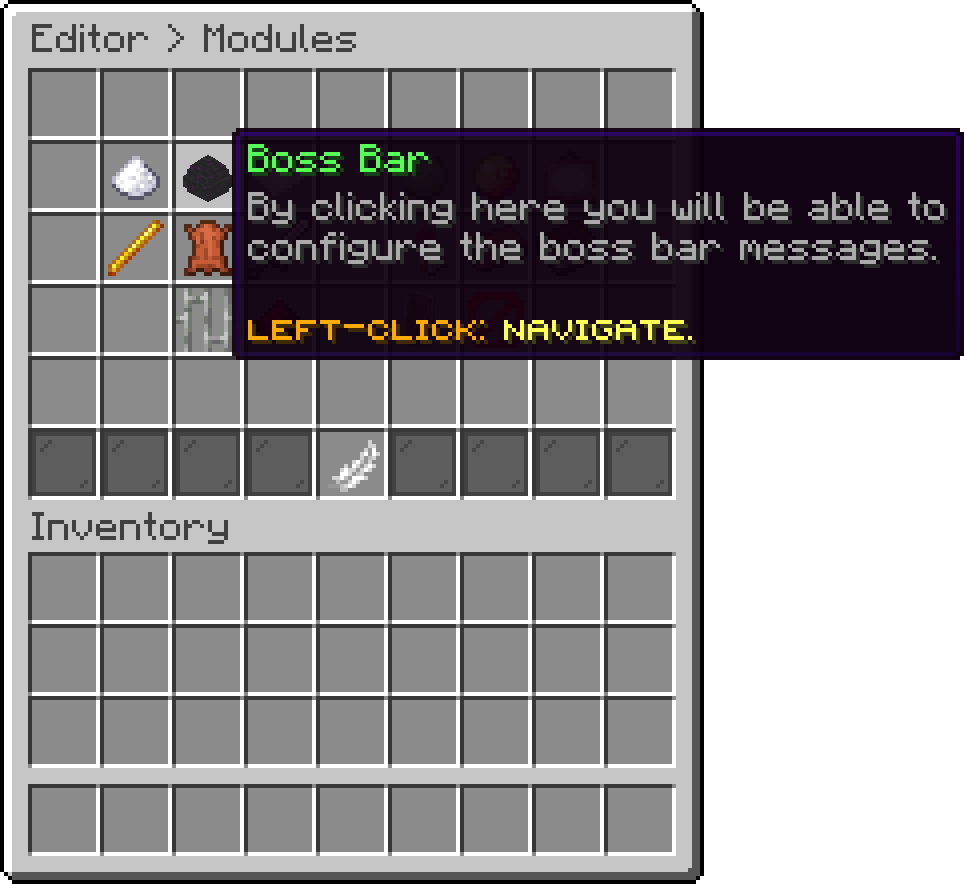
Modules (Boss Bar)
Each bar in the list opens its own page of settings, covered under Edit a Boss Bar. The green pane at the end of the row adds another one, and shift + right-clicking a bar deletes it.
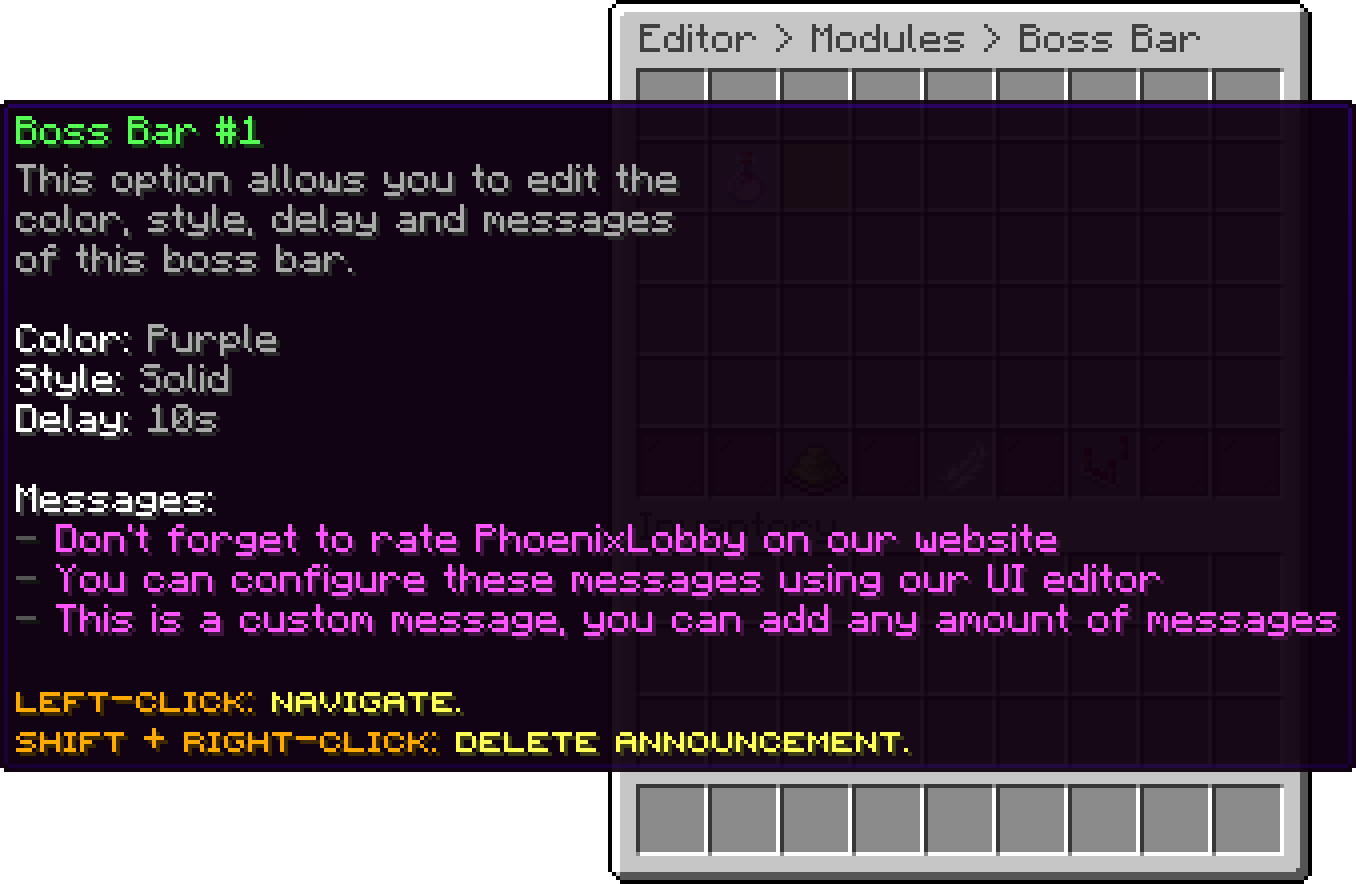
Boss Bar (Boss Bar #1)
With this option, you can edit the actions that are executed every time any bar rotates to its next message, which is what a sound playing alongside the change is doing. They run for every player currently seeing the bars. Every action type is available here.
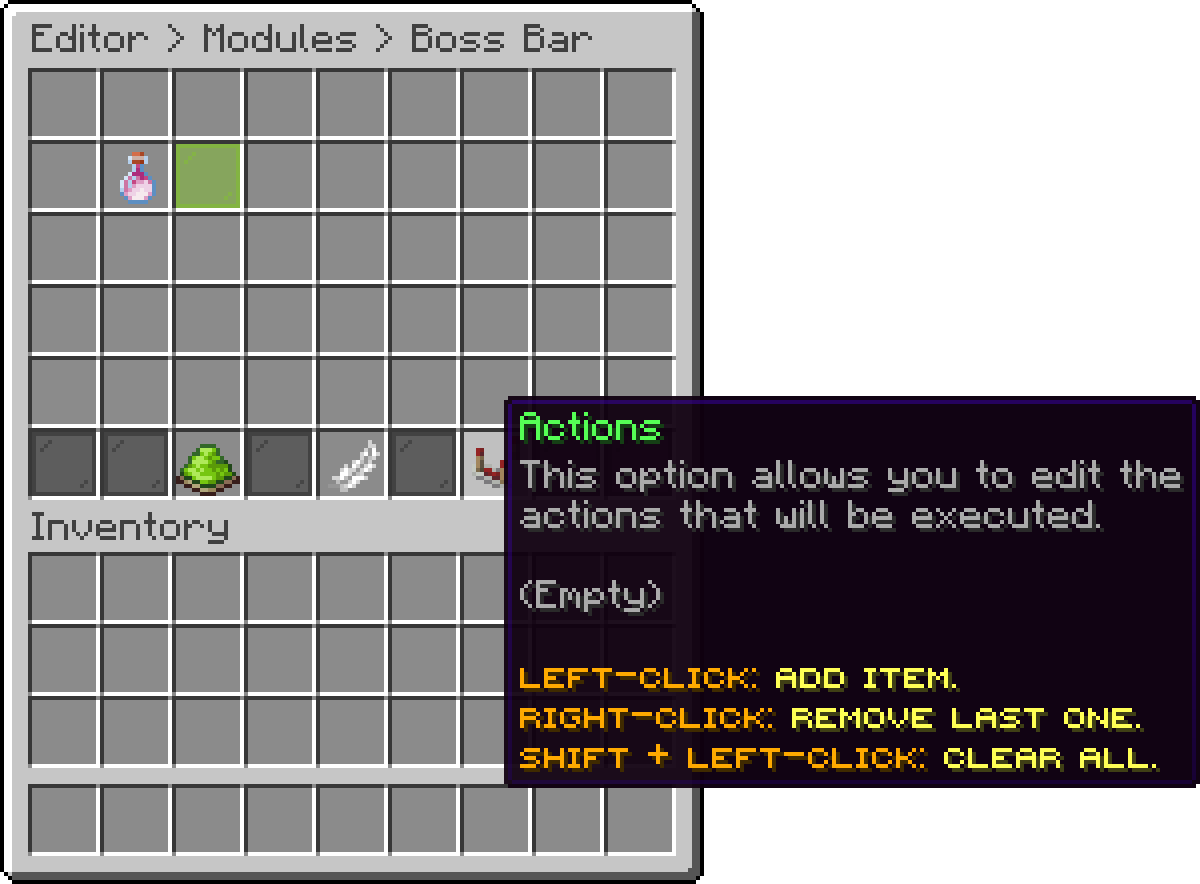
Boss Bar (Actions)
With this option, you can turn every bar off at once without clearing the list.
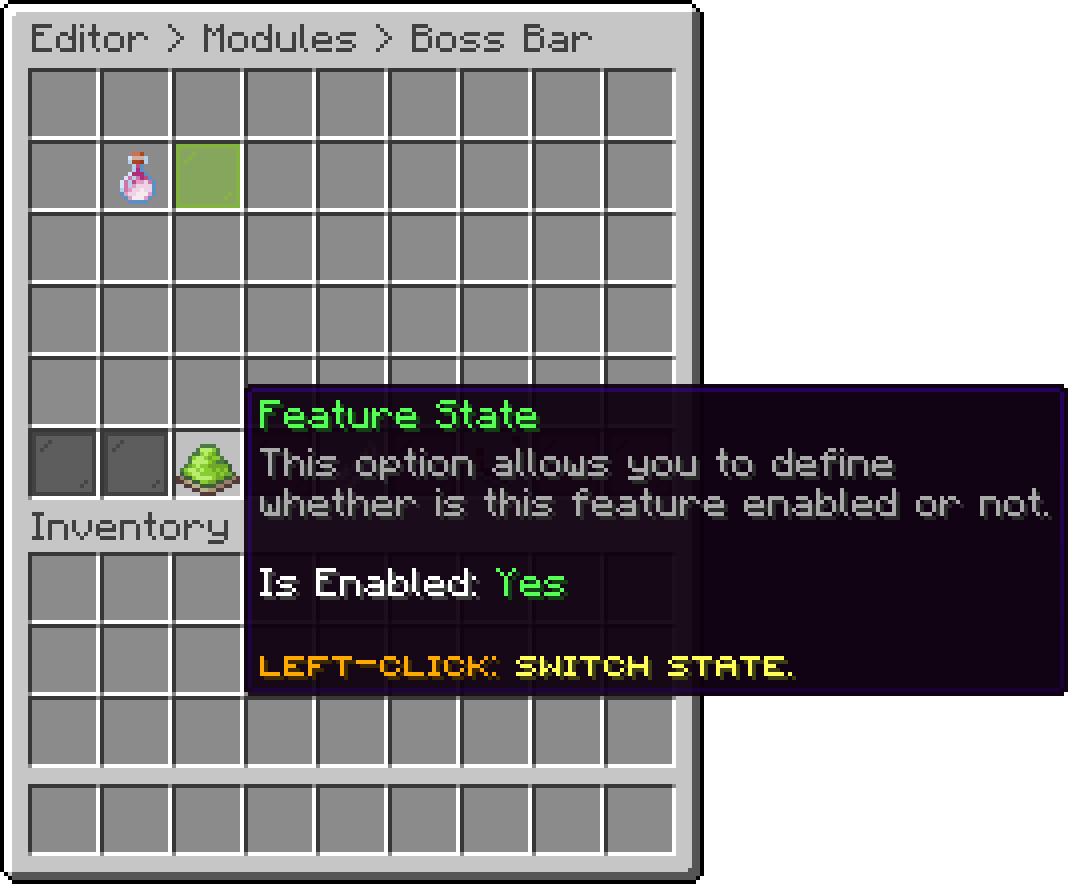
Boss Bar (Feature State)
enabled: true
announcements:
  '0':
    color: PURPLE
    style: SOLID
    delay-seconds: 10
    messages:
    - '&dDon''t forget to rate PhoenixLobby on our website'
    - '&dYou can configure these messages using our UI editor'
    - '&dThis is a custom message, you can add any amount of messages'
actions: []
.png)
Bossbar - In-Game
Players can hide the bars for themselves with /togglebossbar, and the bars are removed as soon as somebody walks into a world the plugin is not active in.
Oops... looks like the spiders padded through here
Add products to your cart and remove them from here Lets buy