

Oops... looks like the spiders padded through here
Add products to your cart and remove them from here Lets buy



On this page, you will find everything you need to know about the rerolls.
The Reroll feature is available in the Premium+ plan of Phoenix Crates.
When a user is dissatisfied with the reward they received, they have the option to reroll it. There are three ways a player ends up with rerolls:
/crates giveReroll are stored on the player and last until they are used or taken back with /crates takeReroll.Everything below lives in the crate's Rerolls menu, reached from the crate itself.
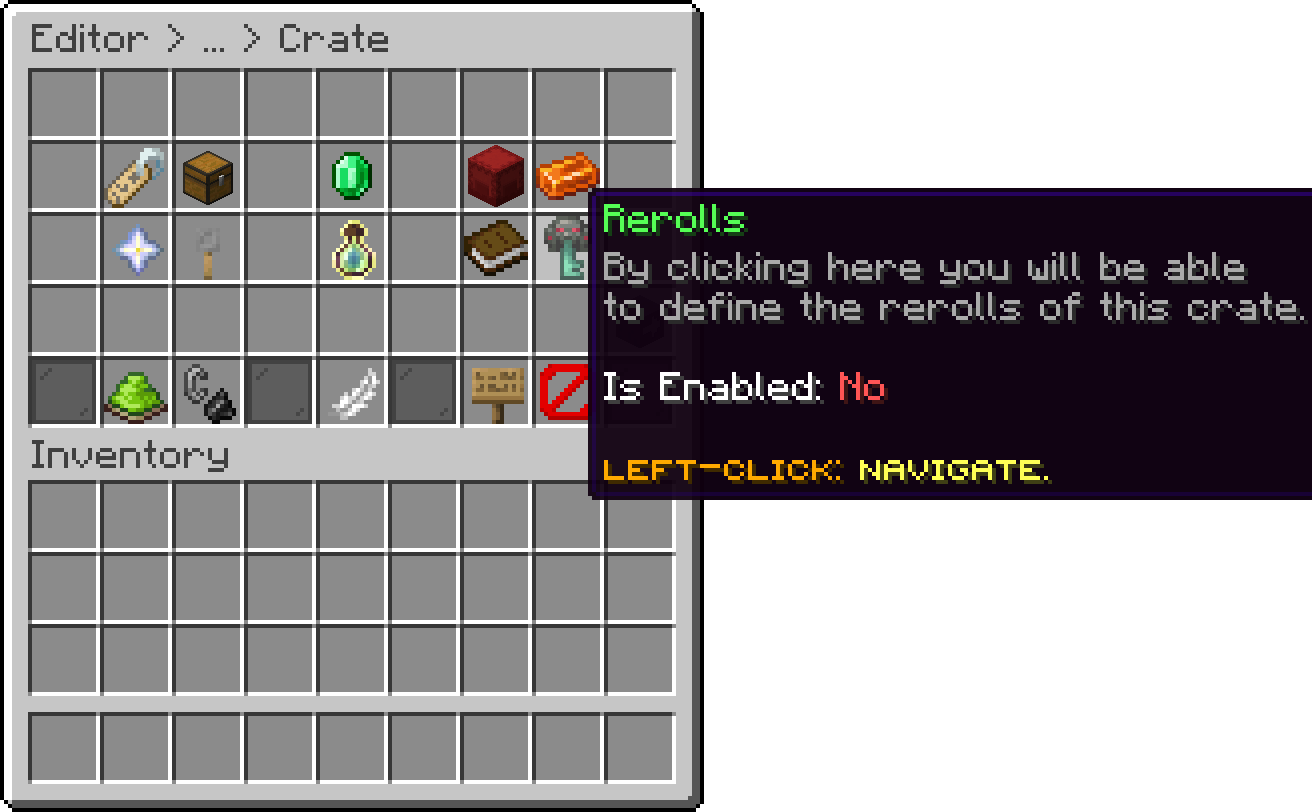
Editor > Crates > Crate
Whether the crate offers rerolls at all. By default this feature is disabled, so it has to be switched on per crate.
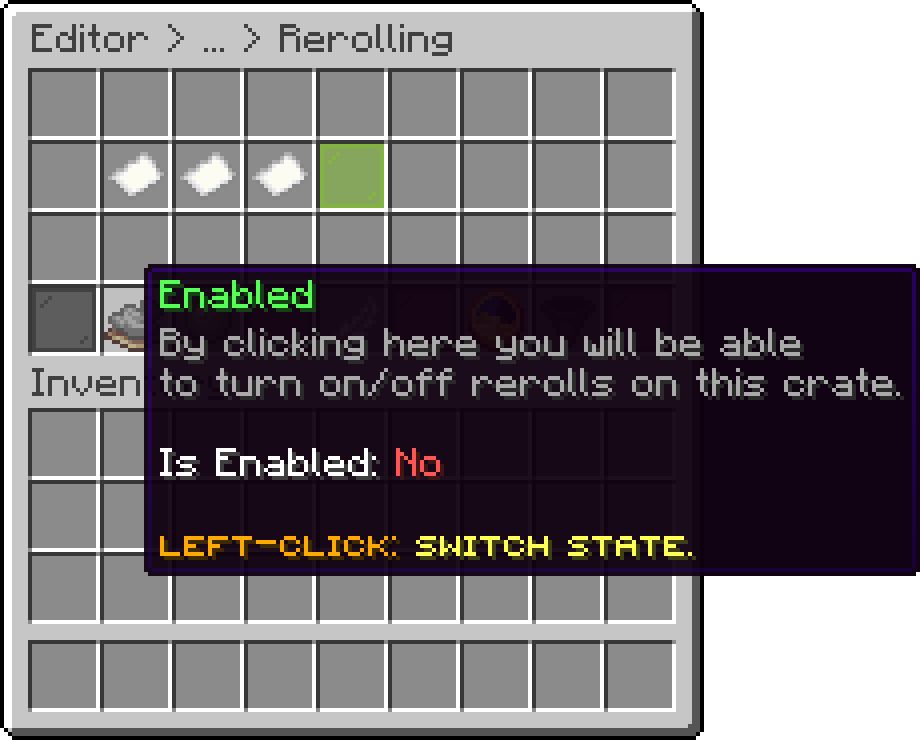
Editor > Crates > Crate > Rerolls
The number of rerolls every player gets on this crate, without needing a permission or a granted reroll.
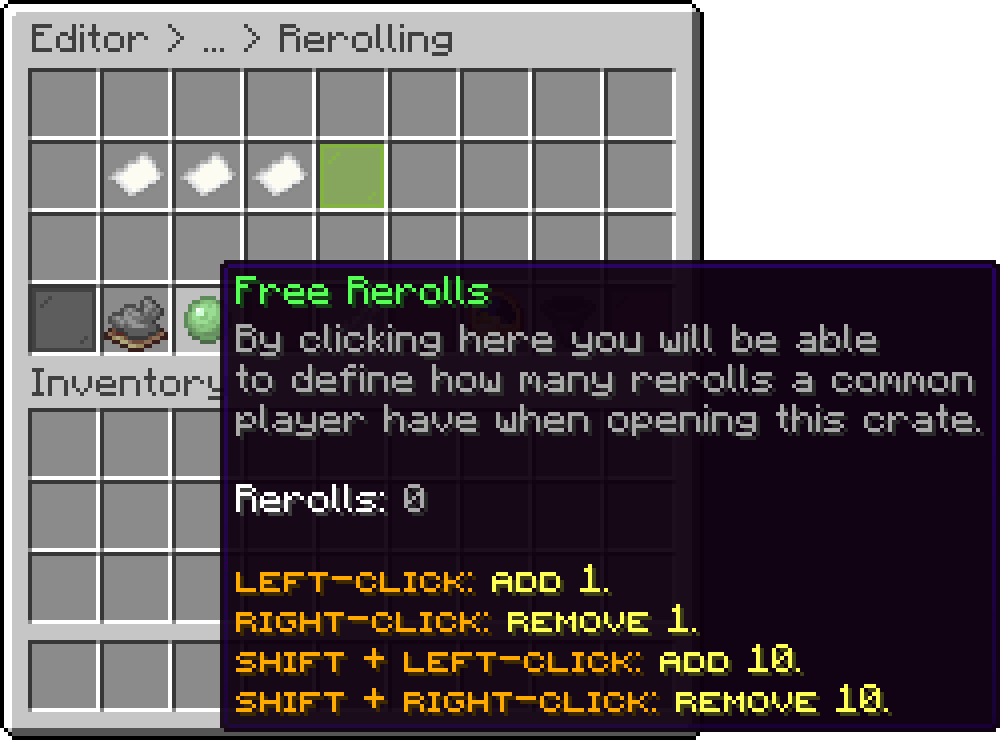
Editor > Crates > Crate > Rerolls
When enabled, rerolling replays the crate's opening animation, and the reroll menu re-opens once it finishes.
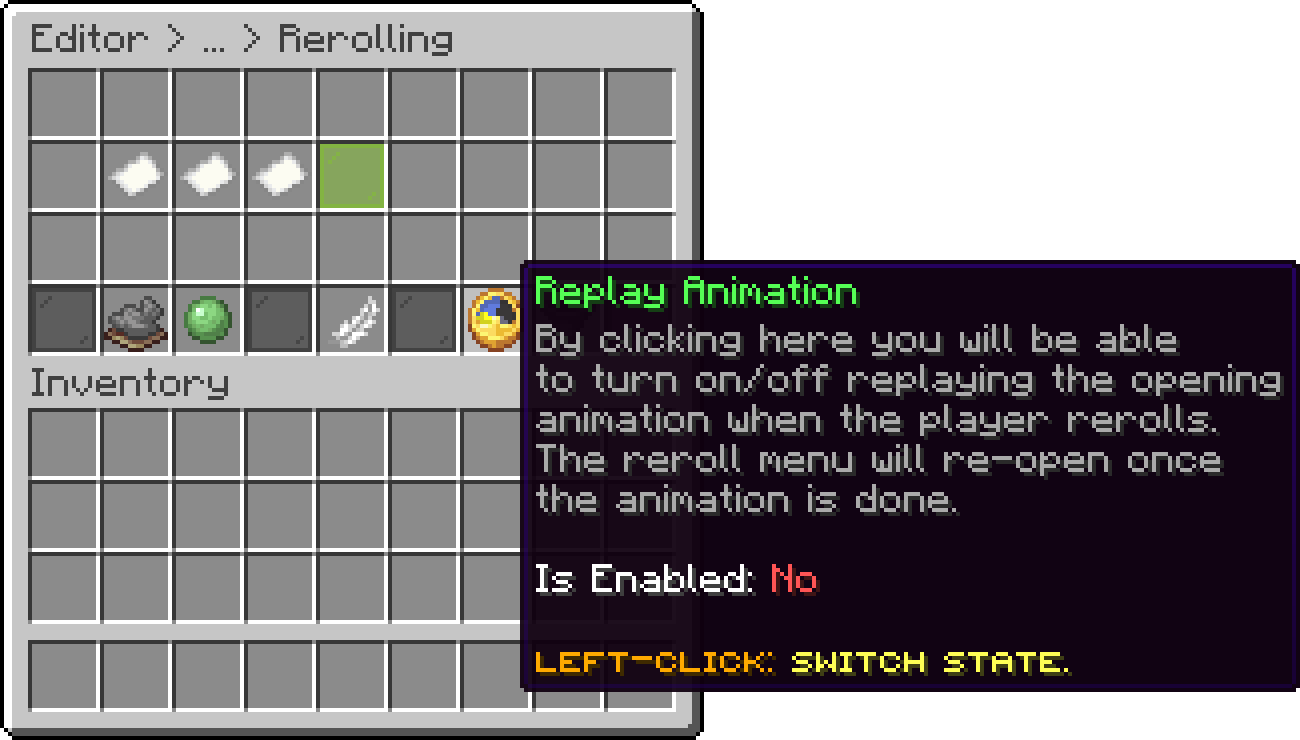
Editor > Crates > Crate > Rerolls
When enabled, a player will never receive the same reward they already won while rerolling on that opening.
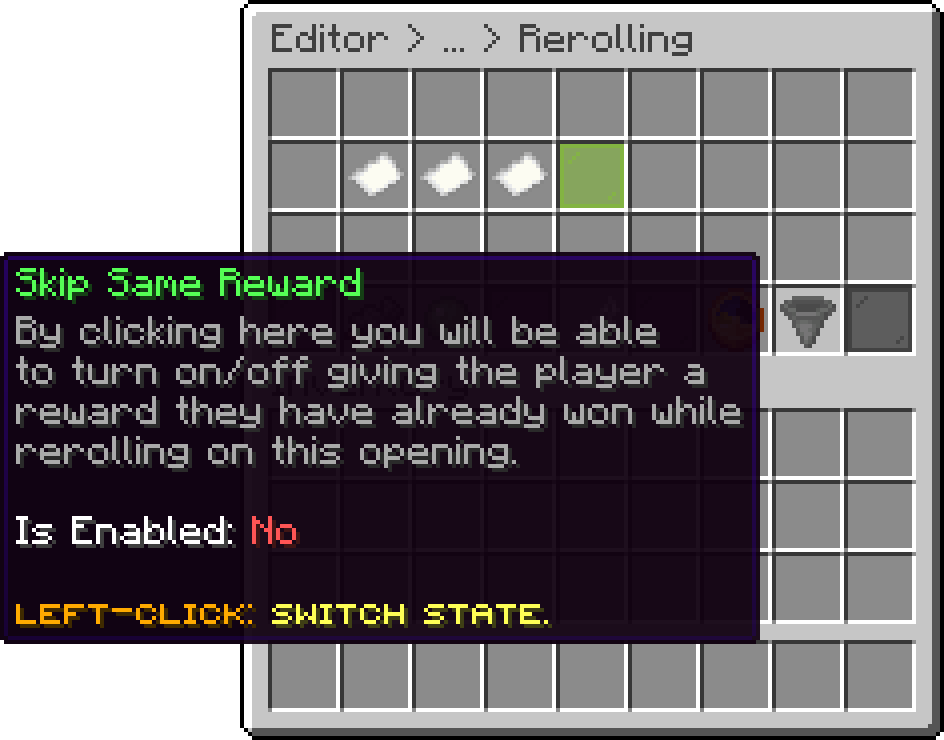
Editor > Crates > Crate > Rerolls
A group grants a number of rerolls to everyone holding its permission. Each group in the list shows the permission it uses and what it is worth, and is edited or removed from there.
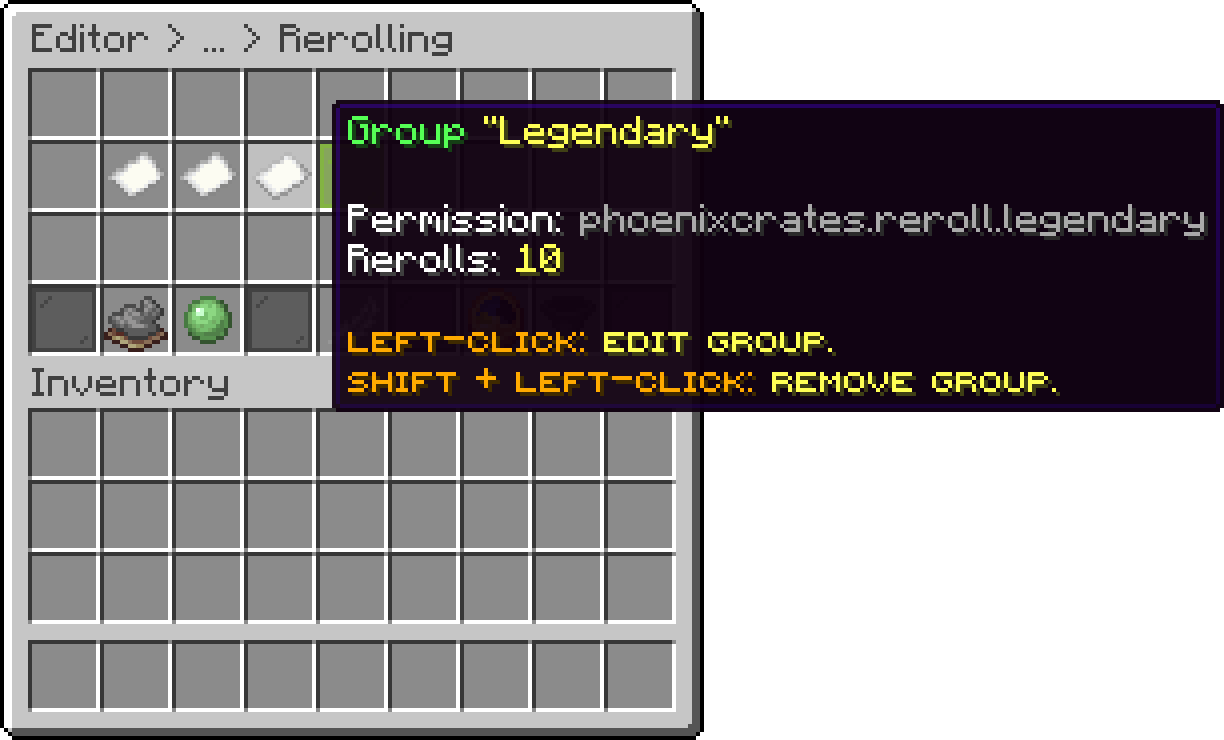
Editor > Crates > Crate > Rerolls
The name of the group, which is also the last part of its permission, phoenixcrates.reroll.<namespace>.
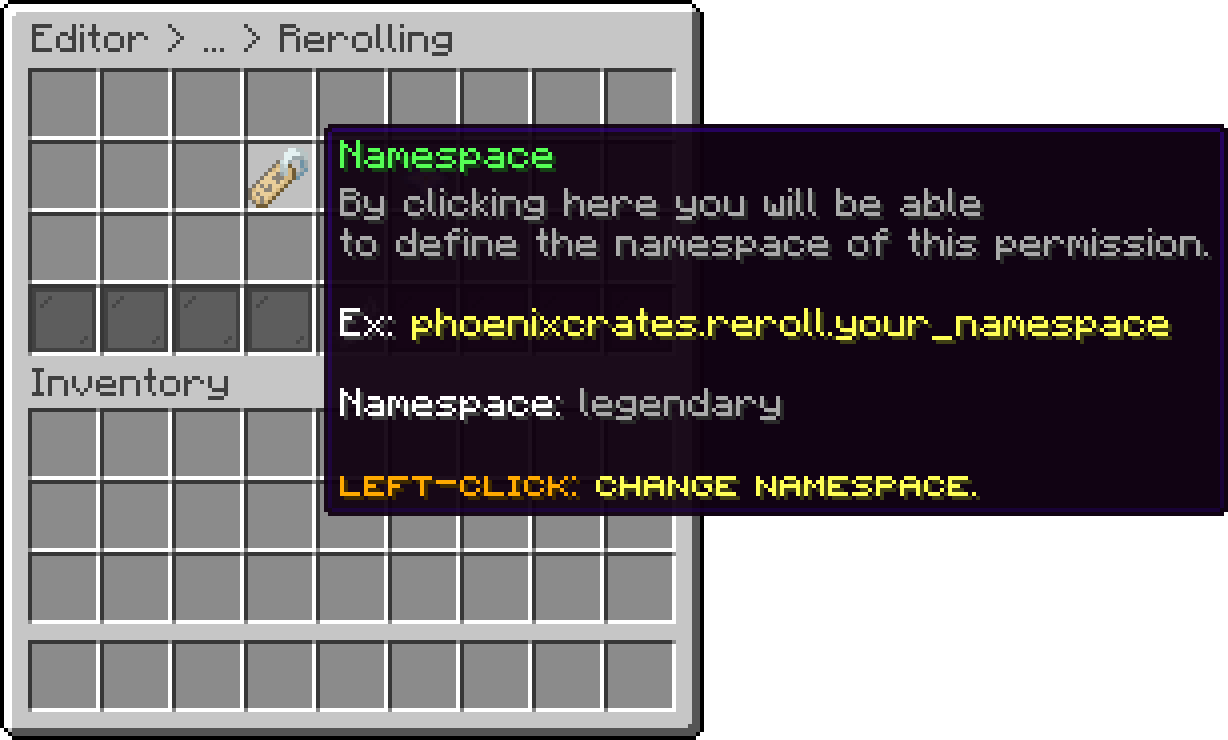
Editor > Crates > Crate > Rerolls > Group
How many rerolls a player in this group has on the crate.
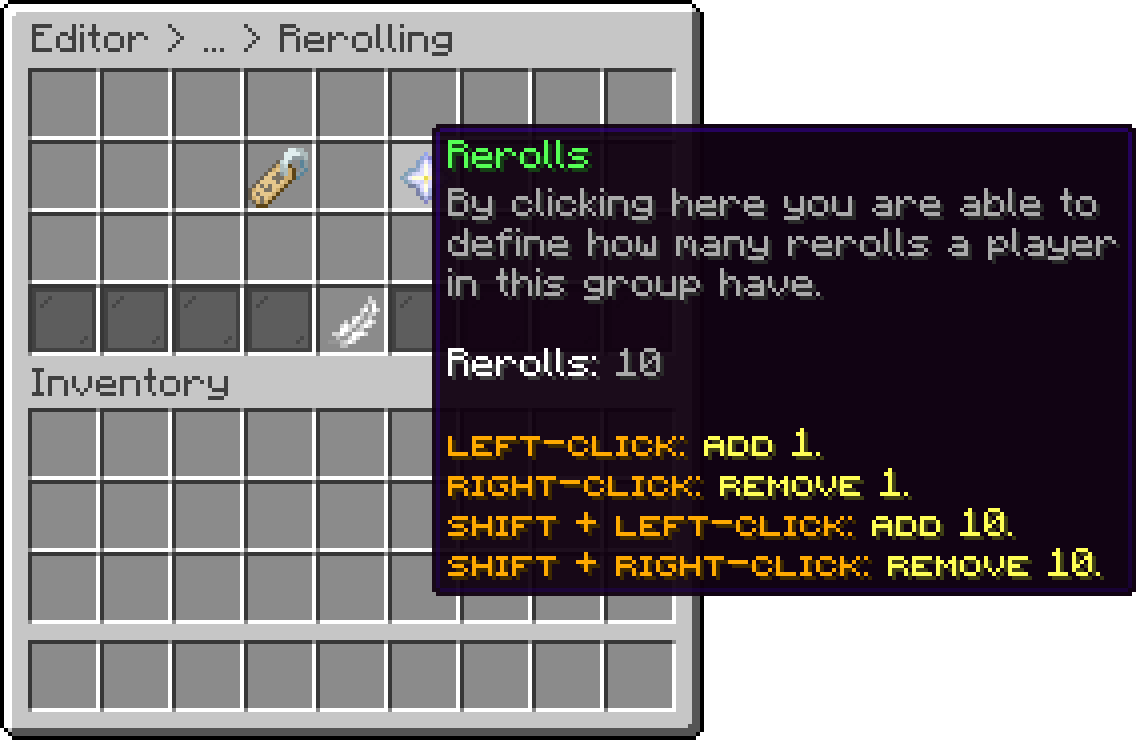
Editor > Crates > Crate > Rerolls > Group
The three sources are added together:
free rerolls + best matching group + granted rerolls
So a player with 5 free rerolls, a group worth 10 and 2 granted rerolls opens with 17.
Groups do not stack with each other. If a player matches several groups, only the one with the highest reroll count is used. Give a VIP the group worth 10 and they get 10, not 10 plus whatever their default group grants.
When the Mass Opening add-on opens several keys at once, the total is multiplied by the number of keys used, so opening 12 keys with 3 rerolls each gives 36 rerolls for that session.
A group grants its rerolls to any player holding phoenixcrates.reroll.<group name>, where the group name is the namespace you typed when creating it. The exact permission is shown in the editor on the group's own item, so you can copy it from there.
Avoid spaces in group names. The permission uses the name as written, and a permission containing a space cannot be granted by most permission plugins.
The following is the menu users see when the reroll option is enabled. They can choose to either reroll the item or claim it.
This menu can also be customized from the menus folder.

Reroll Preview In-Game
Oops... looks like the spiders padded through here
Add products to your cart and remove them from here Lets buy