

Oops... looks like the spiders padded through here
Add products to your cart and remove them from here Lets buy




On this page, you will learn how to set up a Kit Sign.
The format to set up the kit sign is as follows.
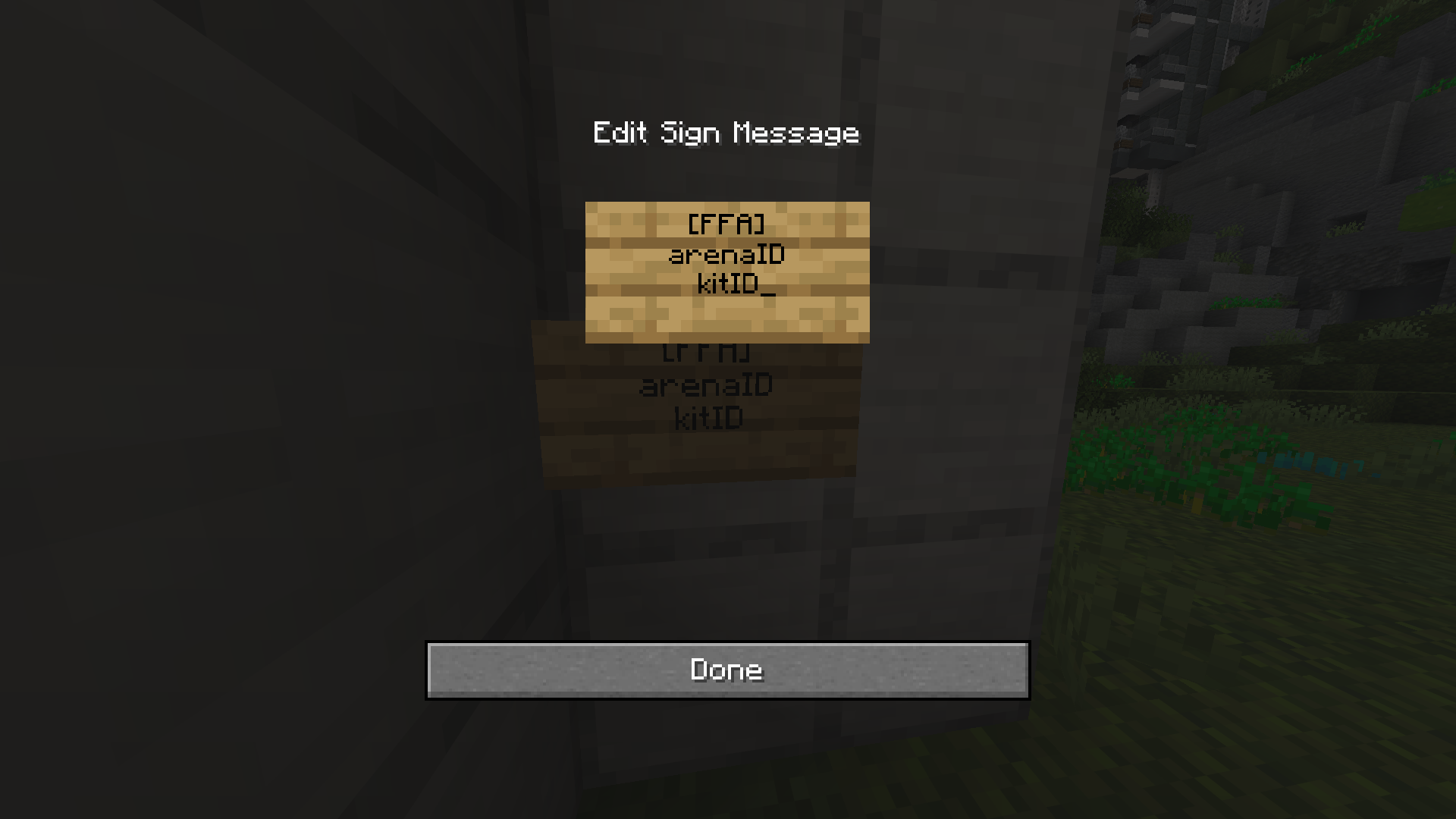
Kit Sign Format
| [FFA] |
|---|
| The ID of the FFA Arena | The ID of the Linked Kit |
If you want to modify the queue sign at any point, you can either edit it manually in the sign_queue.yml file, as shown in the example above, or Shift + Right-click the sign.
By default when the player interacts with the sign, they will get randomly teleported to one of the spawn points in the arena. However, you can toggle off the sign teleportation via the arena's settings.
Oops... looks like the spiders padded through here
Add products to your cart and remove them from here Lets buy