

Oops... looks like the spiders padded through here
Add products to your cart and remove them from here Lets buy



On this page, you will find how to style and sort players in the tablist by their rank.
A group ties one of your LuckPerms ranks to how its players look in the tablist and above their heads, and to where they sit in the list. Open it from Editor > Modules > Tablist > Groups.
The green pane at the end of the row adds a group, and shift + right-clicking one deletes it. A default group ships with the plugin so there is always something to fall back on.
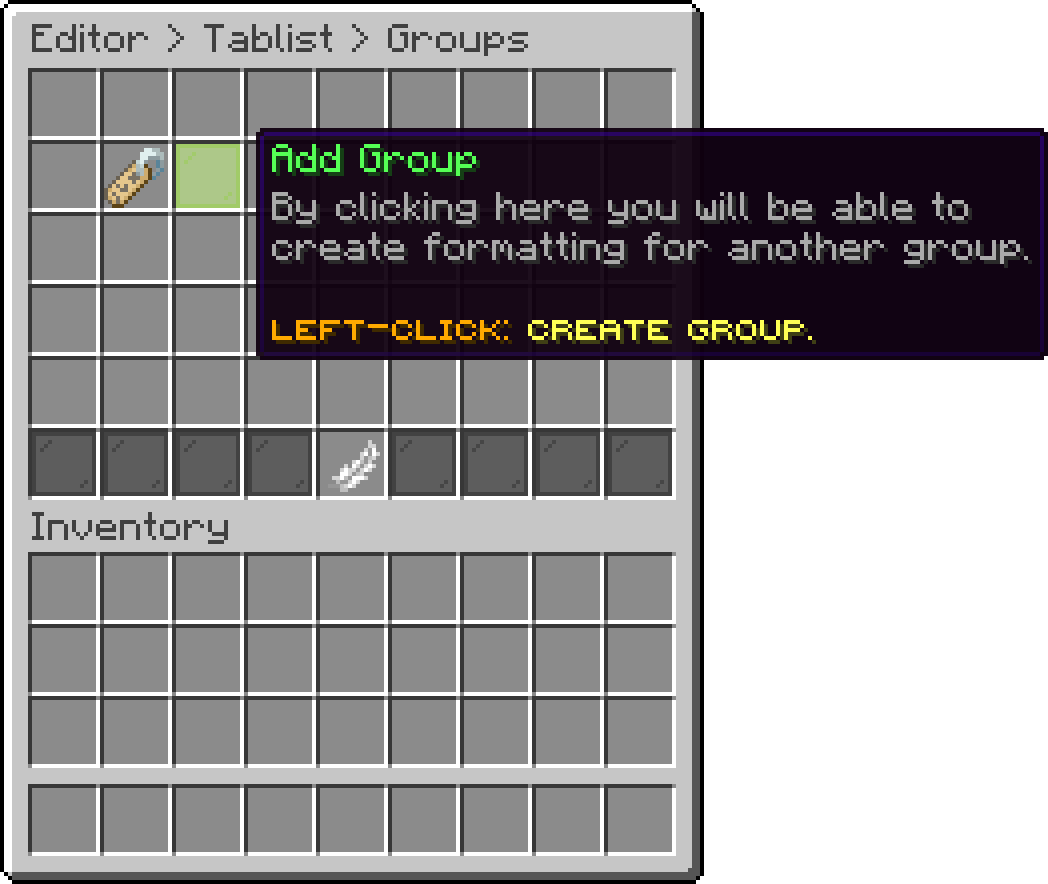
Groups (Add Group)
With this option, you can set which LuckPerms group this entry applies to. The name has to match the group in LuckPerms exactly.
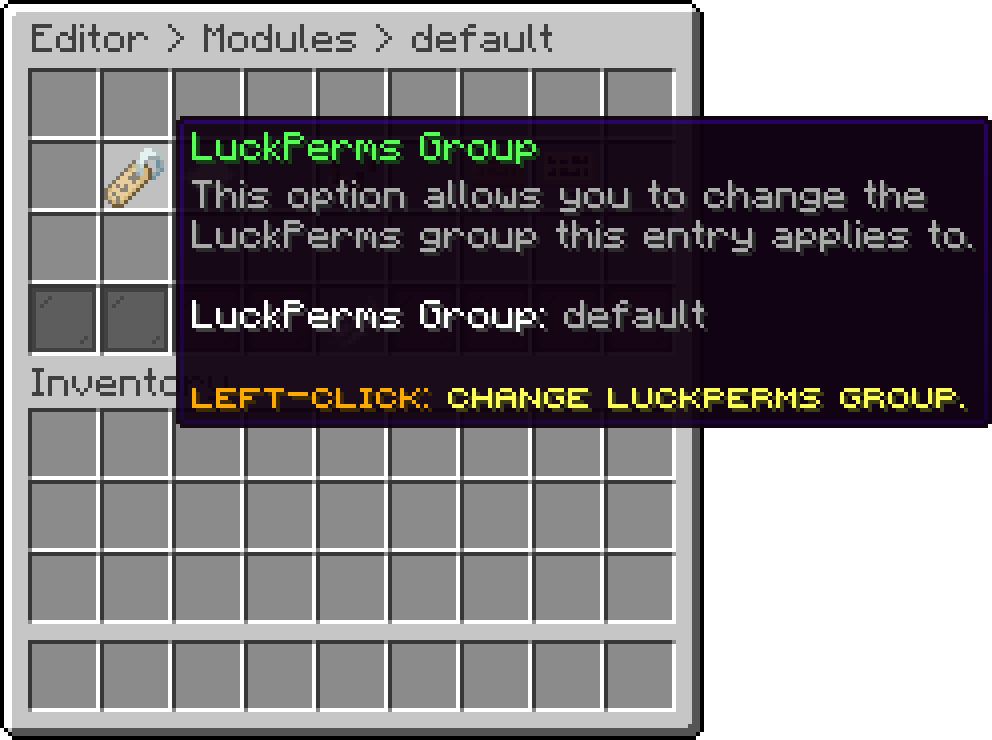
Edit Group (LuckPerms Group)
With this option, you can set where this group sits in the list. Lower values are shown higher, so a staff group on 1 appears above the default group on 100.
It only has an effect while Group Sorting is on.
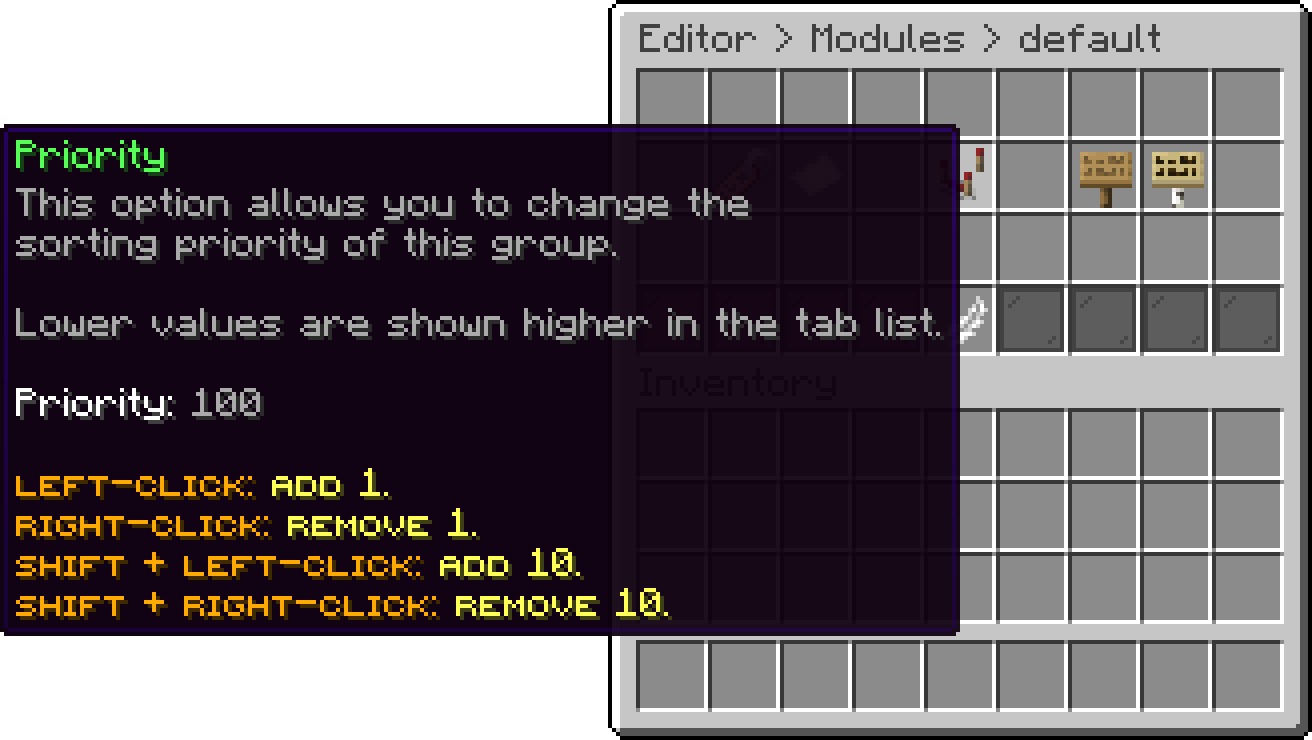
Edit Group (Priority)
With this option, you can set how a player of this group is written inside the tablist, with %player% standing in for their name. It only has an effect while Name Formatting is on.
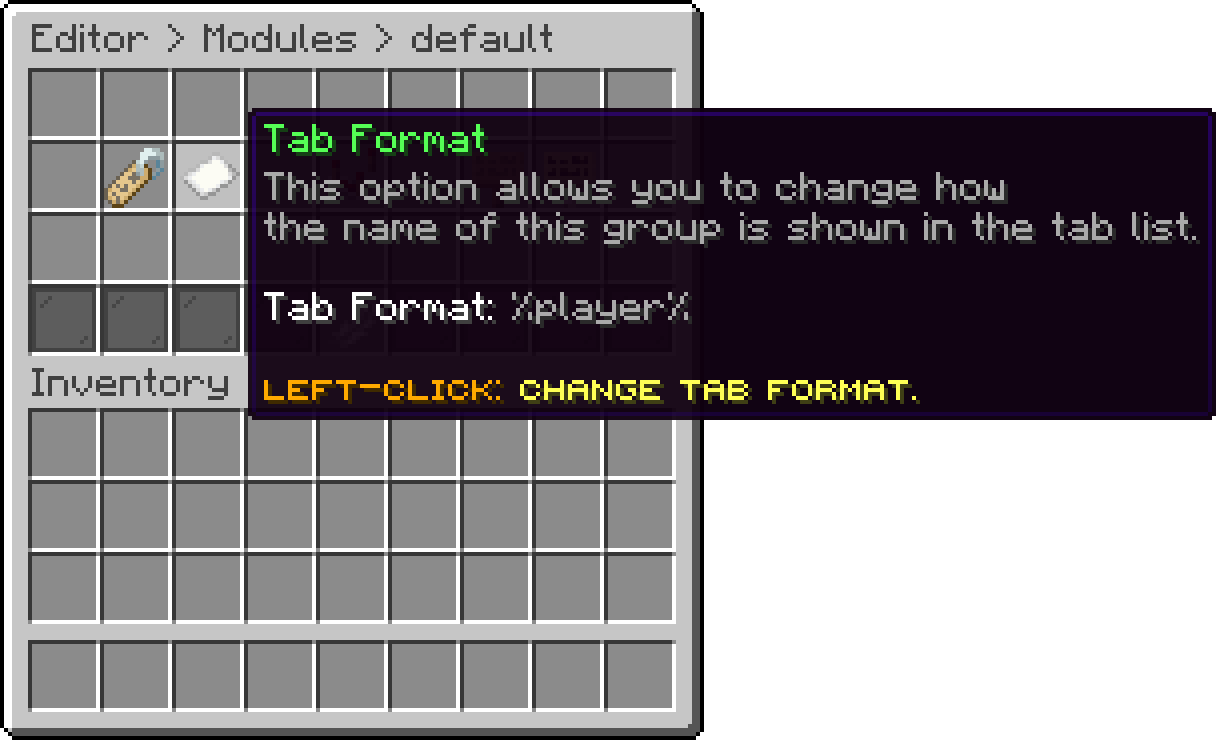
Edit Group (Tab Format)
With this option, you can set what goes in front of the name floating above a player's head. It only has an effect while Nametags is on.
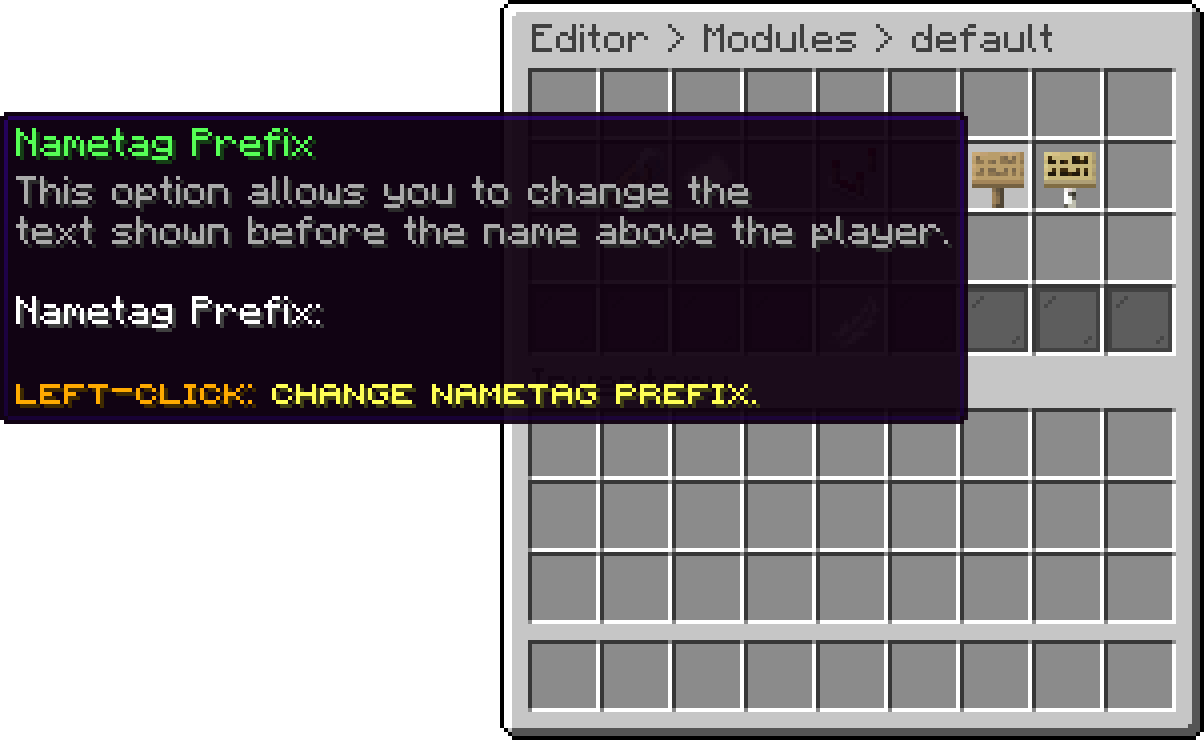
Edit Group (Nametag Prefix)
With this option, you can set what goes after that name.
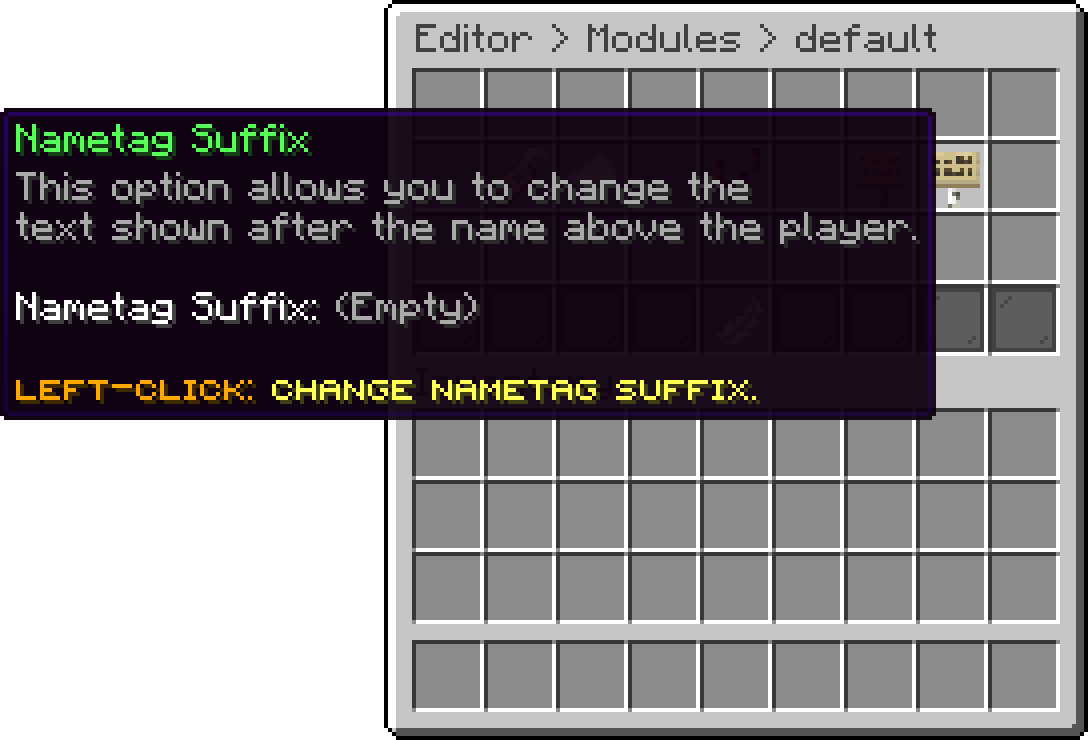
Edit Group (Nametag Suffix)
Oops... looks like the spiders padded through here
Add products to your cart and remove them from here Lets buy