

Oops... looks like the spiders padded through here
Add products to your cart and remove them from here Lets buy



On this page, you will find how to show a different tablist header and footer in specific worlds.
A display is a second header and footer used only in the worlds you assign to it. A player standing in one of those worlds sees the display's text instead of the default, and everybody else keeps the normal one. Open the list from Editor > Modules > Tablist > Per World Displays.
The green pane at the end of the row adds a display, and shift + right-clicking one deletes it. Each is created with a generated name such as display_9490, used only to tell them apart in the config.
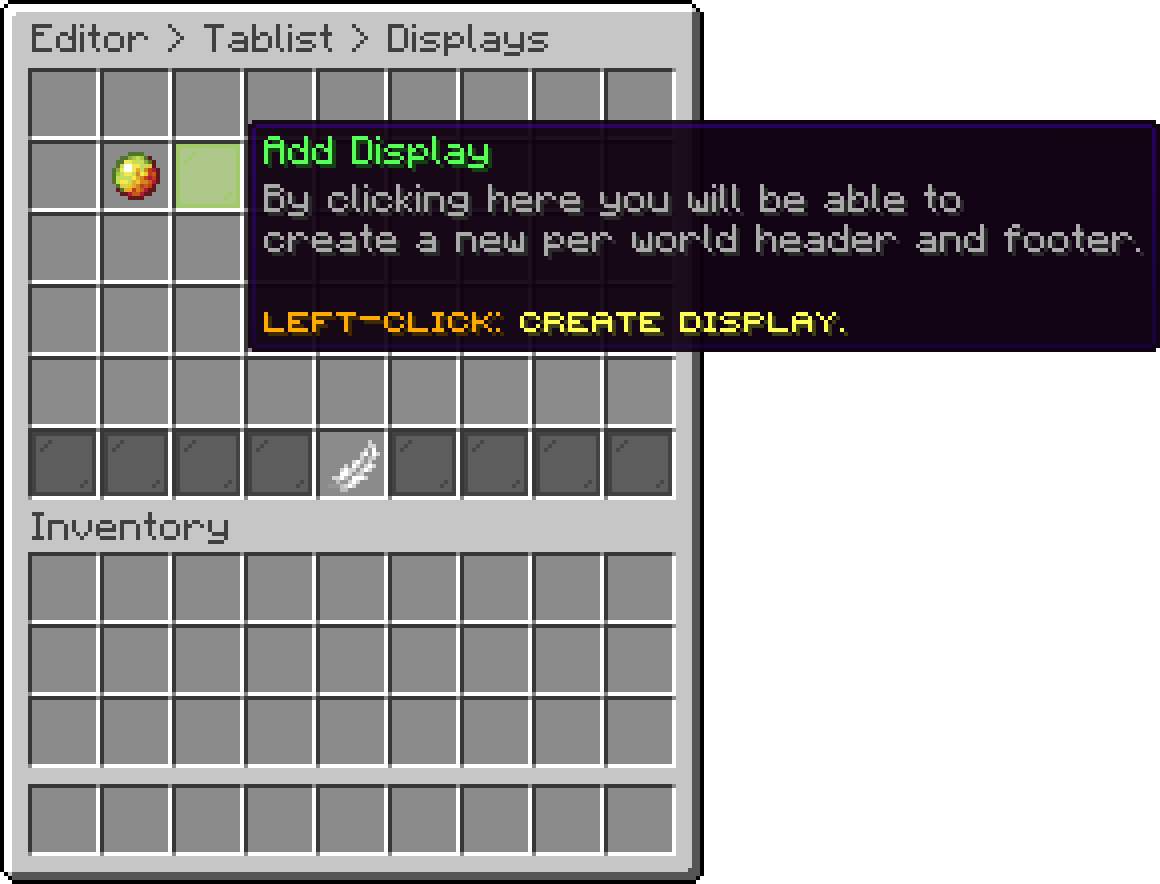
Displays (Add Display)
With this option, you can pick the worlds this display applies to. Clicking it opens a list of the worlds currently loaded on the server, so there is nothing to type.
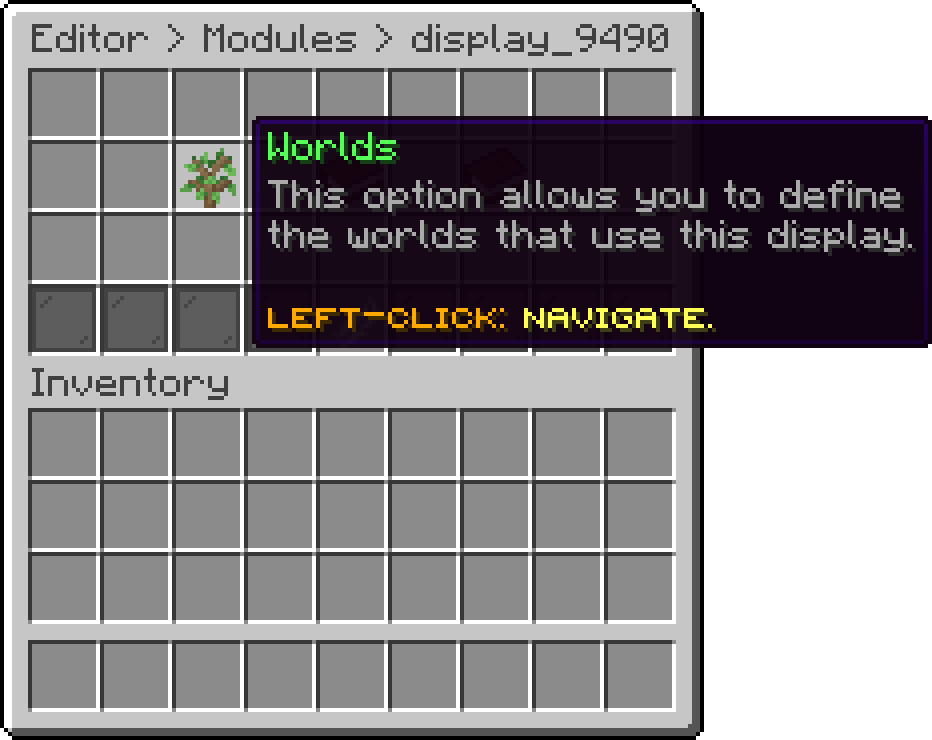
Edit Display (Worlds)
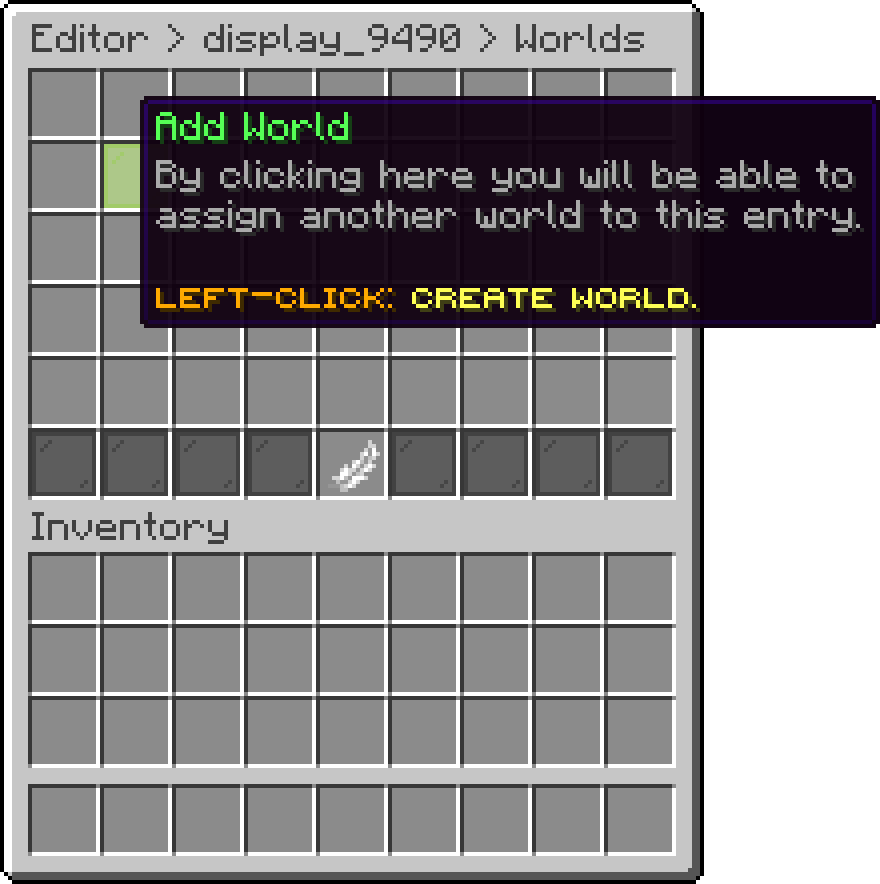
Worlds (Add World)
A display with no worlds assigned never applies to anybody. It sits in the config doing nothing until you give it at least one world.
With this option, you can edit the lines shown above the player list in this display's worlds. They replace the default header outright rather than being added to it.
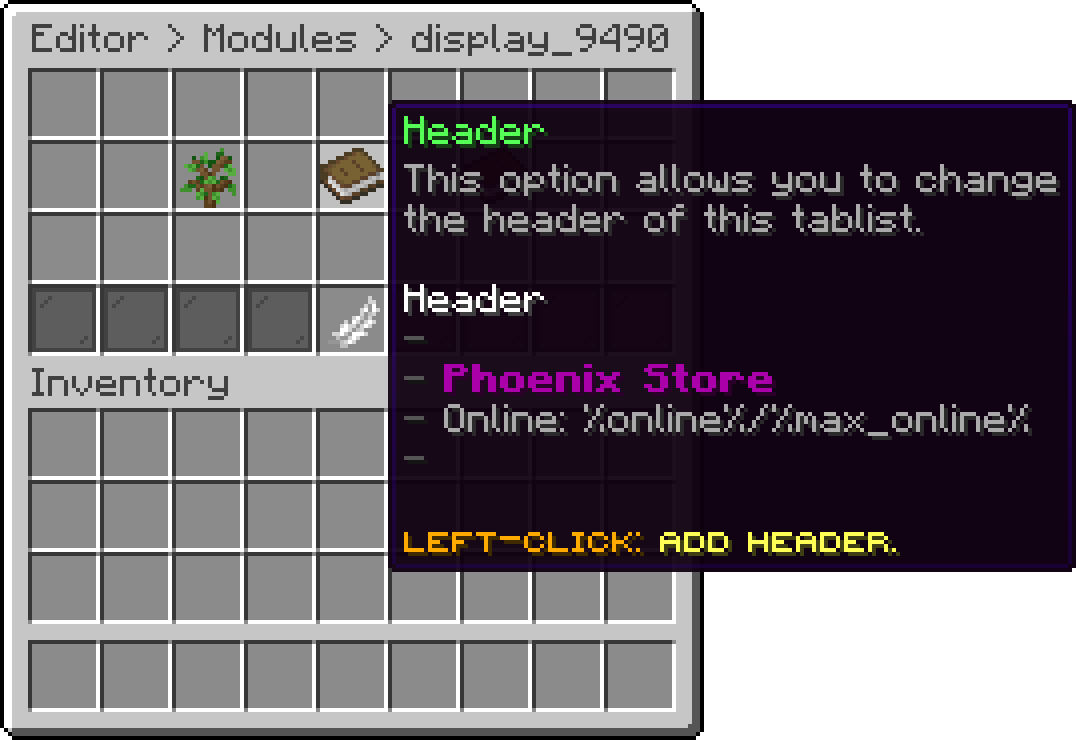
Edit Display (Header)
With this option, you can edit the lines shown below the player list in this display's worlds.
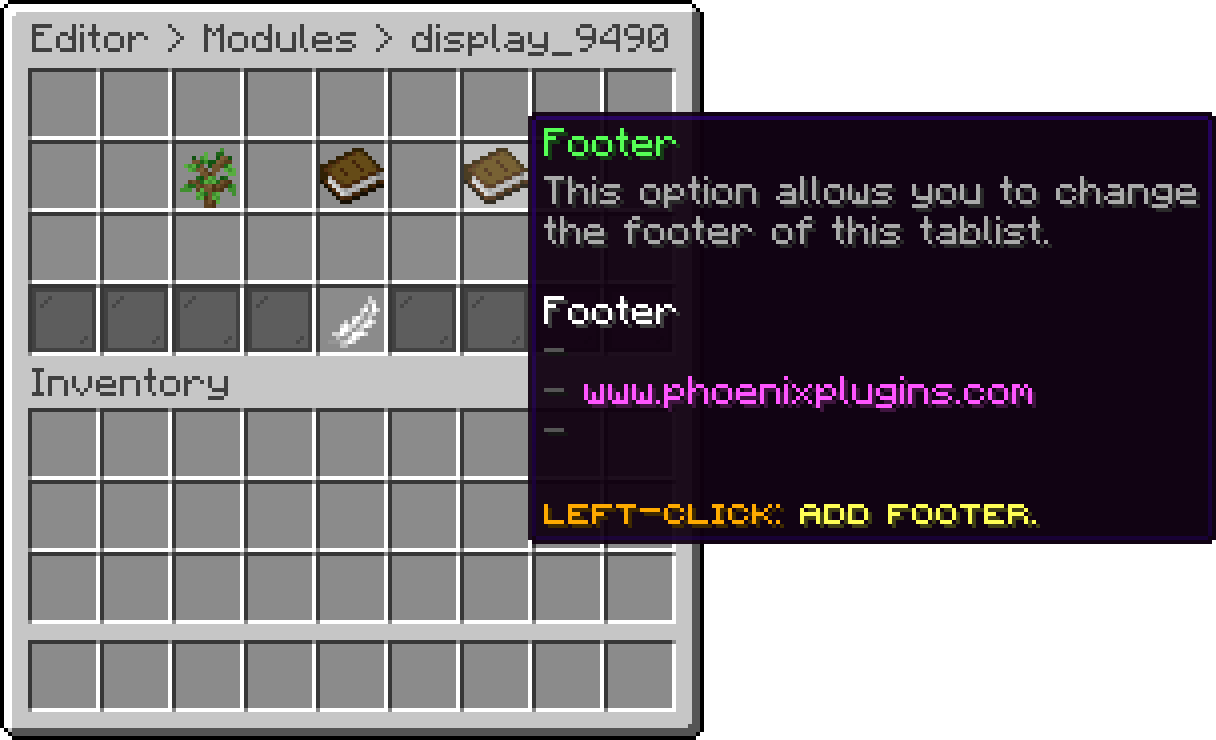
Edit Display (Footer)
A display carries a header and footer only. Refresh Rate, the group options and Feature State stay on the Tablist page and apply everywhere.
If a world ends up on more than one display, the first one that lists it wins. Keep a world on a single display to avoid guessing which that is.
Oops... looks like the spiders padded through here
Add products to your cart and remove them from here Lets buy