

Oops... looks like the spiders padded through here
Add products to your cart and remove them from here Lets buy



On this page, you will find how to mark the next block of a parkour run with particles.
The next block of a run can be marked with particles so the player can see where to jump, which matters most when the palette blends into the scenery behind it. Open it from Editor > Parkour > Parkour Settings > Particles.
With this option, you can turn the marker on and off.
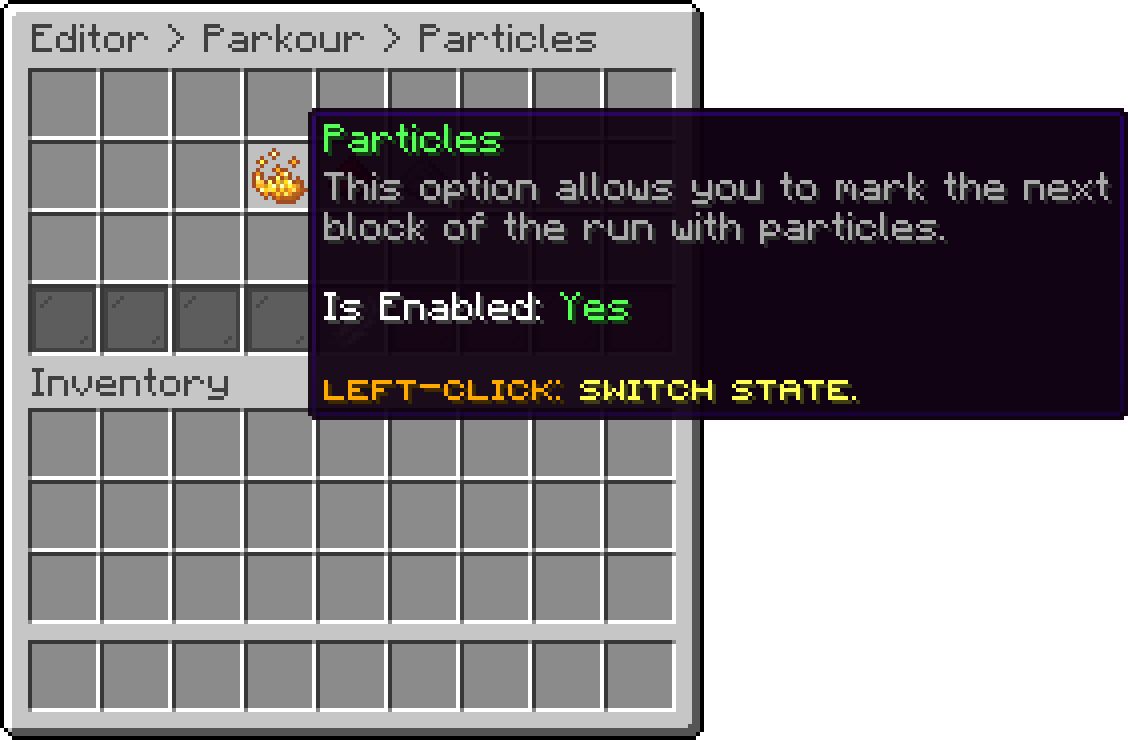
Particles (Particles)
With this option, you can change which particle is drawn. Only the particles the server actually knows are offered, so nothing here can be set to a name the server cannot play.
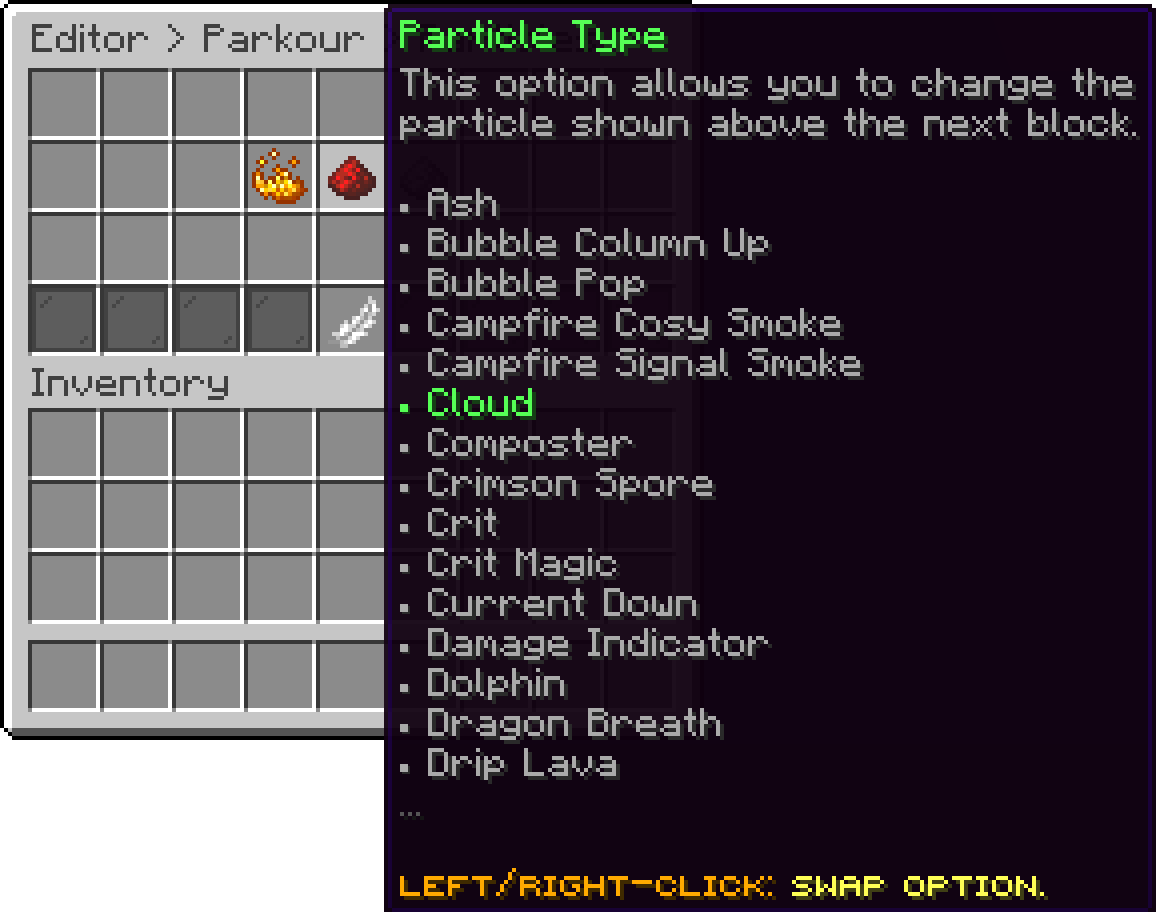
Particles (Particle Type)
With this option, you can change how many particles are drawn on the block each time. A high value is easier to see and costs more to send, especially with several players running at once.
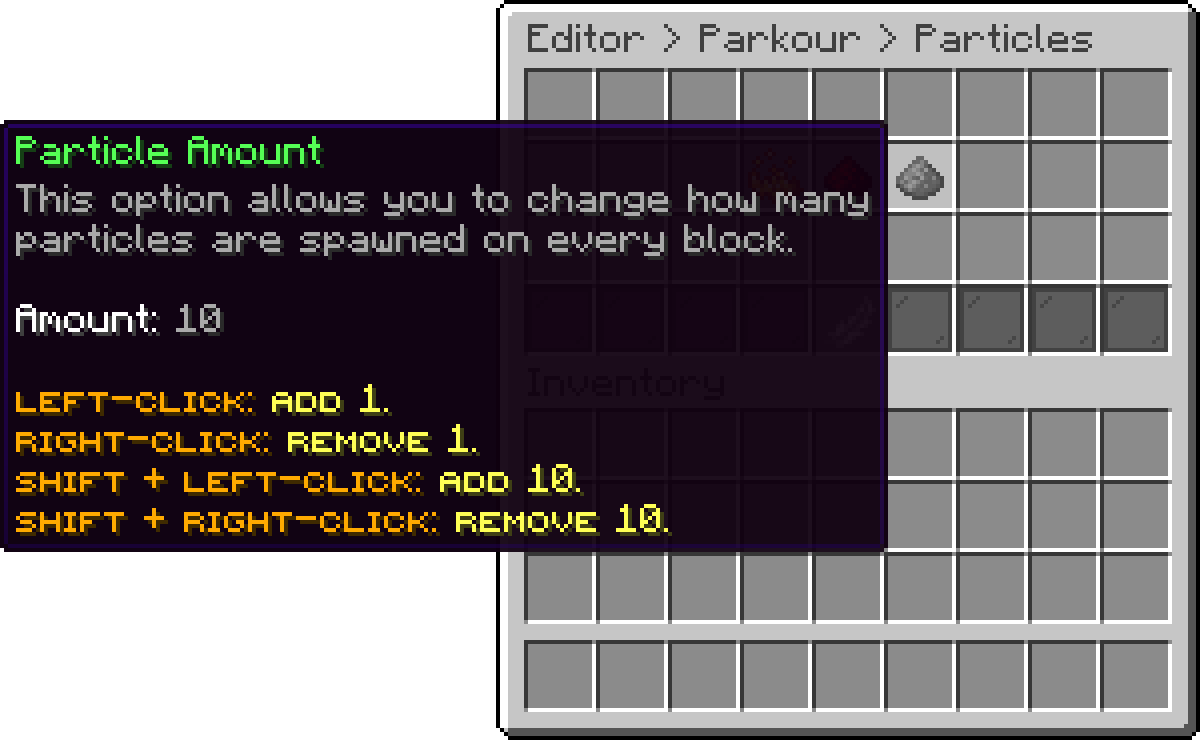
Particles (Particle Amount)
Oops... looks like the spiders padded through here
Add products to your cart and remove them from here Lets buy