

Oops... looks like the spiders padded through here
Add products to your cart and remove them from here Lets buy



On this page, you will find information on the floating text above an NPC.
The floating text above an NPC. The plugin has its own hologram system, so no external plugin is needed, and the look is set per NPC so every one can have its own style.
This is the hologram attached to an NPC. For text that stands on its own anywhere in the world, see Holograms.
The text itself, one entry per line. %proxy_online% shows how many players are on the server picked under Proxy Server, vanished staff excluded, and PlaceholderAPI placeholders work too.
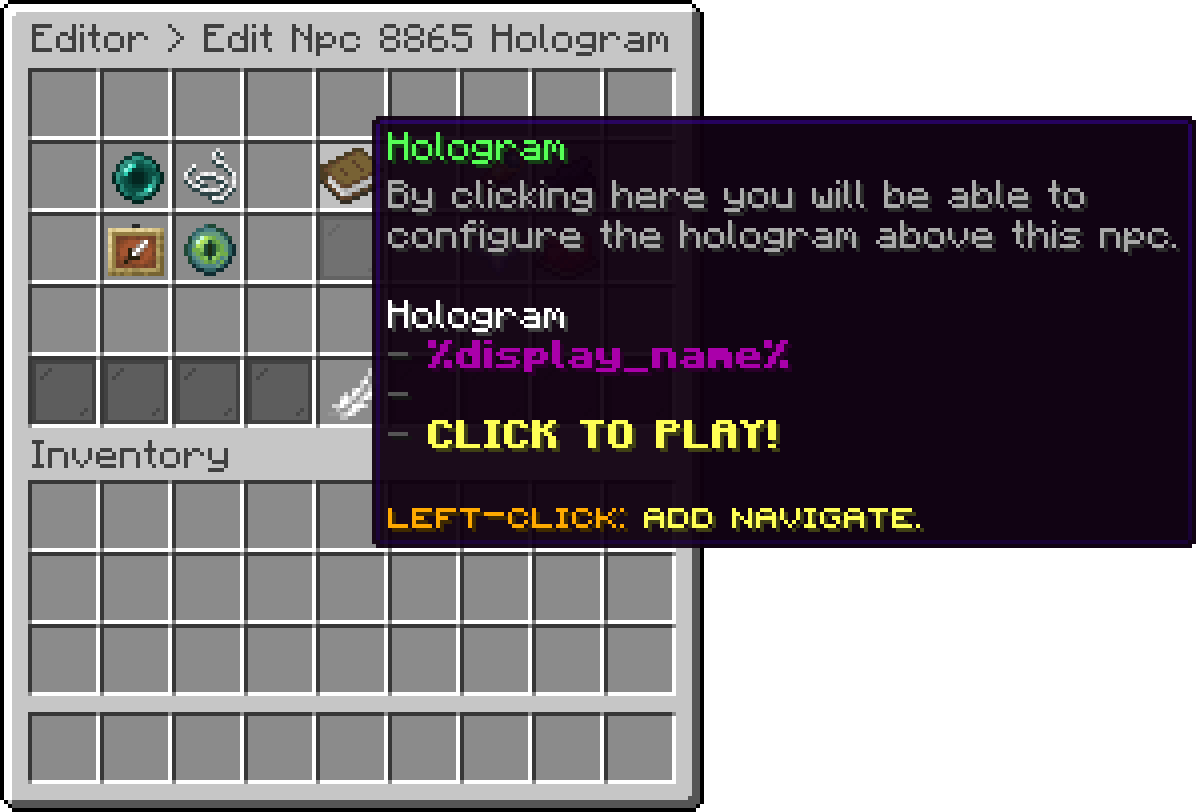
Hologram (Hologram)
Raises or lowers the whole hologram relative to the NPC.
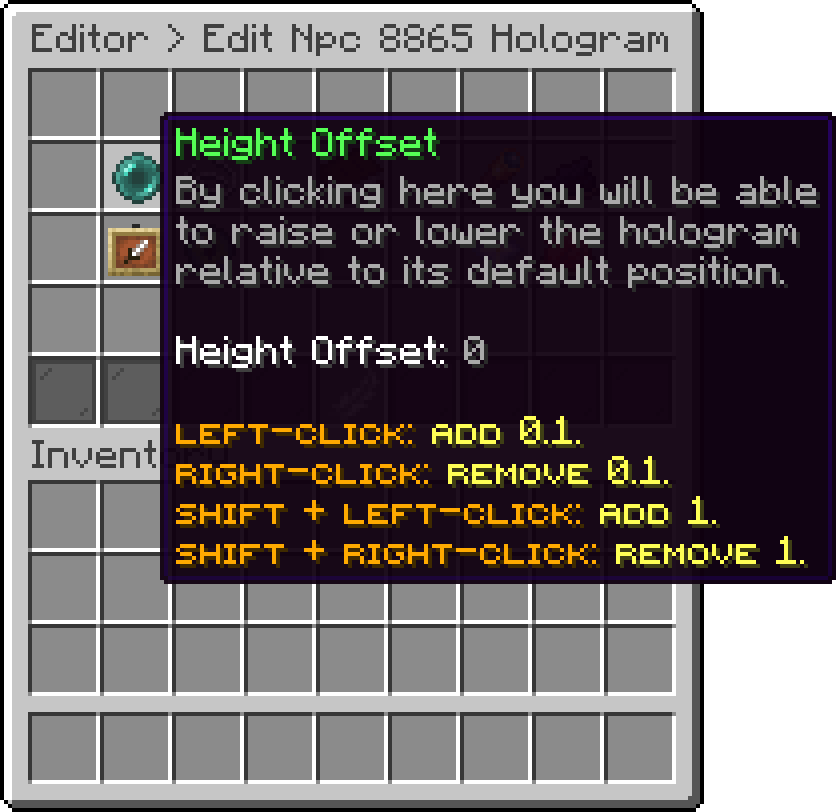
Hologram (Height Offset)
The space left between two lines.
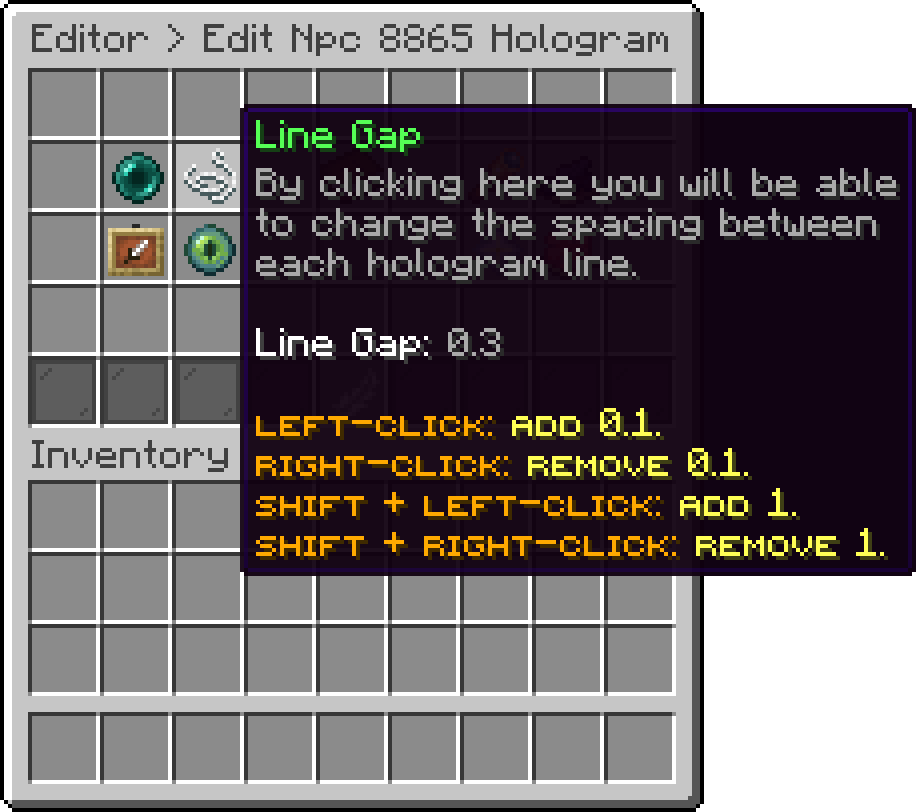
Hologram (Line Gap)
How the text turns to face the player, whether it follows them fully, only horizontally, or stays fixed.
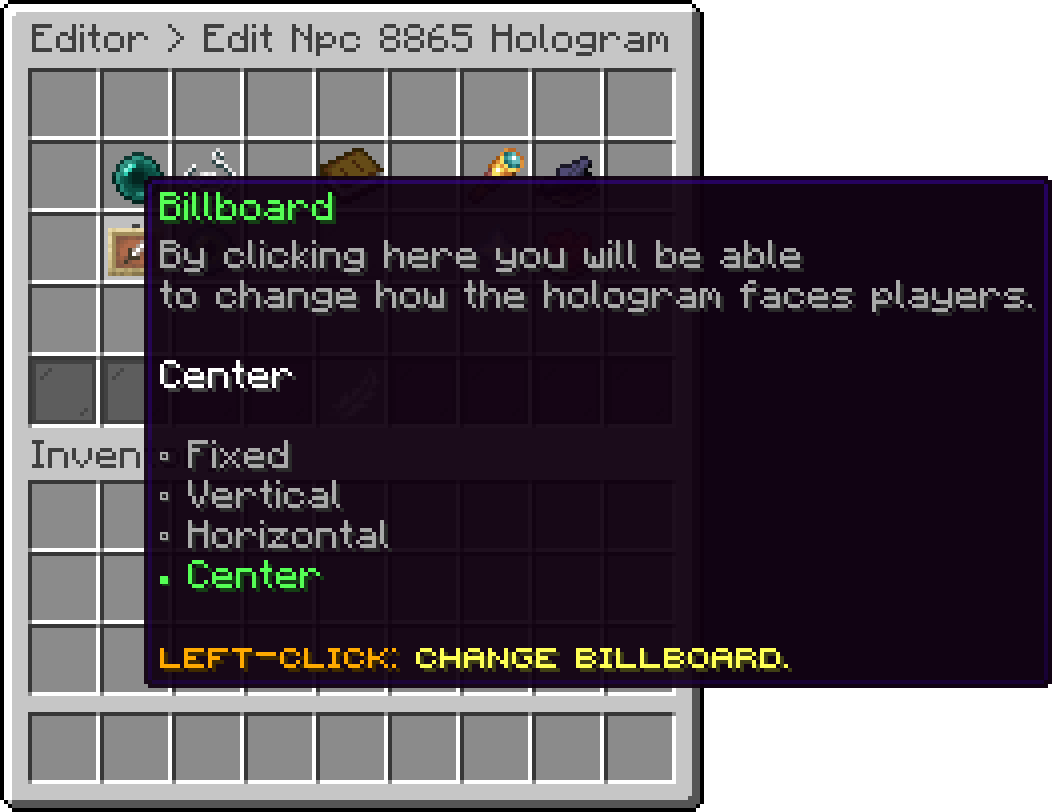
Hologram (Billboard)
How large the text is drawn.
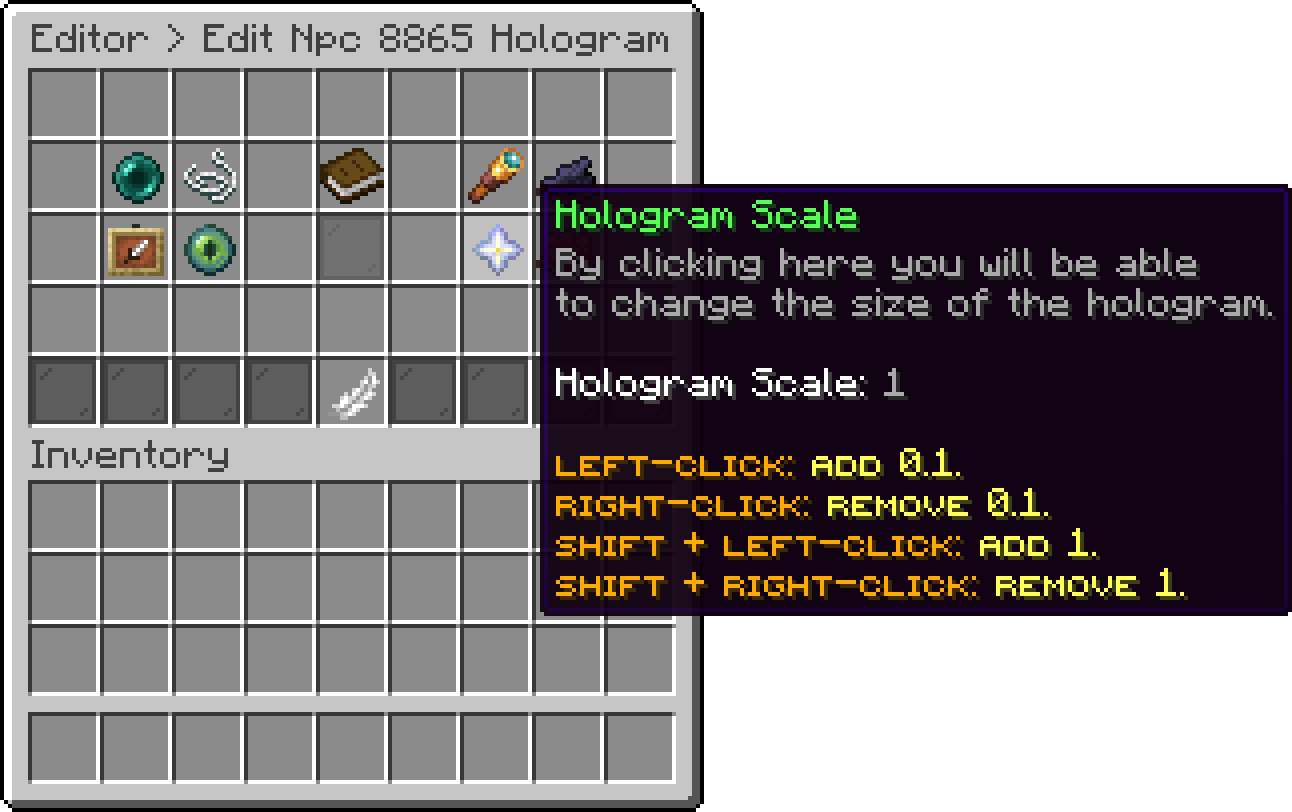
Hologram (Hologram Scale)
How solid the text is, from barely there to fully opaque.
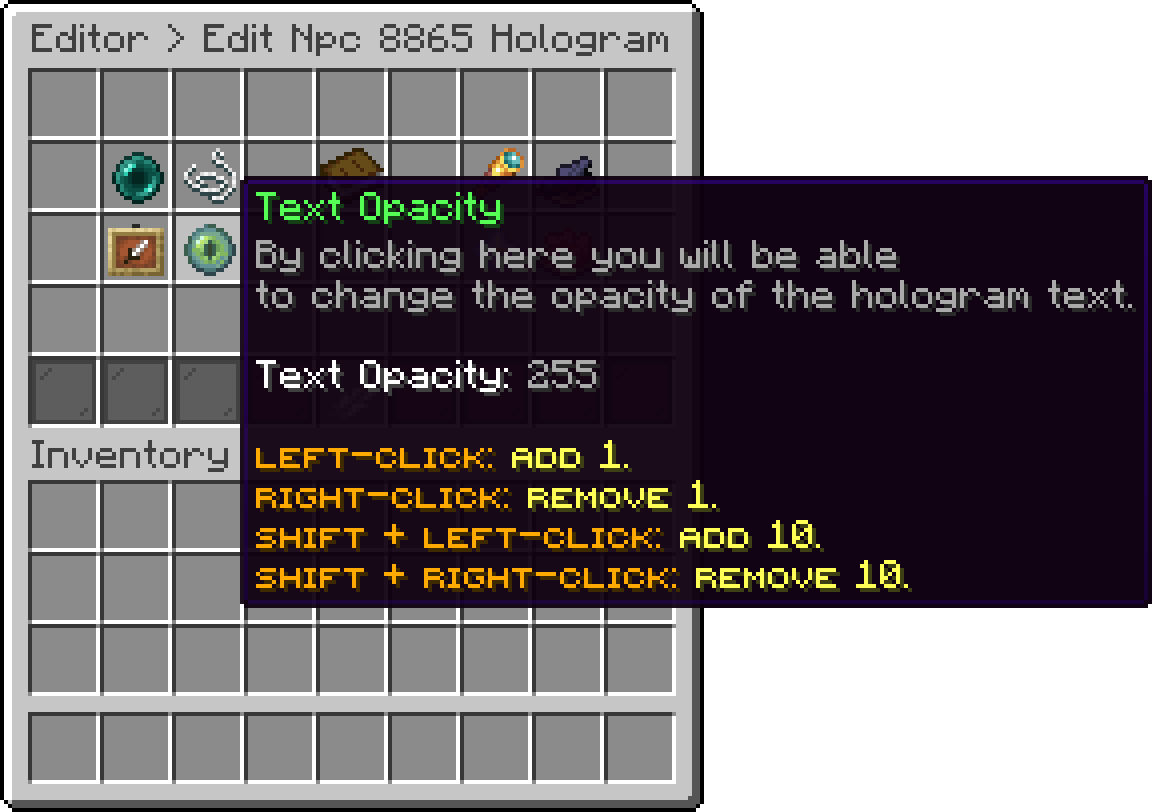
Hologram (Text Opacity)
The colour of the panel drawn behind the text.
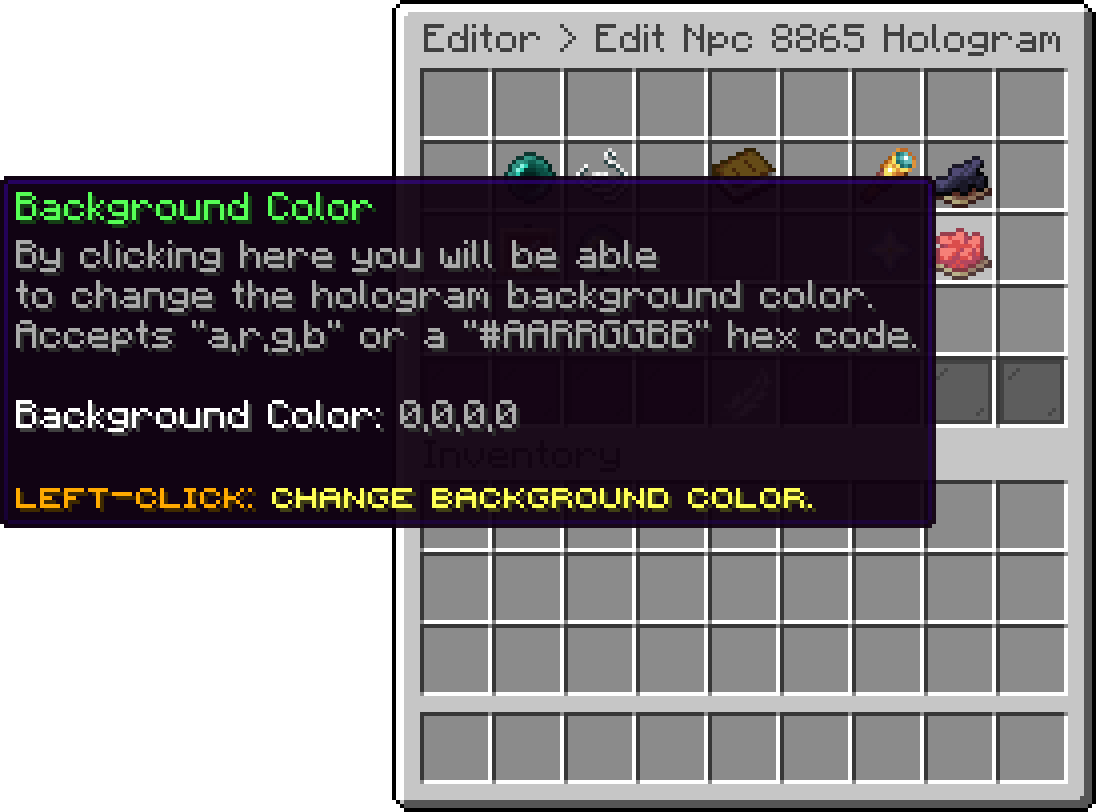
Hologram (Background Color)
Whether the text stays visible through blocks.
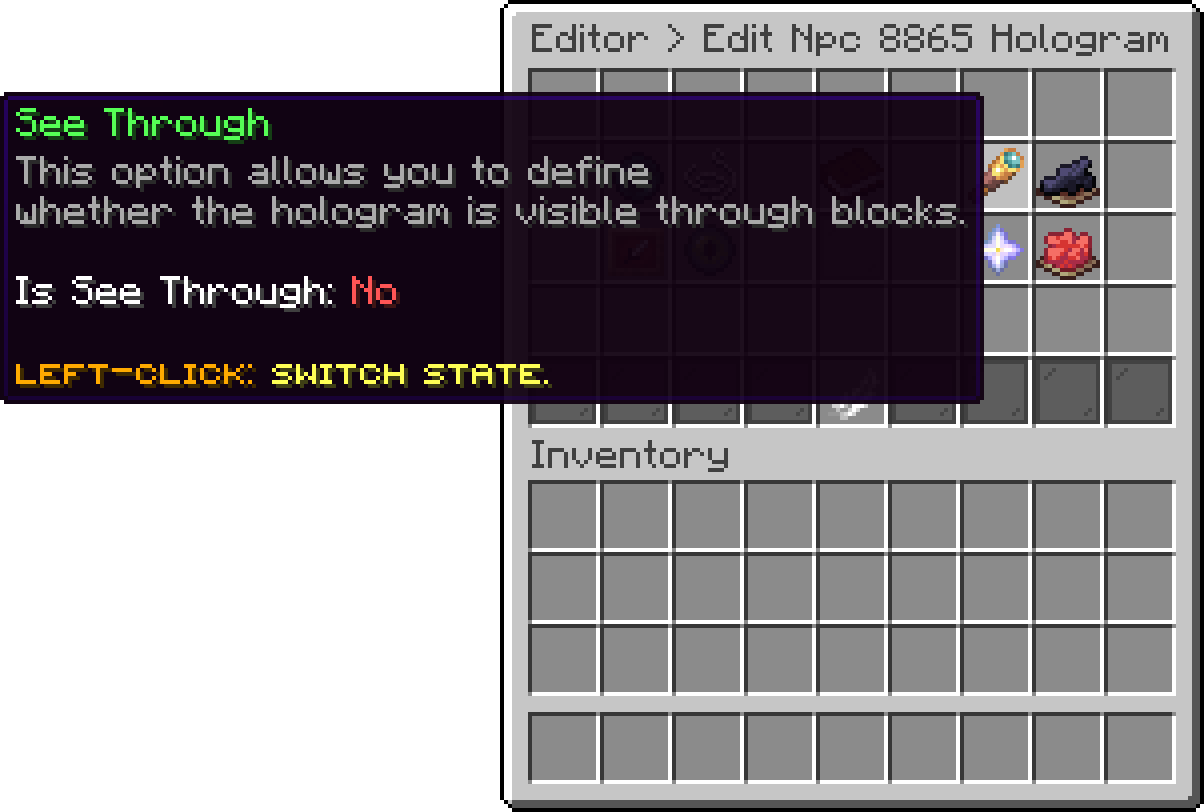
Hologram (See Through)
Whether a shadow is drawn behind the text.
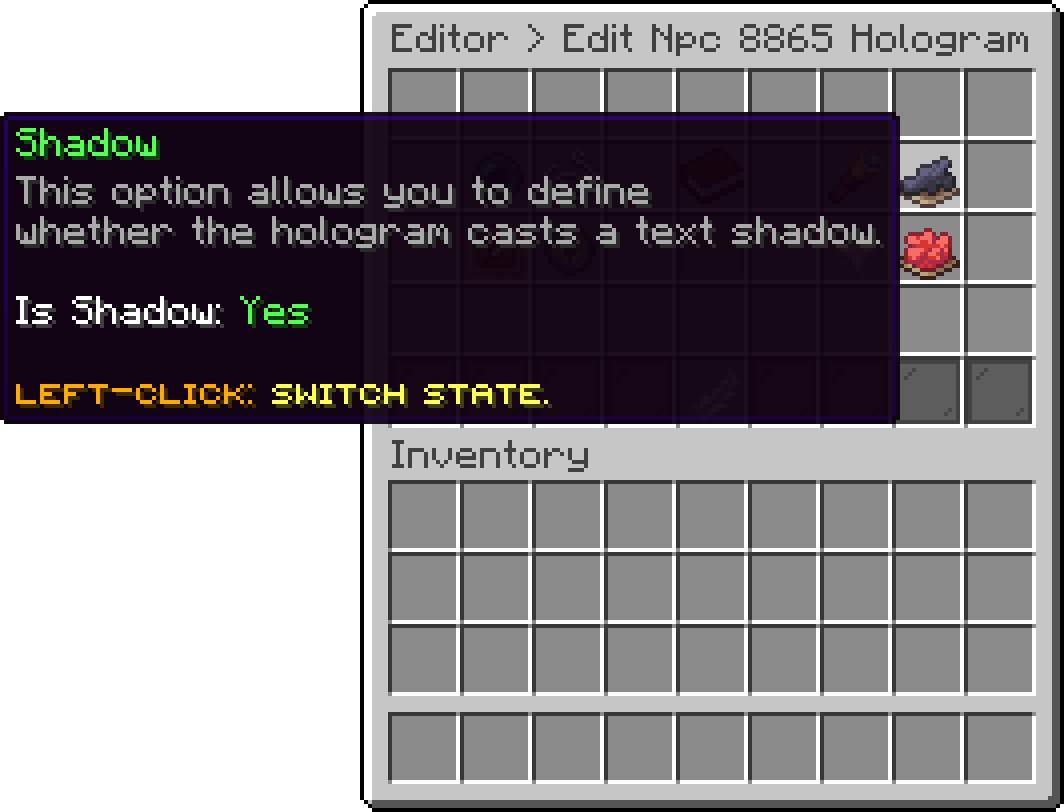
Hologram (Shadow)
If the editor is awkward for a long hologram, each NPC is also a file of its own in the npcs folder and can be edited there.
Oops... looks like the spiders padded through here
Add products to your cart and remove them from here Lets buy