

Oops... looks like the spiders padded through here
Add products to your cart and remove them from here Lets buy




On this page, you will find information on the particle effects that play around an NPC.
An effect is a shape drawn in particles around an NPC while it stands there. It is set per NPC, from Edit Idle Animation inside that NPC's settings, and works on every engine.
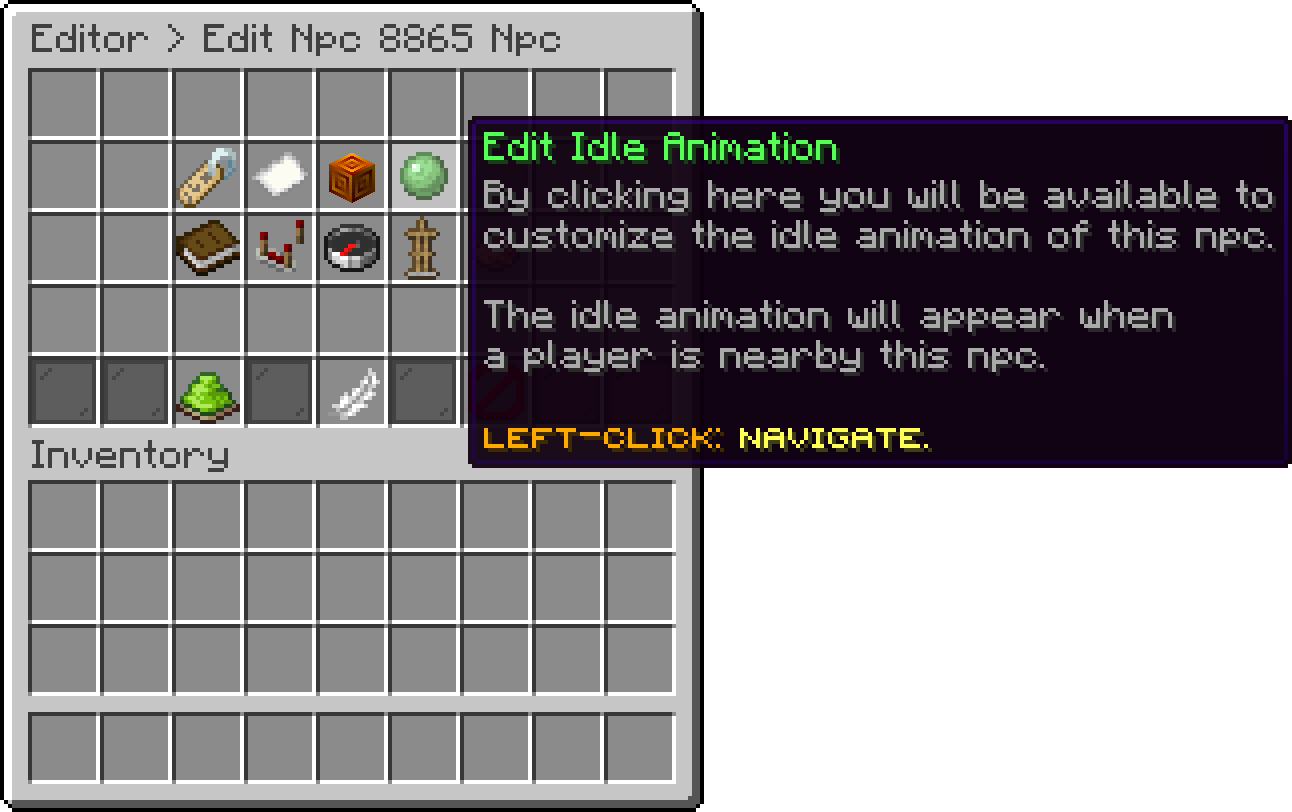
Edit NPC (Edit Idle Animation)
An NPC holds a list of effects rather than one, and every effect in the list is drawn at the same time. That is how the default NPC gets its look: a red dust ring, a ring of flame above it and a slow smoke star around both.
Left-click in the effects menu to add one, and left-click an existing effect to change it.
The shape the particles are drawn in. Thirteen are available.
| Effect | Shape |
|---|---|
| Default | A flat ring around the NPC |
| Circle | A circle drawn point by point |
| Square | A square outline |
| Diamond | A diamond outline |
| Star | A five-pointed star |
| Ninja Star | A four-pointed star |
| Flower | A rounded petal shape |
| Quatrefoil | A four-lobed clover |
| Deltoid | A three-cusped curve |
| Astroid | A four-cusped curve, pinched at the corners |
| Spiral | A spiral climbing the NPC |
| Conical Spiral | A spiral that widens as it climbs, like a cone |
| Pulse | A ring that grows outwards and restarts |
The particle the shape is drawn with, such as FLAME, REDSTONE or SMOKE_NORMAL. A particle your server version does not have simply does not appear.
Only some particles are coloured by the game. REDSTONE and the other dust particles take the colour you set here; the rest ignore it and keep their own look, so a flame stays orange whatever you pick.
offset-x, offset-y and offset-z move the effect relative to the NPC. The one used most is offset-y, which lifts the shape up or down — the default NPC uses it to put one ring at its feet and another at its head.
How far the particles are scattered from the exact point of the shape. Left at 0 the shape is drawn cleanly; raising it blurs the outline into a cloud.
How fast the particles drift once they appear. At 0 they sit still, which is what keeps a shape readable. On dust particles this value is read as their size instead, so a small number there makes finer dust.
How many particles are drawn per step of the shape. Raising it makes the shape denser and heavier on the client, so keep it low on a lobby that holds a lot of NPCs.
Effects stop being drawn past the Npc Despawn Range in Editor > Settings, the same distance that hides the NPCs themselves. See NPCs.
Each NPC has its own file in the npcs folder, and its effects are a list under effects.
effects:
- DEFAULT;{REDSTONE;#ff0000;0.0;0.0;0.0;1.0;0.1;2}
- DEFAULT;{FLAME;#ffffff;0.0;0.0;0.0;2.0;0.1;2}
- STAR;{SMOKE_NORMAL;#ffffff;0.0;0.0;0.0;0.0;0.0;2}
The effect type comes first, and the braces hold the rest in order: the particle, the colour, the X, Y and Z offset, the spread, the velocity and the amount.
Oops... looks like the spiders padded through here
Add products to your cart and remove them from here Lets buy