

Oops... looks like the spiders padded through here
Add products to your cart and remove them from here Lets buy



On this page, you will find information on what the server sees when a player connects or disconnects, and how to give a rank its own pair.
This module is configured in modules/join-actions.yml inside the PhoenixLobby folder.
The vanilla connect and disconnect messages are always suppressed. What the server sees instead comes from the actions below, so a group can broadcast a line, play a sound, or do both.
These fire on every backend server that runs the plugin. On a network that also announces from the proxy with Join and Leave Messages, clear the action lists here so a player is not announced twice.
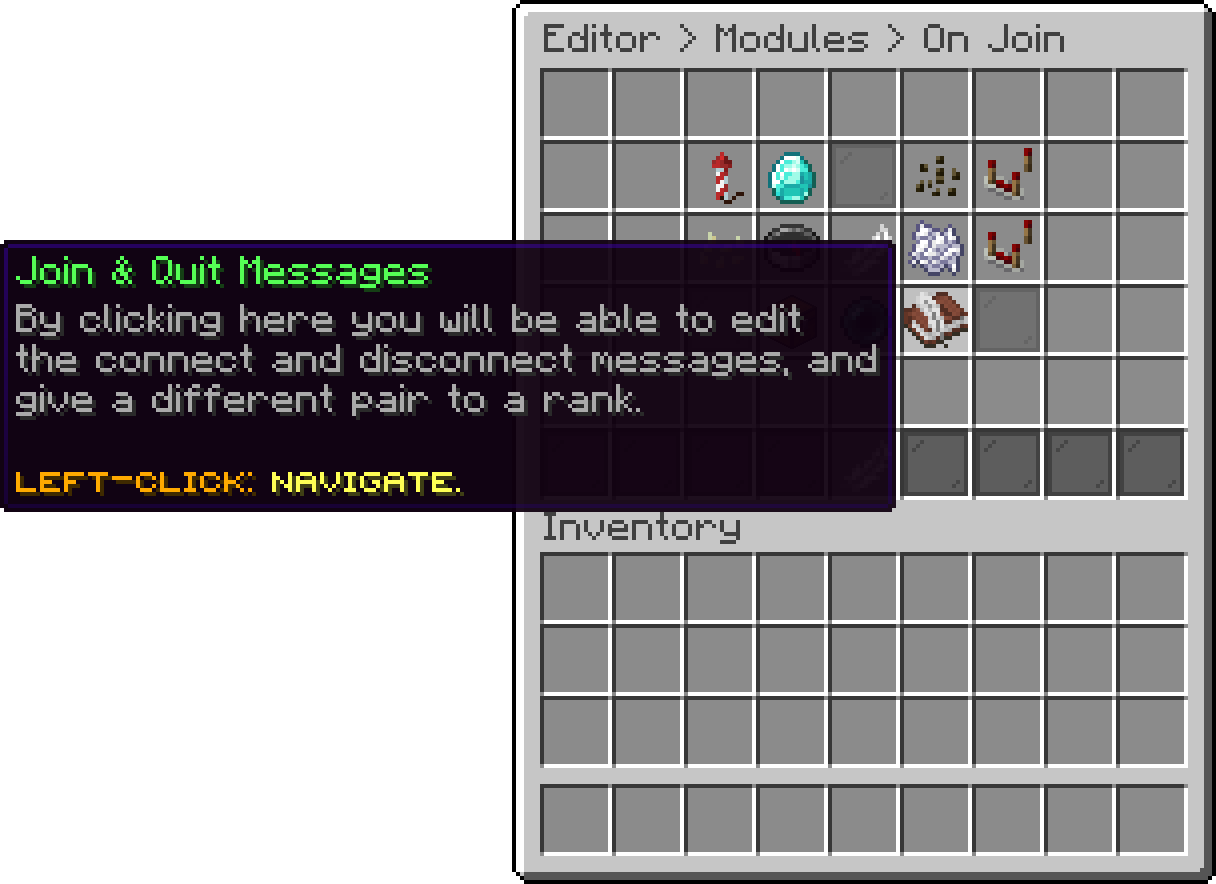
On Join (Join & Quit Messages)
default is the pair everyone gets. Add a group next to it to give a rank its own, then set its permission. Groups are checked in the order they appear and the first one the player holds wins, so put the rarest rank first. A player holding none of them falls back to default.
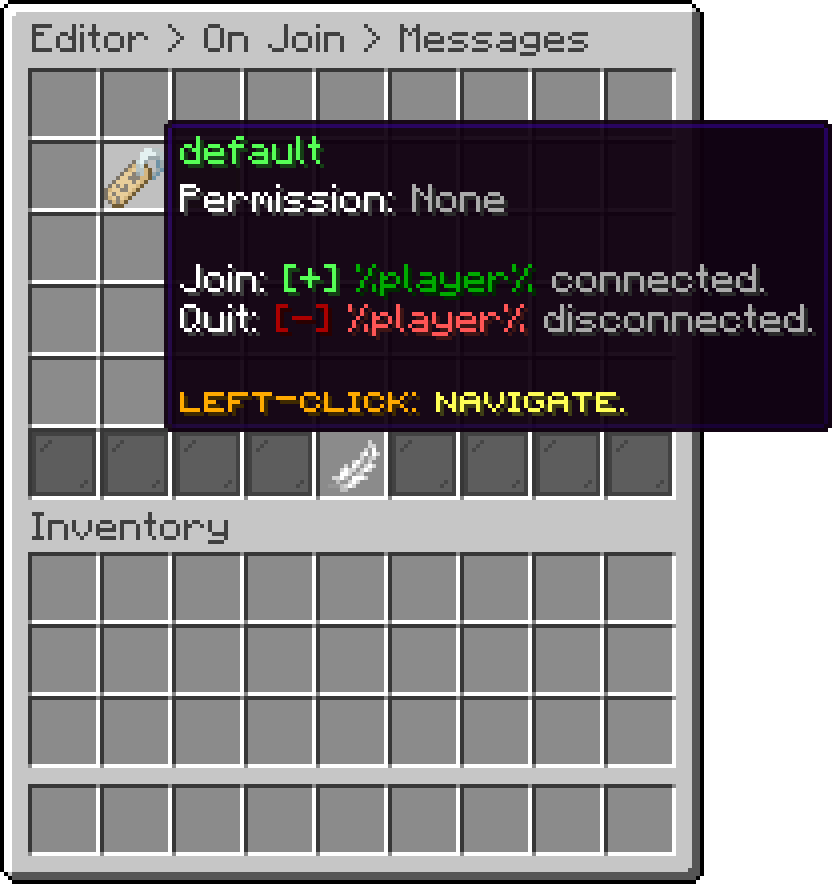
Join & Quit Messages (Message Group)
What runs when a player of this group connects. An empty list announces nothing, which is how you silence a rank's connect message without silencing everyone's. Every action type is listed in Action Types.
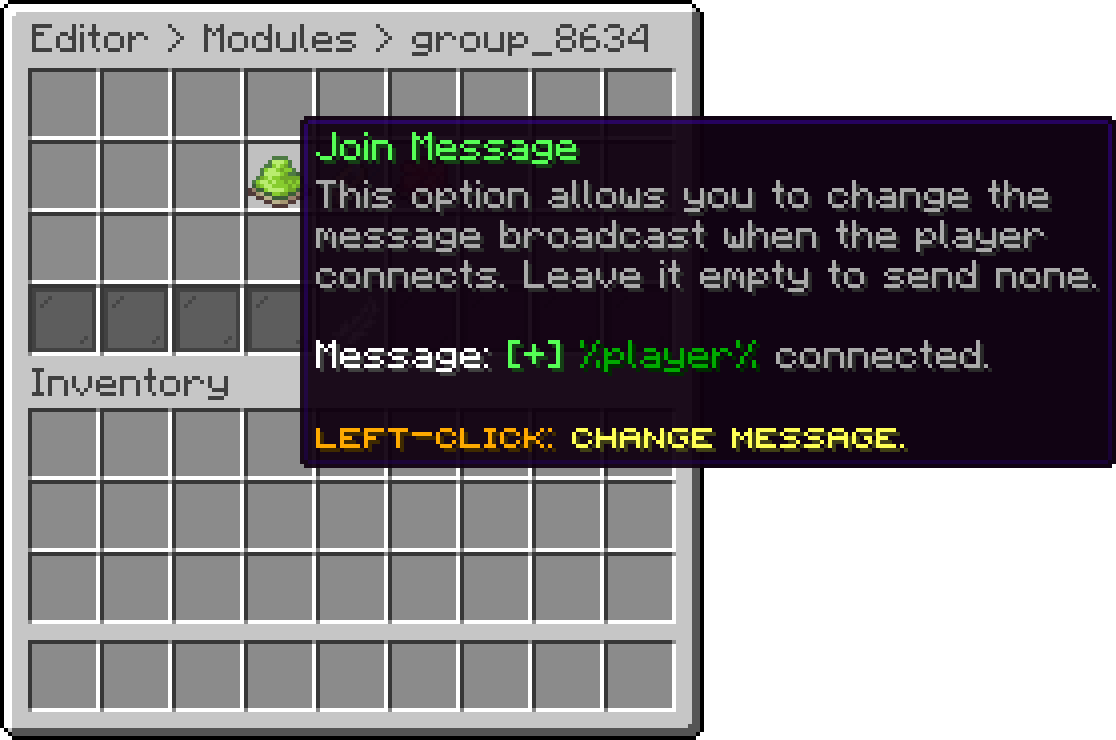
Message Group (Join Actions)
The same, for when the player disconnects. The player is already gone by the time these run, so reach the rest of the server with a broadcast rather than a message.
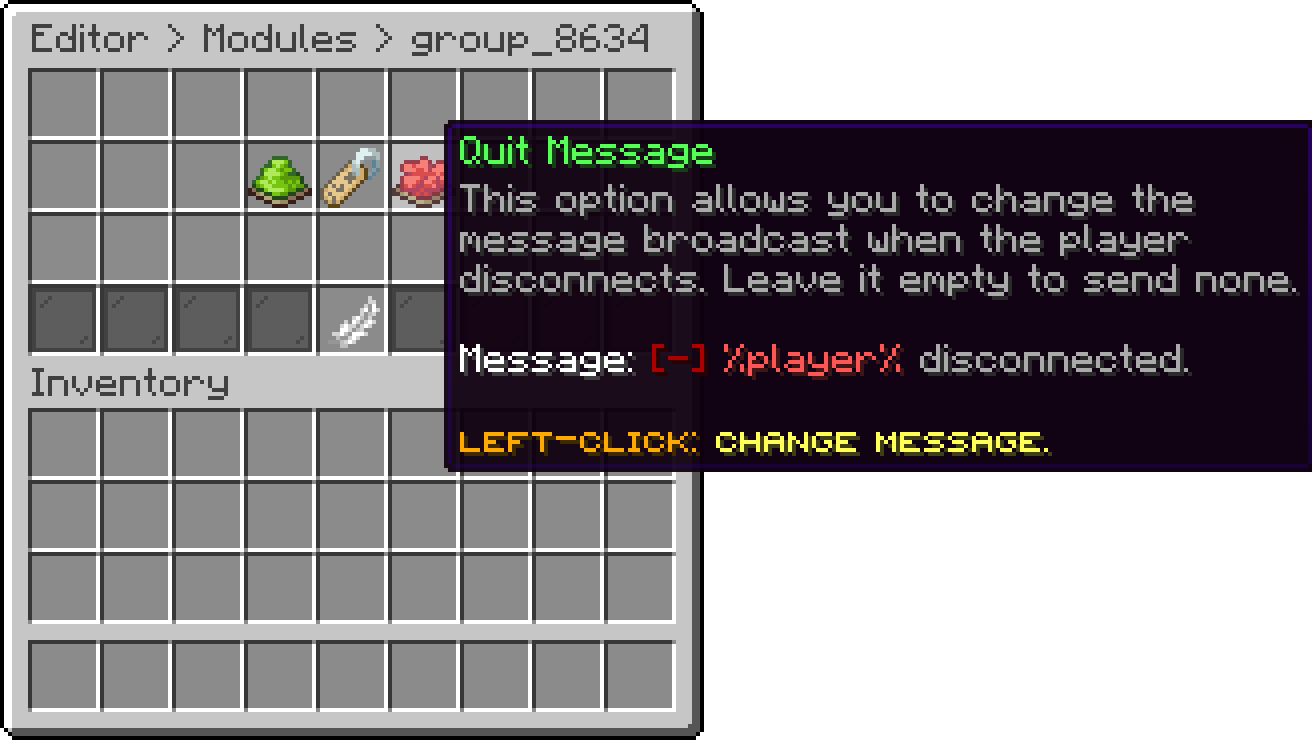
Message Group (Quit Actions)
Which permission a player needs for this group. Left empty it falls back to phoenixlobby.messages.<group>, so a group named vip answers to phoenixlobby.messages.vip on its own. The default group has no permission, because it is what everyone else gets.
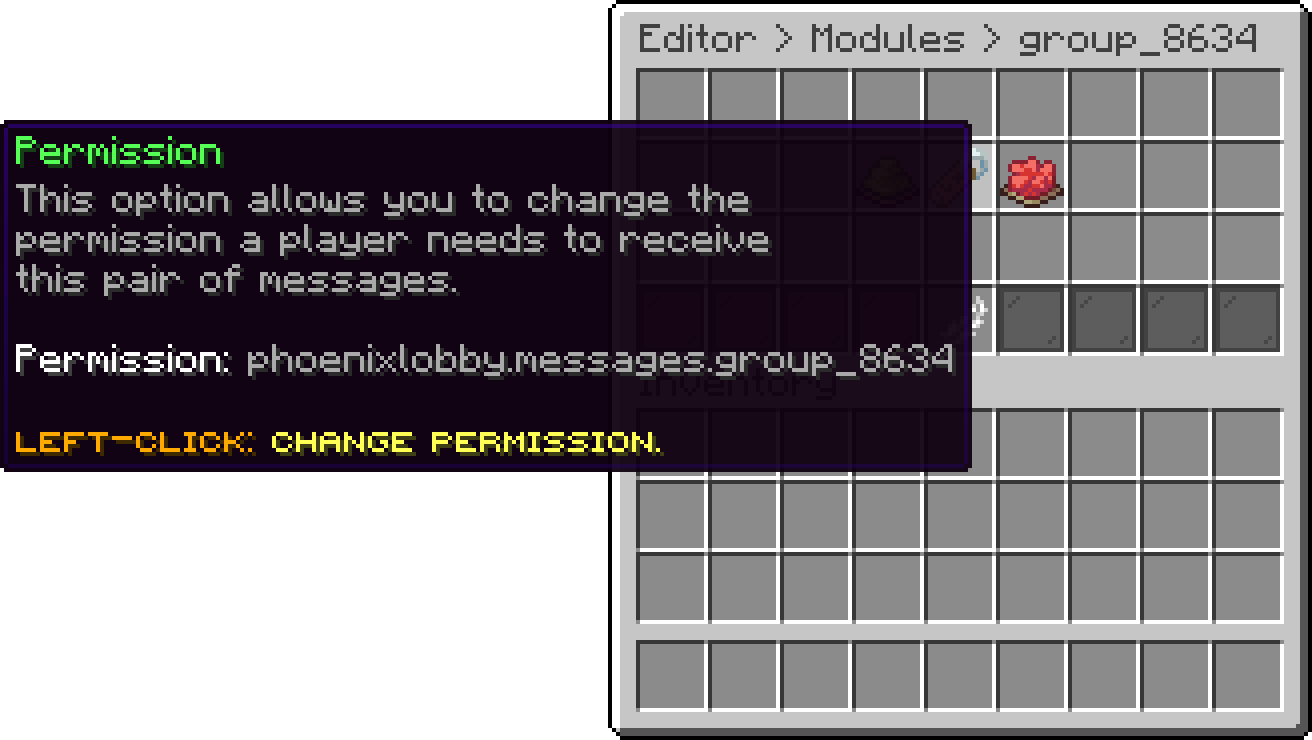
Message Group (Permission)
Oops... looks like the spiders padded through here
Add products to your cart and remove them from here Lets buy