

Oops... looks like the spiders padded through here
Add products to your cart and remove them from here Lets buy



On this page, you will find information regarding the chat feature.
This module is configured in modules/chat.yml inside the PhoenixLobby folder.
The chat module handles how messages look and how often they can be sent. Open it from Editor > Modules > Chat.
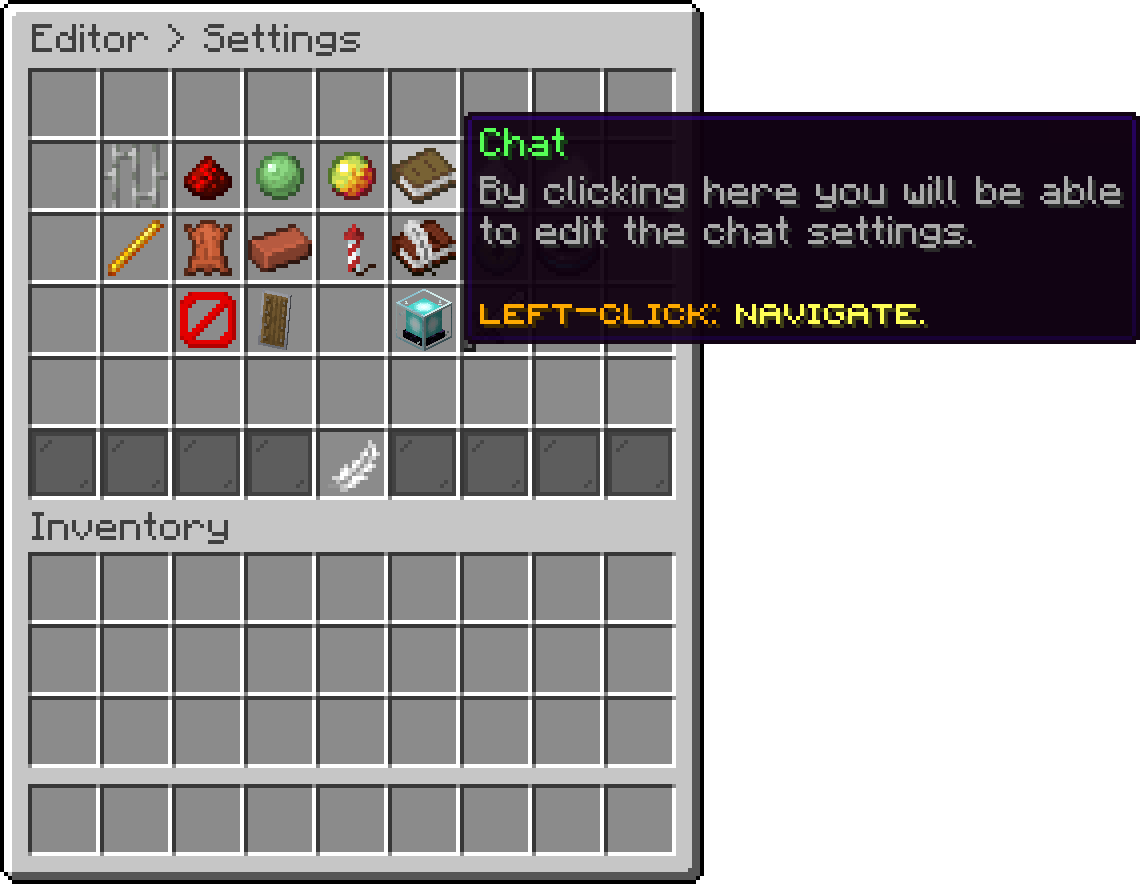
Modules (Chat)
The checks that block a message before it reaches the chat have their own pages:
With this option, you can change the format every chat message is built with. Use %display_name% for the sender and %message% for what they typed.
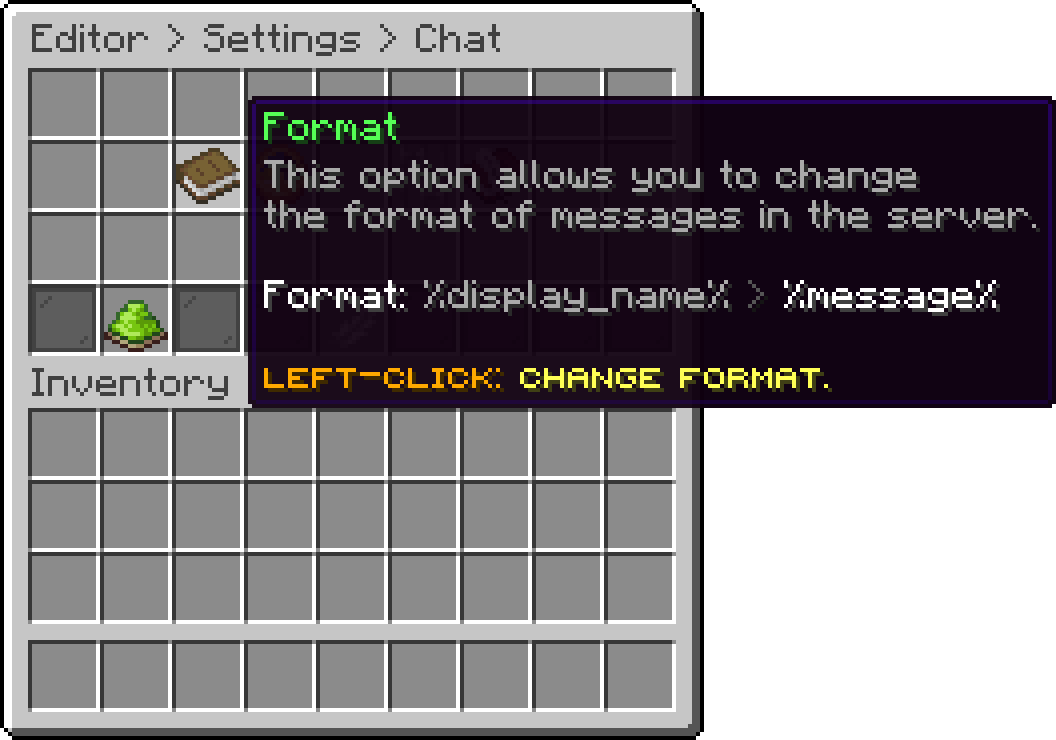
Chat (Format)
.png)
Chat Format - In-Game
With this option, you can change the cooldown between messages, which acts as a slow mode.
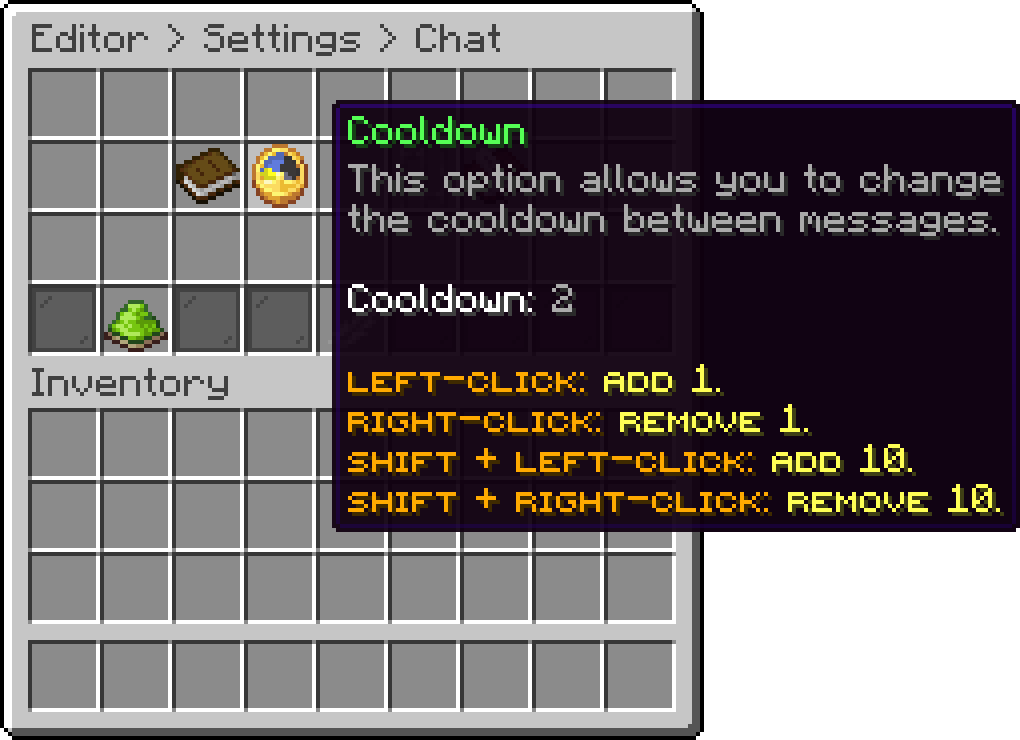
Chat (Cooldown)
With this option, you can turn the chat handling off, which leaves messages to whatever other plugin you use.
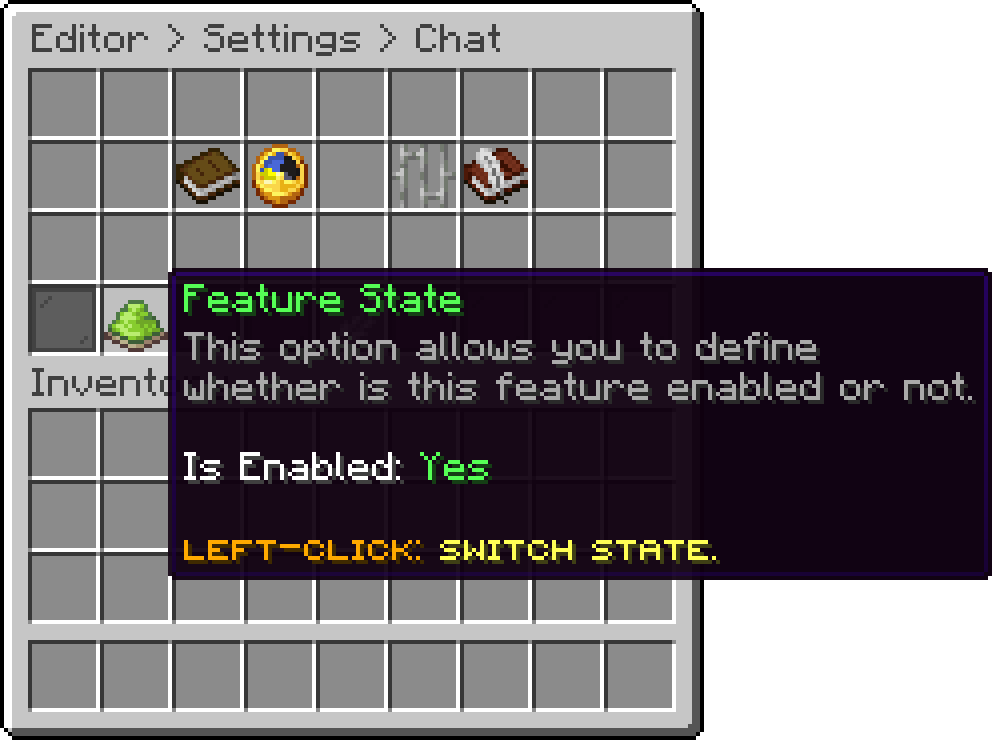
Chat (Feature State)
Oops... looks like the spiders padded through here
Add products to your cart and remove them from here Lets buy